
Work IQ Readiness Assessment: E5 to E7
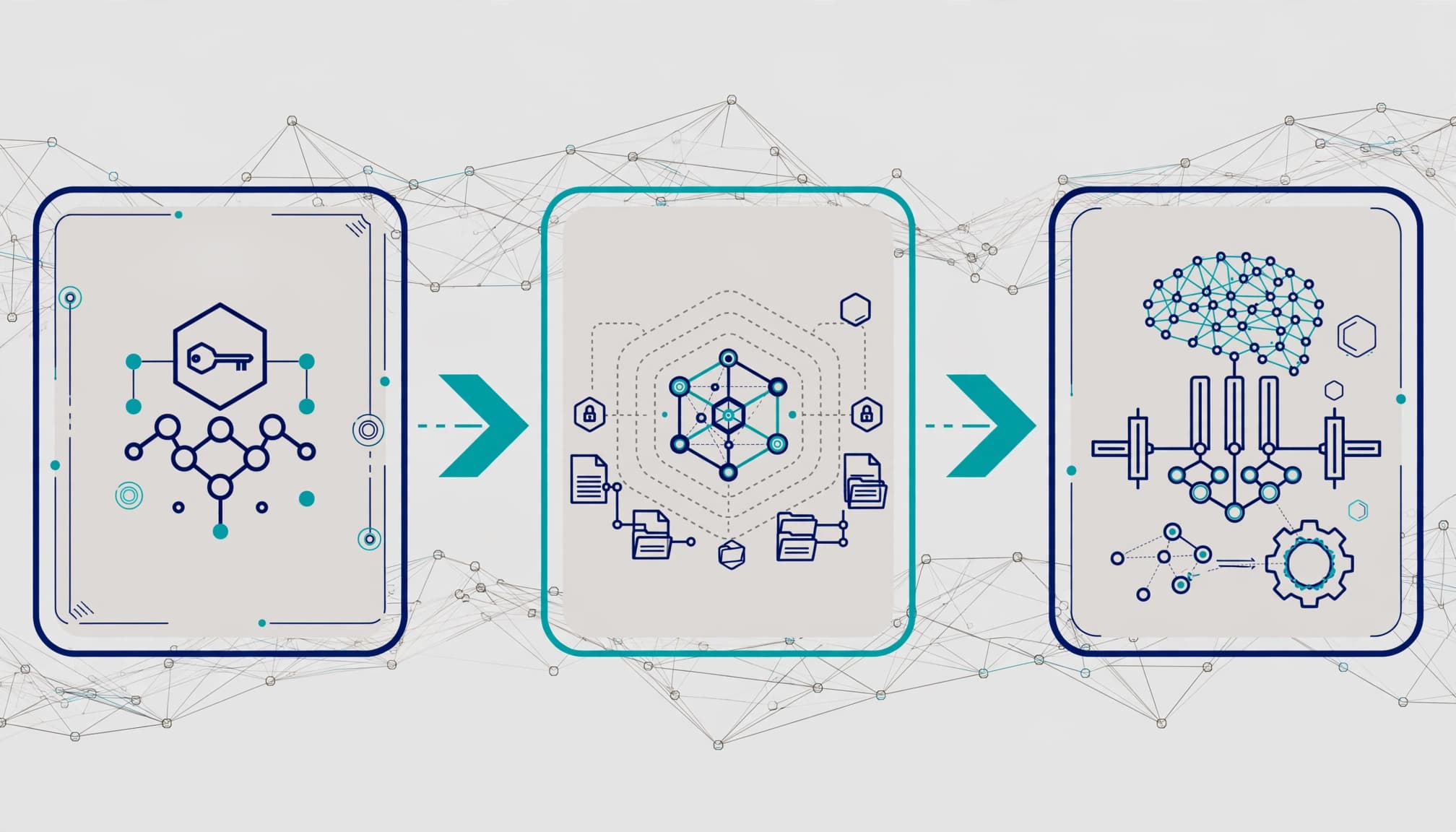
Assess the context before approving the upgrade. A Copilot readiness assessment for Work IQ should establish what Copilot can retrieve, which controls work, and whether E7 adds value beyond your existing E5 configuration.
I start with permission evidence, because an upgrade can make forgotten access easier to use without changing who is authorized. Your approval decision needs a defined user group, documented blockers, and a pilot that measures useful work.
Set the subscription baseline first.
Key takeaways
- Compare E7 against E5 or E5 plus standalone Microsoft 365 Copilot, including subscriptions already purchased.
- Make sensitive-data exposure a deployment gate, with evidence, an accountable owner, and a tested correction.
- Require a scored assessment, role-based seat plan, remediation register, and measurable pilot before expanding access.
Establish the E5 licensing baseline
Separate entitlements from operating controls
Record assigned subscriptions in the Microsoft 365 admin center under Billing > Licenses. Distinguish E5 users without Copilot, E5 users with standalone Copilot, and proposed E7 users. E3 is a separate baseline and should not be mixed into the same value calculation.
Then record which entitled capabilities are configured and operating. Unused Purview or Entra controls are implementation gaps, not evidence that another subscription is required.
That distinction belongs in any scope for Microsoft 365 migration services.
Separate agent governance from execution
Microsoft's March 9, 2026 announcement introduced E7 for general availability on May 1, 2026. E7 and Microsoft Agent 365 are GA for this assessment.
Agent 365 is a governance and control plane for agents, not an agent runtime. Assess agent identity, ownership, approval, policy coverage, and oversight separately from the services executing agent actions. A governance entitlement does not establish that an agent's connectors or permissions are appropriate.
Define what Work IQ context must prove
Test retrieval against approved sources
Microsoft's Work IQ documentation describes permission-aware organizational context across Microsoft 365 and connected systems. Microsoft Graph access and existing permissions determine which underlying information is available; source quality and data quality determine whether that information deserves attention.
Build retrieval tests around approved documents, current procedures, and authoritative repositories. Record expected sources, actual citations, stale results, and missing content. A correct summary of an obsolete policy still creates rework.
Keep retrieval separate from agent actions
For November 2026 planning, distinguish established Copilot experiences from Work IQ APIs and MCP integration capabilities in preview. Do not make a production acceptance requirement depend on a preview capability.
For each proposed agent, document its identity, knowledge sources, connectors, permitted actions, and publishing audience. Test what it can read separately from what it can change. Supplier records and customer systems require action-level approval, not just permission to retrieve documents.
Run the prerequisite and infrastructure checks
Validate licenses, identity, and endpoints
Microsoft's November 2026 Copilot requirements establish the entitlement and service dependencies. Each user needs an eligible Microsoft 365 base license, the required Copilot entitlement, and a Microsoft Entra ID work account. Email-grounded experiences require an Exchange Online mailbox.
The Copilot app minimum is Windows 11 version 22H2 or later, or macOS 13 or later. Those minimums do not replace supported-version requirements. Review Microsoft 365 Apps versions, update channels, OneDrive provisioning, and Teams configuration.
In the Microsoft Entra admin center, review Multi-factor authentication (MFA) and Conditional Access. In the Microsoft Intune admin center, review device compliance, Endpoint security policies, and device hardening. Record exclusions and their owners.
Test connectivity and migration dependencies
Allow the required Microsoft 365 endpoints, including *.cloud.microsoft, and full secure WebSocket connectivity. Microsoft warns that TLS inspection and aggressive proxy timeouts can break Copilot integrations. Test through the actual corporate network and record failures by network segment.
For pending Office 365 migration work, inventory client devices, operating systems, Office versions, server workloads, network proxies, and deployment tools. Review Active Directory synchronization and SSO dependencies, DNS, proxies, and firewall ports.
Keep migration cutover and Copilot activation in separate change windows. Troubleshooting both together increases downtime and productivity loss. Include cloud infrastructure and legacy data center dependencies where they affect authentication or connectivity.
Find and fix SharePoint oversharing
Find broad access before changing permissions
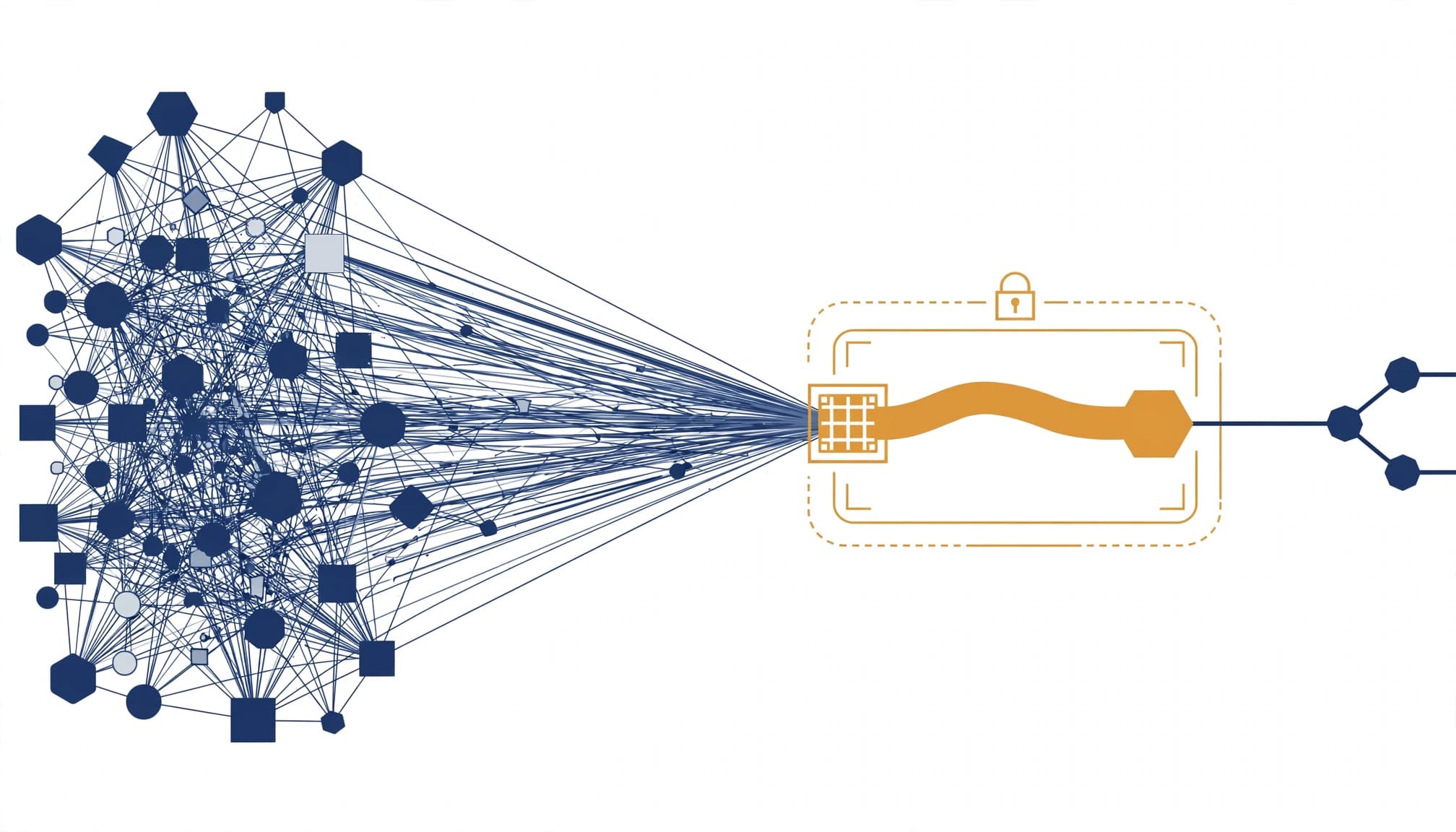
Copilot respects existing authorization. Excessive SharePoint permissions remain excessive, and Copilot makes accessible content easier to discover and summarize.
In the SharePoint admin center, open Reports > Data access governance. Use Microsoft's data access governance reports to identify potentially overshared or sensitive sites. Combine permission snapshots with sharing-activity reports; old exposure can exist without recent activity.
Prioritize personnel records, customer contracts, financial information, and intellectual property. Review Anyone links, organization-wide links, guest membership, and Everyone except external users grants. Assign a business owner before changing access. Removing permissions without testing can interrupt the work you intended to protect.
Apply guardrails and retest access
Microsoft's secure and governed deployment blueprint has three pillars: remediate oversharing, establish guardrails, and meet regulatory obligations. SharePoint Advanced Management and Microsoft Purview provide the supporting controls.
Use approved change batches. Test authorized access, denied access, and workflow continuity after each batch. Review sensitivity labels, Microsoft Purview Data Loss Prevention, retention, and audit coverage against the actual repositories.
Set Specific people as the default sharing-link type where appropriate. Record every exception with an owner and review date. The commercial consequences are data leakage, audit findings, difficult insurance renewals, and broken access. A permission change needs evidence of closure.
Score the Work IQ readiness assessment
Microsoft recommends its Copilot Optimization Assessment before deployment. Its findings can inform a broader Microsoft 365 readiness assessment of data-governance maturity and data-security controls. Add a readiness checklist that turns documented findings into an approval decision.
Use six areas with explicit evidence.
| Assessment area | Required evidence |
|---|---|
| Seat eligibility | Named users and valid entitlements |
| Identity and endpoints | Tested access and device controls |
| Data exposure | Reviewed permissions and sensitive sites |
| Governance | Labels, DLP, audit, and ownership |
| Infrastructure | Successful client and network tests |
| Business readiness | Approved workflows and baseline measures |
Score each area zero for absent evidence, one for partial coverage, or two for tested coverage. My recommended gate is at least 10 out of 12, with no zero in identity, data exposure, or governance.
This is an assessment rule, not Microsoft's scoring standard. Any unresolved sensitive-data exposure blocks the affected cohort and prevents a premature rollout, regardless of its total.
Compare named seats and separate licensing from consumption
For an E5 or E5 plus standalone Microsoft 365 Copilot baseline, compare existing commitments and incremental entitlements against E7. Microsoft's published U.S. E7 list price is $99/user/month, paid yearly. That covers licensing only; Azure compute, model, and message consumption bill separately.
Before calculating E7's incremental cost, record whether each named user already has a standalone Copilot license.
Do not substitute Copilot Business pricing into that enterprise comparison. It serves organizations with up to 300 users on eligible Business plans.
Microsoft's March 17, 2026 pricing announcement lists Copilot Business at $21/user/month, paid yearly. Effective July 1, 2026, Business Basic, Standard, and Premium bundles carry U.S. list prices of $28, $35, and $43/user/month respectively.
At that $21 list price, the seat allocation changes the commitment:
| Copilot Business seats | Monthly equivalent | Annual licensing |
|---|---|---|
| 120 named users | $2,520 | $30,240 |
| 40 named users | $840 | $10,080 |
The smaller cohort preserves $20,160 annually before implementation or consumption. At an assumed fully loaded staff rate of $60/hour, a $21 seat requires 21 minutes of monthly savings. That is a planning assumption, not a Microsoft productivity claim.
Copilot Chat is available with eligible Microsoft 365 subscriptions without a paid Copilot seat. Its inclusion does not provide every work-grounded Copilot capability.
Run a bounded assessment and design the pilot
Weeks one and two: collect and classify
For 50 to 500 users, I'd scope two to four weeks for assessment, depending on repository count and remediation complexity. That includes licensing review, stakeholder interviews, control evidence, oversharing analysis, and a 30-day pilot design. It doesn't include completing the pilot.
Separate assessment from remediation. Site ownership, permission complexity, endpoint exceptions, and application dependencies determine the implementation work. Small business IT teams need that boundary as much as enterprise operators do.
Weeks three and four: deliver the decision package
Deliver the area scorecard, executive risk summary, fix list with owners and dates, role-based seat plan, pilot design, and training and communication plan. Include the evidence required to close each finding.
Set numerical acceptance criteria for approved use cases before assigning seats. Proposed thresholds could include a 20% reduction in median task completion time, no increase in correction rates, and no unresolved unauthorized-access findings. These are proposed thresholds, not reported results.
Use the E7 pilot design to structure acceptance gates. Hand over reporting ownership, exception reviews, and support responsibilities so cloud management continues after the assessment ends.
Frequently asked questions
When is a full engagement not worthwhile?
A full assessment is poor value without a defined cohort, executive sponsor, or commitment to remediate findings. I would start with a narrower licensing review or security gap assessment. Expanding the scope does not create an owner.
Does E5 remove the need for readiness work?
E5 provides relevant capabilities, but configuration and operating evidence still determine readiness. Existing E5 plus Copilot users need retrieval-quality and adoption evidence before an E7 upgrade. Previously approved access also needs review when roles, repositories, or agent actions change.
Approve the operating evidence
Approve expansion when access is intentional, controls survive testing, and the pilot demonstrates useful work. The assessment should leave your team with owned decisions, closure evidence, and an operating plan it can maintain.
Book a free 30-minute call to define the E5 baseline and assessment boundary.