
E5-to-E7 Power Platform Environment Rationalization
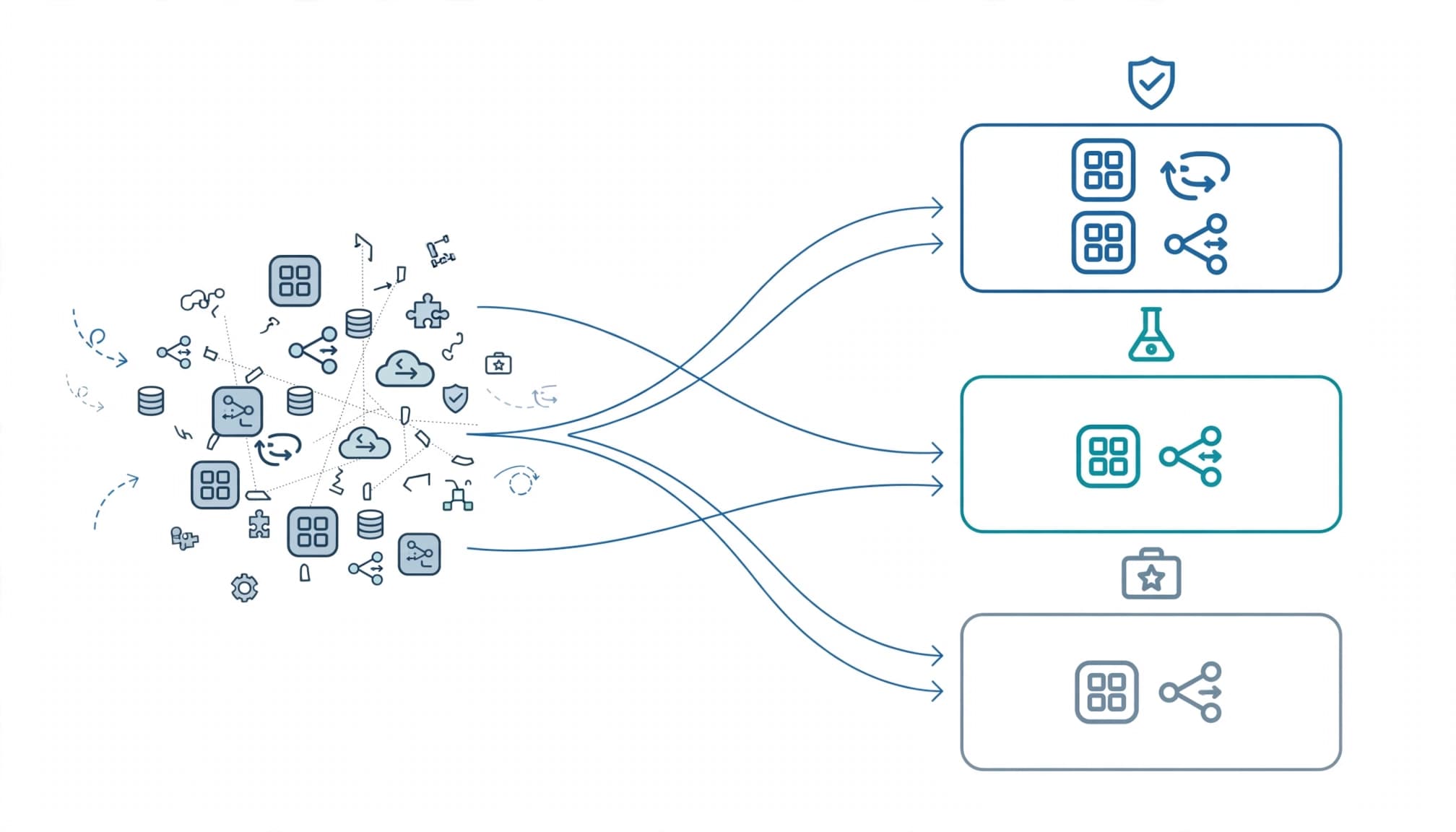
Inventory and classify your environments before approving an E5-to-E7 change. Power Platform environment rationalization means deciding which environments and workloads to retain, consolidate, move, or retire, with evidence behind each decision.
I start with Microsoft 365 E5 as the baseline, separate from E3 or E5 plus standalone Microsoft 365 Copilot. Licensing changes do not resolve abandoned connections, missing owners, or production work in the default environment. Set the operating boundaries first.
Separate the licensing review from the environment design
For an E5-to-E7 evaluation, I compare an E5 baseline with E3 and E5 plus standalone Copilot. I review assigned service plans, standalone subscriptions, and deployed controls. A suite label alone doesn't establish premium connector rights, Dataverse entitlements, or Copilot Studio capacity.
Agent 365 is a governance and control plane, not an agent runtime. Its inventory needs reconciliation with the environments, identities, and services where agents execute.
I scope Microsoft 365 migration and licensing services around a read-only assessment before recommending changes. Deliverables include a licensing comparison, application rationalization decisions in an environment decision register, a prioritized roadmap, and an operator-ready handoff.
A separate rationalization engagement isn't warranted when a small, documented estate already has accountable owners, appropriate boundaries, and tested deployment procedures. Address the specific licensing question instead.
Apply the environment rules before drawing the target
Tenant, region, and delegated authority
Microsoft's Power Platform environment documentation, as of November 2026, establishes the boundaries: each environment belongs to a Microsoft Entra tenant and geographic location. Apps are routed only to datacenters in that macro region. Each environment has zero or one Dataverse database.
The Environment Admin role can add or remove Environment Admins and Environment Makers, provision Dataverse, and manage all environment resources. It also sets applicable data loss prevention policies, which you should verify in the Power Platform admin center. The Environment Maker role creates apps, connections, custom connectors, and flows; Dataverse data access still requires appropriate security roles.
Types and default-environment limits
Choose environment types by lifecycle. Use a production environment for permanent business work and a sandbox environment for development and testing. Use a trial environment for time-limited evaluation; trials expire after 30 days and are limited to one per user. Developer environments depend on continued Power Apps Developer Plan use.
Treat the default environment as a distinct inventory and governance boundary, not as a production landing zone. The automatically created default environment cannot be deleted or manually backed up. Its storage limit is 1 TB, with 3 GB database, 3 GB file, and 1 GB log capacity included.
Microsoft recommends a descriptive name such as Personal Productivity Environment. ASD's Blueprint instead specifies "(default)," restricts creation to designated Power Platform Service Administrators, and enables tenant analytics. For a commercial tenant, I prefer the descriptive name. A name communicates purpose; access restrictions enforce it.
Build an inventory that exposes operating dependencies
Record environments and workloads separately
I build one environment register and a linked workload register. Environment records include ID, type, region, whether it's the tenant's default environment, Managed Environments status, security group, administrators, capacity, policies, and support owner.
Workload records include apps, flows, agents, Dataverse tables, connections, gateways, identities, audience, usage, and business owner. Record scheduled execution as well as interactive launches. A flow can matter to payroll without anyone opening an app.
Trace connections beyond the environment
Map SharePoint sites, SQL databases, APIs, on-premises gateways, and shared identities. Cloud infrastructure and legacy data center dependencies belong in the same review when a gateway connects them.
I require the business owner to identify the process, operating calendar, and acceptable interruption. The platform operator owns technical dependencies. Security owns policy exceptions. Missing ownership becomes a remediation item, not permission to delete.
The resulting map must show what would break if an environment disappeared. An export containing resource names alone doesn't answer that question.
Score Power Platform environment rationalization decisions
I score consolidation readiness separately from business value. A critical workload can be a poor consolidation candidate because its region, security boundary, or recovery requirements differ.
Use this proposed scoring model for each source-and-target pair.
| Criterion | 0 points | 1 point | 2 points |
|---|---|---|---|
| Region and retention | Conflict | Remediation defined | Requirements align |
| Security boundary | Must remain separate | Controls need changes | Controls align |
| Support ownership | No accountable owner | Owner nominated | Owner accepts support |
| Technical portability | Blocking dependency | Changes identified | Migration tested |
| Operating window | No acceptable interruption | Window proposed | Cutover approved |
My threshold is 10 points for a consolidation candidate. At 7 to 9, resolve the gaps first. At 6 or below, retain separation until the design changes. These are operating rules, not Microsoft thresholds.
Microsoft's Cloud Adoption Framework strategies are Retire, Retain, Rehost, Replatform, Refactor, Rearchitect, Rebuild, and Replace. Use them to describe workload dispositions. Consolidating environments still requires a destination, migration method, and acceptance owner.
Treat usage recommendations as review triggers
In November 2026, Microsoft's operational efficiency recommendations identify unused apps in Managed Environments after 60 days without use. That threshold is a review trigger, not a retirement verdict.
I compare inactivity against payroll, annual renewals, quarter-end reporting, and seasonal operations. The app owner must explain the next expected use. Record the answer and review date.
Apps in the default environment used by more than 100 users monthly belong in a retain-and-harden review. Assess production placement, support ownership, sharing, and connector policies. High usage establishes an audience, not sound governance.
Actions can take up to one week to disappear from the recommendation list. Do not repeat destructive actions because the dashboard has not refreshed.
The CoE Starter Kit inactivity process requests owner confirmation, but the Starter Kit is no longer actively maintained. Preserve the approval pattern through a supported workflow with named ownership and retained responses.
Act on the November and December 2026 deadlines
Microsoft stopped unmanaged developer environment creation on November 15, 2026. Suspension of existing unmanaged developer environments starts December 15, 2026.
Inventory affected environments now. Assign owners to preserve required solutions and data, then enable Managed Environments or move the workloads before suspension. Include the licensing implications of Managed Environments in the decision. The free Developer Plan doesn't provide their premium use rights.
Microsoft's environment strategy guidance also states that new Dataverse for Teams environments can't be created starting November 15, 2026. Identify existing Teams-dependent workloads and document their destination separately.
An environment deprecation date sets a deadline, not a presumption that every affected workload should survive.
Move workloads through solutions and explicit data plans
Define the destination before exporting
I retain separate development, test/UAT, and production boundaries for shared business workloads. Consolidate only where geography, access, support, and recovery requirements align. Fewer environments are not automatically easier to operate.
Use Microsoft's application lifecycle management guidance to organize solution-based deployment. Include connection references and environment variables. Rebuild target connections under approved identities rather than carrying a maker's personal credentials into production.
For agents, the same ownership and release boundaries apply. My Copilot Studio governance plan covers those controls.
Migrate data and prove ordinary access
A solution deployment does not merge two Dataverse databases or automatically transfer business records. Define table mappings, relationships, identifiers, attachments, migration order, and reconciliation evidence. Rebuild applicable security roles and sharing.
Test with ordinary users, restricted users, and supported guest scenarios. Use masked or minimized test data. An administrator's successful run establishes very little about ordinary access.
At cutover, control source writes and flow triggers so both environments do not process the same transaction. Require owner-approved results and a documented rollback point before proceeding.
Retire environments through recorded go/no-go decisions
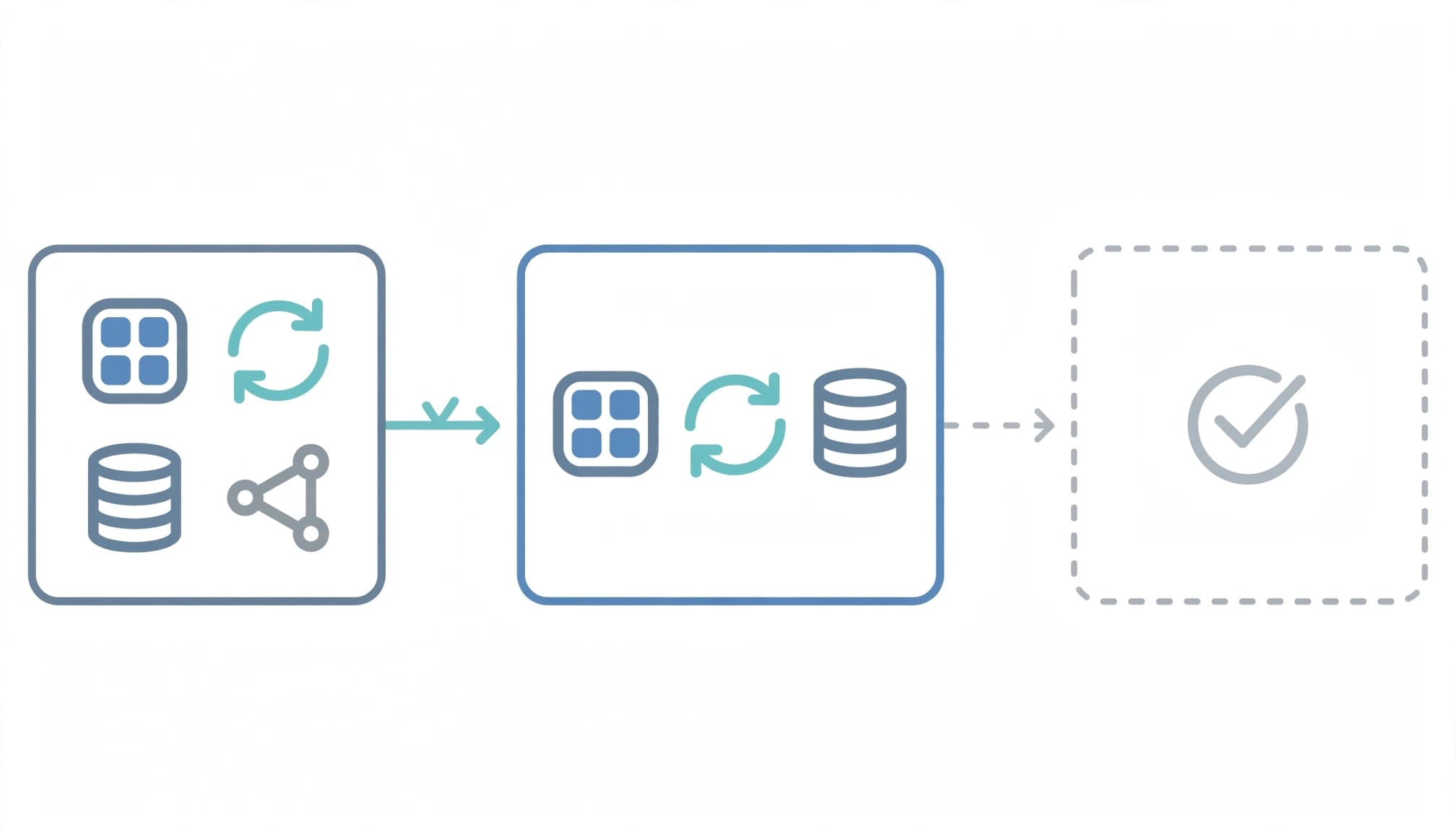
I use this sequence after workload dispositions are approved. Every step produces evidence before the next begins.
- Obtain explicit workload-owner consent. Microsoft's source decommissioning guidance requires that consent and identification of records subject to regulatory retention or legal hold. Silence is not approval.
- Preserve required data, configuration, and evidence, and record data retention requirements alongside them. Test retrieval outside the retiring workload. Assign archive permissions, retention responsibility, and a named custodian.
- Disable execution through reversible controls first. App quarantine is generally available for canvas and code apps, but unsupported for model-driven apps. Restore quarantined apps with
Set-AppAsUnquarantinedwhen necessary. Separately stop flows and other runtimes. - Validate the replacement through the relevant business cycle. Capture transaction results, permission tests, failed runs, and owner acceptance. Keep rollback available until the agreed stabilization condition is met.
- Remove resources and access in dependency order. Microsoft's Copilot Studio deletion guidance states that deleting an agent permanently removes associated data, including its workspace and historical metrics. Dependencies can prevent deletion. Remove shared connections or identities only after every consumer is resolved.
Delete the environment only after retained data is retrievable, production dependencies are cleared, and the owner approves closure. The default environment remains; retire or relocate its workloads instead.
Questions operators need answered
Can an app use Dataverse in another environment?
Canvas apps can use explicitly configured Dataverse connections to another environment. Model-driven apps use their environment's database. Neither arrangement merges environments or transfers records automatically. Map cross-environment access as a dependency.
How many environments should remain?
Keep the number required by lifecycle stages, geography, security boundaries, and accountable support. I do not set a tenant-wide numerical target. Remove duplication only where the target can meet every retained workload's requirements.
Key takeaways: close with an operable estate
Power Platform environment rationalization is complete when retained workloads have owners, migrations have acceptance evidence, and retired resources leave no unresolved dependencies. A smaller inventory alone proves none of those things.
I require a documented handoff the internal team can operate: decisions, migration instructions, rollback steps, and review dates.
Book a free 30-minute call to scope an E5-baseline readiness assessment.