
Copilot Studio Governance: An IT Deployment Plan
Set the environment, identity, and publishing rules before makers connect an agent to business data. Copilot Studio governance needs a release boundary: someone must own the agent, approve its access, and accept responsibility when it fails.
I separate personal experimentation from shared business services because data leakage, downtime, and audit findings have different consequences. Start with the operating rules, then configure the controls that enforce them.
Key Takeaways
- Assign every agent a business owner, technical owner, and security reviewer before development, and record its audience, data sources, connectors, actions, and identity.
- Place agents in a governance zone based on their access and business consequences. Use separate Development, Test/UAT, and Production environments for shared business agents.
- Set connector DLP policies before enabling tools, scope identities to the work, and require an administrative approval gate and release evidence before production deployment.
- Maintain an agent inventory, review ownership and permissions regularly, monitor supported audit activity, and disable abandoned agents or revoke unnecessary access.
1. Set the Copilot Studio governance baseline
Microsoft secures the platform. Your organization controls how agents are built, connected, permissioned, and monitored. Assign a business owner, a technical owner, and a security reviewer before development starts.
Establish the licensing baseline
Use Microsoft 365 E3 as the starting baseline, then record what changes for E5 or E5 plus standalone Microsoft 365 Copilot. E3 alone does not establish entitlement to every Copilot Studio, Managed Environments, or advanced security capability.
I separate licensing entitlement from configuration work. Buying a capability does not configure permissions, repair SharePoint access, or assign an incident owner. An Office 365 migration or renewal review should leave those responsibilities explicit.
Core environment, DLP, and ALM controls are generally available (GA). Any capability marked preview belongs in a separately approved pilot. Microsoft's Copilot Studio release notes distinguish current releases and previews.
Define intake triggers
Require the proposed audience, data sources, connectors, actions, identities, and business owner in the intake record.
Require security review for personal or regulated data, write or delete actions, access outside the tenant, or actions without human confirmation. These are concrete triggers. "AI risk" is not a useful approval criterion by itself.
Set an approval deadline and escalation owner. An unanswered request becomes an invitation to build elsewhere.
2. Assign every agent to a governance zone
Microsoft's zoned governance guidance separates three operating models. Assign the zone by access and business consequence, not the maker's job title.
Zone 1, Citizen Development, covers private, read-only agents built by citizen developers for personal and team productivity. Builder tools include Agent Builder in Microsoft Copilot and SharePoint agents. Keep these agents within their approved audience and existing permissions.
Zone 2, Partnered Development, covers IT-approved makers building for other teams. Use Copilot Studio in IT-managed environments, with IT-managed review and administrator approval before wider publication. A shared departmental agent belongs here even when its maker calls it an experiment.
Zone 3, Professional Development, covers mission-critical agents built by professional developers. Copilot Studio and Microsoft Foundry Agent Service support this zone, with standard ALM, stronger access controls, operational monitoring, and recovery procedures.
I move an agent into a stricter zone when its permissions or consequences change. A read-only knowledge agent and an agent that changes financial records should not inherit the same approval path.
Record the zone in the inventory. Reassess it when the audience, connectors, or actions change.
3. Separate environments and production data
Power Platform environments are logical containers for agents, data, security roles, and applicable data policies. Use separate Development, Test/UAT, and Production environments for shared business agents.
Route makers away from the Default environment
Configure environment routing in the Power Platform admin center so makers enter personal developer environments rather than treating the Default environment as a shared workshop.
Use Managed Environments and environment-group rules to control sharing. Restrict uncertified agents to named reviewers or a small approved audience until review finishes. Sharing limits constrain distribution; they don't certify a solution.
Assign environment administration separately from maker access. Production ownership belongs with the team responsible for cloud management and support, not whoever created the first prototype. Use the Power Platform Center of Excellence inventory to verify environment ownership and routing.
Make test data representative without copying everything
Use synthetic, masked, or minimized data in Development. Use a controlled UAT dataset to test Power Platform environments against representative permission boundaries, document types, and failure cases.
Test under ordinary user accounts, restricted accounts, and guest accounts where external access is supported. An administrator's successful test proves very little about ordinary access.
If production data is necessary, document its purpose, approver, access scope, and removal date. Don't copy an entire SharePoint site because preparing test data takes longer.
For US-only processing requirements, block generative AI data movement outside the United States through the applicable Power Platform admin center controls. Record that restriction in the environment design.
4. Set connector policies before enabling tools
Power Platform has more than 1,300 connectors, and data loss prevention requirements are enforced through DLP policies. Reviewing connectors only after makers build dependencies creates avoidable rework.
For classification-based DLP policies, sort connectors into Business, Non-Business, or Blocked. Microsoft's connector classification guidance explains how these groups govern data sharing.
Business and Non-Business connectors can't exchange data within the same governed agent or flow. Blocked connectors can't be used where the policy applies, subject to connectors that the platform doesn't permit administrators to block.
I recommend setting the default connector group to Blocked in the Power Platform admin center, where supported. Newly introduced connectors then require review instead of becoming available unnoticed. This is a deliberate restrictive baseline, not the platform's initial policy default.
Classify approved corporate connectors together, isolate consumer services, and review custom connector endpoints. A familiar connector name doesn't establish that its destination is appropriate.
Evaluate tenant and environment policies together. Microsoft's combined policy evaluation rules explain why a permissive environment policy can't override a restrictive tenant policy.
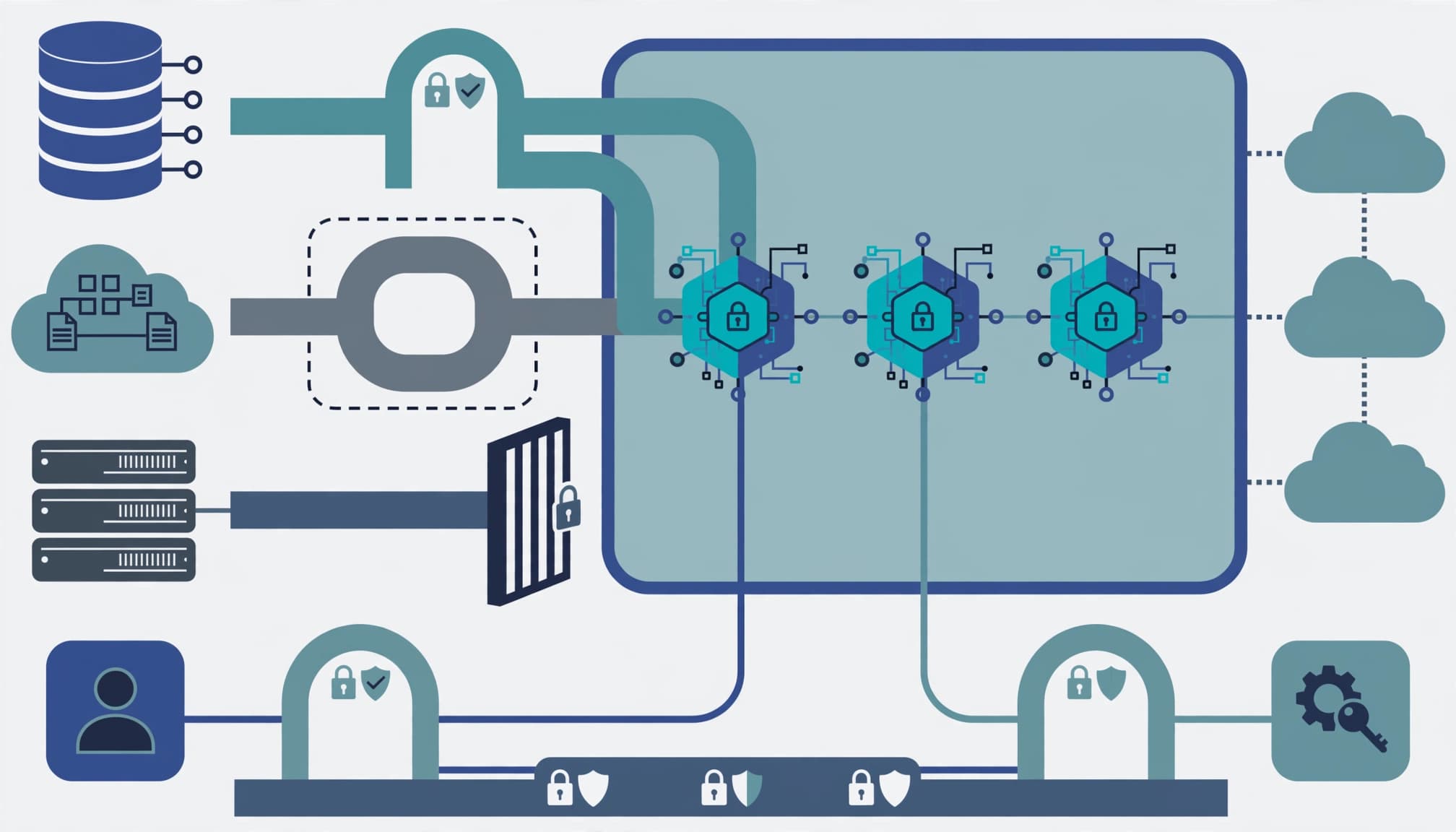
Keep exceptions narrow, owned, and time-limited. Connector approval also needs a data owner; platform administrators can't approve business use on that owner's behalf.
5. Control identity and production deployment
An agent can act through the user's credentials or a dedicated service or bot identity. Document which identity each action uses before approving it.
Scope identity to the work
Prefer delegated user access when the action should honor the requesting user's permissions. Use dedicated identities only when the business process requires them, with scoped permissions and a named owner.
Apply Microsoft Entra ID, Conditional Access, and role-based access control according to the identity type. User policies don't automatically provide equivalent protection for workload identities.
Include guest access, hybrid identity dependencies, endpoint security, and device hardening in the assessment. My Microsoft Entra Suite deployment plan covers the surrounding access controls.
Microsoft's Copilot privacy and security guidance explains how existing permissions and information-protection rights affect access. Review Microsoft Purview sensitivity labels as part of that assessment. Permission cleanup remains necessary.
Make publishing an administrative decision
Use tenant-level data policies in the Power Platform admin center to block publishing agents that use generative AI where publication isn't authorized.
For approved agents, require ALM pipelines with an IT-admin approval gate. Deploy managed solutions to Production, restrict direct customization, and make changes through the development pipeline.
Treat automatic prepublication security scans and real-time findings during knowledge, tool, and action configuration as warnings requiring resolution. They don't replace approval.
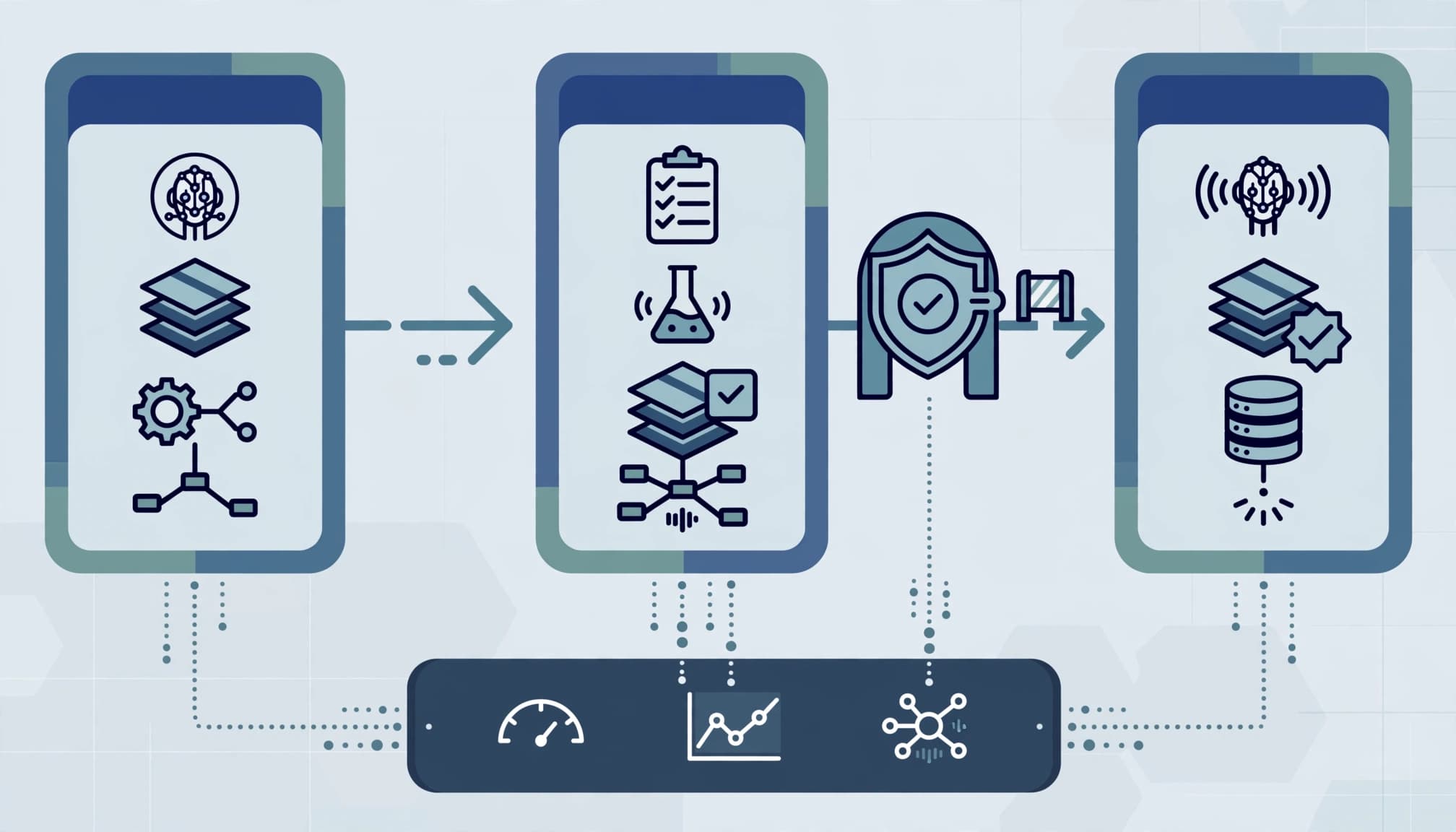
Release evidence should include permission tests, action-confirmation tests, approved connection references, environment variables, and rollback instructions.
6. Monitor agents and remove abandoned access
Build an inventory before building a dashboard. Record each agent's zone, environment, owner, audience, identities, connectors, publication state, and last review date.
The Power Platform Center of Excellence Starter Kit supports inventory and review of apps, flows, and agents, including unused or ownerless assets. Use the inventory to assign remediation, not just produce a report.
Agent 365 is a governance and control plane, not an agent runtime. Export its agent inventory for review and reconcile it with Power Platform records. Both inventories still need to track credentials and connected applications.
Use Microsoft Purview for maker and agent audit activity, including supported cross-domain prompt injection attack (XPIA) events. Microsoft's Copilot audit logging documentation describes the audit logs available across supported workloads. Use Microsoft Sentinel to monitor collected activity and alert on approved detection scenarios.
Customer Lockbox doesn't cover Copilot Studio security audit logging telemetry or Agent 365 governance and audit events. Document this exclusion when reviewing support-access assumptions.
I'd schedule monthly ownership, permission, and usage reviews, plus an immediate review when an owner leaves. Disable abandoned agents, revoke unnecessary OAuth grants, and remove unused connections.
Retention settings, alert ownership, and response procedures belong in the operational handover. Logs nobody reviews won't prevent an insurance-renewal problem or shorten an incident.
Put the controls into a 90-day rollout
Use the first 30 days to inventory existing agents, classify their access, establish the licensing baseline, and apply tenant-wide connector restrictions. Separate urgent exposure remediation from longer environment redesign.
During days 31 through 60, establish the zone model, environment routing, sharing limits, and approval responsibilities. Pilot the deployment pipeline with a representative departmental agent. Test denied access and failed actions, not only successful answers.
During days 61 through 90, move approved shared agents into managed environments. Route audit logs to Microsoft Sentinel and assign recurring reviews. Remove temporary permissions before declaring the rollout complete.
For a readiness engagement, I'd scope identity, licensing, SharePoint permissions, connectors, environments, and release procedures. Deliverables should include an agent inventory reconciled with the Center of Excellence inventory. Include a prioritized risk report, environment design, written approval policy, and remediation roadmap.
That scope works for co-managed small business IT and enterprise platform teams. The staffing differs; the ownership requirement doesn't. Outside technology consulting is useful when it leaves your team with controls it can operate.
Common operating questions
How does Copilot Studio differ from Microsoft 365 Copilot?
Microsoft 365 Copilot provides assistance within the Microsoft 365 experience. Copilot Studio lets makers build and extend agents with knowledge, tools, and actions. Those actions make connector permissions, identity selection, and deployment approval operational requirements.
When is a full governance engagement unnecessary?
A full redesign is unnecessary when all agents remain private, read-only, narrowly scoped, and covered by established controls. Start with a targeted readiness and licensing review. Broader work becomes justified when agents reach shared audiences, sensitive data, or business-changing actions.
Make production approval mean something
The control model works when every production agent has an accountable owner, tested permissions, and a controlled release path. More policies won't compensate for missing operational ownership.
Book a free 30-minute call to scope a tenant readiness assessment.