
Microsoft 365 E7: Hybrid Identity Cutover Review
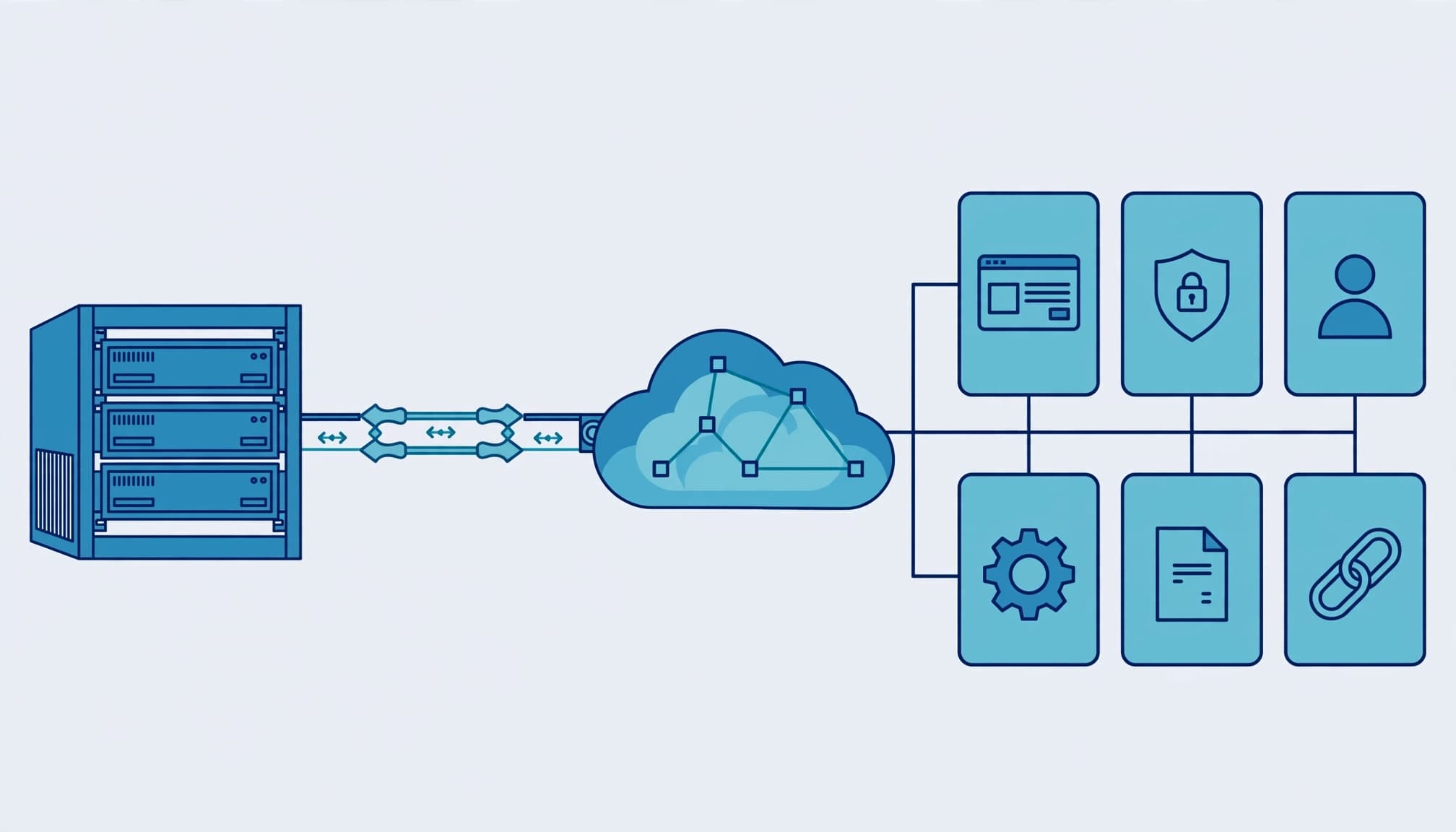
Keep hybrid identity where Active Directory still supports business-critical workloads. Microsoft 365 E7 supports that architecture in a hybrid environment, but it doesn't require on-premises AD or hybrid-joined devices.
I separate the purchase decision, authentication cutover, and device migration because each has different dependencies and rollback requirements. Start by identifying what must keep working when cloud authentication takes over.
Key takeaways
- Hybrid identity gives users consistent credentials, but single sign-on and self-service password reset still require configuration.
- Password Hash Synchronization reduces authentication dependencies on local infrastructure; device join remains a separate decision.
- E7 adds plan entitlements. It doesn't repair excessive permissions, replace endpoint hardening, or retire Active Directory.
Separate E7 licensing from identity architecture
Microsoft 365 E7 reached general availability on May 1, 2026. That availability doesn't make every connected preview feature production-ready.
Name the comparison baseline
I would document one starting point: Microsoft 365 E3, Microsoft 365 E5, or the latter plus standalone Microsoft 365 Copilot. Mixing these baselines produces an inflated value case.
Microsoft 365 E3 includes Microsoft Entra ID P1 and Microsoft Intune Plan 1. The higher tier includes Entra ID P2. Conditional Access and Intune are already included in both baselines, so they aren't reasons by themselves to upgrade to E7.
Microsoft 365 Business Standard doesn't include those same identity and management entitlements. Synchronizing its users doesn't grant those capabilities. Conversely, those capabilities don't generally require hybrid identity.
Identify what E7 actually adds
Microsoft's enterprise plans and pricing describes E7 as Microsoft 365 E5, Microsoft 365 Copilot, Microsoft Entra Suite, and Microsoft Agent 365.
The published U.S. list price is $99/user/month, paid yearly with an annual commitment. That covers licensing only; Azure compute, model, and message consumption bill separately.
Agent 365 is a governance and control plane, not an agent runtime. I would count GA capabilities in the committed business case and keep preview capabilities outside promised returns. My Microsoft 365 migration and licensing services separate these entitlements from the implementation work.
Choose synchronization and authentication separately
Choose the synchronization engine against required objects and features. Then choose where authentication happens. Those decisions are related, but they're not interchangeable.
Fit the synchronization engine to the directory
Microsoft Entra Connect Sync has a straightforward setup wizard. Older runbooks may call the current Microsoft Entra Connect Sync product Azure AD Connect. Microsoft Entra Cloud Sync is lighter to deploy because Microsoft hosts the orchestration and local provisioning agents handle directory connectivity.
Easy installation doesn't establish a safe design. Review verified UPN suffixes, duplicate attributes, synchronization scope, privileged accounts, and ownership before provisioning production users. Record the active Connect Server and the responsibilities assigned to any staging server.
Microsoft's Cloud Sync decision guide compares supported features. Cloud Sync doesn't synchronize device objects, so don't select it as a direct replacement for a Connect Sync deployment supporting hybrid join.
Prefer Password Hash Synchronization unless requirements prevent it
I recommend Password Hash Sync (PHS) for cloud authentication unless a documented requirement rules it out. Password Hash Sync lets Entra ID validate the synchronized credential derivative, reducing dependence on local servers during cloud sign-in.
Pass-through authentication (PTA) validates passwords against on-prem AD through authentication agents. That preserves relevant AD account restrictions, but it also retains agent, network, and domain-controller dependencies.
Enabling PHS alongside PTA doesn't create automatic failover. Switching authentication methods requires a planned action. Put that action in the recovery procedure and test it before depending on it.
Keep identity synchronization separate from device join
A synchronized user can use a Microsoft Entra joined device. Synchronizing an account doesn't require keeping its computer domain-joined.
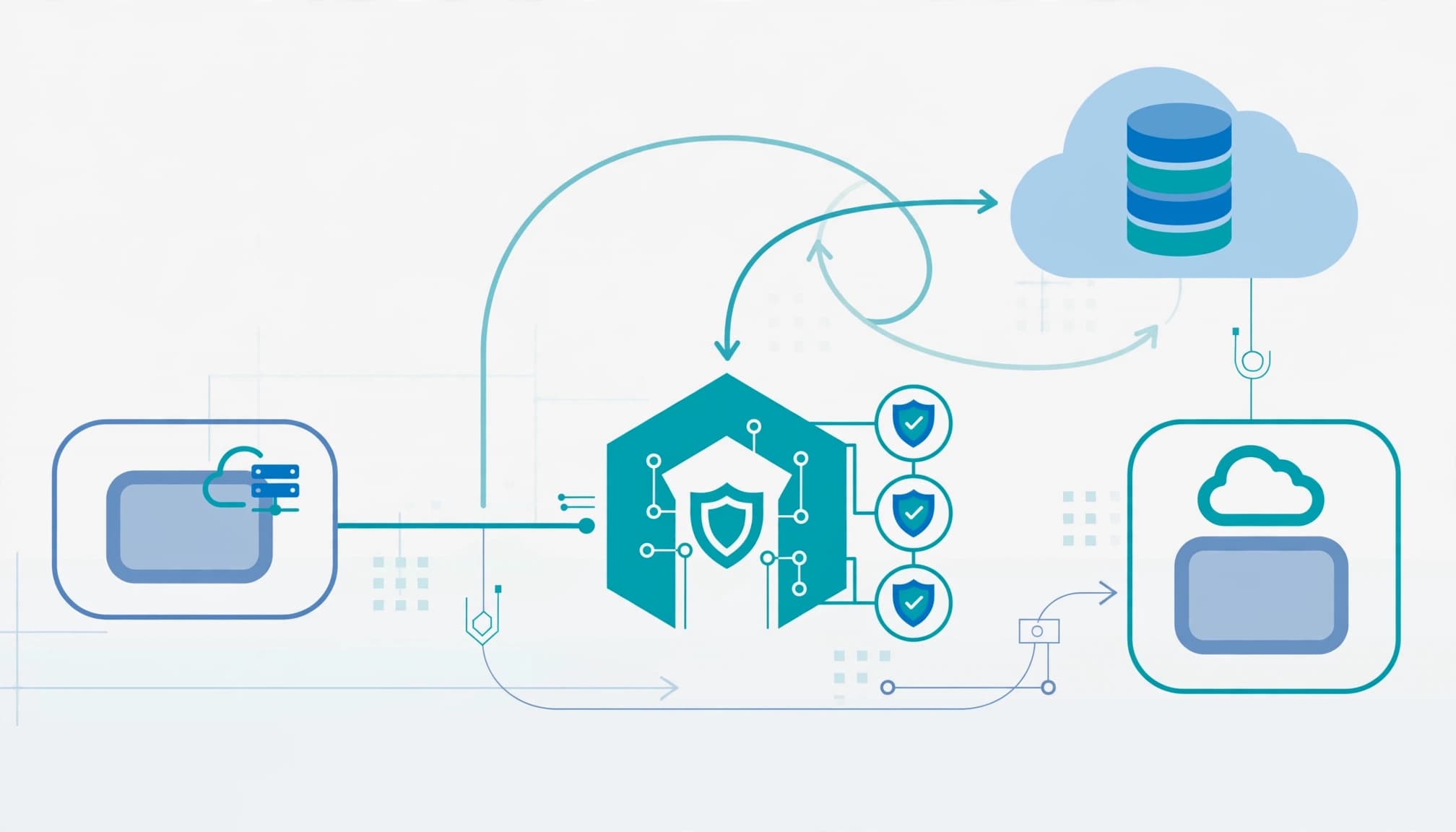
Use hybrid join where dependencies justify it
Microsoft Entra hybrid joined, formerly Hybrid Azure AD Joined (HAADJ), keeps the Windows AD domain relationship while adding the device identity in Entra ID.
It can support a staged Intune rollout while Group Policy remains active. Treat device management, Intune enrollment, policy, and Group Policy dependencies separately from directory synchronization. In the Microsoft Intune admin center, use Devices > Group Policy analytics to assess imported GPOs and identify settings that need replacement or redesign.
Inventory Web Application Proxy deployments, complex printing, straight LDAP authentication, and local application dependencies. Some organizations retain hybrid join permanently. Require a business dependency, a support owner, and a review date.
Plan cloud join as an endpoint project
I prefer Microsoft Entra join for new devices when application access supports it. Keep Intune enrollment, compliance policies, endpoint security, and device hardening in that deployment scope.
Moving an existing AD user profile to an Entra sign-in generally requires profile migration or rebuilding. A license assignment doesn't perform that work.
Test certificates, mapped resources, printers, Windows Hello for Business, and user files before expanding deployment. Directory registration alone doesn't establish management or compliance.
Make the sign-in benefits measurable
Hybrid identity lets users access Microsoft 365 with the same userPrincipalName and password used on premises. Matching credentials alone don't prove single sign-on. Test supported Single Sign On (SSO) paths and token acquisition on representative devices.
Windows Hello for Business provides phishing-resistant MFA. In the Microsoft Entra admin center, configure Conditional Access under Entra ID > Conditional Access > Policies and select the appropriate authentication strength. For Zero Trust access, verify user identity and device state before granting access to protected resources. Microsoft's phishing-resistant MFA policy guidance describes this control.
The policy can govern SaaS access and supported on-premises web applications published through Microsoft Entra Application Proxy. App Proxy doesn't make arbitrary LDAP applications cloud-native.
For user productivity, OneDrive Known Folder Move redirects supported folders into OneDrive for Business. Edge profile sync carries supported favorites and settings between devices. Neither requires hybrid identity, and OneDrive synchronization shouldn't replace a defined backup and recovery policy. Test recovery separately from synchronization.
Configure password reset without preserving obsolete rules
Password self-service gives AD-authoritative users a practical way to reset passwords in the cloud. With password writeback, an approved reset updates the on-premises password. Include license coverage, agent permissions, and writeback configuration in the acceptance test.
Microsoft's password policy recommendations recommend passwords that don't expire routinely. NIST's July 2025 SP 800-63B-4 password requirements also reject periodic changes and arbitrary composition rules. The emphasis is length, compromised-password screening, and forced changes when compromise is evident.
I'd avoid carrying a recurring password expiration schedule into the new design merely because AD already has one. Document where AD and Entra policies apply. Then test password changes, resets, account disablement, and the timing of their effects.
Run the authentication cutover against release gates
I would approve the cutover only after IT owns the authentication path and application owners accept the test results. A successful Microsoft 365 sign-in is necessary evidence, but it isn't sufficient evidence.
- Establish the inventory. Record forests, domains, verified UPNs, synchronization engines, federation, PTA agents, service accounts, and shared devices. Identify which applications use Entra authentication and which still depend on AD, LDAP, Kerberos, or separate credentials.
- Resolve identity matching. Reconcile existing cloud accounts with AD objects before expanding synchronization. Review source anchors, duplicate proxy addresses, and administrator separation. Stop the change when matching remains ambiguous; duplicate identities can disrupt mailbox and application access.
- Prepare recovery. Maintain monitored, cloud-only emergency access accounts and test their sign-in. Document the previous authentication configuration, the rollback operator, and the conditions that trigger rollback. For Connect Sync, include staging-server responsibilities where applicable.
- Pilot representative workflows. Include IT, remote workers, shared-device users, and departments with legacy applications. Test SSO, password writeback, device compliance, and application access. Run Conditional Access changes in report-only mode before enforcing them.
- Release in controlled rings. Use a Zero Trust release gate to verify identity, device, and application access before expanding each ring. Expand only when failures have owners and approved resolutions. Review Entra sign-in logs, provisioning errors, and help desk reports after each ring. Don't retire AD infrastructure while an unresolved application or authentication dependency still uses it.
Keep authentication, policy enforcement, and device replacement in separate change windows. That separation makes failures easier to diagnose and rollback decisions easier to defend.
Require a documented handoff and a reason to proceed
A useful review documents assessed dependencies, authentication flows, applications, devices, policies, cutover risks, and a shared-device inventory. It includes a device management policy-gap register, a risk-ranked remediation plan, authentication design, pilot evidence, and rollback procedure. The handoff also gives the client a role-based seat model, a seat and entitlement recommendation, and operating-owner assignments.
I'd connect each finding to data leakage, audit findings, insurance renewal evidence, downtime, or productivity loss. A synchronization warning without its business consequence rarely gets the right priority. My E3-to-E7 identity remediation plan applies that same sequencing to access cleanup before expanding the E7 purchase.
A broad E7 engagement isn't worth it when the organization only needs reliable SSO, password reset, and better endpoint management. Existing E3 or E5 rights may already cover that work. Small business IT teams may get more value from a focused identity assessment and infrastructure remediation than a suite-wide purchase.
Frequently asked questions
Does Microsoft 365 E7 require hybrid identity?
No. E7 supports cloud-only and hybrid identity deployments. Retain AD because workloads require it, not because the E7 bundle does. Entra Suite and Agent 365 also need operating ownership and configuration after assignment.
Does hybrid identity automatically provide Intune management?
No. Devices need supported enrollment, assigned policies, and appropriate licensing. Hybrid join can support automatic enrollment when configured, but a registered or joined device isn't automatically compliant. Require compliance evidence before using that state as an access control.
Approve the cutover on evidence
Hybrid identity can support Microsoft 365 E7 without forcing an immediate device migration or AD retirement. The release standard is tested continuity: users can authenticate, required applications work, and recovery has an accountable owner.
Book a free 30-minute call to scope an identity readiness assessment.