
Entra ID Protection Deployment for E5-to-E7 Security Leads

Deploy the risk controls your E5 environment needs before treating E7 as a security improvement: use Entra ID Protection signals for tested Conditional Access decisions, adaptive access, and an owned response process.
I start with the current E5 baseline, existing policies, and recovery dependencies. Otherwise, the upgrade discussion confuses purchased capabilities with operating controls, while data leakage and downtime remain unresolved.
Build the deployment around a clear decision: which risks trigger a challenge, which require account recovery, and who handles the exceptions.
Key takeaways
Microsoft Entra ID Protection and risk-based access policies built with Conditional Access are generally available (GA). Detection, enforcement, and recovery require separate configuration.
Keep authentication-attempt conditions and account-level conditions in separate policies. Assess workload identities separately. Before enforcement, require registered authentication methods, tested emergency access, and evidence that legitimate business workflows survive the change.
Establish the E5 baseline before pricing E7
Separate existing rights from additional scope
The baseline here is E5, not E3 or E5 plus standalone Microsoft 365 Copilot. Each comparison produces a different purchase decision. Standalone Copilot doesn't add the access rights needed for an identity deployment.
Risk-based user and sign-in policies require Microsoft Entra ID P2, as documented in Microsoft Entra licensing requirements. I inventory assigned service plans, covered users, policy scope, and existing exclusions before recommending another bundle.
Microsoft 365 E7 includes E5, Microsoft 365 Copilot, Microsoft Entra Suite, and Agent 365. Agent 365 is a governance and control plane, not an agent runtime. Keep agent governance separate from human sign-in remediation.
Price the requirement, then judge the engagement
Microsoft's October 6, 2026 listing put the Entra Suite US list price at $12/user/month, paid yearly. Microsoft's published enterprise-plan pricing lists E7 at $99/user/month, paid yearly. That $99 covers licensing only; Azure compute, model, and message consumption bill separately.
An E7 engagement isn't worth it solely to configure risk policies already supported by your assigned licensing. Buy additional scope only when access, governance, Identity Governance, or AI requirements have a named owner and an approved operating model.
Our migration and licensing services can separate that purchase decision from the configuration work.
Separate the three identity risk types
Sign-in risk applies to an authentication attempt
Authentication-attempt risk estimates whether an authentication attempt came from someone other than the legitimate identity owner. Anonymous IP addresses, unfamiliar locations, and impossible-travel patterns contribute evidence.
A location anomaly doesn't prove compromise. Review the detection, application, authentication details, and surrounding activity, including repeated authentication attempts such as password spray. A successful MFA challenge can remediate sign-in risk without resolving a compromised-account investigation.
User risk applies to the account
Account-level assessment estimates whether the account itself is compromised. Findings such as leaked credentials and targeted attack patterns are identity-based risks that can indicate possible account compromise, even when a particular sign-in looks ordinary.
Microsoft exposes low, medium, and high risk levels rather than an administrator-defined scoring formula. I use those levels to select policy responses. Don't translate them into invented percentages or treat every low-risk event as harmless.
Workload identity risk needs separate controls
Workload identity risk concerns applications and service principals, which are non-human identities. Human MFA and password-reset policies don't provide equivalent protection for these identities.
Microsoft's workload identity Conditional Access guidance describes the separate policy boundary. Workload-identity Conditional Access doesn't cover managed identities. Record the application owner, credentials, permissions, and containment method before including automation in the deployment scope.
Read the dashboard without confusing detection with response
The renamed product changed the operating location
Azure AD Identity Protection became Microsoft Entra ID Protection during Microsoft's 2023 Azure Active Directory rebrand, though archived material may retain the former name. The operating experience moved into the Microsoft Entra admin center alongside the broader identity controls.
The Microsoft Entra ID Protection dashboard presents identity exposure, recommendations, and an attack graphic. Its one-month attack view shows common identity-based attack patterns and blocked activity.
Use its risk detections to direct investigation, and review related authentication activity for password spray. A blocked-attempt count doesn't prove every user, application, or recovery route has adequate coverage.
Detection timing determines what policy can do
Microsoft's risk detection documentation names Verified threat actor IP, a real-time detection informed by Microsoft's nation-state and cybercrime threat intelligence. A matching Conditional Access policy can challenge or block access during authentication.
Attacker in the Middle is an offline user-risk detection. It identifies evidence associated with phishing proxies that capture credentials, MFA approvals, or session material. Microsoft documents a detection path involving Microsoft Defender for Cloud Apps.
That timing matters. Offline findings can't prevent an authentication that already completed. They support subsequent access decisions and incident response.
Older records can show "Azure AD Threat Intelligence"; current documentation uses Microsoft Entra threat intelligence. Policy acts on the resulting risk, not the display label. A detection doesn't automatically reset credentials or revoke sessions.
Build separate policies for sign-in and user risk
Challenge medium and high sign-in risk
In the Microsoft Entra admin center, use Microsoft Entra ID Protection to create separate risk-based access policies under Entra ID > Conditional Access > Policies. Use a Conditional Access Administrator account rather than routine Global Administrator access.
For the initial configuration, assign the pilot group, target all resources, and select medium and high under Conditions > Sign-in risk. That risk condition drives adaptive access. Under Grant, require multifactor authentication. Set the policy to Report-only.
Require multi-factor authentication registration before enforcement. A user who can't satisfy the challenge can be blocked from business applications, which turns a security control into productivity loss.
Keep device compliance, endpoint security, and device hardening requirements visible as separate dependencies. Combining unrelated changes makes failures harder to diagnose.
Remediate high user risk
Create another policy for accounts assessed at high identity risk under User risk. Target the pilot group and all resources, then configure Grant > Require password change. This recovery path depends on MFA and supported self-service password reset.
For hybrid identities, establish the password-writeback dependency before approving enforcement. A cloud policy can't repair a broken on-premises password-reset route.
Exclude monitored emergency access accounts from these policies. Don't use broad service-account exclusions to preserve undocumented automation. Assign each dependency an owner and a remediation decision.
Microsoft's risk-remediation guidance distinguishes self-remediation from administrator action. For confirmed identity compromise, the response owner must address sessions, credentials, and persistence. Completing a password reset doesn't establish that the investigation is finished.
Prove recovery before switching policies on
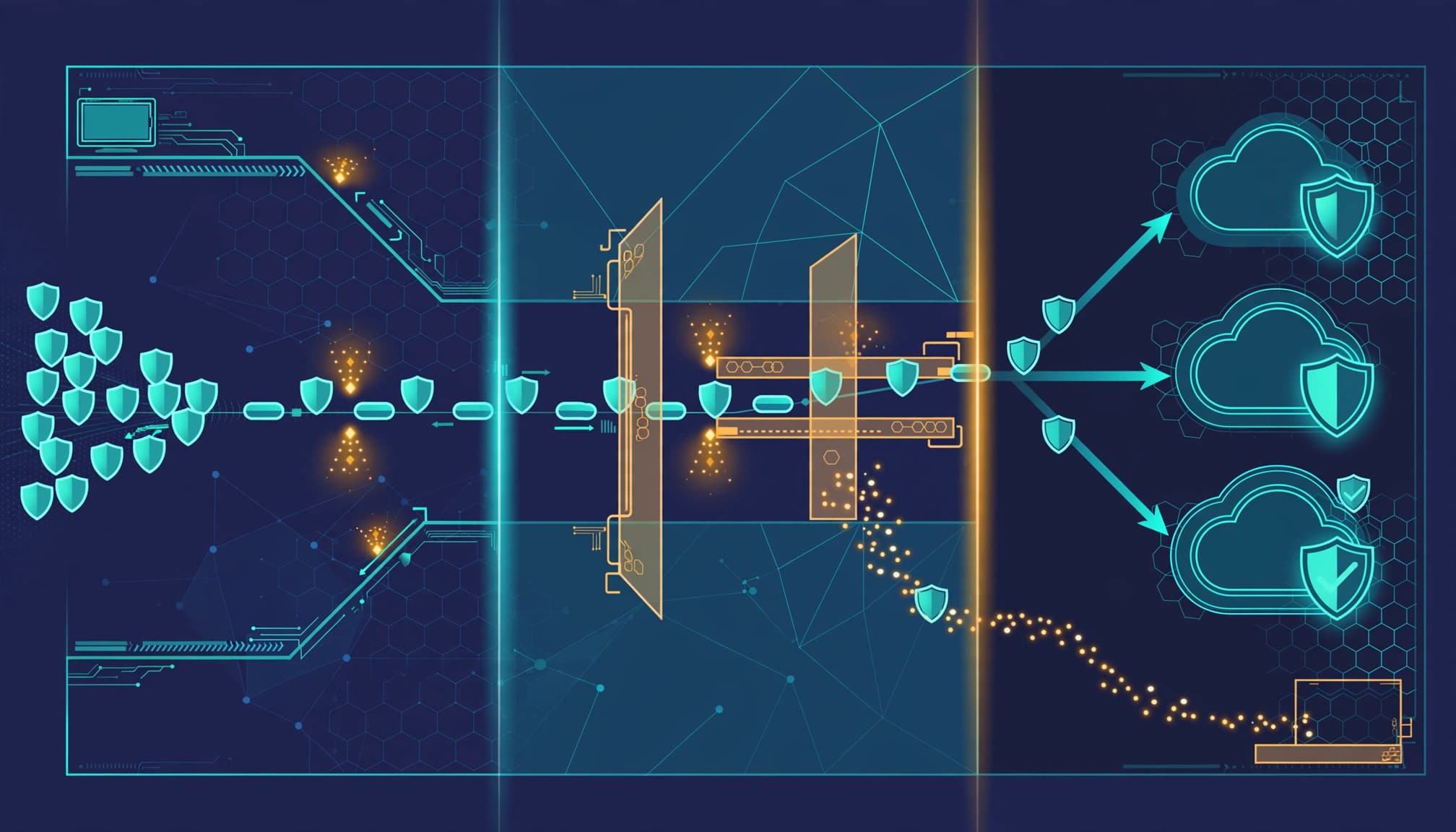
Capture evidence across a complete business cycle
Microsoft's ID Protection deployment plan starts with reviewing existing reports. I require a baseline profile covering risky users, risky sign-ins, authentication registration, current policies, applications, devices, and exclusions.
Keep report-only evaluation in place for at least one complete business cycle. Include payroll, remote access, vendor activity, and infrequent administrative work. Two quiet days don't establish readiness.
Report-only shows policy evaluation; it doesn't exercise every recovery interaction. Test MFA challenges, password changes, and hybrid writeback through a controlled pilot. Record the result and the person responsible for unresolved failures.
Enforce in rings with explicit release criteria
Start with IT, then a departmental pilot, then the remaining population. Choose participants who represent different applications, locations, and authentication methods.
I recommend two monitored emergency access accounts, with recovery methods tested before enforcement. Document who can use them and who receives the sign-in alert.
Proceed only when legitimate failures are resolved or accepted through a named exception. Every exception needs a reason, an owner, and an expiration date. Record the rollback action before enabling the policy.
The E5-to-E7 security control mapping connects these policy changes to the evidence needed for the broader upgrade decision.
Deliver an operating control, not a portal configuration
A bounded engagement should assess licensing, identities, non-human identities, applications, and authentication methods. It should also review Identity Governance, hybrid dependencies, device posture, and response ownership. It should deliver separate risk policies, a pilot record, an exception register, and a tested rollback procedure.
The client should receive policy exports, sign-in evidence, recovery results, and a support runbook. Those records support audit findings, insurance renewals, and continuity planning without requiring the original engineer to explain every setting.
Name the security operations center owner responsible for alert triage, and a support owner responsible for restoring legitimate access. Map relevant Microsoft Defender alerts to the security operations center owner, and name the Microsoft Sentinel alert route or workspace owner. Treat this handoff as an ITDR operating control, but keep responsibility with named owners. Define which records enter Microsoft Defender XDR or Microsoft Sentinel, and what evidence analysts need before using Microsoft Security Copilot.
Our cybersecurity risk management services cover the assessment and remediation work around identity, Conditional Access, and endpoint controls. The handover standard stays concrete: your team can explain the policy, investigate its result, and recover access without guessing.
Frequently asked deployment questions
Does existing MFA mean risk protection is deployed?
No. A tenant can enforce MFA without using sign-in-risk or user-risk conditions. Review policy assignments, conditions, grant controls, exclusions, and enforcement state.
The evidence is a sign-in record showing the intended risk-based policy evaluation. A license assignment or authentication-method registration report doesn't establish that the policy operates.
Can every identity risk be blocked before access?
No. Real-time detections can inform the current authentication decision. Offline detections arrive after analysis and support later enforcement or investigation.
Workload identities also have different policy boundaries. Treat application permissions, credential rotation, and emergency disablement as separate controls rather than assuming human-user policies cover cloud infrastructure and automation.
Make enforcement the acceptance standard
An E5-to-E7 deployment succeeds when risk produces the intended access decision and legitimate users have a tested recovery path. More policies and broader licensing don't replace that evidence.
I would approve enforcement only after the owner, exception, and rollback records are complete. The necessary work is a control your team can operate.
Book a free 30-minute call to scope an Entra policy readiness review.