
Copilot Service Desk Readiness for E5 Plus Copilot
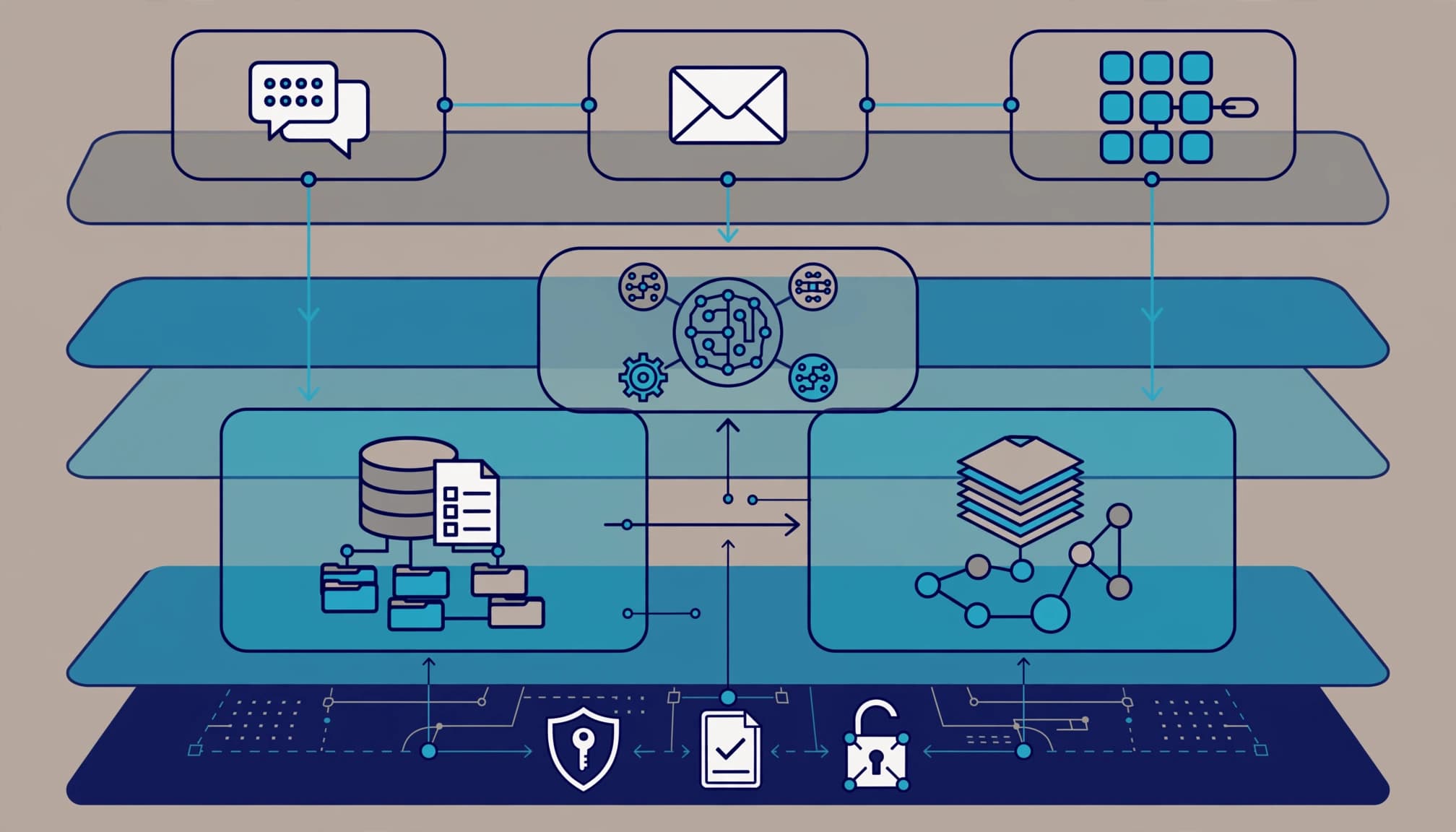
Prepare the service desk before expanding E5 plus standalone Microsoft 365 Copilot. Copilot service desk readiness means your team can distinguish licensing failures, permission problems, connector faults, and service incidents without sending every ticket back to the rollout team.
I start with support ownership, then work backward through access, actions, escalation, and recovery. Your IT service desk is ready when operators can identify and route these failure categories. Test a procedure for each category before more users enter the queue.
Key takeaways
- The E5-plus-standalone-Copilot baseline does not establish entitlement to every Dynamics 365 or Copilot Studio workload.
- Service Agent, Copilot for Service, and a custom IT helpdesk agent have different deployment dependencies.
- Expansion requires tested permissions, controlled actions, human escalation, and a documented recovery procedure.
Separate the products before assigning tickets
A ticket labeled "Copilot broken" tells the resolver almost nothing. Record the product, environment, user, access surface, and failed operation before assigning it.
Service Agent works with Dynamics 365 cases
Microsoft's July 15, 2026 Service Agent announcement describes its integration with Microsoft 365 Copilot. Microsoft documents Service Agent as generally available (GA), with administrator enablement required before use.
The Service Agent usage documentation covers case summaries and workload details, plus knowledge articles retrieved from approved knowledge base content in Dynamics 365 and SharePoint. Customer service representatives should review those summaries and test retrieval with representative customer service cases. Supported actions include adding notes, updating status, creating child cases, and resolving cases with resolution details.
Representatives can access it through Microsoft 365 Copilot, Copilot Service workspace, and Microsoft 365, Dynamics 365, or Power Apps applications where Copilot is enabled. Those surfaces share dependencies, but support teams still need to record where the failure occurred.
Copilot for Service and helpdesk agents need different routing
Copilot for Service connects with existing contact center and CRM solutions and supports representative experiences in Outlook and Teams. For triage, record whether the reported failure concerns real-time assistance or draft emails in the representative workflow, rather than routing every issue as a general CRM fault.
Microsoft's IT helpdesk scenario uses Copilot Chat and Copilot Studio, with instructions, triggers, knowledge sources, and ticket-creation actions. A ServiceNow-connected helpdesk agent belongs in that integration's support path. Don't assume it uses Dynamics 365 Service Agent.
Establish the E5 plus Copilot licensing baseline
Separate user subscriptions from workload rights
Name the starting position: Microsoft 365 E5 plus standalone Microsoft 365 Copilot. E5 provides the qualifying base subscription; the standalone add-on supplies full access.
Microsoft's published US list price for that add-on is $30/user/month, paid yearly. The Microsoft Copilot license options distinguish eligible subscriptions and purchasing routes.
Dynamics 365 Customer Service access requires its own entitlement review. Microsoft's July 2026 guidance identifies Customer Service Enterprise or Premium licensing for case data, knowledge, and service workflows. Service Agent requirements vary with organizational licensing and tenant configuration, as addressed in the Dynamics 365 Licensing Guide.
If E7 enters the comparison, its published list price of $99/user/month covers licensing only. Azure compute, model, and message consumption bill separately.
Assign licenses and enable the environment separately
In the Microsoft 365 admin center, use Users, Active users, then Licenses and apps to review individual assignments. Record the assigned subscription and enabled service plans for each pilot user.
The Dynamics 365 administrator must separately enable Service Agent in the selected Customer Service environment. License assignment alone does not complete deployment.
Microsoft's Copilot configuration documentation carries preview labeling, while its Service Agent usage page states GA. Preserve that distinction in the implementation register. Do not label every related configuration or control GA by association.
Copilot service desk readiness starts with access
Test what each identity can retrieve
I separate retrieval quality from authorization. A correct answer drawn from an improperly shared HR file is still a failure.
Test SharePoint, Teams, OneDrive, and Dynamics 365 access using representative employee accounts. Include restricted records, stale knowledge articles, guest access, and documents with conflicting instructions. Record what should be returned and what must remain inaccessible.
Microsoft 365 Copilot respects existing user permissions. Excessive permissions therefore remain your problem. Use Copilot search and exposure validation to distinguish poor retrieval from excessive access before approving broader use.
Control writes and preserve operating boundaries
Require approval for actions that send messages, resolve cases, delete records, or change permissions. Scope connector identities to the actual workflow. A ticket-status lookup does not need unrestricted administrative access.
For shared business agents, separate Development, Test/UAT, and Production environments. Define connector data policies before publishing, and assign a business owner, technical owner, and security reviewer.
Endpoint security, device hardening, Conditional Access, and data protection still apply around the agent. These controls protect against data leakage, audit findings, and productivity loss.
Microsoft Agent 365 is a GA governance and control plane, not an agent runtime. It supports oversight; the agent-building platform and connected services still execute workloads. Mark individual controls GA or preview, and do not make a preview control the only protection for a production requirement.
Build intake and escalation for a ticket spike
Capture enough evidence to route the first time
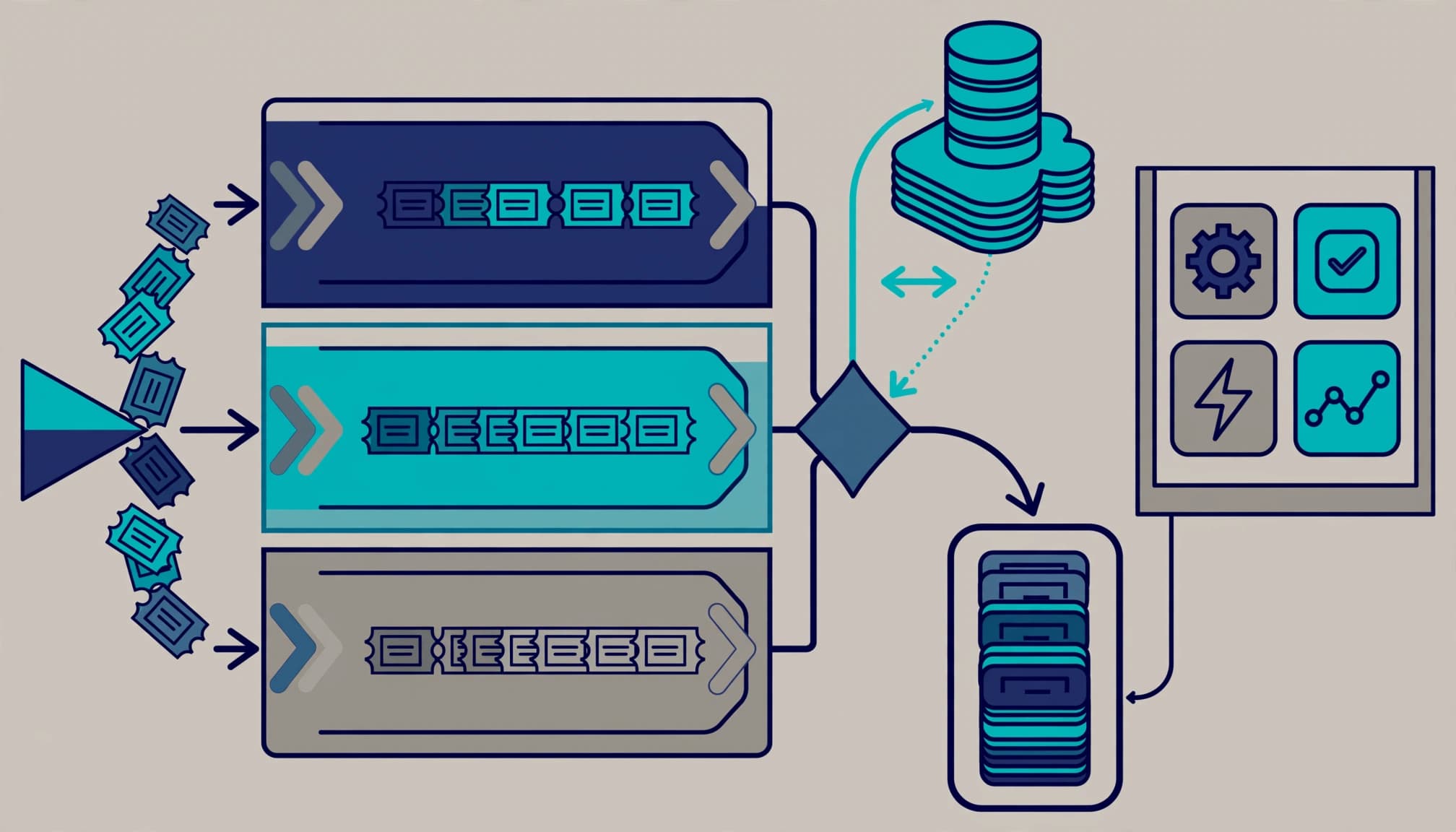
Require the affected application, environment, timestamp, correlation identifier when available, expected behavior, and actual result. Keep sensitive prompt content out of unrestricted ticket fields.
Then sort failures into licensing, identity, content access, connector execution, answer quality, or service availability. The service desk lead owns this classification, while service desk agents capture evidence and route the first ticket to the right owner. Application owners handle reproducible connector failures; security owns unexpected access or disclosure.
For a suspected Microsoft incident, review Service health in the Microsoft 365 admin center before changing tenant configuration. Preserve the incident reference and scope. A connector timeout affecting one agent is not evidence of a tenant-wide Copilot outage.
Keep human handoff available
An IT helpdesk agent can answer policy questions, retrieve ticket status through an authorized action, and create a helpdesk ticket. When it cannot answer, the conversation needs a human escalation path with context preserved.
Virtual agents and email autoresponders can accept requests 24x7. That doesn't create round-the-clock human coverage or authorize an automated response to declare an incident resolved.
SysAid describes NLP and machine learning for classifying, prioritizing, and routing incidents and service requests. It also describes ticket summarization, response suggestions, and automated performance insights against service level targets. Treat these as product capabilities, not guaranteed results across Microsoft deployments. Summaries still need review when they affect priority, ownership, or closure.
Release in rings with explicit acceptance gates
Test failure conditions before expanding access
I'd start with IT, then a representative departmental pilot, then the next approved cohort. Each ring needs an owner, a release decision, and a rollback procedure.
Require successful tests for permitted retrieval, denied retrieval, ticket creation, ticket-status lookup, case updates, and human handoff. Test expired connector credentials and unavailable knowledge sources as well.
Hold expansion for any unresolved unauthorized disclosure or write action. The security reviewer approves remediation evidence; the service owner approves operational recovery. Your Copilot rollout change plan should contain those decisions rather than leaving them in meeting notes.
Measure support outcomes against a baseline
Microsoft's IT helpdesk scenario names IT budget variance, usage rate, product adoption rate, NPS, IT outsourcing costs, service outage response, and average support ticket resolution time. Those are measurement categories, not demonstrated improvements.
For the service desk, I'd begin with resolution time, reopen rate, escalation rate, and incorrect-answer reports. Keep ticket categories consistent before and after activation.
Microsoft's Copilot for Service deployment resources include architecture guidance, Teams and Outlook deployment guidance, CRM deployment guidance, technical documentation, the Copilot Success Kit, and Get Started training. Assign technical guidance to operators and user enablement material to representatives. Training attendance alone doesn't establish readiness.
Scope outside help around evidence and handoff
A useful engagement starts with a scoped, read-only technical readiness assessment. I would assess license assignments, identity controls, data permissions, connector scope, agent ownership, ticket routing, and recovery procedures. Remediation needs separate authorization.
The client should finish with documented decisions, a prioritized roadmap, a support ownership matrix, tested acceptance criteria, and a handoff the internal team can run. That is the scope I would put around Microsoft 365 migration and licensing services for this problem. An Office 365 migration project should not absorb agent-governance work without an explicit scope change.
The engagement is not worth it when demand is limited, licensing is straightforward, and the existing team already has tested controls and support procedures. Small business IT teams do not need enterprise paperwork for a single low-risk workflow. They do need an accountable owner and a working manual fallback.
Frequently asked questions
Does E5 plus Copilot include Service Agent access?
It does not establish every required entitlement. Microsoft 365 Copilot access and Dynamics 365 Customer Service access are separate licensing questions. The relevant Dynamics 365 application rights, tenant configuration, and agent requirements determine the supported experience.
Can an agent create ServiceNow tickets?
A Copilot Studio helpdesk implementation can connect ticket-creation and status-lookup actions to ServiceNow. That connection needs authentication, scoped permissions, failure handling, and testing. It is separate from Service Agent's Dynamics 365 integration.
What must happen when the agent cannot answer?
The agent should stop guessing and escalate with the conversation context. Define the destination queue, urgency rules, and after-hours response. If live transfer is unavailable, create a traceable ticket and tell the user what happens next.
Approve expansion when support can own it
E5 plus standalone Copilot is a licensing baseline. Production approval requires operating evidence: bounded access, controlled actions, accountable owners, and tested recovery.
The necessary work is complete when your team can handle failures without depending on the person who built the agent.
Book a free 30-minute call to scope a service desk readiness assessment.