
E5 Plus Copilot: Graph Connector Access Review
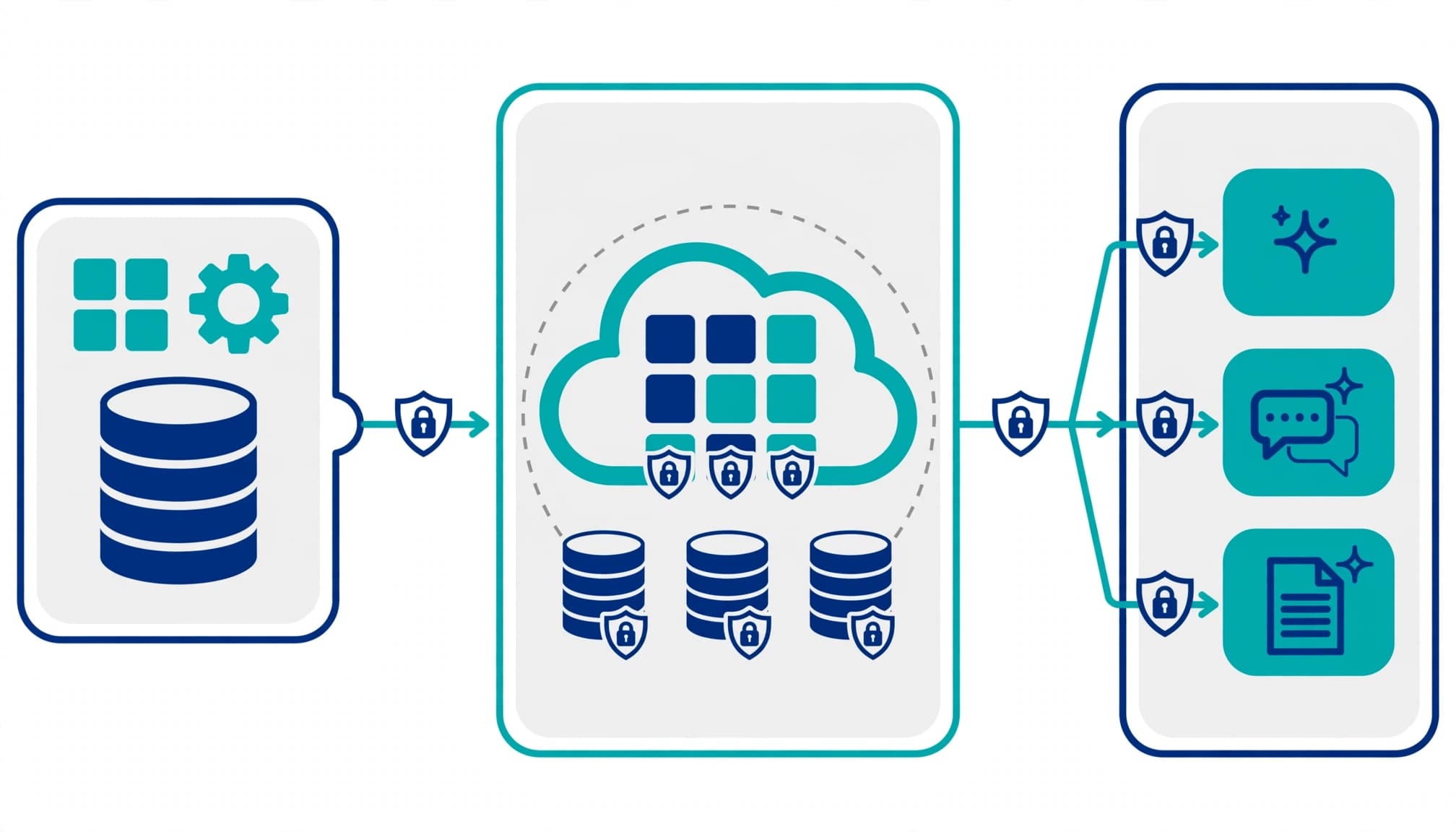
Review access before expanding Copilot Graph connectors. For Microsoft 365 E5 plus standalone Microsoft 365 Copilot, the approval question is whether retrieval preserves your intended data boundaries, including after someone changes roles or loses access.
I start with tenant evidence, source permissions, and a named business owner. An existing authorization mistake can become easier to discover through Copilot, with consequences for data leakage, audit findings, and employee trust. Establish the licensing baseline before reviewing the connector.
Key Takeaways
- Microsoft 365 E5 alone doesn't include the standalone Microsoft 365 Copilot add-on. Review assigned licenses separately from deployed controls and source permissions.
- Synced connectors index a copy of external content and rely on accurate item-level access control lists. Federated connectors retrieve content live through MCP and rely on the external service's authorization.
- Before granting consent or indexing content, document the connector's permissions, schema, source ownership, and intended retrieval experience.
- Test authorized access, denied access, and removal of access. Record the results, freshness requirements, recovery procedure, and owners before approving expansion.
1. Establish the E5 plus standalone Copilot baseline
Separate entitlement from configuration
Microsoft's Copilot licensing guidance, updated November 4, 2026, lists Microsoft 365 E3 and E5 as qualifying subscriptions for the Microsoft 365 Copilot add-on. E5 alone does not establish that users have the add-on.
I record assigned licenses separately from deployed controls. Your review should distinguish a missing entitlement, an unused capability, and a configuration defect. Those findings require different decisions. Buying another subscription will not correct an excessive source-system permission.
Collect operating evidence
Assess Microsoft Entra Conditional Access, privileged roles, Microsoft Intune compliance reporting, Microsoft Defender incident workflows, and Microsoft Purview labels against the proposed users and repositories. Include endpoint security and device hardening where those users access sensitive content.
The deliverable is an adoption and control scorecard, not an interview summary. It should support a decision to optimize E5, retain E5 plus standalone Copilot, or assess selected users for E7. Do not count capabilities already deployed as new benefits.
2. Identify how Copilot Graph connectors retrieve content
Microsoft's connector overview, updated October 12, 2026, distinguishes synced and federated approaches. "Copilot connectors" is broader terminology; a "Copilot connector" here means the indexed Graph integration discussed in this section.
Synced connectors create an indexed copy
Synced connectors ingest external content through the connector's source configuration into the Microsoft Graph cloud index. Supported Microsoft 365 experiences can then retrieve that content using indexed properties and item-level access control lists.
The original stays in its source system. The searchable copy introduces another lifecycle to manage: ingestion, permission updates, deletion, and recovery. Source ownership therefore remains necessary after deployment.
Federated connectors retrieve live content
Federated connectors retrieve external content through Model Context Protocol (MCP) without pre-indexing it in Microsoft Graph. Authorization remains tied to the external service and its implementation.
Don't treat MCP retrieval, plugin integrations, and indexed Graph ACLs as interchangeable controls. I document the actual identity, authorization decision, and retrieval path for each connector. Live retrieval also makes source availability part of the user experience.
3. Choose prebuilt or custom before granting consent
Start with the supported catalog
Microsoft and partner organizations provide more than 100 prebuilt connectors, including Salesforce, ServiceNow, Jira, Confluence, Box, and Google Drive. Start in the Microsoft 365 admin center under Copilot > Connectors.
Select the Copilot connector against the actual requirement: supported content, source permissions, authentication, crawl behavior, and intended retrieval surface. A familiar platform name is not acceptance evidence. Assign a source administrator to explain restricted records, nested groups, and deletion behavior before configuration begins.
Bound the custom application
Use the generally available (GA) Microsoft Graph connectors API when the catalog cannot meet the requirement for a custom connector. Microsoft's connector sample uses Node.js 22, an Azure subscription, a Microsoft 365 account, and Microsoft 365 Agents Toolkit 5.0.0 or higher.
The sample requires admin consent for ExternalConnection.ReadWrite.OwnedBy and ExternalItem.ReadWrite.All application permissions. In the Azure portal, select the application under Microsoft Entra ID > App registrations, open API permissions, and select Grant admin consent.
That is a privileged approval. Record why the application needs each permission, who owns its credentials, and how access will be revoked. The sample's broader item permission should not become an unexamined production default.
4. Design the schema before indexing
A synced Graph connector has four moving parts: the source binding contains one source, the schema defines properties, items carry content and ACLs, and crawls maintain the indexed copy of external content. For custom connectors, your application owns the ingestion process and its operating schedule.
Design the schema as an early approval decision. Published schemas have change restrictions; some changes require reingestion, and removing a property can require recreating the connection. Treat those choices as expensive to reverse.
For ServiceNow knowledge articles, I would make the title searchable and retrievable, the article number queryable and retrievable, and the category refinable. Searchable properties enter full-text search. Queryable properties support property-based queries, retrievable properties can appear in results, and refinable properties support filtering.
Store article text in the item's content and retain its source URL for navigation. Don't make sensitive administrative metadata retrievable merely because the source API exposes it. Have the data owner approve both what users can discover and what results can return.
5. Prove source permissions survive ingestion
Map groups to item-level ACLs
Synced connectors use an item-level access control list (ACL) to restrict indexed items to authorized users. That protection depends on accurate ingestion. A connector cannot repair an incorrect mapping or an overly broad source group.
For a restricted ServiceNow knowledge article, map its authorized source group to the corresponding Microsoft Entra group only when their membership and access meaning match. The external item creation API carries the ACL alongside the item. A group grant uses type, value, and accessType to identify the principal and permitted access.
When a source system's groups lack corresponding Microsoft Entra groups, maintain external-group mappings and membership updates. Never substitute everyone access because identity mapping is inconvenient.
Test denial and removal
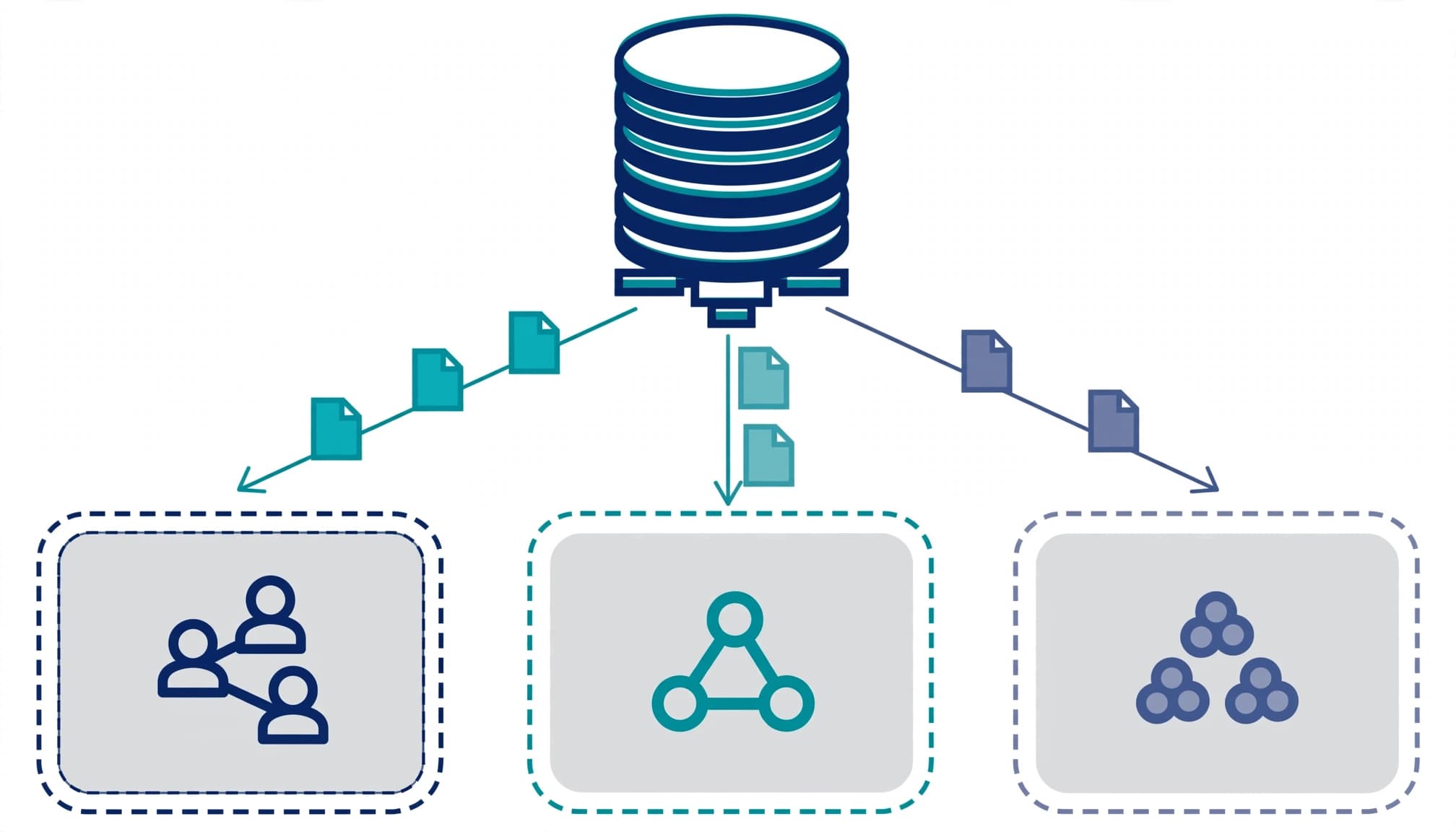
I require approved test accounts representing an authorized employee, an unauthorized employee, and a user whose access has been removed. Test direct access, search results, and the intended Copilot experience.
Then change membership in the source and measure when retrieval reflects it. Record timestamps and results without copying sensitive content into the report. The source owner must approve the revocation interval.
A successful authorized answer proves only half the control. Denied access and removal are release requirements, not cleanup tasks after rollout.
6. Assign freshness and on-premises responsibilities
An incremental crawl needs a dependable change-tracking signal. The ingestion process must identify new content, changed content, deletions, and permission changes since its previous checkpoint. Without that signal, plan full recrawls.
Set a freshness requirement in business terms. An obsolete installation procedure and a delayed cafeteria announcement don't carry the same operational consequence. The business owner defines acceptable delay; the technical owner demonstrates that ingestion meets it. Avoid promising a universal crawl interval without source evidence.
For local repositories, the Microsoft Graph connector agent enables secure transfer between on-premises data and connector APIs. It doesn't remove the need for source permissions or host management.
Assign the cloud infrastructure or server owner responsibility for the agent host, patching, credentials, connectivity, and recovery. Include monitoring for failed runs and expired credentials. Business continuity depends on someone noticing that synchronization stopped before employees report missing information.
7. Diagnose missing content before rebuilding anything
Separate ingestion failures from retrieval failures. A source item can exist, be indexed correctly, and still be absent from a particular Copilot surface. Begin with the connector configuration, ingestion result, indexed properties, ACL mapping, and supported experience, in that order.
For stale results, inspect the last successful crawl and its change marker. For missing items, examine source filters, rejected records, required properties, and identity mapping. When crawls stop without an obvious user-facing error, inspect application authentication, source API access, throttling, and agent health.
Microsoft's sample README identifies deleting the connection and ingesting again as a possible response to an HTTP 400 error. Reserve that approach for a diagnosed schema or connection problem, preferably in a disposable test connection. Preserve configuration and error details first.
I extend Copilot search index validation through the actual employee workflow. Record the prompt, test identity, retrieval surface, expected source, and observed result. A healthy ingestion counter does not prove that employees can complete the task.
8. Approve the experience and hand over evidence
Connector availability does not establish support in every Copilot product. Microsoft documents connector use across experiences including Microsoft Search, Microsoft 365 Copilot, Copilot in Excel, and Researcher. Support differs by connector model and surface.
Test the experience named in your scope. Require useful Copilot citations where supported, and test that citation links open under the employee's identity. A citation helps users inspect an answer, but it doesn't certify that the source is current or approved.
The handoff should contain the connection inventory, schema, permission map, consent record, test results, remediation owners, and recovery procedure. Separate GA components from preview capabilities, and keep preview-only functionality outside mandatory production acceptance.
If agents consume the content, extend the review to Agent 365 connector permissions. Agent 365 is a governance and control plane, not an agent runtime.
An outside engagement is not worth repeating when your team already has this evidence, tested removal, and clear ownership. Address the documented gaps instead.
Frequently Asked Questions
Does Microsoft 365 E5 include standalone Microsoft 365 Copilot?
E5 is a qualifying subscription for the Microsoft 365 Copilot add-on, but E5 alone doesn't establish that users have the add-on. Record assigned licenses separately from deployed controls.
How do synced and federated Graph connectors differ?
A synced connector copies external content into the Microsoft Graph cloud index, where retrieval uses indexed properties and item-level access control lists. A federated connector retrieves content live through MCP without pre-indexing it in Graph, and its authorization depends on the external service and its implementation.
How should a team test connector access controls?
Test with an authorized employee, an unauthorized employee, and a user whose access has been removed. Check direct access, search results, and the intended Copilot experience, then record how long removal takes to affect retrieval.
What evidence should be ready before connector approval?
Prepare the connection inventory, schema, permission map, consent record, test results, remediation owners, and recovery procedure. Test the Copilot experience included in the review scope and keep preview-only functionality outside mandatory production acceptance.
Approve the boundary, then expand
Approve Copilot Graph connectors when source authorization, indexed permissions, retrieval behavior, and access removal agree. I would hold expansion when any of those remain unproven.
A defined review should leave your IT team with evidence and operating instructions. Adding more connectors can wait until the existing ones meet that standard.
For a scoped connector access review, Book a free 30-minute call.