
Agent 365 Connector Permissions: A Security Lead’s Review

An approved AI connector can still leave you unable to explain which business data it reaches, whether that access is justified, or how to revoke it. I assess access paths and evidence against security best practices, helping you make informed decisions before gaps contribute to data leakage, audit findings, or lost productivity.
For organizations already administering Microsoft 365, verified access is an access governance decision. What can the connector reach, under whose authority, and can you prove and revoke that access as autonomous agents expand into business workflows?
I start with the access paths and licensing you already have, then determine whether an outside review adds value.
What an Agent 365 connector permissions review covers
I scope the review as access governance for named agents, connectors, business workflows, and data owners. A request to “review AI security” is too broad to price accurately or close out convincingly.
The review boundary includes Microsoft 365 resources, third-party processing, and connected cloud infrastructure.
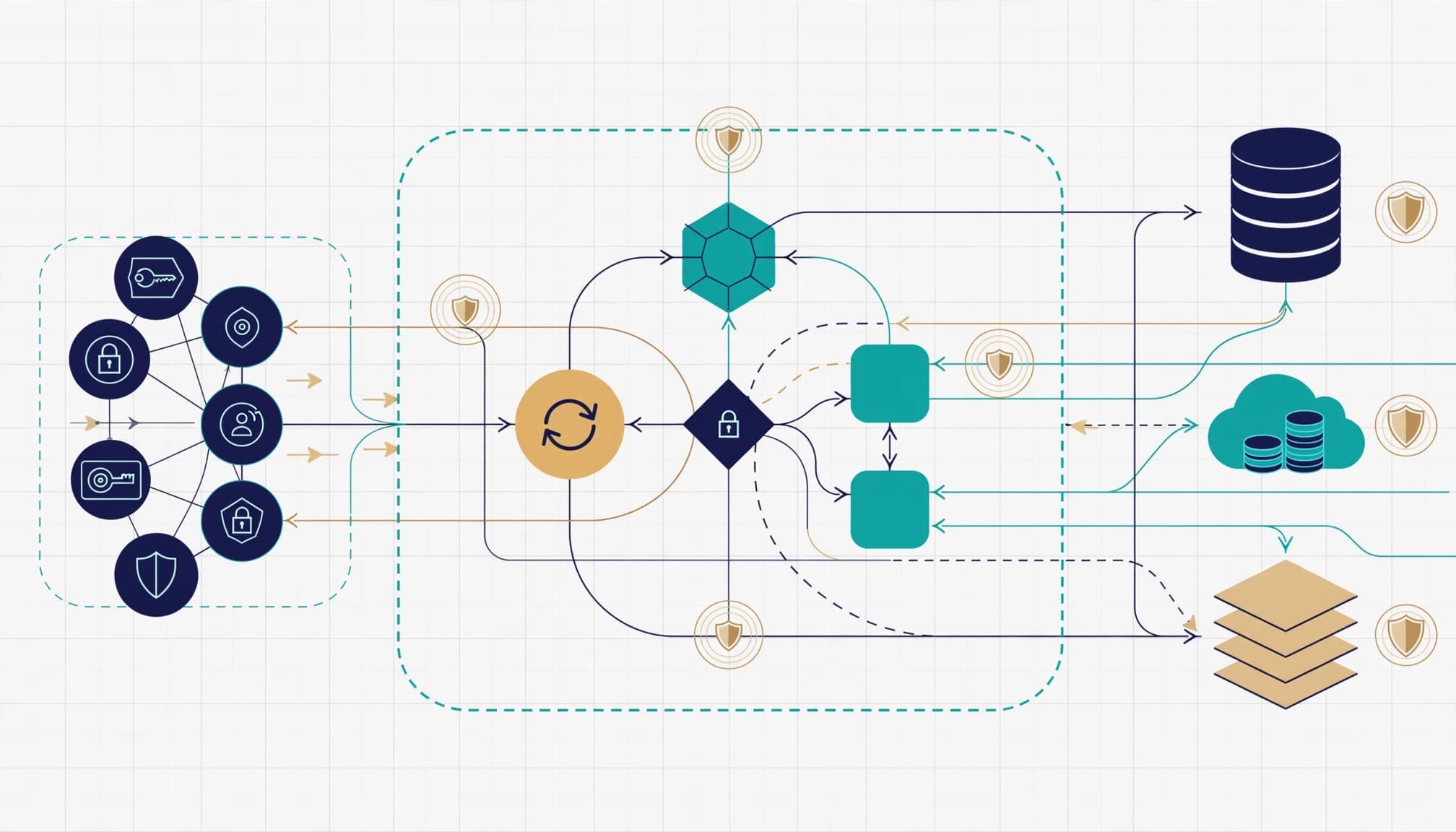
Identities, grants, and access paths
I inventory agent identities, enterprise applications, service principals, delegated OAuth grants, and application permissions. For access governance, each entry needs a business owner, technical owner, approved purpose, and retirement process.
Then I trace authentication and token use across the connector, Microsoft Graph API, and downstream services. Evidence includes application IDs, consent records, granted scopes, connector credentials, expiration dates, and relevant configuration exports.
For hybrid environments, I also check whether synchronized groups or privileged user accounts expand the effective access boundary.
Data exposure and operational controls
I map permissions to the resources they expose: SharePoint sites, OneDrive files, mailboxes, Teams conversations, and connected business systems. Read access and write actions receive separate approval decisions. I also consider prompt injection when retrieved content could influence agent actions.
The control review covers Conditional Access, guest access, external sharing, data loss prevention, audit retention, emergency revocation, and applicable compliance policies. These records need to support defensible audit evidence. I distinguish configured controls from controls demonstrated in testing.
I document third-party processing locations, retention terms, and who can authorize a new connector. I require evidence for vendor claims about multi-tenant isolation. These details belong in vendor management and insurance renewal evidence, not only technical documentation.
Where Agent 365 fits in the control plane
Microsoft Agent 365 is a governance and control plane, not an agent runtime. I use Microsoft’s Agent 365 overview to confirm current service availability and scope.
Microsoft Agent 365’s AI governance framework is built around observe, govern, and secure. The Microsoft 365 admin center provides centralized agent oversight and access governance, while Microsoft Entra supports agent identity and access controls. Microsoft Purview addresses data security and compliance, and Microsoft Defender supports threat detection.
That division matters when assigning remediation. An identity issue, a data-sharing issue, and a missing detection rule need different owners.
I also separate inventory visibility from access assurance. Seeing an agent in the agent registry supports access governance, but doesn’t prove its effective permissions match the approved business task. The review must examine actual grants, credentials, data access, and observed activity.
I label each assessed capability as GA or preview in the findings. Microsoft’s Commercial GA status doesn’t mean every dependent feature, connector, or deployment environment is generally available.
For a preview dependency, I require an explicit acceptance decision, a fallback, and a named operational owner before production use.
Compare the E3, E5, and Copilot licensing baselines
I establish the licensing baseline before recommending additional cybersecurity services. Otherwise, you can buy overlapping capabilities without confirming which controls and access governance your tenant is entitled to use.
Microsoft’s license feature comparison helps distinguish data-protection capabilities across its enterprise plans.
These are the three starting positions I compare.
| Current baseline | Review focus |
|---|---|
| Microsoft 365 E3 | Confirm the additional security subscriptions required for Agent 365 and identify existing capability gaps. |
| Microsoft 365 E5 | Validate Agent 365 entitlement and deployment requirements, then test whether existing controls are configured. |
| Microsoft 365 E5 plus standalone Microsoft 365 Copilot | Separate Copilot usage rights from Agent 365 licensing and avoid treating them as interchangeable. |
Microsoft’s licensing FAQ lists enterprise prerequisites as Microsoft 365 E5, or qualifying E3 configurations with Defender Suite and Purview Suite. Agent 365 is licensed per user, not per agent. Assigning a license to one administrator does not settle every user’s licensing requirement.
The FAQ lists standalone Agent 365 at $15/user/month and Microsoft 365 E7, which includes Agent 365, at $99/user/month. The $99/user/month covers licensing only; Azure compute, model, and message consumption are billed separately.
My licensing advisory compares subscription entitlements, assigned seats, renewal dates, and operational requirements. The value case differs between an E3 tenant needing additional protection and an E5 tenant that already owns relevant capabilities.
Test third-party access beyond consent
A consent screen describes requested authority. It doesn’t prove how a connector operates or replace an assessment of its actual access path.
Delegated Graph scopes still need justification
Anthropic’s Microsoft 365 connector security guide describes delegated permissions. Users can delegate permissions to the connector, which can retrieve only Microsoft 365 data they already have permission to access.
For this connector, SharePoint search requires Sites.Read.All; site-specific *.Selected permissions are unsupported because search is tenant-wide. That’s a concrete design constraint for restricted use cases, not a rule for every connector.
I compare requested scopes with the approved workflow, using least privilege as the standard. Outlook email, chat, calendar, and SharePoint documents each need separate justification. Write capabilities also need a documented action boundary and an approval decision grounded in access governance.
I assess prompt injection through connector inputs and verify multi-tenant isolation rather than assuming either protection from consent settings.
Conditional access depends on the connector path
I verify the connector mode before assessing conditional access. Anthropic documents differences between server-side exchanges and brokered sign-in on managed devices.
Device-based Conditional Access is unsupported for the documented server-side exchange, while supported brokered paths behave differently. I test the documented path against the tenant’s Microsoft Entra policies, since direct Microsoft 365 policy behavior doesn’t automatically carry over to third-party connections.
Endpoint security and device hardening remain part of the architecture, but they don’t replace validating how the connector authenticates.
Review existing data access before production rollout
I include a bounded access governance assessment before approving production access. The goal is to confirm that users and identities behind a connector already have appropriate business access.
SharePoint, Teams, and external sharing
I inspect broad group membership, inherited permissions, guest access, and external sharing links in the resources covered by the engagement. Business data owners then approve what remains accessible.
An Office 365 migration or later restructuring may have left permissions that no longer match current responsibilities. I check that history rather than treating today’s group membership as deliberate.
Sensitive repositories receive an explicit access decision. The review records which sites were examined, who approved access, and which resources remain outside the tested boundary.
Credentials and permitted actions
I separately examine connector credentials, including vault permissions, certificate expiry, secret rotation, and ownership. Credentials outside Microsoft Entra still belong in the access map.
For write-enabled workflows, I require controlled tests against nonproduction resources. The tests check whether approved identities can perform only the intended actions and whether administrators can withdraw that authority.
I also record dependencies on shared service accounts and external platforms. This gives cloud management teams a practical retirement sequence without breaking unrelated business processes.
Prove monitoring and revocation work
I assess monitoring as an operational capability, not a dashboard screenshot. Clear access governance means someone receives an alert, understands it, and has authority to act.

Microsoft’s threat-protection documentation provides an Advanced Hunting starting point using CloudAppEvents. Its example filters ActionType for InvokeAgent, InferenceCall, ExecuteToolBySDK, ExecuteToolByGateway, and ExecuteToolByMCPServer.
That example is not a complete investigation query or proof that every agent produces those events. I first validate the tenant’s schema, event availability, and security telemetry.
The documented prerequisites include audit logging, the Microsoft 365 connector configured in Defender, and appropriate Defender administrative access. I also confirm administrative permissions against Microsoft’s agent governance prerequisites.
Testing then follows one approved action through available Microsoft Entra identity, application, and security records. I include prompt injection scenarios only when relevant evidence is available, and capture timestamps and identifiers so another analyst can reproduce the investigation.
Finally, I test connector disablement and consent withdrawal, then confirm the result through subsequent access attempts. The response plan states expected business disruption, decision authority, and restoration criteria.
Secure Score can support monthly security reviews, but it does not replace connector-specific evidence. Ongoing monitoring also needs checks for new grants, ownership changes, and credential expiry.
What the client receives at closeout
I define the deliverables before discovery begins. Technology consulting should leave your team with usable evidence and decisions, not an unexplained score.
A well-scoped engagement produces three closeout artifacts:
- An access register supports access governance by documenting the reviewed agents, connectors, identities, scopes, credentials, data resources, owners, and approved purposes.
- A prioritized findings report links each issue to evidence, business impact, recommended remediation, an owner, and a target date.
- A validation pack records tested controls, monitoring coverage, licensing assumptions, exceptions, and revocation results.
The executive readout supports access governance by separating business approvals from technical remediation and showing the evidence behind each decision. It connects findings to commercial exposure, including data leakage, audit findings, insurance questions or renewals, downtime, and productivity loss.
Meanwhile, administrators receive configuration details and remediation steps. Changes that could interrupt service need a maintenance window and rollback plan.
I also document untested resources and unresolved dependencies. A review boundary is part of the assurance, because executives need to know exactly what the conclusion covers.
At closeout, the client sees what is approved, what needs correction, what was tested, and what remains uncertain. That supports secure cloud architecture and business continuity without promising complete protection.
When this engagement isn’t worth it
I would not recommend a broad review when you have no production connectors or sensitive data access. An established internal access governance process may already be testing grants and revocation.
A smaller licensing review or targeted connector assessment may be enough. Similarly, unresolved identity administration or data ownership may deserve priority.
For small-business IT teams, managed IT support may already cover recurring access reviews and tenant administration. Check that coverage before purchasing a separate engagement.
Outside help becomes more useful when responsibility crosses security, application owners, procurement, and multiple vendors. If shadow AI creates an inventory gap, a proportionate assessment may help clarify the scope.
The engagement should fit your IT strategy, not expand simply because agents are new.
Start with a readiness and licensing review
I recommend beginning with your licensing baseline, connector inventory, and one business-critical workflow. Together, they help determine whether a focused review of access governance is justified before you commit to remediation.
A readiness conversation with RVA Tech Visions can establish the scope, required evidence, and next steps before you commit to remediation.
The closeout standard is straightforward: know what can access your data, prove the controls work, and know how to stop access safely.