
Copilot Data Governance for E5 Meeting Deployments
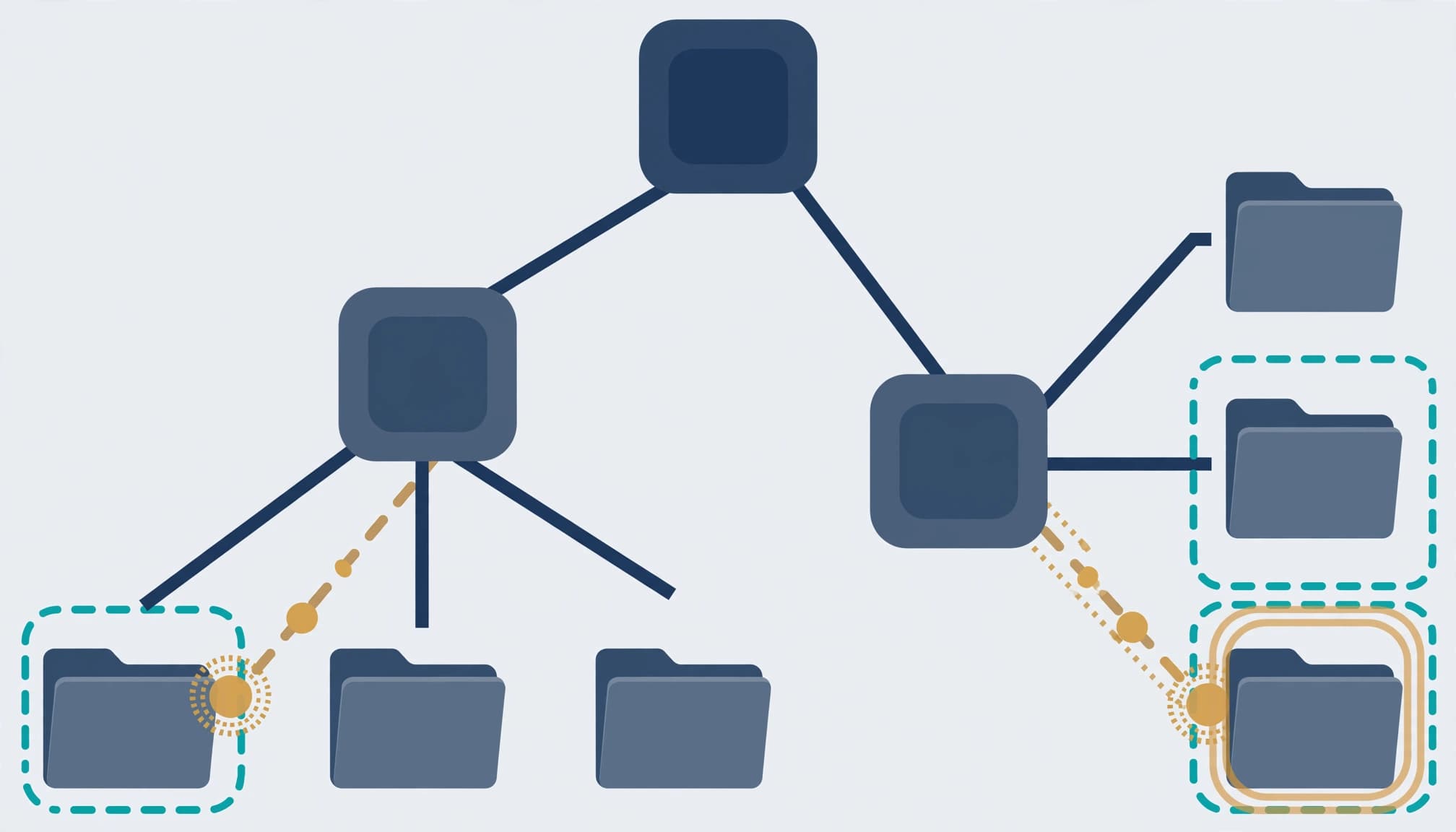
Approve meeting-data access before expanding Copilot. For E5 plus standalone Microsoft 365 Copilot, Copilot data governance starts with the permissions already attached to SharePoint, OneDrive, and Teams content.
I treat recordings, transcripts, meeting chat, and generated summaries as separate access decisions. Copilot governance sets the access boundary, but existing permissions can already expose compensation discussions, customer commitments, or acquisition plans. Set the deployment boundary before assigning more licenses.
Key Takeaways
Existing access determines what Microsoft 365 Copilot can retrieve. Sensitivity labels, data loss prevention policies, and audit records add controls, but none replaces an accountable content owner.
I use six deployment steps to establish a governance framework: define the cohort, repair permissions, classify meeting content, test protection and audit controls, approve agents, and measure the operating result. Expansion follows evidence.
Step 1: Define the licensing baseline and meeting scope
Separate entitlement from deployment approval
The baseline here is Microsoft 365 E5 plus the standalone Microsoft 365 Copilot add-on. E5 alone does not include full Microsoft 365 Copilot. Microsoft's E3, E5, and E7 comparison separates those licensing positions.
For a November 2026 deployment, I would record each pilot user's assigned licenses, required controls, and unresolved blockers. Mark each proposed capability GA or preview. Keep preview-dependent protections outside committed production acceptance criteria.
Our Microsoft 365 migration and licensing services can scope that review without turning it into an unnecessary Office 365 migration project.
Identify the meeting workflows being approved
Start with IT and a representative business cohort. Name the meetings, repositories, and outputs in scope, then assign data ownership to their business owners.
Non-channel meeting recordings use OneDrive; channel recordings use SharePoint. Meeting chat has its own access and retention considerations. For data management, map each artifact separately, including summaries copied into email or documents.
Azure names five data governance principles: accountability, rules and regulations, data administration, data quality, and transparency. For this deployment, name owners, document lifecycle and access decisions, and keep evidence reviewable.
Step 2: Find and repair SharePoint and OneDrive oversharing
Combine permission snapshots with sharing activity
Open the SharePoint admin center and use Reports > Data access governance. Review sharing-link activity, files with sensitivity labels, and permissions granted to Everyone except external users. Use the Oversharing Baseline Report to identify broad access across sites, OneDrives, and files.
Permission snapshots show existing exposure. Activity reports show recent sharing behavior. Neither substitutes for the other.
Microsoft's Copilot security guidance places oversharing remediation before broader deployment. Prioritize personnel records, financial discussions, customer contracts, and intellectual property.
Repair access in approved batches
For each affected site, review Settings > Site permissions, group membership, guests, sharing links, and item-level exceptions through Manage access. Trace membership through Microsoft 365 groups and Teams rather than assuming the visible site list tells the whole story.
I require the content owner to approve each change batch. Record the existing permission, proposed correction, affected workflow, and rollback method.
After applying changes, test with authorized and unauthorized pilot accounts. A successful administrator test proves very little about ordinary employee access. Close the finding only after the intended users can work and excluded users cannot retrieve the content.
Step 3: Classify meeting content and separate its controls
Apply labels to the information being protected
In the Microsoft Purview portal, use Solutions > Information Protection to build or revise sensitivity labels and publish them to the pilot cohort.
Labels can apply encryption, access restrictions, and visual markings. Define who can open protected files, who can change their classification, and which business owner approves exceptions. Use data classification to define the label scheme and assign business owners to approve classification decisions. Document the business rationale for the selected labels and controls to support compliance. Microsoft's Purview service description distinguishes the available protection and compliance capabilities.
I would reject a label scheme that employees cannot apply consistently. A clear distinction between ordinary internal material and restricted business information is more useful than ten overlapping labels.
Keep meeting policy separate from file protection
In the Microsoft Teams admin center, review Meetings > Meeting policies, including recording, transcription, and Copilot governance. Decide whether the approved workflow requires a saved transcript.
Then document the recording location, access permissions, retention policy, and handling of exported summaries. A meeting invitation does not prove that its recording and copied outputs have the intended protection.
Endpoint security and device hardening remain separate requirements. A protected repository does not compensate for an unmanaged device handling downloaded meeting content.
Step 4: Test DLP and retain usable audit evidence
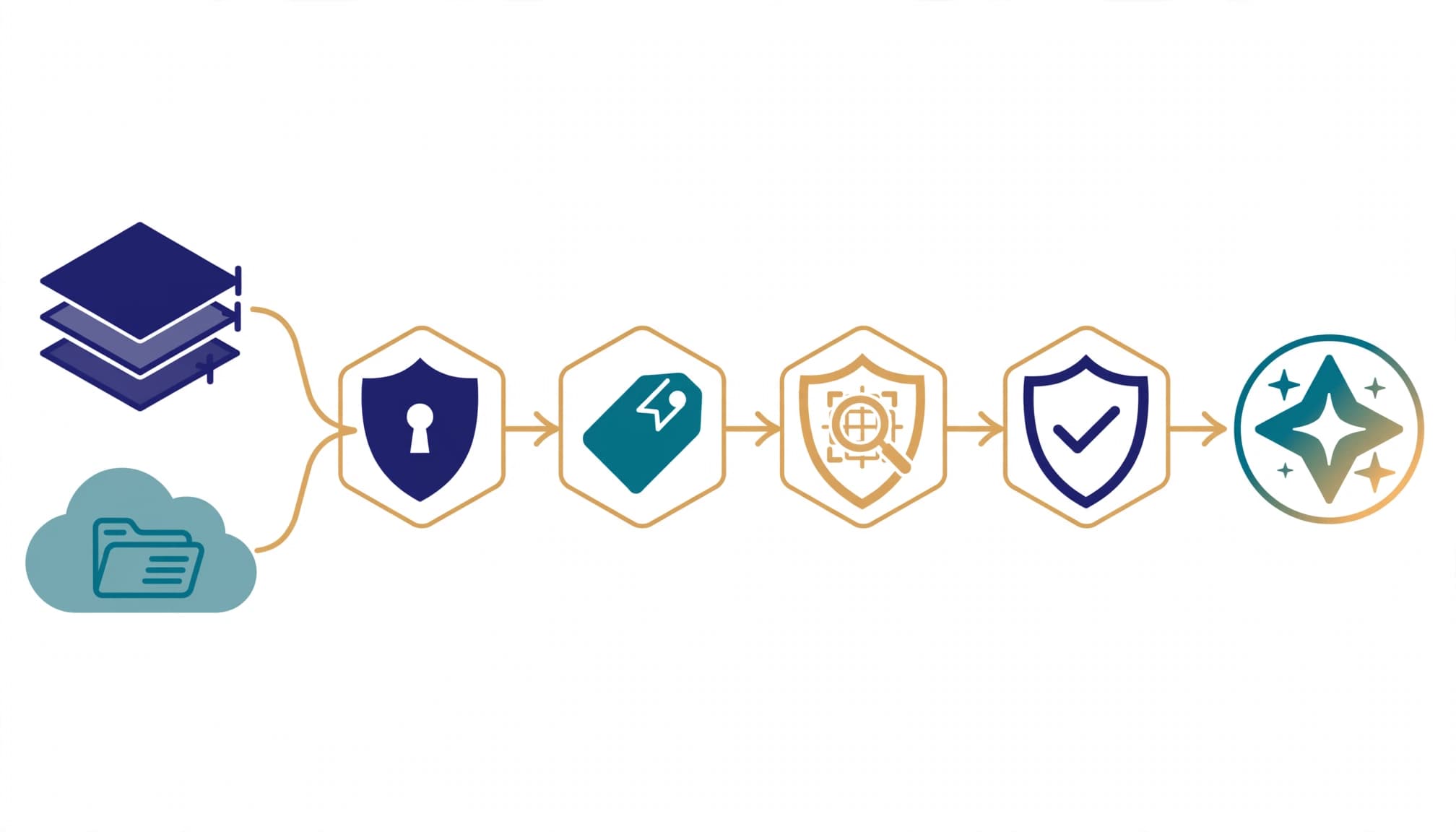
Configure Microsoft Purview DLP to address business risk and data security. For SharePoint and OneDrive, detect sensitive information such as credit card numbers and restrict unsafe sharing. Apply Copilot security policy controls to prevent selected labeled files or emails from contributing content to generated responses.
Microsoft's Copilot DLP documentation distinguishes an important behavior: excluded items can still appear as citations even when their content isn't used in the response. Do not classify that behavior as a permission failure without examining the underlying access decision.
I require a permitted retrieval test, a restricted retrieval test, an external-sharing test, and a revocation test. Retain the policy configuration, account used, expected result, observed result, and reviewer decision as compliance evidence.
In Microsoft Purview > Solutions > Audit, confirm that relevant activity can be found and retained under the approved configuration to support auditability. Keep retention decisions for chats, recordings, transcripts, and Copilot interactions explicit.
Where data privacy requirements such as GDPR and the AI Regulation apply, document the deployment's purpose, retention, and ownership. Microsoft tools don't establish legal compliance.
Use Microsoft Priva for applicable privacy workflows. Don't substitute it for Purview Audit or assume privacy tooling establishes the audit trail.
Step 5: Approve agents as separate access decisions
Do not extend meeting-data approval automatically to agents built in Microsoft Copilot Studio. An agent can introduce connectors, service identities, and actions that differ from an employee's interactive Copilot session.
I require a separate approval record for AI governance, with a business owner, technical owner, authentication method, permitted sources, allowed actions, and retirement condition. Review the identity that reads the transcript and the identity that writes the result. A correct final answer does not prove every intermediate action used appropriate permissions.
Microsoft Agent 365 reached general availability on May 1, 2026. It is a governance and control plane for observing, governing, and securing agents. It does not host models or execute the agent runtime.
Agent 365 is available separately or through Microsoft 365 E7. Copilot Studio, Azure services, custom applications, and other platforms still execute workloads.
Keep agent inventory separate from approval evidence. Every exception needs an owner, business justification, safeguards, and expiration date. Registry presence alone does not authorize access to meeting data.
Step 6: Measure usage, licensing, and ongoing ownership
Measure the approved workflow rather than counting assigned seats. Track active use, successful completion of meeting tasks, support incidents, unexpected retrieval, unresolved permissions findings, and exception age.
Assign a service owner to run a recurring data governance program that reviews these measures after each deployment ring. Reconcile licenses against actual use and retain the evidence behind expansion decisions. Our Copilot rollout change plan connects those decisions to support and change ownership.
For comparison, Microsoft 365 E7's published US list price is $99/user/month, paid yearly. That covers licensing only; Azure compute, model, and message consumption bill separately. E7 is an alternative bundle, not the price of the E5-plus-standalone-Copilot baseline.
A broader engagement is not worth it when there is no committed workflow or when basic identity and device problems already block deployment. Finish that necessary work first. A small-business IT strategy should not purchase enterprise scope merely because the bundle exists.
Pre-deployment checks that stop predictable mistakes
Require written evidence before moving beyond the pilot:
- Pilot access is approved before additional Copilot licenses are purchased.
- SharePoint and OneDrive findings include permission evidence, owner decisions, and completed retests.
- Sensitive repositories have usable classifications rather than an unpublished label design.
- Agent owners have approved data boundaries and connector scope.
- Ongoing reviews, incident response, and access revocation have named operators.
Together, the licensing matrix, remediation register, test results, exception register, and operating runbook establish a maintainable cloud data governance framework. A scoped, read-only Copilot readiness assessment establishes that evidence before remediation changes begin. This supports business continuity and security without removing access indiscriminately.
Frequently Asked Questions
Does E5 make meeting data ready for Copilot?
No. E5 provides security and compliance capabilities, but configuration, permissions, ownership, and testing determine readiness. The standalone Microsoft 365 Copilot add-on does not repair those conditions.
I approve the workflow only after its content owners accept the access boundary and operators can demonstrate protection and revocation.
Can labels and DLP control every generated summary?
Do not assume universal protection or automatic label inheritance across every output surface. Test the specific file, email, meeting artifact, and destination involved.
Labels control classification and applicable protection. DLP evaluates configured conditions and actions. A summary copied into another application requires its own handling decision.
Is Microsoft Purview the complete governance framework?
Purview supports governance of data, data security, and data compliance. It does not decide who owns a recording, whether a department needs access, or when an exception should expire.
I keep those decisions in the operating model. The tools enforce approved rules and produce evidence; business owners remain responsible for the rules.
Make the Deployment Gate Evidence-Based
Approve expansion when access tests pass, protection behaves as designed, and operators can investigate and revoke use. A licensing assignment is not that evidence.
I would rather hand over a narrow, tested deployment than a broad rollout with unresolved ownership. The necessary work is permissions, protection, and an operating record your team can maintain.
Book a free 30-minute call to scope a meeting-data readiness assessment or licensing review.