
Unsanctioned AI Controls for Microsoft 365 E7
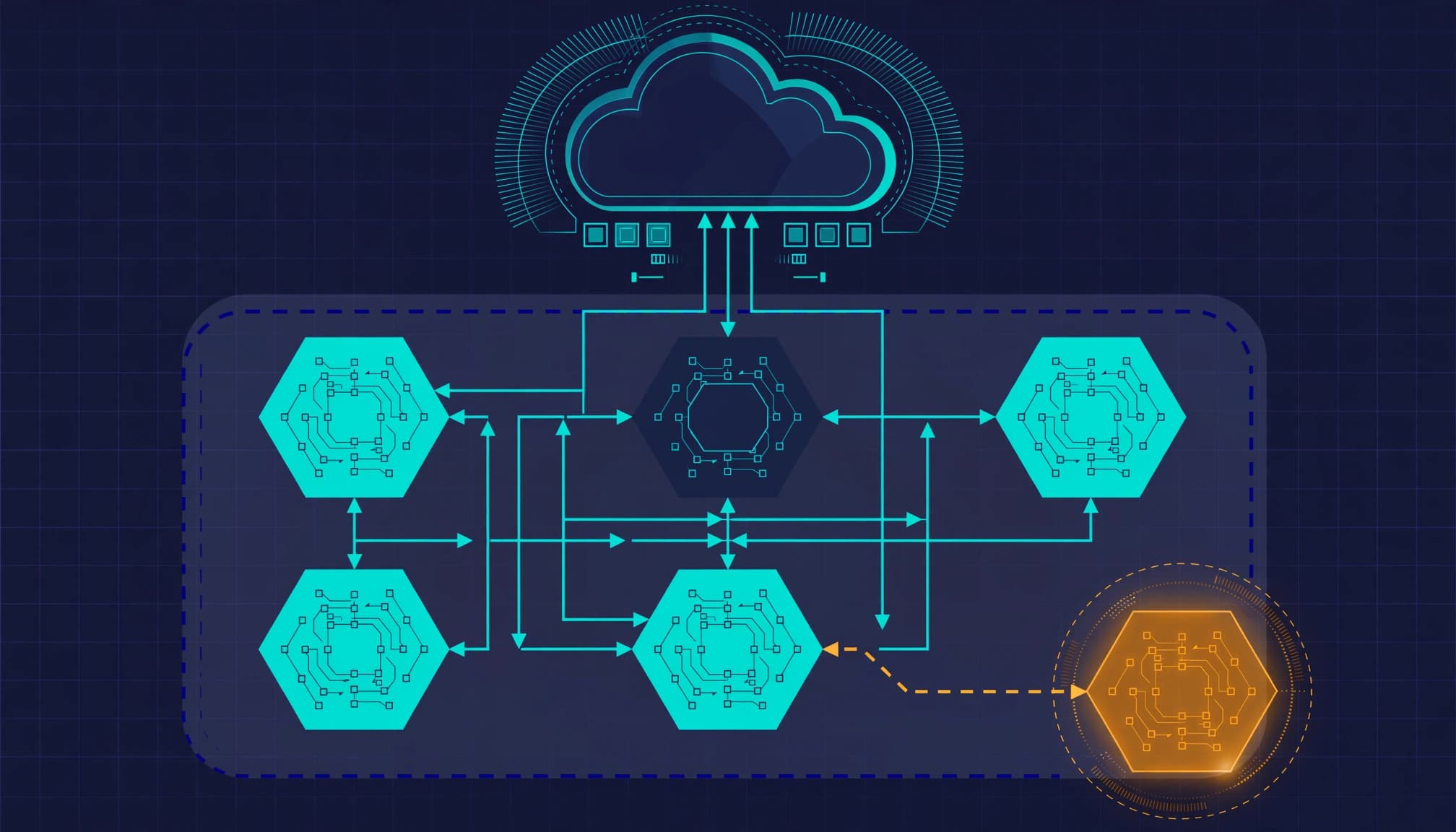
Build unsanctioned AI controls around the data leaving your organization, then decide whether Microsoft 365 E7 changes the licensing requirement. I start with existing entitlements, endpoint coverage, and application activity because a larger bundle does not activate an unused control.
Your immediate problem is exposure: customer records uploaded through personal accounts, agents granted mailbox access, and business workflows nobody owns. Establish visibility before enforcement, then make every block, approval, and exception traceable.
Key takeaways
- Microsoft 365 E5 already provides Defender for Cloud Apps; E7 changes the broader AI and identity value case.
- An Unsanctioned tag needs a configured enforcement path before it blocks application access.
- Discovery, data loss prevention, and agent governance address different parts of the problem.
Establish the E3, E5, or E5 plus Copilot baseline
Separate existing protection from added capabilities
I compare Microsoft 365 E3, Microsoft 365 E5, and E5 plus standalone Microsoft 365 Copilot separately. E3 needs an entitlement gap analysis. E5 needs evidence that existing Defender and Purview capabilities are configured and producing useful results.
For E5 plus Copilot, assess the added value of Microsoft Entra Suite and Agent 365 separately. Don't count Copilot twice. Agent 365 is a governance and control plane for AI agents, not the runtime that executes them.
Keep the purchase decision narrow
Microsoft's March 9, 2026 announcement introduced E7, with availability beginning May 1. Microsoft lists E7 and Agent 365 as generally available (GA). E7 combines E5, Microsoft 365 Copilot, Microsoft Entra Suite, and Agent 365.
Microsoft's published U.S. list price is $99 per user per month, paid yearly. The price covers licensing only. Azure compute, model, and message consumption are billed separately.
A Microsoft 365 E7 readiness assessment should distinguish missing protection from protection that's licensed but unused. If you only need to control several AI websites, a full E7 engagement isn't justified. For small business IT, endpoint hardening and business continuity may take priority.
Quantify the exposure without overstating the research
BlackFog's January 27, 2026 release reported a survey of 2,000 employees at organizations with more than 500 employees. Forty-nine percent used AI tools without employer approval. Fifty-one percent connected AI tools to work systems or applications without IT approval or oversight.
Among users of non-approved tools, 58% relied on free versions. Respondents also reported sharing research or datasets, 33%; employee data, 27%; and financial statements or sales data, 23%.
IBM's 2025 breach research found that 63% of breached organizations lacked an AI governance policy or were still developing one. Separately, 97% of organizations reporting breaches involving their AI models or applications lacked proper AI access controls.
Those findings support discovery and access control. They don't establish what any particular provider does with uploaded information. As part of your own exposure review, assess whether employees could disclose intellectual property as well as the data types reported in the survey. Your approval decision needs the provider's actual retention and training terms.
Discover shadow AI across devices, identities, and SaaS
Shadow AI governance covers discovery, evaluation, approval, monitoring, and control of AI adopted outside established technology processes. I build an AI tool inventory through this shadow AI discovery work, with an owner and usage context for each product.
Start with Cloud Discovery
In the Microsoft Defender portal, open Cloud apps > Cloud Discovery, then review Discovered apps and filter the Generative AI category. Microsoft's Cloud Discovery dashboard documentation describes application activity, users, traffic, and risk information.
Use Defender for Endpoint telemetry and supported firewall or proxy logs to establish coverage. A device missing from those sources is a visibility gap. Behavioral analysis is limited to available user and activity telemetry. Network logs don't reveal prompt or document contents.
Add the activity network logs cannot explain
Review browser-extension inventories, embedded SaaS copilots, and OAuth grants. Use Microsoft Entra admin center Enterprise applications and Defender for Cloud Apps App governance to investigate connected applications and permissions.
Each discovery record needs product name, user, department, account type, connected data source, authentication method, and usage volume. Obtain missing business context from the application owner rather than presenting inferred details as telemetry.
For agents, record the owner, delegated permissions, application permissions, and available actions. Read access and permission to send mail create different consequences.
Classify AI use before approving the product
The AI usage policy directs employees to approved AI tools and defines permitted uses. Classify each workflow, not just the product name. An approved service can still support a prohibited use.
Base approval on data classification and the workflow, not the product name alone.
| Risk tier | Use condition | Governance treatment |
|---|---|---|
| Low | Public information, no connected business data | Register the tool and permit the defined use |
| Moderate | Internal, non-sensitive information in an enterprise account | Require owner approval and documented retention and training terms |
| High | Confidential data or agents with business-system access | Require security review, least privilege, DLP, and a controlled pilot |
| Prohibited | Credentials, regulated data, or confidential records in unapproved tools | Block the workflow and investigate exposure |
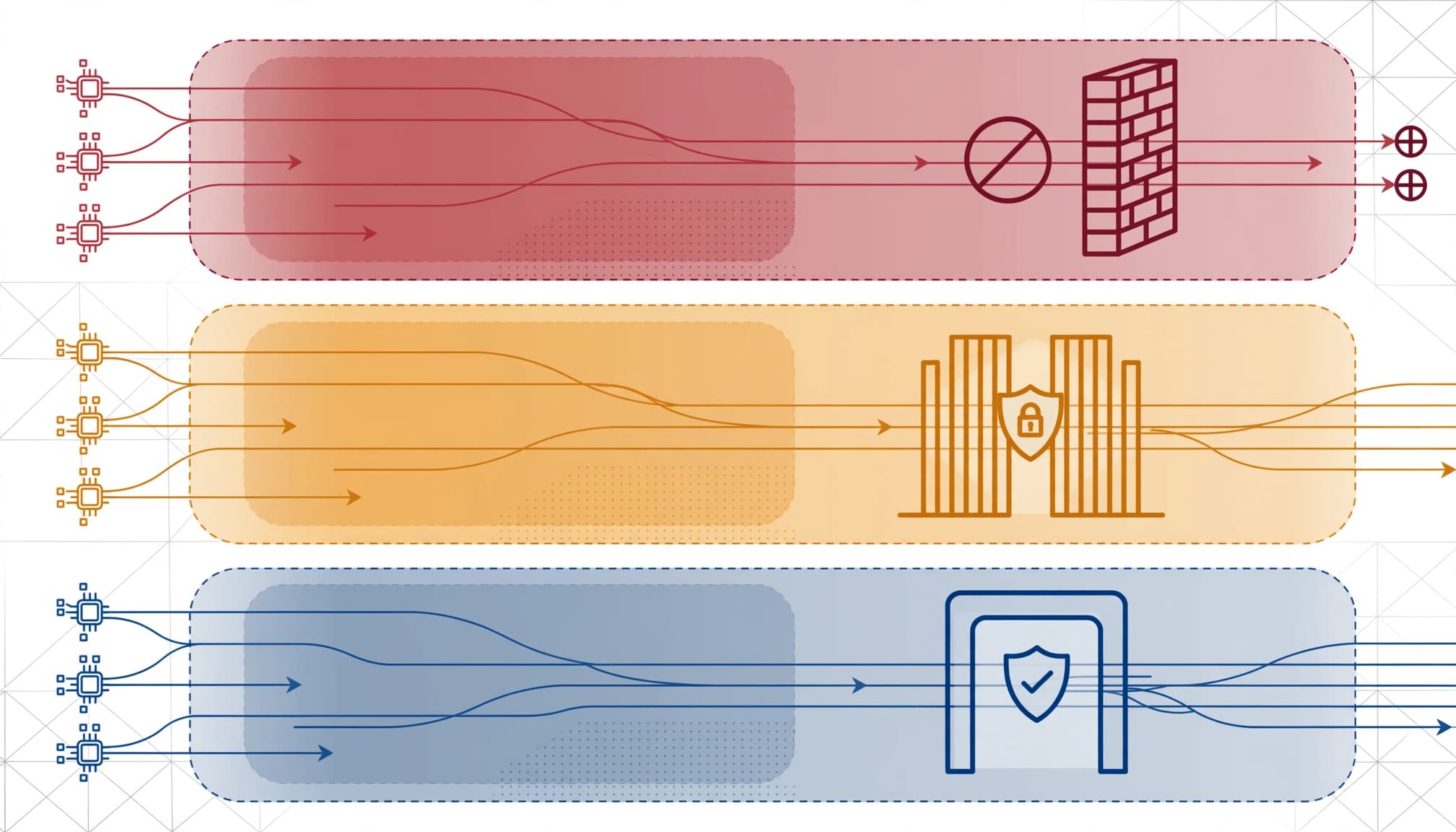
Write the employee rule plainly: use approved enterprise accounts, submit only permitted data classes, and request approval before connecting business systems. Credentials, customer records, employee records, and confidential financial information stay out of unapproved services.
Approval requires written provider terms covering data retention, deletion, and whether the enterprise plan allows disabling model training on company data. Record the selected setting. A training opt-out doesn't resolve retention or access exposure.
Apply unsanctioned AI controls through the right layer
Connect application classification to endpoint enforcement
Cloud Discovery and its Defender for Endpoint integration are GA capabilities. Microsoft's discovered-app governance guidance makes an important distinction: marking an application Unsanctioned does not, by itself, block access to unsanctioned AI tools.
For endpoint blocking, configure the Defender for Endpoint integration and Enforce app access under Settings > Cloud apps > Cloud Discovery > Microsoft Defender for Endpoint. Use onboarded devices with Microsoft Defender Antivirus cloud-delivered protection and Network protection enabled.
Microsoft's endpoint enforcement documentation describes the prerequisites and propagation behavior. Changes can take up to three hours. Test the supported browser and endpoint combination before declaring enforcement complete.
An organization-wide tag can affect more devices than the security team intended. Establish the enforcement scope before applying it.
Protect sensitive content separately
Application blocking controls whether a service is accessible, while Microsoft Purview Endpoint DLP controls supported transfers of sensitive data on managed devices. Together, they provide complementary AI guardrails.
In the Microsoft Purview portal, build policies under Solutions > Data Loss Prevention > Policies, scoped to Devices. Microsoft's Endpoint DLP deployment guidance covers preventing sensitive information from reaching AI services through supported paste and file-upload activities.
Use GA controls for the required protection path. Keep capabilities marked Preview outside committed production outcomes.
Test permitted work as well as blocked transfers. An approved enterprise AI service should remain usable for its authorized purpose.
Translate policy into rules, then enforce in rings
For shadow AI monitoring, every requirement needs a data source, detection condition, severity, owner, and response action. Without those fields, the policy is an instruction nobody can operate.
Set monitoring rules to use Cloud Discovery as the data source, detect activity against applications carrying a custom Review-AI tag, assign Medium severity, route alerts to security operations, and open a review ticket with the user and application owner.
Create the rule under Cloud apps > Policies > Policy management as an App discovery policy. Keep it alert-only for 30 days before broad enforcement. A custom review tag avoids triggering endpoint blocking through the built-in Unsanctioned tag during observation.
After reviewing results, apply risk-based controls in rings: IT, a representative departmental pilot, then the remaining population. Use policy enforcement in each ring, with employee education on the approved route and how to request an exception. Preserve immediate blocking for confirmed prohibited activity.
An exception process must identify the requester, business owner, purpose, account type, data classes, permissions, compensating controls, and expiration. Routine exceptions expire within 90 days. Review longer approvals quarterly.
Review the approved inventory at least quarterly and after changes to provider retention or model-training terms. These are governance standards, not Microsoft defaults.
Define the assessment and the handoff
I scope the work around assigned licenses, endpoint onboarding, discovery coverage, OAuth permissions, DLP policies, and existing exceptions. Secure cloud architecture and cloud management matter where applications can reach business data, not merely where the tenant stores it.
The deliverables should be concrete: a license baseline, AI inventory, risk register, policy-to-control map, pilot results, and remediation runbook. AI risk management organizes findings around named owners, failed tests, accepted exceptions, and conditions for broader enforcement.
When useful for planning, I can add a crosswalk to NIST CSF 2.0. The official publication, The NIST Cybersecurity Framework (CSF) 2.0, is dated February 26, 2024; the crosswalk is a planning reference, not a compliance claim.
Our cybersecurity risk management services address the identity, endpoint, and data-protection gaps behind those findings. For a small IT team, targeted engineering and a documented handoff can be more useful than adding another platform to administer.
Frequently asked questions
Should every unapproved AI service be banned?
I would block prohibited workflows and provide an approved alternative for legitimate work. A blanket ban encourages personal accounts and browser extensions that remove activity from managed channels. Access restrictions need a practical route for employees to complete their jobs.
What happens after credentials or regulated data are uploaded?
Treat the upload as an incident. Incident response should include revoking exposed credentials or tokens, preserving relevant audit logs, identifying the data and recipients, and involving the incident owner. Route regulated-data exposure through legal and privacy procedures. A provider deletion request doesn't replace containment.
Does Agent 365 replace Defender for Cloud Apps?
No. Agent 365 provides agent governance and control-plane functions. Defender for Cloud Apps supplies application discovery and supported application controls. Endpoint protection, OAuth permission management, and Purview DLP still need their own configuration, ownership, and test evidence.
Make the controls prove themselves
The required outcome is tested protection: known AI services, accountable owners, enforced data boundaries, and exceptions that expire. More licenses do not substitute for that evidence.
I would approve broader deployment only after the pilot demonstrates both blocked exposure and usable business workflows.
Book a free 30-minute call to scope a licensing and AI-control readiness review.