
E7 OAuth App Consent Review: Grants to Keep or Remove
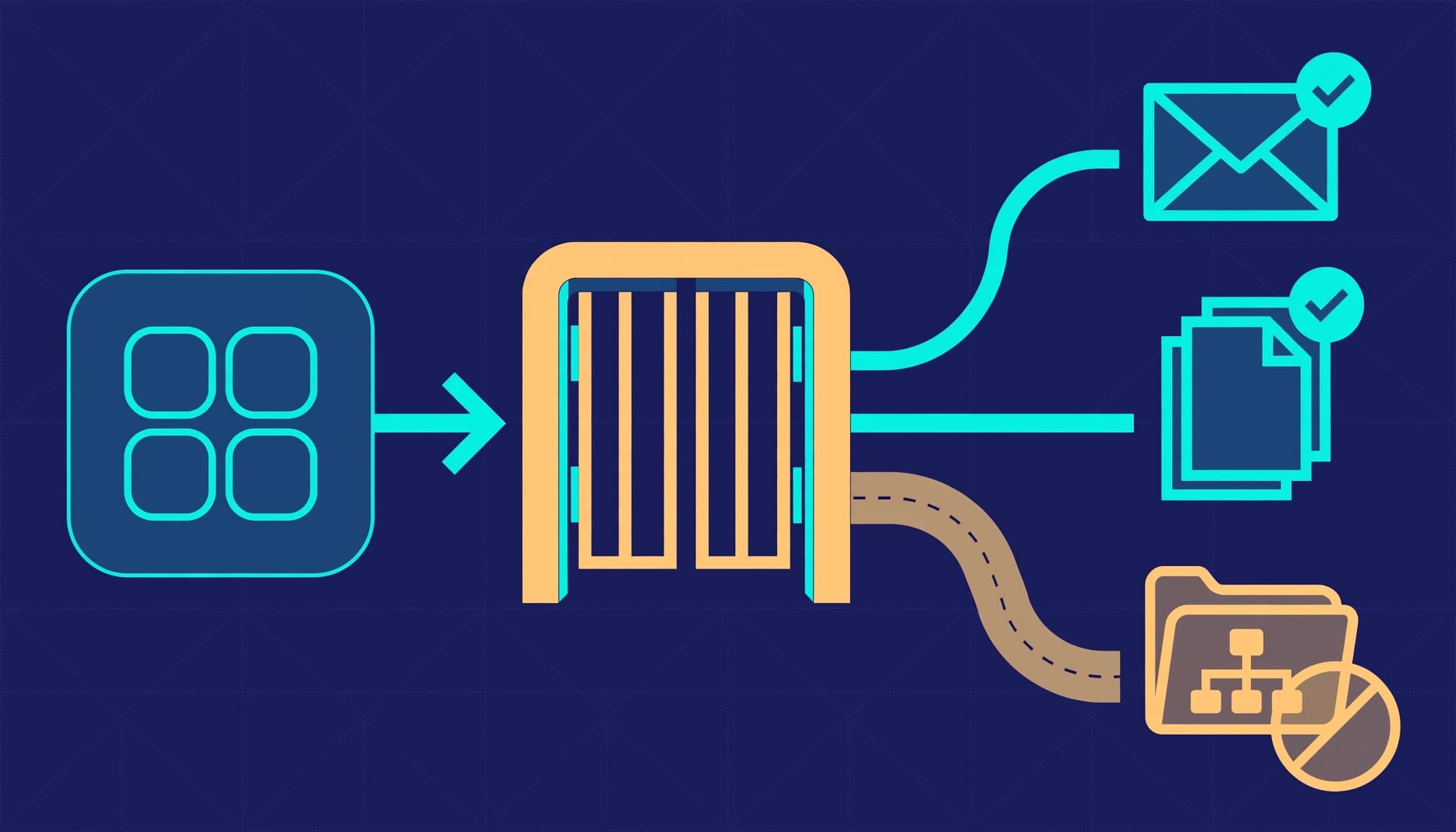
Review existing OAuth grants before treating an E7 rollout as a security improvement. An OAuth app consent review should identify what each application can reach, who approved that access, and whether the business still needs it.
I treat missing ownership and unexplained permissions as findings, even when the application still works. This OAuth app review starts with the access already granted, then builds the approval process that prevents the same problems returning.
Key takeaways
- Restrict new consent and review existing grants separately; changing the policy does not remove previously authorized access.
- Require a business owner, justified permissions, and a tested removal path before approving an application.
- Close the review with applied changes and retained evidence, not an inventory marked reviewed.
Set the licensing baseline before evaluating E7
I use Microsoft 365 E5 as the comparison baseline for this E7 review. An organization starting with E3, or E5 plus standalone Copilot, needs a separate entitlement and value assessment. Combining those baselines hides which capabilities the organization already owns.
The Microsoft Entra consent controls and Microsoft Defender for Cloud Apps OAuth investigation capabilities described here are generally available (GA). No preview capability is required to complete this review.
Separate licensing decisions from permission decisions. More security tooling does not establish whether a reporting connector should read every mailbox. The operating requirement remains the same: inventory the grants, justify the access, enforce the decision, and preserve the result.
Review permissions and token persistence separately
Identify whose authority the application uses
Consent is the point where requested permissions become authorized access. Delegated permissions let an application act on behalf of a signed-in user. Application permissions let it act independently, without a signed-in user, and always require admin consent.
Prioritize Mail.ReadWrite, Files.Read.All, Files.ReadWrite, and Directory.Read.All for justification. Record the API, permission type, and resource boundary. Names alone are insufficient.
Treat Mail.ReadWrite.All in a request or inventory as a discrepancy requiring resolution. Microsoft Graph uses Mail.ReadWrite; don't approve access against an inaccurate permission description.
Understand what password recovery leaves behind
Users often select Accept without closely reading the prompt. Microsoft's consent phishing guidance explains how attackers exploit the legitimate sign-in and consent interface without stealing a password.
An approved grant can provide persistent access; password resets and MFA changes don't remove the underlying consent grant. MFA protects authentication; it doesn't independently prevent an authorized application abusing its access.
The offline_access scope supports refresh tokens that extend delegated access beyond an interactive session. Token lifetimes and revocation still apply. App-only access uses application credentials rather than delegated refresh tokens. Investigate both paths.
Run an OAuth app consent review against existing grants
Build the inventory around enterprise applications
Include tenant-owned applications and third-party apps represented by enterprise application service principals. Start in Microsoft Entra admin center > Entra ID > Enterprise apps > All applications. Open each in-scope application, then select Permissions.
Microsoft's enterprise application permission instructions distinguish the Admin consent and User consent tabs. Review both. Admin consent can include organization-wide delegated grants as well as application permissions; it does not mean every listed grant is app-only.
I record the application ID, service principal ID, publisher, owners, granted permissions, affected users, and approval ticket. Reconcile App registrations for tenant-owned applications, but use the enterprise application's grants to establish what this tenant has authorized.
Separate dormant access from operational dependencies
Match that inventory with sign-in records, consent events, application activity, and ticket history. An old Last authorized date identifies a review candidate, not proof that the application is unused.
A monthly finance connector can appear dormant between runs. Ask its business owner to identify the dependency and retain supporting activity.
Review grants made before user consent was restricted. Those grants remain a separate remediation workload. My Microsoft 365 OAuth review checklist follows the same evidence-first approach.
Ask eight questions before approving access
I require the application owner and security reviewer to answer these questions before an administrator grants consent. A vendor's permission request is an input, not a business justification.
- What business process requires this application?
- Who owns its operation, renewal, and retirement?
- Who publishes it, and is it a verified publisher? What does publisher verification establish?
- Which delegated or application permissions, including any high-risk scopes, does it request?
- Why is each scope necessary to meet least privilege for the approved process?
- Which mailboxes, sites, files, or directory objects can it reach?
- Which logs will show its activity and unexpected behavior?
- How will access end, and who will prove removal?
Record one decision with the evidence needed to enforce it.
| Decision | Required record |
|---|---|
| Approve | Owner, justified scopes, approval, review date |
| Approve with conditions | Restrictions, responsible operator, completion evidence |
| Pilot only | Limited scope, end date, acceptance criteria |
| Do not approve | Reason, denied permissions, requester notification |
| Retire | Dependency decision, removal record, validation |
Approval with conditions remains incomplete until the conditions are applied. A pilot also needs an expiration date that somebody owns.
I stop a request when the permissions exceed the documented purpose. Publisher verification helps establish publisher identity. It does not prove that mailbox write access belongs in the workflow.
For application permissions, document the effective resource boundary after any supported resource-scoping controls. A friendly application name tells you nothing about its reach.
Close unrestricted consent without blocking legitimate work
Restrict what users can authorize
Go to Entra ID > Enterprise apps > Consent and permissions > User consent settings.
For centrally governed environments, set the consent policy to Do not allow user consent and enable the request workflow. Where self-service is justified, restrict it to verified publishers and selected permissions classified as low impact.
Keep high-risk permissions outside user-consent eligibility. Disabling self-service does not remove historical grants, and verified-publisher status does not make every permission acceptable.
Endpoint security and device hardening remain necessary. They do not replace a decision about what a cloud application can retrieve.
Assign reviewers and a response deadline
Microsoft's admin consent workflow configuration, updated October 28, 2026, documents Entra ID > Enterprise apps > Consent and permissions > Admin consent settings.
Enable Users can request admin consent to apps they are unable to consent to. Assign reviewers, notifications, reminders, and request expiration.
The user submits a justification; designated reviewers evaluate the request, and the requester receives the outcome. I set a two-business-day response target as an operating standard, not a Microsoft service guarantee.
Reviewer designation does not grant approval privileges. Approval requires the appropriate role; Microsoft Graph application-permission requests require Global Administrator approval through this workflow.
Investigate suspicious apps and enforce removal

Use Defender filters to prioritize investigation
Open Microsoft Defender portal > Cloud Apps > OAuth apps. Microsoft's risky OAuth app investigation guidance, updated October 5, 2026, recommends Permission level: High severity and Community use: Not common. Use these filters to prioritize risky OAuth apps, not to establish guilt.
Also examine apps authorized by a small number of users and the saved query Apps authorized by external users. If App governance is deployed, include its alerts as a triage input.
Open the application details and compare publisher information, permissions, Related activities, and Consent activities. Prioritize unexplained mailbox access, sensitive file access, and grants involving privileged users. Business data owners must identify what exposure would mean commercially.
Apply the decision and test the result
From the OAuth apps page, ban or revoke an application where supported. OAuth app policies can automatically revoke an application or a specific user's authorization.
For organization-wide grants in Entra, open Permissions > Admin consent, select the permission's menu, and choose Revoke permission.
Preserve evidence before destructive changes, but don't delay containment for an active malicious app. Microsoft's app consent investigation playbook supports that investigation.
Removal is complete only after the affected access path fails. Account for token validity and propagation, then retain the result.
Deliver evidence that another operator can use
I assign the business owner the necessity decision, security the risk decision, and the application administrator the implementation. Schedule a quarterly review for every application, plus additional reviews after ownership changes, incidents, and contract termination.
Use the Entra audit log at Entra ID > Enterprise apps > Activity > Audit logs to investigate Consent to application events. Retain the actor, timestamp, application, and ConsentAction.Permissions. Route those events into alerting, prioritize sensitive grants, and export the OAuth app audit for the review record.
The handoff should contain the inventory, permission snapshots, decision register, policy changes, unresolved exceptions, and removal evidence. That supports cloud management, insurance renewals, and incident investigation without relying on somebody remembering the approval.
Outside help is unnecessary when your team can identify a grant, deny it, remove it, and retain proof reliably. Where that sequence breaks, my cybersecurity risk management services can scope the assessment and remediation around those missing steps.
Questions that affect the review boundary
Does reviewing application assignments also review OAuth grants?
No. Assignment reviews determine who should access an application. OAuth reviews examine what that application can access through delegated grants or application permissions. Keep separate evidence for each decision.
Does revocation recover data already copied?
No. Revocation stops future authorized access once effective; it does not retrieve exported mail or files. Investigate the application's activity and reachable data, then handle any confirmed disclosure through the incident process.
Close the review with applied decisions
An E7 consent review is complete when retained access has an owner and justification, denied access is removed, and another operator can follow the evidence. More dashboards do not compensate for an unfinished revocation.
Book a free 30-minute call to define the review boundary and decide whether outside help is warranted.