
Microsoft E7 Licensing: A Seasonal Workforce Budget Plan

Your busiest quarter can leave you paying for premium licenses long after temporary workers leave. I approach Microsoft E7 licensing by separating access needs from subscription commitments, then testing whether the bundle earns its place for each worker group.
For budget approvers, the decision starts with your existing E3, E5, or E5 plus standalone Copilot baseline. Before approving an upgrade, I recommend reconciling that baseline with staffing forecasts, contract terms, and the controls needed when workers join, change roles, and leave.
Key Takeaways
- Microsoft 365 E7 bundles E5, Microsoft 365 Copilot, Microsoft Entra Suite, and Agent 365, but its value depends on each worker group’s needs and existing E3, E5, or E5 plus Copilot baseline.
- The listed price is $99 per user/month with an annual commitment, or $1,188 per seat per year. Removing an assignment alone does not reduce the purchased subscription quantity or release that commitment.
- Seasonal workers have no universal licensing exemption. Validate entitlements, contract terms, access patterns, and whether existing subscriptions can actually be retired before claiming savings.
- A sound plan pairs licensing decisions with tested joiner, mover, and leaver controls, including access removal, endpoint security, and required data retention.
- Agent 365 provides an AI agent control plane, not an agent runtime. Governance, ownership, deployment readiness, and consumption costs still need separate planning.
Start with the licensing baseline
Microsoft 365 E7, branded the Frontier Suite, reached general availability (GA) on May 1, 2026. Microsoft’s E7 product details describe a bundle containing Microsoft 365 E5, Microsoft 365 Copilot, Microsoft Entra Suite, and Agent 365.
The bundle changes the buying decision, but it doesn’t make every temporary worker a candidate for Microsoft 365 E7. I assess incremental value through a license comparison, based on what your organization already owns and uses.
The starting license determines the business case.
| Existing baseline | What the E7 review must establish |
|---|---|
| Microsoft 365 E3 | Whether E5 capabilities and added AI and identity services justify the upgrade. |
| Microsoft 365 E5 | Whether Microsoft Entra Suite and Agent 365 address funded business needs. |
| E5 plus standalone Copilot | Whether the remaining services justify the difference after overlapping subscriptions are removed. |
An E3 organization faces a broader security and productivity decision than an E5 organization already using Copilot. A single organization-wide savings percentage can hide weak value for individual populations.
I also check existing Microsoft Defender, Microsoft Purview, identity, and network subscriptions. I validate compliance capabilities against actual business needs, since an entitlement alone doesn’t deliver an outcome. An overlapping entitlement becomes a financial saving only when you can retire the corresponding purchase. Renewal timing and replacement readiness matter as much as feature fit.
Map seasonal demand before assigning licenses
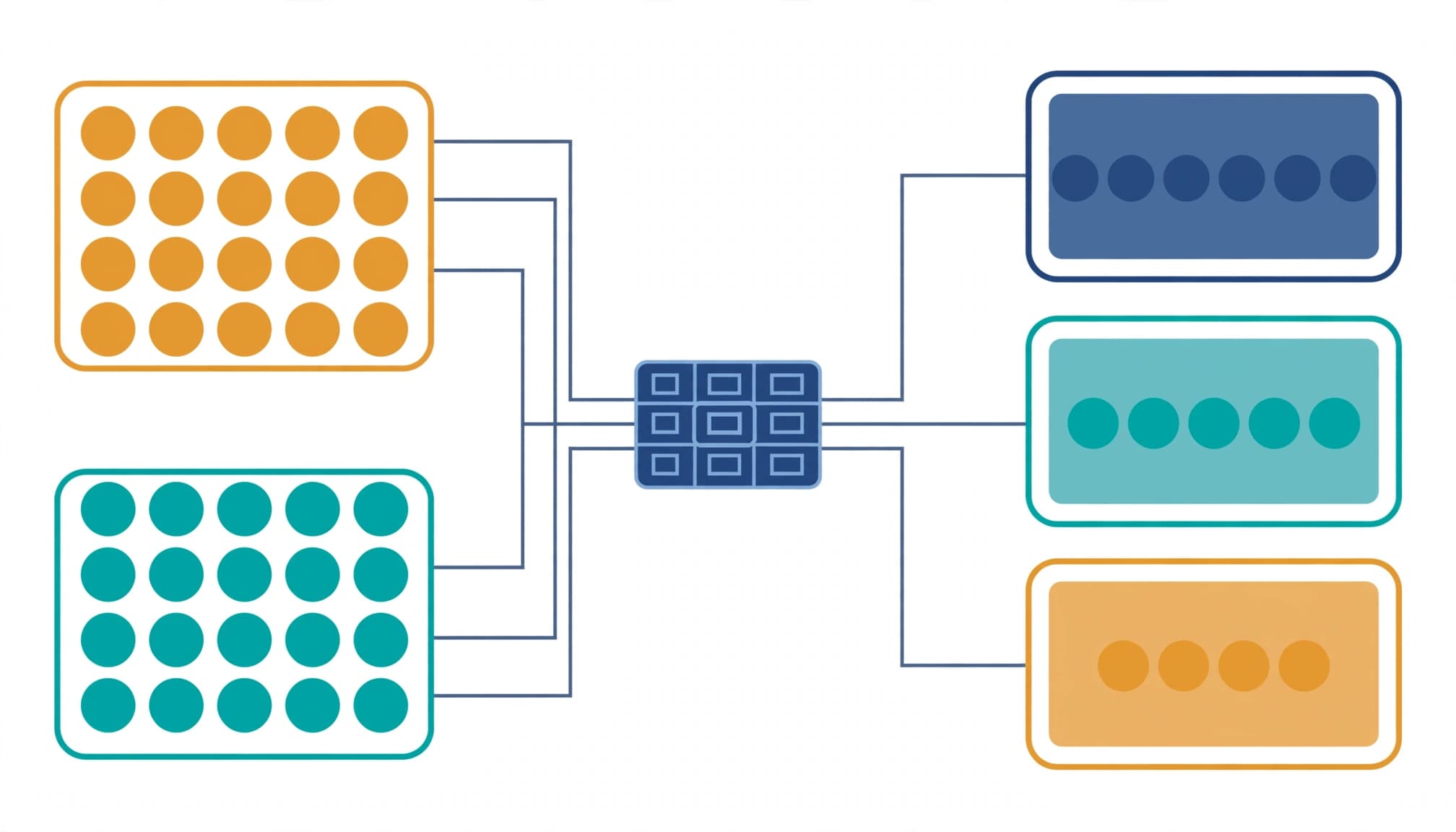
Separate worker populations and access patterns
I request a roster covering permanent employees, seasonal hires, agency staff, named contractors, and supplier guests. For each population, I capture sponsors, start and end dates, locations, devices, and required applications.
Employment status alone doesn’t settle licensing. A contractor working daily in your tenant needs a different assessment than a supplier accessing one shared site.
Access patterns matter, too. Someone supporting restaurant POS systems or kitchen technology may need one operational application. A seasonal finance analyst may need desktop Office, sensitive SharePoint libraries, and Copilot. Each cohort’s applications, devices, and permissions should inform its access controls and licensing recommendation.
Reconcile purchased, assigned, and required licenses
Next, I compare purchased quantities with direct assignments, licensing groups, enabled service plans, and actual workload use. This exposes redundant assignments and exceptions that staffing reports miss.
Microsoft’s license assignment guidance explains the administrative workflow. However, that workflow doesn’t establish entitlement for every contractor or shared-device scenario.
I validate guest access, frontline eligibility, shared devices, and reassignment against applicable terms. There is no universal seasonal-worker exemption. The resulting cohort matrix identifies recommended licenses, unresolved questions, and the business owner responsible for each exception.
Forecast committed seats, not active accounts
Separate monthly rates from annual obligations
Microsoft’s enterprise pricing page lists Microsoft 365 E7 at $99 per user/month, paid yearly with an annual commitment. That rate covers licensing only; Azure compute, model, and message consumption bill separately where applicable.
At that rate, one annually committed seat totals $1,188. Every 100 annually committed seats creates $118,800 in annual license expense, before taxes, negotiated adjustments, or separately billed consumption.
A three-month staffing peak doesn’t automatically create a three-month purchasing obligation. I forecast monthly workforce demand and contractual liability separately, including seats you must retain between seasons.
Removing a license assignment doesn’t, by itself, reduce the purchased subscription quantity or release an annual commitment.
Model the agreement before claiming savings
For enterprise licensing, I inspect enterprise agreement or CSP terms, renewal dates, billing frequency, and promotion eligibility. An enterprise agreement may include cancellation windows and reduction rights, while a monthly invoice can still sit under an annual commitment.
The license comparison should show the current baseline, proposed subscriptions, removable add-ons, and implementation costs. Include migration effort and ongoing cloud management, rather than treating bundle pricing as the entire investment.
For consumption-based workloads, I also require clear ownership, usage assumptions, and spending alerts. Subscription approval shouldn’t become open-ended approval for runtime consumption.
Finally, I compare peak-demand and lower-demand forecasts for staffing, subscription liability, and consumption-based workloads. That gives finance a range tied to staffing assumptions and contractual constraints, rather than a forecast based only on today’s assigned accounts.
Make temporary access safe to repeat
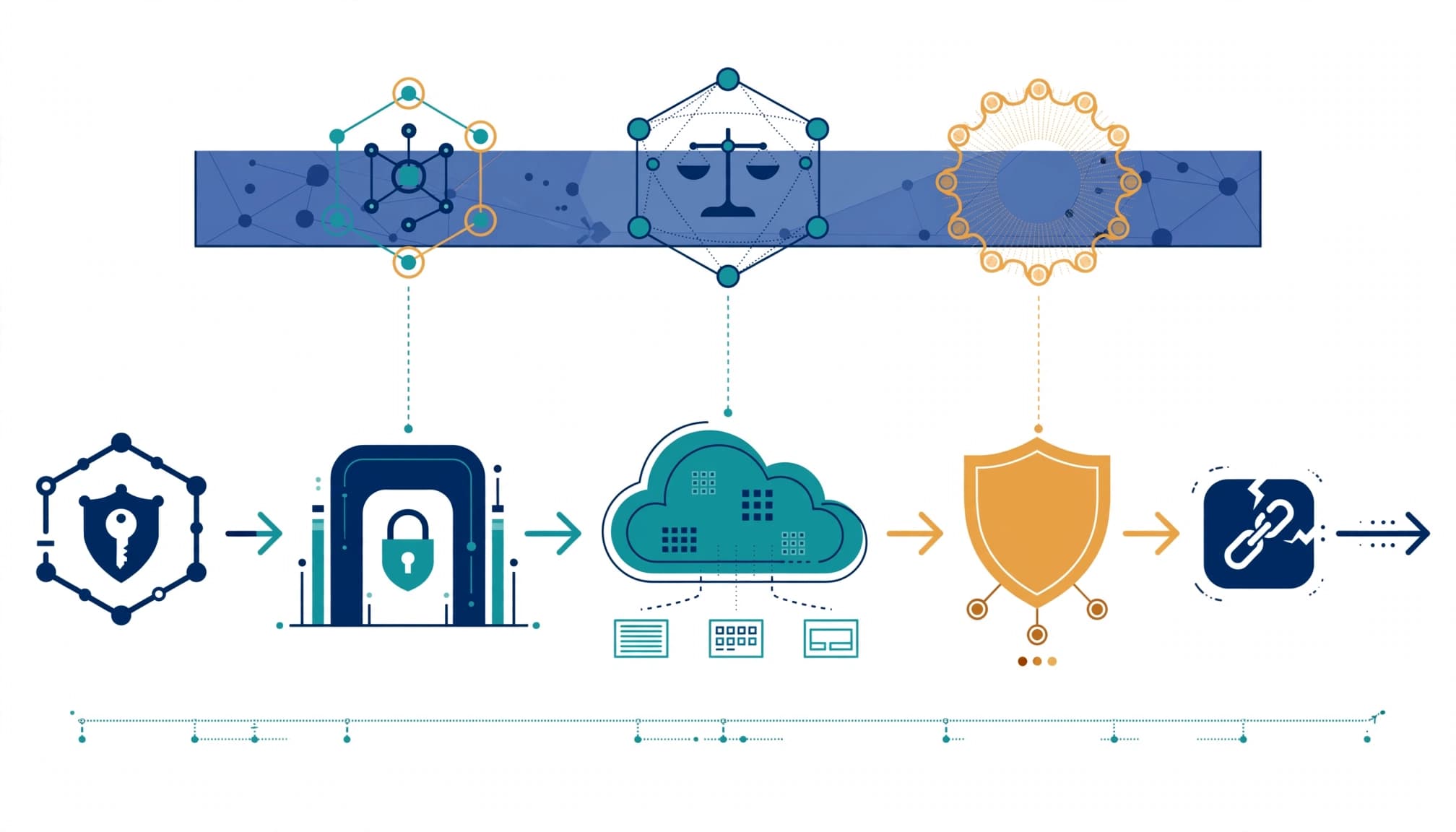
Define joiner, mover, and leaver controls
A seasonal licensing plan needs an accountable identity lifecycle. Before onboarding, I establish the sponsor, approved role, access package, expiration date, and device requirements.
For role changes, I test whether previous permissions disappear before new access creates unnecessary privilege. At departure, the process should block access, revoke sessions, and remove group membership. It should also address application-specific credentials and any managed identity tied to the worker, where supported.
License removal follows the retention decision. Mailboxes, OneDrive files, audit evidence, and business records may need preservation before administrators change assignments. Validate relevant compliance capabilities before relying on them for retention.
Microsoft’s Entra governance licensing fundamentals also matter when scoping identity governance features. Administrative assignment and licensing coverage aren’t always the same calculation.
Check endpoints and residual access
I review MFA, Conditional Access, privileged identity management, guest access, and hybrid identity alongside the subscription recommendation. Core GA controls such as Conditional Access need tested policies, not merely an available entitlement.
Endpoint security and device hardening remain separate workstreams. Unmanaged contractor laptops, cached files, browser sessions, and shared operational devices can retain exposure after a worker leaves.
I also check how monitoring, patching, and incident response responsibilities divide between internal teams and external cybersecurity services.
These controls address commercial risks: data leakage, audit findings, insurance renewal questions, downtime, and productivity loss. Business continuity and security depend on tested offboarding, not the license tier alone.
Separate AI governance from deployment readiness
Treat Agent 365 as a control plane
Agent 365 is GA, as listed in Microsoft’s Agent 365 service description, which defines a centralized control plane for discovering, managing, governing, and securing AI agents.
It isn’t an agent runtime. The entitlement doesn’t deploy autonomous AI agents or resolve their data access and operating requirements.
I assess AI agent governance by checking ownership, inventory coverage, permissions, monitoring, and retirement procedures. Agent 365 can support discovery, but it doesn’t resolve shadow AI alone.
For AI agent governance, each contractor-built agent needs a lasting owner for its credentials and business dependencies. Agent 365 doesn’t replace that ownership.
For Microsoft 365 Copilot, I examine concrete workflows and SharePoint permissions before recommending broader assignment. This tests AI readiness across ownership, data access, and workflow fit.
Existing oversharing can undermine the value case. Each proposed integration gets a GA or preview label; preview-dependent benefits stay outside the committed production case.
Validate Entra Suite implementation effort
The Microsoft Entra licensing documentation lists Private Access, Internet Access, ID Governance, ID Protection, and premium Verified ID capabilities within Microsoft Entra Suite.
Private Access supports Zero Trust Network Access (ZTNA) to private resources without a VPN. Internet Access provides an identity-centric secure web gateway. Assess these options against your current network design; ZTNA doesn’t automatically replace it.
I assess connectors, routing, application compatibility, device support, identity dependencies, and rollback procedures. Cloud infrastructure and data center applications can require different deployment paths.
A cloud security architecture review should also identify dependencies that remain outside the bundle, including identity governance. Infrastructure optimization produces savings only after replacement services work reliably and the organization can retire the old ones.
Define what the licensing review delivers
I recommend a scoped engagement with clear inputs and acceptance criteria. Your business technology partner should assess the full seasonal cycle, not simply export today’s license counts.
Inputs should include workforce forecasts, tenant assignments, application access, device ownership, identity controls, consumption records, and purchasing agreements. If an Office 365 migration or tenant consolidation is underway, include provisioning and cutover dependencies.
The client should receive four concrete outputs:
- A reconciled worker-and-license matrix showing recommended assignments, exceptions, sponsors, and unresolved entitlement questions.
- A baseline license comparison workbook separating recurring licensing, removable subscriptions, implementation effort, and agent consumption assumptions.
- A prioritized remediation plan covering identity lifecycle, tenant security hardening, endpoint controls, and deployment dependencies.
- An executive decision brief explaining which populations should upgrade, which should retain existing licensing, and what must happen before approval.
At handover, I recommend a working session with IT, procurement, finance, and HR. Every decision needs an owner, a date, and evidence that the agreed control works.
Acceptance should include a sample joiner, mover, and leaver test, plus reconciliation of the recommendation against the procurement quote. The client retains the workbook, findings, and operating procedures.
RVA Tech Visions’ Microsoft 365 services include licensing advisory, tenant configuration, security hardening, migration support, and ongoing administration. Tailored technology services should connect this work to the agreed scope without turning a licensing review into an unnecessary digital transformation program.
When outside help isn’t worth it
A full engagement may be unnecessary when your license inventory is accurate, contractual flexibility is understood, and temporary access already has tested controls.
If seasonal workers use limited applications and lack a demonstrated need or accountable owner for Agent 365 governance, I wouldn’t recommend E7 just to standardize the roster. Likewise, an E5 plus Copilot environment may need only a targeted identity or agent review.
For a smaller business, managed IT support may already maintain the necessary inventory and renewal calendar. Additional technology consulting should solve an identifiable gap rather than duplicate that work.
I also avoid recommending an upgrade when the organization cannot yet retire existing network services or assign ownership to agents. In those cases, readiness work comes first.
The engagement earns its place when overlapping contracts, inconsistent assignments, unclear entitlements, or unreliable offboarding prevent a defensible decision. Otherwise, a focused internal review is reasonable.
Frequently Asked Questions
What does Microsoft 365 E7 include?
Microsoft 365 E7 bundles Microsoft 365 E5, Microsoft 365 Copilot, Microsoft Entra Suite, and Agent 365. Agent 365 is a control plane for managing and governing agents; it does not deploy agent runtimes.
How much does Microsoft 365 E7 cost?
The listed price is $99 per user/month, paid yearly with an annual commitment, which totals $1,188 per seat per year. Applicable Azure compute, model, and message consumption is billed separately.
Do seasonal workers qualify for a licensing exemption?
There is no universal seasonal-worker exemption, so assess each worker’s role, access pattern, and applicable licensing terms. Also check contract terms: removing an assignment does not by itself reduce the purchased quantity or end an annual commitment.
Should every seasonal worker be upgraded to E7?
No. Compare each worker group’s requirements and existing licensing baseline, and upgrade only when the added capabilities address funded business needs and the contract terms work.
Approve a workforce plan before an upgrade
Microsoft E7 licensing deserves approval when its added capabilities match identified workers, funded use cases, and workable contract terms. I prioritize avoidable commitments and reliable access controls over an organization-wide tier change.
Start with a licensing review or RVA Tech Visions’ free Microsoft 365 assessment. Ask for a clear E3, E5, or E5 plus Copilot comparison before discussing an upgrade.
Your staffing peak should determine access demand. It shouldn’t automatically determine a year of premium subscriptions.