
Microsoft 365 E7: A Records-Management Assessment
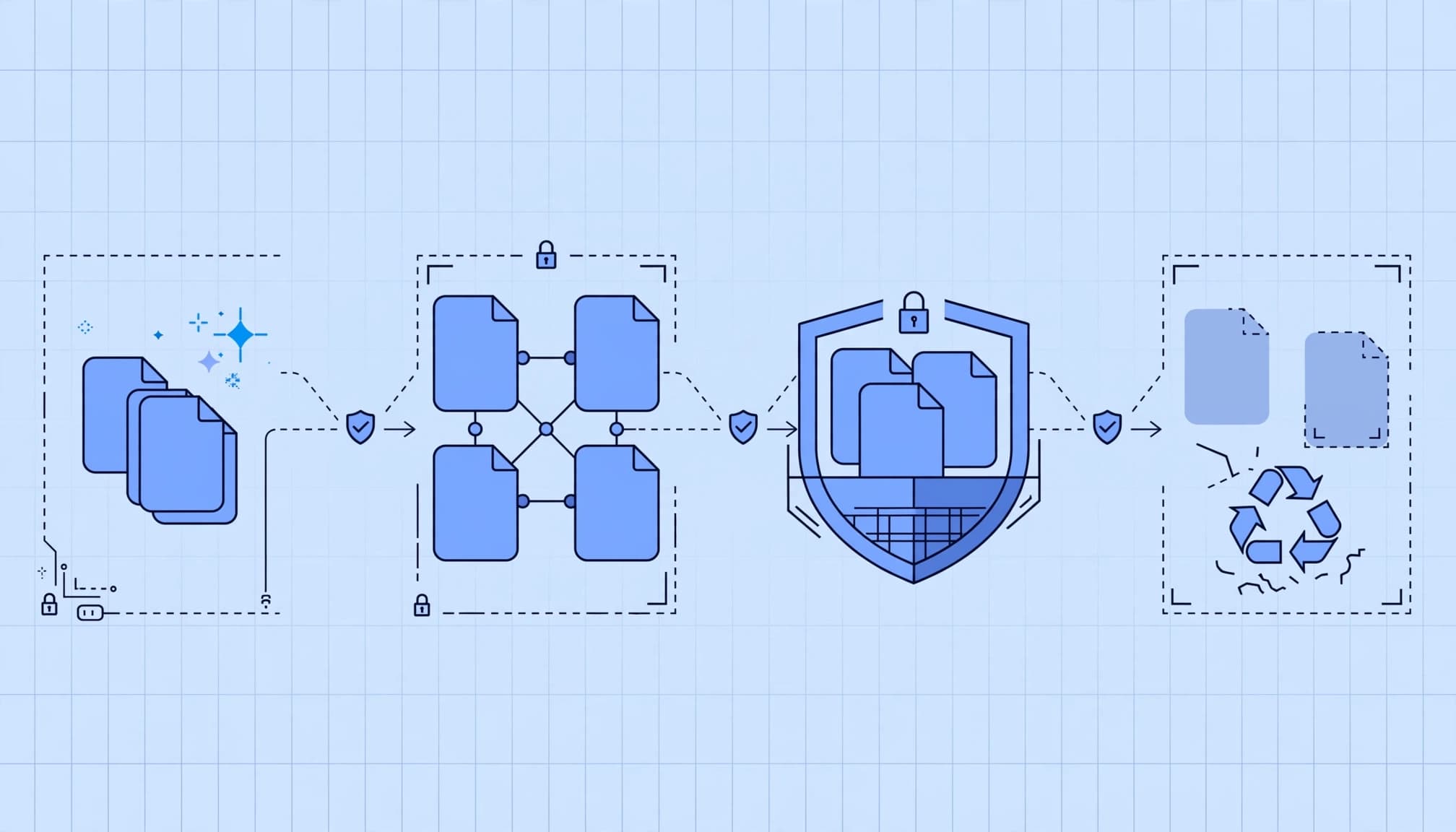
Copilot can make years of retained content easier to find, including information your business never intended to share broadly. I recommend assessing data exposure and lifecycle controls before treating Microsoft 365 E7 as a licensing upgrade or expanding enterprise AI use.
For records managers and IT leaders, the business case includes fewer audit findings, controlled disposition, and less time sorting through obsolete information. Buying the suite doesn't establish those controls.
I start with the existing licensing baseline and the records environment, because both determine whether an assessment will justify its investment.
Key Takeaways
- Microsoft 365 E7 combines Microsoft 365 E5, Microsoft 365 Copilot, Microsoft Entra Suite, and Agent 365. The bundle adds capabilities, but it doesn't establish records ownership, retention rules, or working controls.
- A records-management assessment should review content ownership, retention, holds, disposition, access permissions, and evidence across the Microsoft 365 workloads in scope.
- Copilot respects existing access permissions, so excessive permissions can expose more content to users. Agent 365 provides governance controls for agents, while agent execution requires a separate assessment.
- Compare E7 with the organization's assigned licenses and actual needs. The client handoff should include evidence-based findings, a sequenced remediation plan, and a clear licensing recommendation.
What Microsoft 365 E7 Changes for Records Managers
Microsoft 365 E7 became generally available (GA) on May 1, 2026. It combines four products, each with a distinct role in the assessment.
| Component | Assessment relevance |
|---|---|
| Microsoft 365 E5 | Establishes the productivity, security, and compliance licensing baseline. |
| Microsoft 365 Copilot | Introduces AI-assisted retrieval and use of business content. |
| Microsoft Entra Suite | Adds identity governance and access capabilities. |
| Agent 365 | Provides a governance control plane for agents. |
The bundle adds capabilities, but it doesn't replace records ownership, an approved retention schedule, or evidence that controls work.
Microsoft's enterprise plans and pricing lists the Teams-included E7 subscription at $99 per user per month, paid yearly. That price covers licensing only. Applicable Azure compute, model, and message consumption are billed separately. E7 is also available without Teams.
Microsoft positions E7 below the cost of purchasing its components individually. I wouldn't treat this as guaranteed bundle savings. Published CSP promotions offer up to 15% savings under specific term and seat-count conditions.
For records managers, the first question is whether existing E5 capabilities are configured and owned. An unused entitlement has no operational value, even when a larger bundle costs less to purchase.
What the Data Lifecycle Assessment Reviews
I recommend a scoped review of Exchange Online mailboxes, SharePoint sites, OneDrive accounts, and relevant Teams-connected content. Define sampled locations, excluded repositories, and available evidence before assessment work begins.
Map Ownership, Content, and Lifecycle Boundaries
The inventory should connect business record categories to storage locations, accountable owners, and lifecycle rules. Contracts, personnel records, customer correspondence, and working drafts need different treatment.
I'd examine orphaned sites, departed-user OneDrive content, shared mailboxes, external sharing, and duplicated repositories. An earlier Office 365 migration may have brought obsolete content into the tenant without useful classification.
Include cloud infrastructure outside Microsoft 365 when connectors or agents can access it. Otherwise, name that boundary rather than imply complete coverage.
Test Retention, Record Declaration, and Disposition
Compare approved schedules with deployed retention policies and labels. Review record declaration, event-based retention, legal holds, disposition reviewers, and deletion evidence as parts of the same lifecycle.
Microsoft's Purview Data Lifecycle Management documentation explains how retention policies apply across Microsoft 365 workloads. Examine those configurations alongside business rules, not in isolation.
Test representative content against expected outcomes: what remains, what becomes eligible for deletion, and what a hold preserves. Records managers should also review retention and deletion treatment for Copilot interactions and saved outputs.
An expired retention period doesn't prove that content was deleted. Holds, overlapping policies, and incomplete disposition reviews can preserve it.
Assess Copilot Exposure and Agent Controls
Copilot and agents create related but distinct governance questions. The assessment should separate information a user can retrieve from actions an agent can perform.
Review Copilot's Permission-Based Exposure
Microsoft 365 Copilot uses the Work IQ intelligence layer to work with Outlook mailboxes, SharePoint content, and OneDrive data. It respects existing access permissions, but excessive permissions remain excessive.
I'd examine broad sharing links, guest access, sensitive-content classification, and whether data loss prevention policies address actual use cases. Representative access tests should use approved accounts and avoid copying sensitive material into the assessment report.
Microsoft's secure and governed Copilot foundation also connects retention and deletion with removing obsolete content. Stale material can waste employee time or affect decisions.
Separate Agent Governance From Agent Execution
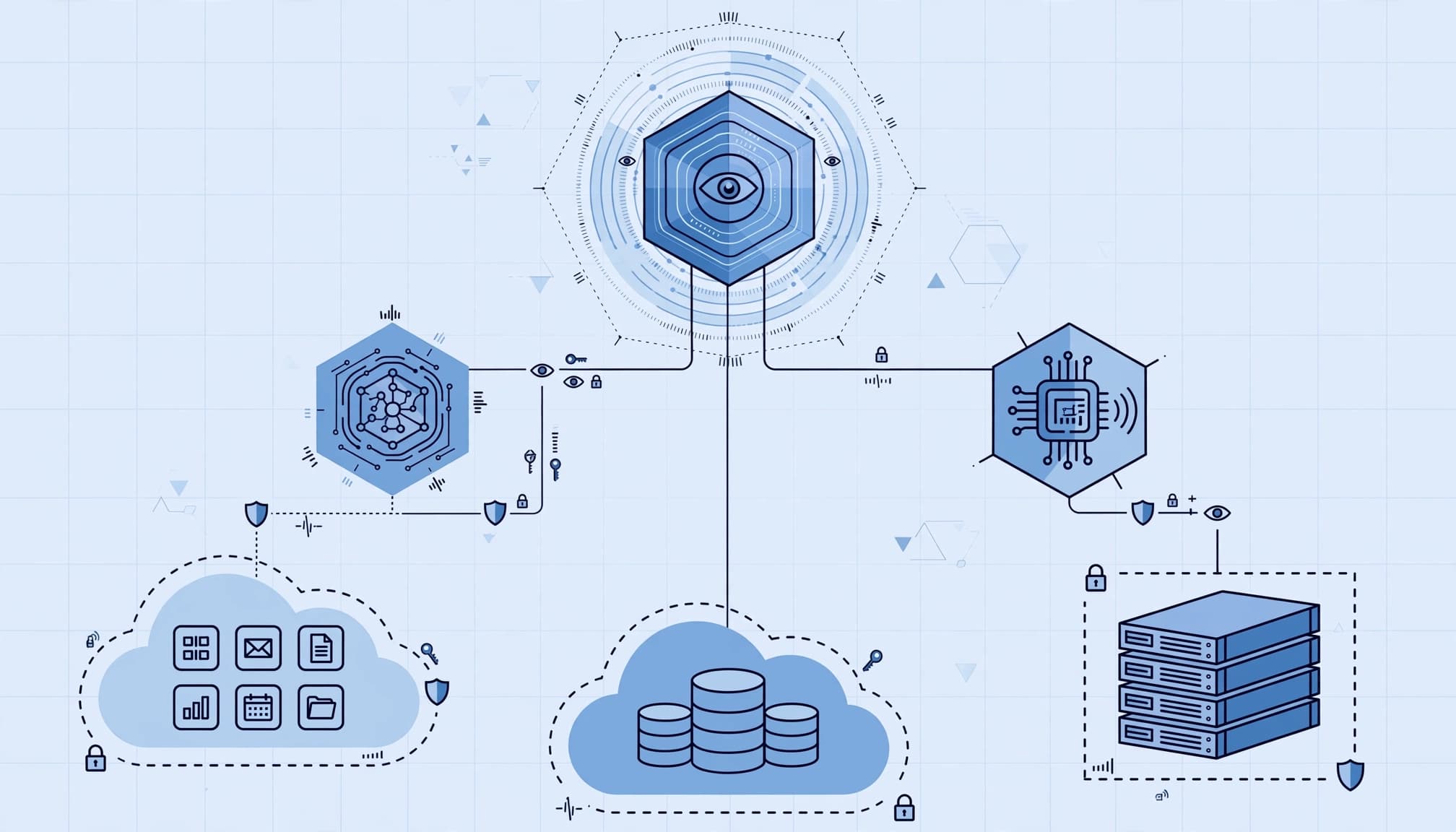
Microsoft Agent 365 provides governance and security controls for agents. It's a control plane, not an agent runtime. For AI agents, review identities and delegated access through a Zero Trust lens, and assess governance separately from execution.
Agent 365 is generally available. Microsoft's launch announcements described some cross-platform integrations and advanced controls as preview or forthcoming. My recommended acceptance criteria distinguish generally available controls from preview dependencies. Preview functionality shouldn't underpin a committed control outcome.
Agents can have Entra identities, but an identity doesn't automatically create an Agent 365 license charge. Microsoft's licensing guidance uses per-user licensing, with no additional per-agent or per-instance charge for Agent 365.
Compare Microsoft 365 E3, Microsoft 365 E5, and E5 Plus Copilot Baselines
I name the current baseline before discussing value. Microsoft 365 E3, Microsoft 365 E5, and Office 365 E5 have different licensing. Standalone Copilot is a separate add-on, so an assessment needs the actual assigned SKUs.
These baselines lead to different decisions.
| Existing baseline | Main decision |
|---|---|
| Microsoft 365 E3 | Whether required E5-level controls and AI capabilities justify an upgrade. |
| Microsoft 365 E5 | Whether identity and agent governance will receive meaningful use. |
| Microsoft 365 E5 plus standalone Copilot | Whether the additional identity and agent capabilities justify the remaining uplift. |
The strongest comparison uses contracted renewal pricing, Teams requirements, and the population that will use each capability. Tenant-wide deployment isn't automatically the right answer.
At the $99 per user per month Teams-included list price, 500 E7 seats total $49,500 monthly, or $594,000 annually. These figures cover licensing only; applicable Azure compute, model, and message consumption are billed separately.
The standalone agent-governance license is also available at $15 per user per month, paid yearly. That price covers licensing only; applicable Azure compute, model, and message consumption are billed separately. This option gives organizations a way to add agent governance without the full E7 bundle.
I wouldn't use the circulated estimate of roughly $87 for E5 plus its standalone AI add-on as a current commercial baseline. It's unverified, not Microsoft-confirmed pricing for your agreement.
Our Microsoft 365 licensing advisory addresses existing licenses, bundle recommendations, renewal planning, and subscription right-sizing. That review should accompany the technical assessment.
What the Client Receives at Handoff
The final package should support a funding decision and give administrators practical remediation instructions. A presentation alone isn't enough.
Evidence-Based Findings and Recommendations
I recommend a written findings register for each issue. It should name the affected workload, supporting evidence, business consequence, owner, and recommended change. Evidence can include policy exports or configuration references, with sensitive content minimized.
The report should distinguish missing controls from configured controls that don't work as intended. It should identify entitlement gaps using Microsoft's Purview licensing guidance, rather than assume every advanced feature applies to every user.
Each finding should state its commercial consequence. Excessive sharing raises data-leakage risk. Missing evidence can extend audits or complicate insurance renewals. Over-retention increases discovery workload and can reduce productivity.
A Sequenced Remediation and Licensing Decision
The client should receive a prioritized roadmap, a licensing comparison, and an executive readout. I recommend sequencing work around dependencies:
- Correct excessive access and assign owners to unmanaged repositories.
- Align retention, holds, and disposition workflows with approved schedules.
- Introduce Copilot or agent use cases against documented acceptance criteria.
Each action should state its owner, effort assumptions, dependencies, and completion evidence. The executive summary should make the recommendation explicit: retain the baseline, purchase selected add-ons, pilot the proposed plan, or expand deployment.
The client should also see which findings remain unresolved and which conclusions rely on sampling. Assessment completion doesn't mean remediation is complete.
Set Clear Responsibilities for Partners and MSPs
An outside business technology partner should add capacity without blurring accountability. Document who owns retention schedules, tenant configuration, agent approvals through Agent 365, remediation, and ongoing cloud management.
Connect Identity and Security Operations
Review Entra Private Access, Internet Access, ID Governance, ID Protection, and Verified ID against actual entitlements. Check Copilot access as part of the identity review. These controls support Zero Trust and secure cloud architecture, but records ownership remains a business responsibility.
Our cybersecurity risk assessments cover Microsoft 365 configuration, endpoint security, policies, and access controls. Device hardening and incident response complement records governance because stolen credentials or compromised endpoints can expose well-managed content.
Separate Funding From Assessment Outcomes
Verify May 1, 2026 as the CSP transactable date against current Microsoft documentation before including it in a proposal. Partner promotions can affect the commercial proposal, but they shouldn't dictate the technical recommendation.
The statement of work should separate assessment, remediation, migration, and ongoing managed services. It should also identify consumption-based services outside the subscription.
For growing businesses, tailored technology services should preserve continuity during changes. Permission cleanup and policy deployment need controlled rollout plans because rushed changes can interrupt collaboration or delay access to needed records.
When This Engagement Isn't Worth the Investment
A broad Microsoft 365 E7 assessment isn't automatically justified just because your organization renewed its Microsoft licensing.
I would narrow the engagement when Copilot adoption is limited, agents aren't deployed, and retention controls have current evidence and accountable owners. In that case, a focused licensing review or sharing-permissions assessment may deliver more value.
The engagement also needs executive sponsorship. Without someone authorized to approve retention changes and disposition decisions, technical findings can sit unresolved.
For small business IT teams, higher licensing costs can compete with overdue security basics. Managed IT for small businesses should address exposed accounts, unsupported devices, and recovery weaknesses before expanding AI governance.
An active rollout, unmanaged agent use, disputed retention ownership, or repeated audit findings provides a stronger case. I recommend scoping the assessment around those triggers rather than building a broad digital transformation program around a subscription change.
Frequently Asked Questions
What products are included in Microsoft 365 E7?
E7 combines Microsoft 365 E5, Microsoft 365 Copilot, Microsoft Entra Suite, and Agent 365. Each product has a distinct role in the assessment.
What does a Microsoft 365 E7 records-management assessment review?
It reviews scoped Exchange Online, SharePoint, OneDrive, and relevant Teams-connected content. The assessment checks ownership, retention policies, record declaration, legal holds, disposition, access, and deletion evidence.
Does Microsoft 365 Copilot respect existing permissions?
Yes, Copilot respects existing access permissions. The assessment should still check for excessive permissions, broad sharing links, guest access, and sensitive-content controls.
What does Microsoft 365 E7 cost?
The Teams-included subscription is listed at $99 per user per month, paid yearly; E7 is also available without Teams. Licensing doesn't include applicable Azure compute, model, and message consumption, which are billed separately.
Start With Readiness, Then Decide on Licensing
Microsoft 365 E7 can bring useful controls into one subscription, but its value depends on your baseline and operating model. I recommend assessing records readiness and Copilot needs first, then tying licensing to documented requirements.
A useful assessment ends with evidence, accountable owners, and a practical recommendation. It should clarify what your business can safely deploy and what needs remediation first.
Start with a low-pressure Microsoft 365 readiness assessment or licensing review. That creates room to choose a focused improvement, selected add-ons, or E7 without committing to an unnecessary upgrade.