
Microsoft 365 E7 Rollback Planning for IT Operators
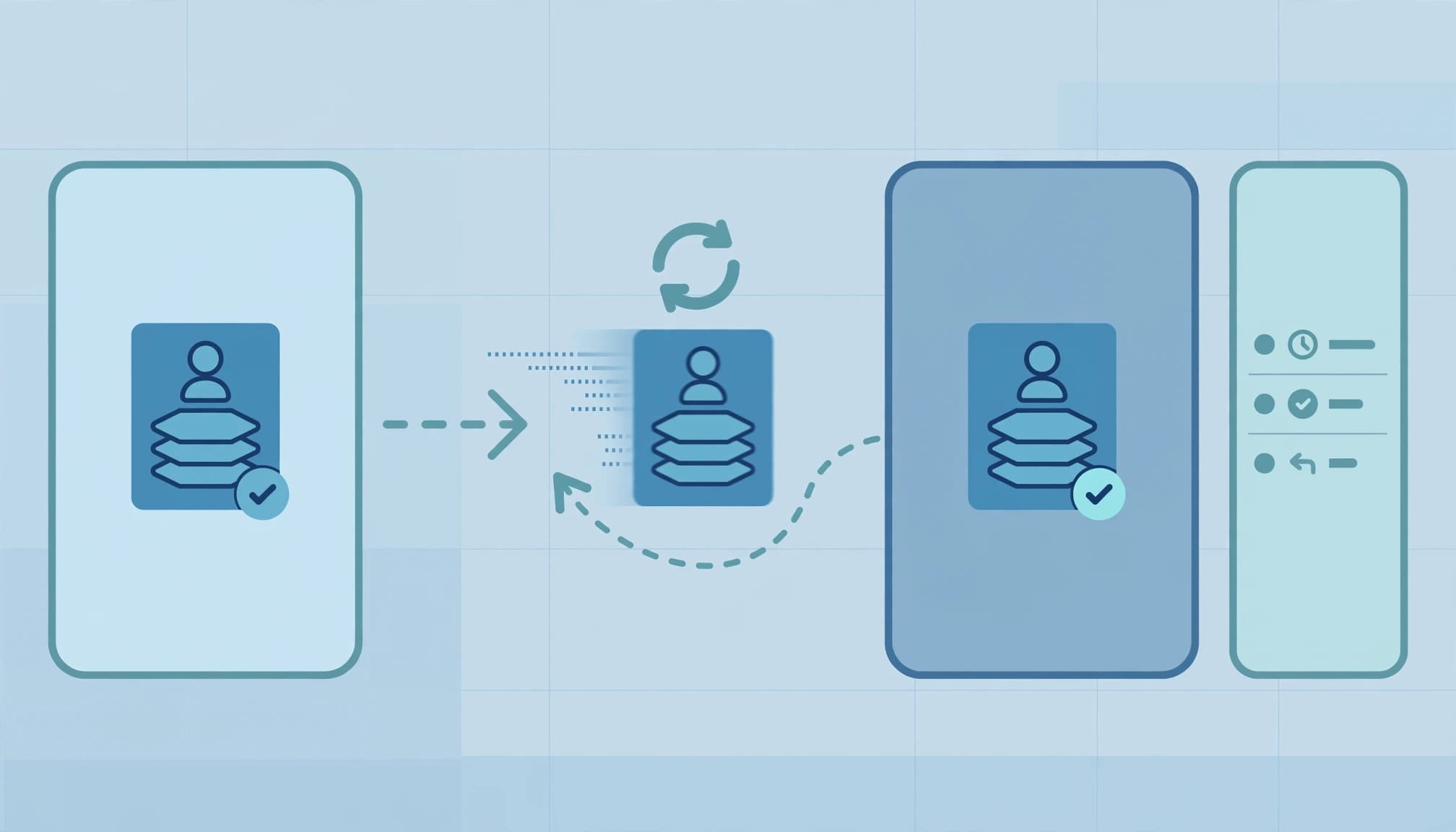
Return to the approved baseline before removing Microsoft 365 E7. A Microsoft 365 E7 rollback must preserve required services, reverse the intended changes, and leave evidence that users can still work.
I separate license recovery from configuration recovery because changing a SKU does not reinstate permissions, stop an agent, or reverse data exposure. Start with the destination license and the controls that must survive the change.
Key takeaways
A rollback needs a recorded destination: Microsoft 365 E3, Microsoft 365 E5, or E5 plus standalone Microsoft 365 Copilot. Those destinations preserve different capabilities.
Reapply the recorded assignment source, enabled service plans, and required controls. Keep subscription billing, user entitlements, and agent execution as separate workstreams. Close the change only after functional tests pass.
Set the licensing baseline before rollback
Name the destination SKU
Microsoft 365 E7 bundles Microsoft 365 E5, Microsoft Entra Suite, Microsoft 365 Copilot, and Microsoft Agent 365. Microsoft announced general availability on May 1, 2026; its enterprise product portfolio positions E7 alongside the existing enterprise plans.
E7 and Agent 365 are GA. Copilot and Entra Suite are GA components, but individual features marked Preview remain outside production acceptance criteria.
Compare Microsoft 365 E3, Microsoft 365 E5, and E5 plus standalone Microsoft 365 Copilot before approving removal. E5 and E3 have different security baselines, and the standalone option needs a separate entitlement.
Separate the license decision from the subscription
Microsoft's published U.S. E7 list price is $99/user/month, paid yearly with an annual commitment. That covers licensing only; Azure compute, model, and message consumption bill separately.
Removing an assignment doesn't cancel the purchased subscription or change its commitment. Keep those commercial decisions separate, with Microsoft's packaging and pricing guidance in the procurement record.
E7 fits organizations operating agentic AI with clean permissions and accountable owners. Mixed licensing is appropriate when only certain roles need all four components.
Capture the state that must be restored
Export assignments and service plans
Record each user's SKU IDs, enabled and disabled service plans, assignment source, license groups, and provisioning errors. Display names alone are insufficient.
Microsoft documents license inspection with PowerShell. For Microsoft Graph PowerShell, use Get-MgSubscribedSku and Get-MgUserLicenseDetail; capture LicenseAssignmentStates to distinguish direct assignments from inherited licensing.
Save the output before changing membership or assignments. A current-state export taken after the mistake cannot establish the previous configuration. It only records the damage.
Record controls and stop conditions
I require an owner for identity, messaging, endpoint security, and business acceptance. Each owner identifies the services that must remain available and signs off on the destination baseline.
Include Conditional Access dependencies, Defender capabilities, Purview requirements, device hardening, and approved agent connections. The E7 configuration baseline provides the wider control context.
Define the stop condition before execution: any unexpected provisioning error, failed sign-in, or missing business-critical service stops the next batch. Document how the pilot group returns to its starting state.
Run the Microsoft 365 E7 rollback in rings
Use IT first, then representative business users, then controlled batches. For Microsoft 365 E7, don't advance to the next ring based on assignment success alone.
- Approve the recovery manifest. Record users, destination SKUs, service-plan settings, license assignment sources, available replacement seats, and the change owner. Preserve the original export separately.
- Stage the replacement. Assign the destination license before removing E7 where overlapping plans permit. Resolve service-plan conflicts in the pilot, and record the tested sequence.
- Change the authoritative assignment. For direct assignments, use Microsoft 365 admin center, Users > Active users > Licenses and apps. For group-based licensing, manage assignments through Billing > Licenses in Microsoft 365 admin center and membership through Microsoft Entra admin center.
- Preserve unrelated access. Don't remove someone from a multipurpose group just to remove E7. That membership may also grant application or content access. Use dedicated groups.
- Apply bulk changes deliberately. Use Microsoft Graph PowerShell and
Set-MgUserLicensefor direct assignments, including the savedDisabledPlansconfiguration. Group-inherited entitlements require changes at their source. Record per-user results and retry throttled operations. - Test before expanding. Test sign-in, Exchange Online, Teams, SharePoint, OneDrive, Office activation, and the controls required by the destination baseline. Resolve every unexpected failure before the next ring.
Separate access recovery from data recovery
Preserve workloads and retention
Removing E7 without replacement coverage can deprovision services the user still needs. Keep Exchange Online, SharePoint, OneDrive, and Office entitlements covered throughout the tested transition.
License removal is not a backup operation. It does not restore deleted content, reverse sharing changes, or establish retention. Record applicable holds and retention settings before changing the entitlements supporting them.
I also separate Copilot access from the underlying business data. Removing the Microsoft 365 Copilot entitlement removes licensed capabilities; it does not remove source documents or repair excessive permissions. Other Copilot Chat experiences can remain available under separate rights.
Stop agent activity explicitly
Agent 365 is a governance and control plane, not an agent runtime. Removing its entitlement must not be treated as an instruction to stop an agent's underlying execution.
Inventory agent identities, consent grants, connectors, credentials, and execution services. Assign an owner to suspend the relevant runtime or connection when rollback requires it. Azure resources and consumption-based services need their own actions.
For data leakage or suspicious activity, preserve audit evidence and contain access separately. Our cybersecurity risk management services address identity, endpoint, and data-protection findings that a license reassignment cannot fix.
Teams Events and eCDN: October 2026 planning status
Treat Microsoft's June 4, 2026 notice, MC1332813, as a historical rollout notice, not proof of October tenant status.
The notice described missing Teams Events and eCDN service plans in E7 licenses. Automatic backfill was scheduled to begin in early June 2026 and finish worldwide by the end of June 2026. Administrators then had to assign those service plans to users manually.
The missing plans affected organizer capabilities for creating or managing events. Attendee join experiences were not impacted. The temporary mitigation was to request a Teams Events promo code.
The announced backfill window has passed. Use the tenant's actual service-plan inventory and user assignments as recovery evidence. Do not declare the issue resolved merely because June ended, and do not roll back the entire suite to repair a missing plan without first isolating that entitlement.
Make the assessment and handoff concrete
I scope the assessment around the current E3, E5, or E5 plus standalone Copilot baseline. Read-only collection covers assignments, group rules, service dependencies, agent connections, audit records, and failed provisioning.
The deliverable is a recovery package: an assignment manifest, dependency register, tested procedure, acceptance results, exception owners, and an operator handoff. Your team should be able to execute it without the assessor present.
Our Microsoft 365 migration services support that work alongside migration planning and tenant readiness reviews. Cloud infrastructure changes belong in scope only when identity, networking, or agent execution depends on them.
A full engagement isn't worth it for one documented direct-assignment error with no control changes. Use a controlled correction. For small business IT teams managing several licensing paths and external support relationships, the documented handoff carries more value.
Frequently asked questions
Can mistaken license changes be restored for many users?
Yes. Restore the recorded configuration through controlled group changes or Microsoft Graph PowerShell, with per-user results and post-change tests. An E3-to-E1 correction must restore the original E3 service-plan settings, not merely the product name. A saved baseline with 13 enabled apps must return to that same configuration.
Third-party change-tracking products can retain previous assignments and offer bulk restoration. Native administration still requires a known baseline. Set alerts for license changes affecting critical accounts through your audit-monitoring system, and give those alerts a named responder.
How does Office Home 2024 recovery on a Mac differ?
Office Home 2024 is a one-time purchase, unlike Office 365, which is a subscription. Its recovery is an activation issue, not an enterprise E7 rollback.

Identify the purchasing account and exact product first. The Microsoft account Services page, under purchased products, establishes whether Office Home 2024 is linked to that account.
Turn off recurring billing for an unwanted Microsoft 365 subscription if you intend to let it expire. That stops renewal; it does not immediately end the subscription or reactivate Office Home 2024.
Close Office applications, run Microsoft's Office license removal tool for Mac, then reopen Office and sign in with the account owning Office Home 2024. This clears old activation information. It does not change tenant entitlements.
Close the change with operating evidence
A completed rollback has the approved licenses, required controls, passing service tests, and a record of unresolved exceptions. Business continuity and security depend on that evidence, not the absence of an admin-center error.
I would close the change only when the service owners accept the restored state.
Book a free 30-minute call to scope a licensing review and rollback plan.