
Microsoft 365 E7 Records Management: Assessment Guide
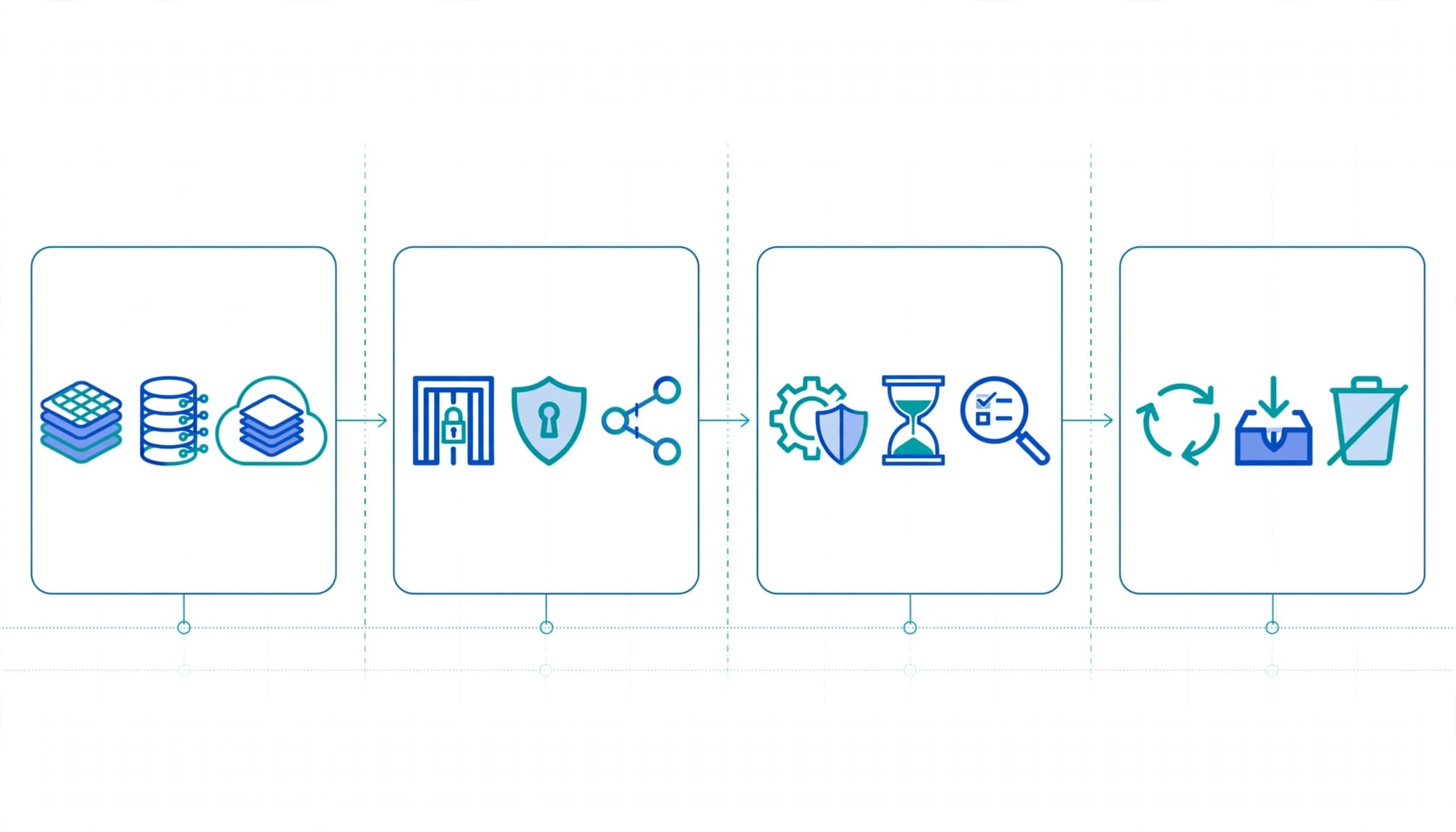
Copilot can make an old sharing mistake much easier to discover. It helps employees find and reuse information, but that same access can expose sensitive records, outdated contracts, or content nobody owns.
When I assess records management readiness for Microsoft 365 E7, I start with data exposure, not the upgrade. You need to know what Copilot can reach, whether retention and disposition work, and which controls your current licenses support.
For records managers and Microsoft 365 leaders, the practical decision is where to invest next. A focused assessment connects exposure, governance, and licensing to a remediation plan before you expand AI use.
Microsoft 365 E7 Copilot Data Lifecycle Assessment for Records Managers
I define this engagement as a focused review of how records and other business data are created, stored, accessed through Copilot, retained, and disposed of across Microsoft 365. It evaluates your configuration and operating practices, rather than treating a license purchase as evidence of readiness.
The records manager brings the retention schedule, record classifications, and disposition requirements. IT brings tenant configuration and repository architecture. Security evaluates access and protection, while legal addresses preservation obligations. Business owners explain which information employees need and who can approve changes.
Those perspectives matter because a technically valid policy can still miss the business requirement. A project site might retain documents correctly while allowing a much wider audience than its owner intended.
I recommend agreeing on the assessment boundary before collecting evidence: workloads, record classes, business units, and planned Copilot use. That boundary also identifies exclusions and implementation responsibilities.
Our Microsoft 365 E7 readiness assessment describes related permission, ownership, and data-protection priorities. For records managers, the added requirement is connecting those findings to approved lifecycle rules and defensible decisions about preservation and deletion.
Where Copilot can surface risk across your data lifecycle
Map sensitive content, access paths, and oversharing
Review SharePoint, OneDrive, Teams-connected sites, Outlook mailboxes, and relevant connected repositories. Link sensitive information to actual permissions, external sharing, stale sites, guest access, and usage.
Microsoft 365 Copilot uses Work IQ's organizational context and honors Microsoft 365 permissions. Broad access therefore remains broad access when Copilot helps someone find a document.
I prioritize exposure paths involving customer commitments, financial information, personnel records, and intellectual property. These can create data leakage, contractual disputes, and productivity loss.
Test retention, disposition, and records controls
Compare the approved schedule with Purview retention policies and labels, record declarations, disposition reviews, holds, and audit trails. Include ownership, exceptions, and overlapping policies.
A contract's retention trigger may differ from an employee record's trigger. One tenant-wide rule won't capture every obligation.
Retaining a document doesn't restrict its audience. Preservation and access protection require separate decisions.
Also test whether reviewers receive disposition work and whether holds prevent inappropriate deletion. Written procedures alone won't provide reliable audit evidence.
Review Copilot and agent governance without overstating features
Assess AI approvals, connectors, agent ownership, permissions, and incident escalation. Agent 365 is a generally available (GA) governance and control plane for discovering, managing, observing, and securing agents, not their runtime.
Its governance scope includes SaaS, cloud, and local agents, with agent-owned and delegated access. I separate this product-level status from individual feature availability. Agent 365's GA status doesn't establish the status of any Copilot records-management capability.
What the assessment reviews and what you receive
The assessment should produce decisions your team can act on. I want every significant finding tied to evidence, business impact, and an accountable owner, rather than a generic maturity score.
A scoped review of tenant settings, content, and working practices
Evidence should include relevant Microsoft 365 settings, representative repositories, permission exports, retention designs, sensitivity labeling, DLP rules, sharing controls, and audit configuration. Review Copilot readiness and governance documents alongside interviews with records, IT, security, legal, and business leads.
Include identity controls where they affect content access: Conditional Access, MFA, privileged administration, guest permissions, and user provisioning. Endpoint security and device hardening are adjacent dependencies, not substitutes for repository controls.
If your environment recently completed an Office 365 migration, include inherited groups, sharing links, and the destination's SharePoint architecture. Migration success doesn't prove that the resulting access model matches today's responsibilities.
Findings, risk priorities, and a usable remediation plan
At completion, you should receive an executive summary, an evidence-backed findings register, and a prioritized remediation roadmap. Ownership recommendations and a licensing/configuration review should accompany them.
Each finding should identify the affected location, exposure or lifecycle gap, business consequence, proposed action, and implementation dependency. For disposition, Microsoft's review workflow provides the reference point for reviewer responsibilities and decision handling.
The closing discussion should distinguish decisions required now, work worth deferring, and changes dependent on legal approval or architecture redesign. That gives leadership a budgetable plan.
I connect the roadmap to secure cloud architecture and practical cloud management. Repository ownership, access reviews, and policy maintenance need continuing operational responsibility after the assessment ends.
Compare E7 with the licensing you already have
Microsoft 365 E7 bundles Microsoft 365 E5, Microsoft Entra Suite, Microsoft 365 Copilot, and Agent 365. Compare it against your actual baseline.
Separate bundle value from actual operating costs
The US list price is **$99 per user