
Microsoft 365 E7: Legacy Authentication Remediation
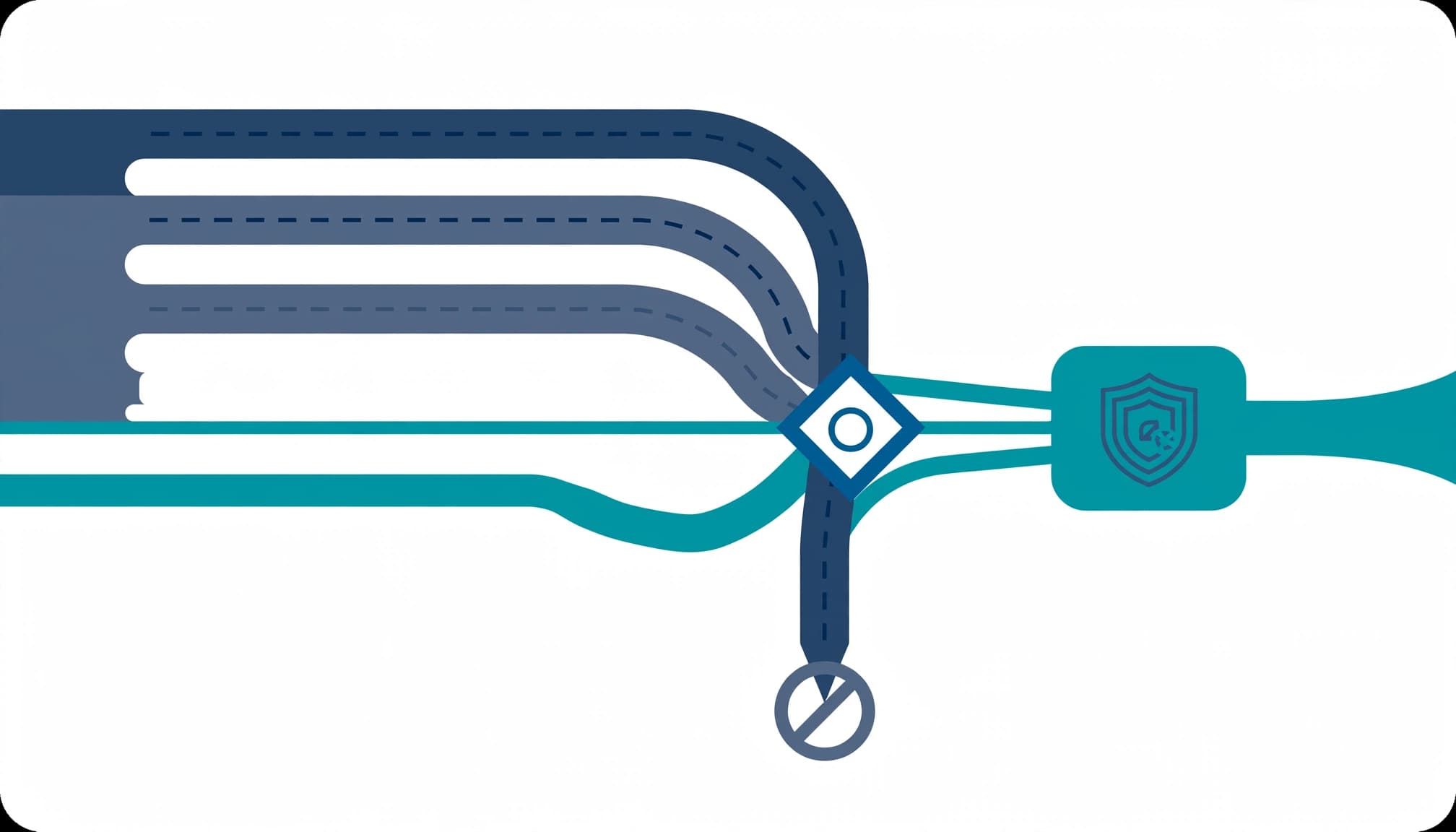
Inventory successful legacy sign-ins before you block them. I treat legacy authentication remediation as an identity and application change, not a reason to purchase Microsoft 365 E7.
Your immediate problem is the account, device, or application that still needs password-only access through legacy protocols. Blocking it without preparation creates downtime; leaving it unowned creates an audit finding. Start with the licensing baseline, then build the evidence required for enforcement.
Start with the E3 or E5 licensing baseline
Use the controls already licensed
Microsoft Entra ID P1 is the minimum license for Conditional Access. Microsoft 365 E3 includes P1, and E5 includes P2, according to Microsoft's licensing documentation. An E5 license with standalone Copilot retains E5 identity entitlements. Check Microsoft's current Product Terms for the exact E7 SKU before relying on it for these controls.
These are generally available controls, not preview features. You don't need an E7 upgrade to inventory legacy authentication, test a blocking policy, or enforce it.
I keep licensing review separate from remediation approval. Our Microsoft 365 migration and licensing services cover that review alongside tenant configuration and security hardening.
Separate Microsoft's changes from your tenant controls
Microsoft's 2025 Secure by Default notice, MC1097272, scheduled tenant-wide RPS and FPRPC restrictions between mid-July and August 2025, without additional licensing. Those restrictions addressed legacy SharePoint and OneDrive access and Office file-opening paths. They didn't replace a tenant-wide authentication review.
Also separate protocols from authentication methods. Basic authentication over SMTP AUTH, POP3, or IMAP4 can't complete a multi-factor authentication (MFA) challenge. Those protocols can support OAuth in compatible applications. Disabling Basic authentication and disabling a protocol are different changes.
Audit legacy usage against business processes
Review interactive and non-interactive sign-ins
Open Microsoft Entra admin center > Entra ID > Monitoring & health > Sign-in logs (formerly Azure AD sign-in logs). Review both interactive and non-interactive user sign-ins.
Filter Client app for legacy protocols, including IMAP, POP, Authenticated SMTP, Exchange ActiveSync, and Other clients. Record the account, application, source address, result, timestamp, and resource. Separate successful business traffic from failed password-spraying and credential-stuffing activity.
Use Basic Authentication Reporting where available, then reconcile it with the Exchange admin center's SMTP AUTH Clients report. Configuration tells you what's permitted; successful sign-ins tell you what's operating.
Assign an owner to every dependency
Build the inventory around business functions, not usernames. Include scan-to-email, payroll exports, backup notifications, scheduled reporting, room systems, and vendor integrations.
For each dependency, record its owner, authentication method, replacement path, and next execution date. An account with no recent activity may support a quarterly job.
I require one full operating cycle before approval. Export logs to Azure Monitor or storage when native retention won't cover that cycle. Missing evidence isn't evidence of no usage.
Build the legacy authentication blocking policy
Follow Microsoft's documented legacy authentication policy, with explicit scope and exclusions.
- Open Entra ID > Conditional Access > Policies > New policy and name it
Block legacy authentication. - Under Users, include All users. Exclude designated emergency access accounts and individually approved, temporary dependencies.
- Under Target resources, select All resources, formerly All cloud apps.
- Under Conditions > Client apps, select Exchange ActiveSync clients and Other clients. Don't add location or device filters that unintentionally narrow the block.
- Under Access controls > Grant, select Block access. Set Enable policy to Report-only.
I keep the policy in report-only mode for about 30 days. I extend the window when the inventory includes less frequent jobs. This is an operational test window, not a Microsoft-mandated waiting period.
Review each matching sign-in's Report-only results. A report-only failure can mean the blocking policy would deny access; it doesn't mean the policy blocked that transaction.
Maintain a separate MFA policy for modern authentication. Two overlapping blocking policies don't create an exception mechanism: if either applicable policy blocks access, access is denied.
An exclusion permits a dependency to continue. It doesn't make that dependency support MFA.
Replace unsupported clients and control exceptions
Retire clients that cannot complete modern authentication
Expect supported applications to request modern sign-in or MFA when required. Unsupported applications may stop connecting, repeat password prompts, or return authentication errors. Re-entering the password won't repair the application.
Don't build a 2026 exception strategy around historical Outlook build thresholds. Office 2013 support ended April 11, 2023; Office 2016 support ended October 14, 2025. Move those clients to a supported release.
For Skype room systems and older Polycom devices, replace factory or shared passwords, identify the supported authentication path, and retire unsupported hardware.
Make every exclusion expire
Don't exclude service accounts by default. Require a named owner, business justification, compensating controls, a replacement task, and an expiration date for each exception.
Use OAuth 2.0 application identities or managed identities where supported. Review permissions and grant admin consent only when required and approved. Protect replacement flows with appropriate server authentication and phishing-resistant user sign-in. NIST's authenticator guidance explains verifier impersonation resistance.
Address on-premises NTLM relay attacks separately. A cloud Conditional Access policy does not provide mutual authentication for an older Windows protocol.
Disable unnecessary SMTP AUTH at both levels
Microsoft's Basic authentication retirement guidance includes an updated retirement timeline. March 1, 2026 appeared in an earlier schedule, but it isn't a permanent shutdown date.
I remove unnecessary access now rather than tie the project to a retirement deadline.
Use Exchange Online PowerShell to inspect both settings:
- Run
Get-TransportConfig | Format-List SmtpClientAuthenticationDisabledfor the organization setting. - Enumerate mailbox overrides with
Get-Mailbox -ResultSize Unlimited | Get-CASMailbox | Select-Object DisplayName,SmtpClientAuthenticationDisabled. - Disable tenant-wide SMTP AUTH with
Set-TransportConfig -SmtpClientAuthenticationDisabled $true. - Disable it explicitly for a mailbox with
Set-CASMailbox -Identity <UPN> -SmtpClientAuthenticationDisabled $true.
A mailbox value of $false explicitly enables SMTP AUTH; $null inherits the organization setting. Don't stop after reading the tenant value.
In the Microsoft 365 Admin Center, use the organization-level Modern authentication settings for tenant controls. For individual users, open Users > Active users > Mail > Manage email apps and clear Authenticated SMTP.
Move device senders to OAuth-capable submission or an appropriately secured relay design. In Microsoft Defender > Email & collaboration > Policies & rules > Threat policies > Anti-spam, configure outbound per-user recipient limits and restriction actions. These contain individual senders, but they don't guarantee protection against tenant-wide sending restrictions.
Enforce in rings with a timed rollback
Microsoft's Conditional Access deployment guidance supports report-only evaluation before enforcement. I retain the all-user report-only policy and enforce through a separate, group-scoped pilot policy.
Start with IT, then representative departments, then the remaining population. Require completed application tests, functioning emergency access, and approved exceptions before each expansion.

Give the change owner a measurable stop condition: any confirmed critical business process blocked by the policy pauses expansion. Review sign-ins and help desk reports at 30 minutes, two hours, and the next business day.
For rollback, remove the affected pilot group or return the enforcement policy to report-only. Record the timestamp and retest after policy propagation. Conditional Access rollback does not reverse a separate SMTP AUTH setting change.
Tell users: "Your application may request a new Microsoft sign-in. Repeated password prompts require a support ticket with the application name and error time."
Deliver evidence and close the incident gaps
A completed engagement produces a dependency inventory, policy exports, test results, an exception register, and a rollback runbook. Your operations team receives the settings, owners, and review dates, not a screenshot of an improved Secure Score.
I include endpoint security, device hardening, and cloud management findings when they explain a remaining dependency. Our cybersecurity risk management services provide a written risk assessment and remediation roadmap for that broader scope.
Treat continued sending after user deletion as an incident. Disable access and SMTP AUTH, reset credentials, revoke sessions, and remove app passwords. Restore a soft-deleted identity only when necessary for remediation; approve permanent deletion against retention requirements.
Outside help adds little when your team already has clean evidence, tested policies, and owned exceptions. The engagement earns its place when dependencies or change ownership remain unresolved.
Key takeaways
Legacy authentication remediation is complete when legitimate workloads use supported authentication and remaining exclusions have approved end dates. Licensing alone does not establish either condition.
Keep the audit, application changes, policy enforcement, and handoff in one change plan. Business continuity depends on the connections between those tasks.
Frequently asked questions
Can Security Defaults replace Conditional Access?
For smaller tenants without P1, Security Defaults provides baseline MFA and legacy authentication blocking without granular exceptions or report-only testing. Microsoft introduced it in 2019 and enabled it by default for new tenants. Replace its protections before disabling it.
Will existing classic MFA registrations keep working?
Do not assume per-user MFA enrollment satisfies the new policy's allowed methods. Inventory registrations and pilot the change. Security Defaults can introduce Authenticator registration prompts; Conditional Access authentication strengths can permit other approved methods, including phishing-resistant credentials.
Should SMTP authentication remain enabled?
Only where a documented workload requires it. Prefer OAuth, restrict enabled mailboxes, and assign an owner. An app password remains a legacy authentication credential; it does not make the connection perform MFA.
Finish with an owned operating standard
I consider the work finished when your team can explain every permitted authentication path and recover from a failed change. Tested enforcement matters more than the number of policies.
Book a free 30-minute call to scope a Microsoft 365 readiness assessment.