
E7: External Workforce Access Review Before Onboarding
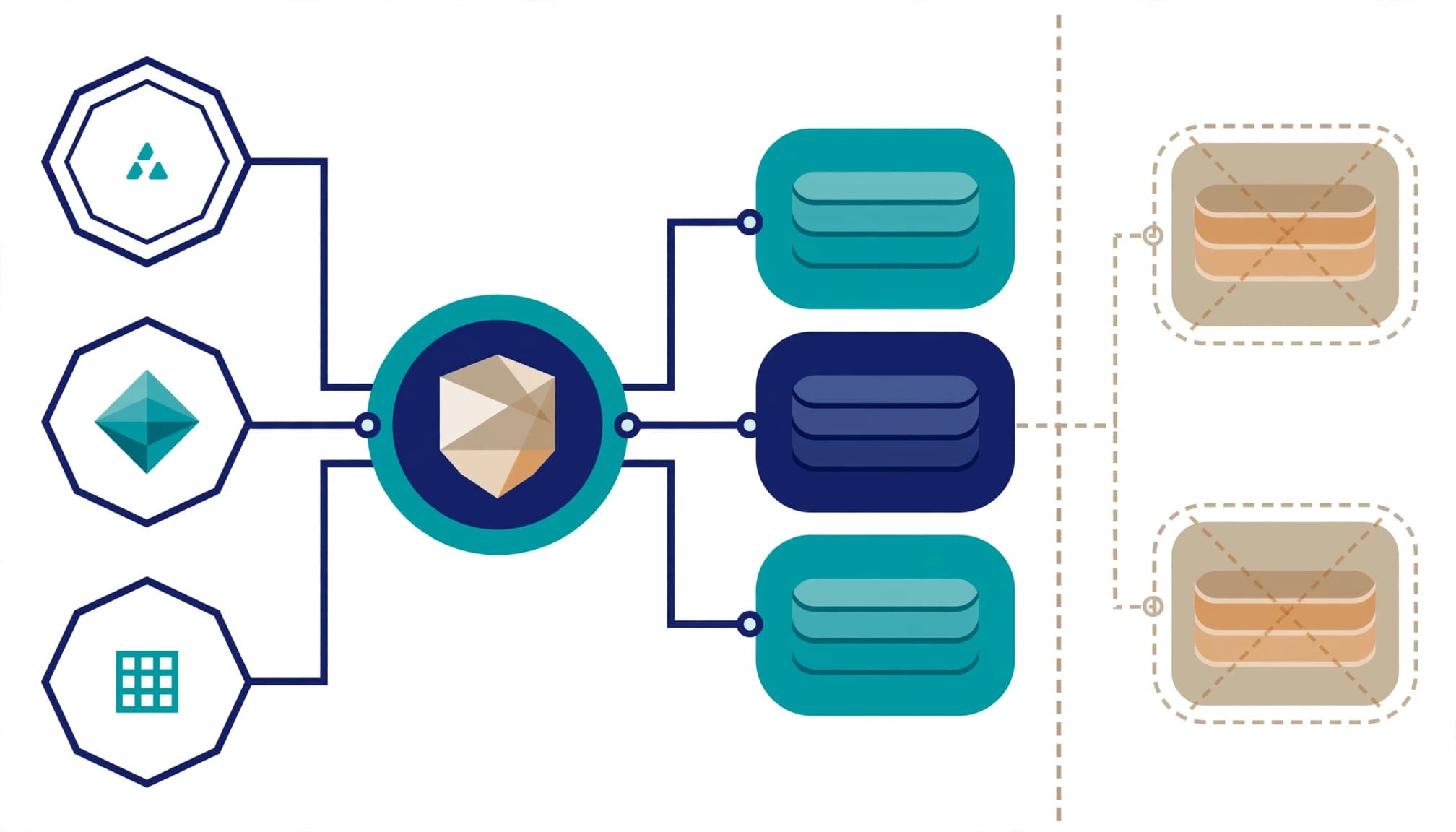
Complete the external workforce access review before granting partner access. I treat it as an approval gate: named people, approved resources, accountable sponsors, and a tested removal path.
Your exposure is the access that remains after the project changes, the sponsor leaves, or the contract ends. An E7 subscription does not resolve those dependencies.
Start by separating the permissions you plan to grant from the permissions external workers already hold.
Key Takeaways
- Complete the external workforce access review before granting partner access. Record the business purpose, accountable sponsor and resource owners, approved entitlements, and expiration date.
- Review existing permissions as well as proposed access. Include application-native assignments, local accounts, privileged roles, and the partner's authentication and device conditions.
- Compare E7 with the licenses already assigned. An employee's E7 license doesn't establish coverage for every guest governance action, and licensing doesn't replace accountable review decisions.
- A review is complete only when denied permissions are removed or a documented exception is approved. Test the removal path and retain evidence of decisions and completed actions.
- Choose review software based on where permissions live and whether it can enforce revocations. Buy a separate platform or assessment only when the existing team can't complete the control work reliably.
Define the external workforce access review boundary
Review the relationship before the account
For a new partner, an access review assesses proposed entitlements before provisioning. For a returning partner, recurring access reviews cover existing accounts and assignments before anything is added. A prospective approval and an access certification are different records.
I would scope contractors, vendor support staff, consultants, and partner personnel, regardless of whether their accounts have the Guest or Member user type. Apply least privilege across enterprise applications, Teams membership, SharePoint access, privileged roles, and remote support systems.
Keep workload identities and AI agents in a separate inventory from human identity governance. A human review doesn't establish who owns an application credential or what an agent can reach.
Assign someone who can refuse access
During an entitlement review, the business sponsor confirms the work. Resource owners are the reviewers who approve or refuse permissions. IT implements decisions and verifies that removal works. Security owns exceptions involving sensitive data or administrative access.
For certification campaigns, record the partner organization, sponsoring employee, business purpose, resources, start date, and expiration date. If nobody accepts responsibility for an entitlement, withhold it.
Use approval-based access packages where the relationship needs repeatable requests, time limits, and reapproval.
Compare E7 against the licenses already assigned
Establish the E3 or E5 baseline
Name the starting point: Microsoft 365 E3, Microsoft 365 E5, or E5 plus standalone Microsoft 365 Copilot. E3 includes Microsoft Entra ID P1; E5 includes Microsoft Entra ID P2. Those baselines have different identity governance rights, including access reviews.
As of October 2026, Microsoft's Entra ID Governance licensing guidance identifies feature requirements and distinguishes employee licensing from external-user coverage. Map required features in Microsoft Entra ID Governance against existing rights before recommending another bundle.
An employee's E7 assignment doesn't establish coverage for every guest governance action. Document member licensing and external-user billing separately.
Keep the licensing case separate from implementation
Microsoft's October 2026 published US list prices are $7/user/month for Microsoft Entra ID Governance, $12/user/month for Microsoft Entra Suite, and $99/user/month for Microsoft 365 E7, paid yearly. The $99/user/month price covers licensing only; Azure compute, model, and message consumption bill separately.
E7 includes Entra Suite and Microsoft Agent 365. Microsoft Agent 365 is a governance and control plane, not an agent runtime. Its inclusion doesn't replace the human identity review.
I wouldn't recommend E7 solely to solve one partner onboarding problem. Start with the control gap, then determine whether existing rights, a governance add-on, or the broader bundle addresses it.
Inventory permissions beyond the identity provider
Inspect application-native entitlements
SSO proves authentication. Group mappings and SCIM provisioning don't necessarily expose every permission set, local account, direct assignment, or application-specific administrator role.
An entitlement review examines those individual permissions. In Salesforce, that means profiles, permission sets, permission set groups, local users, and assigned licenses. Compare the person's current responsibilities with effective permissions and application usage. Use least privilege to assess whether the assigned license edition is justified.
Before removing access, check whether other approved work still depends on the person's permission sets. Repeat access reviews as responsibilities change, and remove permissions the work no longer requires. Flag segregation of duties conflicts. For example, one person shouldn't create a vendor and approve its payment; that combination violates segregation of duties.
Test the partner's authentication and device conditions
In the Microsoft Entra admin center, inspect External Identities > Cross-tenant access settings, including partner-specific organizational settings and inbound trust.
Review whether you accept the partner tenant's multifactor authentication and device claims. Trusting a claim creates a dependency on another organization's controls. Document that dependency.
In Conditional Access policies, evaluate authentication and device requirements in Report-only before enforcement. Review the resulting sign-in records for the partner's actual applications.
Include endpoint security, device hardening, patch ownership, and incident contacts in the onboarding decision. An approved identity on an unmanaged support laptop can still expose business data.
For tenant-specific exceptions, document partner-specific cross-tenant access controls alongside the entitlement record.
Choose access review software by enforcement coverage
I would shortlist access review software by where permission sets live and where remediation and revocation must occur. A Microsoft-centered environment and a mixed ERP estate have different requirements.
These six options address different operating models:
| Tool | Strongest evaluation fit | Main scope consideration |
|---|---|---|
| Microsoft Entra ID Governance | Microsoft-centered identity governance | Separate group and application assignments from application-native permissions. |
| SailPoint | Enterprise identity governance across systems | Broader lifecycle integration requires a broader implementation scope. |
| Pathlock | ERP access controls and segregation of duties | Include business-process conflicts alongside account membership. |
| Multiplier | Access reviews inside Jira Service Management | Fits teams that manage review work through Jira. |
| Okta Identity Governance | Okta-centered workforce governance | Governance capabilities are separate from basic SSO. |
| Torii | SaaS access and license oversight | Application-level visibility depends on connector coverage. |
For a SailPoint evaluation, check whether lifecycle integrations cover the systems in scope. Test how SailPoint applies access changes across those systems. Okta fits Okta-centered governance, but confirm that Okta Identity Governance covers the connected applications. Test Okta's enforcement path as well as its SSO setup.
The acceptance test for access review software is straightforward: identify an entitlement, deny it, remove it, and retain evidence of the completed action. Automated access reviews help only when the tool can enforce each decision and retain evidence of the completed action.
Spreadsheet-based reviews can't enforce that sequence. A workbook alone can't remind people to act, revoke permissions, or produce a defensible record of applied changes. Scripts and tickets can support the process, but those components then become part of the control.
Buying another platform is unnecessary when the existing stack can complete the acceptance test reliably.
Run the review as a controlled campaign
Use generally available (GA) group and application access reviews as the identity governance baseline. Microsoft's documentation lists multi-stage reviews as preview, so keep preview functionality outside mandatory acceptance criteria.
Microsoft's access reviews documentation describes reviews of group membership and application access. In Microsoft Entra ID Governance, start in the Microsoft Entra admin center under Identity Governance > Access reviews.
I run each access review as a controlled campaign, using certification campaigns in this order:
- Export the in-scope identities and effective assignments, including direct access and application-local accounts. Spreadsheet-based reviews can track decisions, but they don't enforce changes.
- Assign the sponsor and resource owner as decision-makers. Identify the reviewers and set the deadline before launch.
- Require a business justification for retained access. Record decisions in the audit trail, and give each exception an owner and expiration date.
- Apply denials through the appropriate group, application, or SCIM provisioning connector. Assign application-local revocation to a named operator, and track remediation until permissions are removed.
- Test the resulting access state. Export the review results, removal records, and unresolved exceptions as audit evidence.
For supported resources, use automated access reviews and configure Auto apply results to resource deliberately. Set the outcome under If reviewers don't respond rather than accepting silence as approval.
Automatic removal needs testing against the actual entitlement path. Removing group membership can leave a direct application assignment untouched.
A denied review item remains open until the effective permission is removed or a documented exception is approved.

Deliver evidence that operations can maintain
Hand over decisions and completed actions
The engagement should end with an identity inventory, entitlement map, licensing baseline, prioritized risk report, action roadmap, and tested onboarding and offboarding procedure.
For each decision made during access reviews, retain the user object ID, partner organization, resource, entitlement, reviewers, justification, decision timestamp, remediation timestamp, and ticket reference. Record the tested outcome, then retain an audit trail with defensible audit evidence for commercial compliance findings. A screenshot of an approval doesn't prove that removal occurred.
The business owner should receive a short summary of unresolved exposure. IT should receive the configuration changes, outstanding tasks, and responsible owners. Both should see the conditions for approving partner onboarding.
Connect access controls to the operating procedures
Update the Vendor Management Policy and Password & Access Policy with the approval route, review frequency, termination trigger, exception process, and segregation of duties requirements. Connect those rules to remote work requirements and the incident response plan.
Microsoft Purview's data protection capabilities address a separate concern: what happens to information after access is granted. Keep data protection in scope where partners handle sensitive files.
I recommend quarterly reviews for ordinary partner access and monthly reviews for privileged or high-risk access. Review immediately after contract termination, sponsor departure, role changes, or an incident. Scheduled reviews don't replace those triggers.
Know when a separate engagement is unnecessary
A separate engagement isn't worthwhile when your external population is small, owners are accountable, permissions are limited, and removal produces reliable evidence. An existing identity stack such as Okta can support routine controls, but the tool alone doesn't prove access is governed.
Outside help becomes useful when accounts span multiple tenants, application permissions fall outside existing checks, or responsibility is split between departments and suppliers. The scope should address those dependencies, not produce another dashboard.
For small-business IT, apply the same standard without buying enterprise complexity. Infrastructure vendors should include VPN accounts, server roles, and remote management tools. Restaurant POS support should include payment-system access and kitchen technology administration.
I'd fold a limited review into existing managed IT work. Bring in a separate assessment when the team can't establish who has access or prove that removal works.
Frequently Asked Questions
What should an external workforce access review cover?
Review proposed access before provisioning new partners and existing accounts before adding access for returning partners. Include the person's effective permissions across applications, groups, privileged roles, and remote support systems, along with the sponsor, business purpose, and expiration date.
Does Microsoft 365 E7 cover every guest governance action?
An employee's E7 assignment doesn't establish coverage for every guest governance action. Document member licensing and external-user billing separately, and compare required governance features with the rights already assigned.
What makes an access review complete?
A denied item remains open until the effective permission is removed or a documented exception is approved. Test the resulting access state and retain the decision, remediation record, and any unresolved exceptions as evidence.
How often should partner access be reviewed?
Review ordinary partner access quarterly and privileged or high-risk access monthly. Review it immediately after contract termination, sponsor departure, role changes, or an incident.
Approve access only when removal is accountable
Partner onboarding is ready when every entitlement has a business purpose, an accountable owner, and a tested end date. E7 can supply governance capabilities; someone still has to configure them and own the decisions.
I would leave you with a written risk report and prioritized roadmap, not an unassigned findings list. The standard is completed control work with evidence.
Book a free 30-minute call to scope a partner-access readiness assessment.