
Entra Internet Access: E5 Web Filtering Deployment
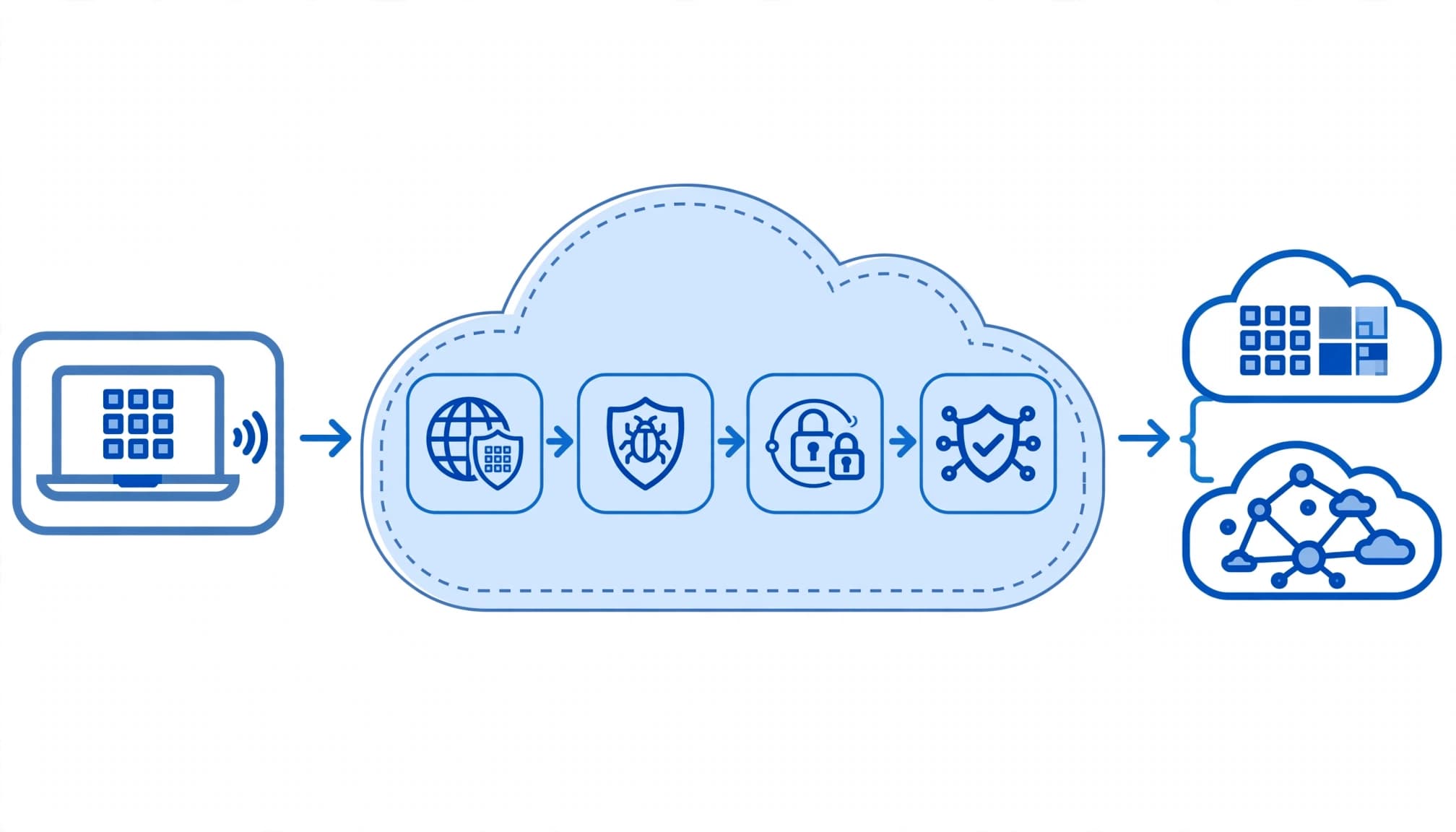
Pilot Entra Internet Access with IT before you assign a tenant-wide filtering policy. Your first deliverable is evidence of enforcement: blocked destinations, working business applications, and traffic records that identify the policy enforcing Web content filtering.
I'd start with the Microsoft 365 E5 licensing baseline, then separate endpoint preparation, traffic forwarding, and Conditional Access into distinct changes. Build those dependencies in order, or your help desk will spend the rollout diagnosing three changes at once.
Start with the Microsoft 365 E5 baseline
Separate existing licenses from new entitlements
Microsoft 365 E5 includes Microsoft Entra ID P2. That Entra ID entitlement doesn't confer either standalone product or the full Suite.
As of October 2026, Microsoft's published Internet Access list price is $5 per user/month, paid yearly under an annual commitment. That price covers the Internet Access license, not deployment or ongoing administration.
Microsoft Entra Internet Access and Microsoft Entra Private Access are separate selectable products. Buying either standalone SKU doesn't include the other. Compare the Entra Suite when several identity and Private Access requirements belong in the same approved scope.
Establish the commercial reason to deploy
I would review Entra ID licensing, existing gateway contracts, licensed users, managed endpoints, and required inspection controls before recommending another subscription. Duplicate filtering without an agreed retirement plan creates another renewal and another troubleshooting path.
A licensing review should produce an entitlement map, an overlap assessment, and a documented purchase decision. Our Microsoft 365 migration and licensing services cover that work alongside tenant configuration and security hardening.
Keep the business case concrete: reduce data leakage, close documented control gaps, or replace an existing service. A Microsoft-centered architecture isn't sufficient justification by itself.
Define what the gateway will enforce
Distinguish internet access from private access
Global Secure Access combines Internet Access, Microsoft's Secure Web Gateway, with Entra Private Access, Microsoft's Zero Trust Network Access product. These capabilities sit within Microsoft's Security Service Edge offering. SASE adds the networking side, including SD-WAN.
Internet Access governs internet and SaaS traffic, while Private Access governs access to private applications under a separate Zero Trust access model. Deploying web content filtering doesn't require a private-application connector project.
Separate category controls from inspection
Write separate acceptance criteria for Web content filtering by category, malicious-destination blocking, and TLS inspection. A blocked category doesn't establish that downloaded content received malware inspection.
Without TLS inspection, HTTPS filtering relies on information such as Server Name Indication. TLS inspection enables deeper controls, including URL-level filtering. Treat certificate distribution and application compatibility as separate dependencies.
Keep endpoint security in place. Gateway enforcement doesn't replace Defender, device hardening, or data loss prevention.
Prepare endpoints before forwarding traffic
Use a defined Windows pilot
Microsoft's Windows client installation documentation lists Windows 10 LTSC 2021 or newer, Windows 11, and Windows 11 Arm64. Use a consistent build for the initial pilot.
Global Secure Access clients also exist for macOS, Android, and iOS. Client availability on these platforms doesn't mean they have identical Internet Access capabilities.
Assign an endpoint owner, a Conditional Access owner, and a network owner. One person can hold several responsibilities, but each change needs an accountable operator.
Remove acquisition bypasses deliberately
Microsoft's current Global Secure Access limitations identify QUIC and Secure DNS as deployment constraints. Disable QUIC through managed browser settings or block outbound UDP 443.
Use management policy to disable browser DNS over HTTPS and Secure DNS.
The client tunnels IPv4 traffic. Include IPv6 and Secure DNS in bypass testing. A successful browser block doesn't prove complete coverage.
I'd deploy these settings through Intune before enabling filtering. Record the previous configuration and rollback method. Browser changes made manually on one administrator's laptop aren't a deployment standard.
Build the Entra Internet Access pilot
Follow Microsoft's web content filtering configuration sequence for an Entra Internet Access pilot. Use Global Secure Access with a dedicated pilot group and documented rollback.
- In the Microsoft Entra admin center, open Global Secure Access. Under Connect > Traffic forwarding, enable the Internet access traffic forwarding profile and scope the initial assignment to the pilot.
- Download the Global Secure Access client from Connect > Client download. Deploy it through your endpoint-management process, sign in, and confirm the Internet access profile is active before testing filtering.
- Under Secure > Web content filtering policies, create a category-blocking policy. Use a category such as Alcohol And Tobacco with a Block rule. Choose the unmatched-traffic default deliberately: Allow supports a category-blocking pilot; Block creates an allowlist requirement.
- Under Secure > Security profiles, create the pilot Security profile and associate the filtering policy. In the V2 model, a security profile contains one web filtering policy. Record its rule actions and default action in the change record.
- Create a Conditional Access policy for the pilot group targeting Internet traffic. Under Session, select the security-profile option and choose the pilot Security profile. Keep the Grant control set to Grant access.
A default Block action can stop every destination without an Allow match. Don't use it as a supposedly safer starting point without an approved destination inventory.
Prove enforcement in traffic logs
Test allowed work and blocked destinations
Use a test matrix that covers the blocked category, approved business sites, browser variations, and an explicit allowed exception. Include Microsoft 365, payroll, vendor portals, and applications that use embedded browsers.
Start with IT, then test with a representative departmental group. For restaurant POS support and kitchen technology systems, test vendor dependencies outside service hours. A payment-related outage is an operational failure, even when the category rule behaves as configured.
Conditional Access report-only results establish policy evaluation. They don't prove that web filtering blocked a connection.
Use report-only Conditional Access testing to review scope, then enforce the pilot policy to verify filtering behavior.
Retain destination-level evidence
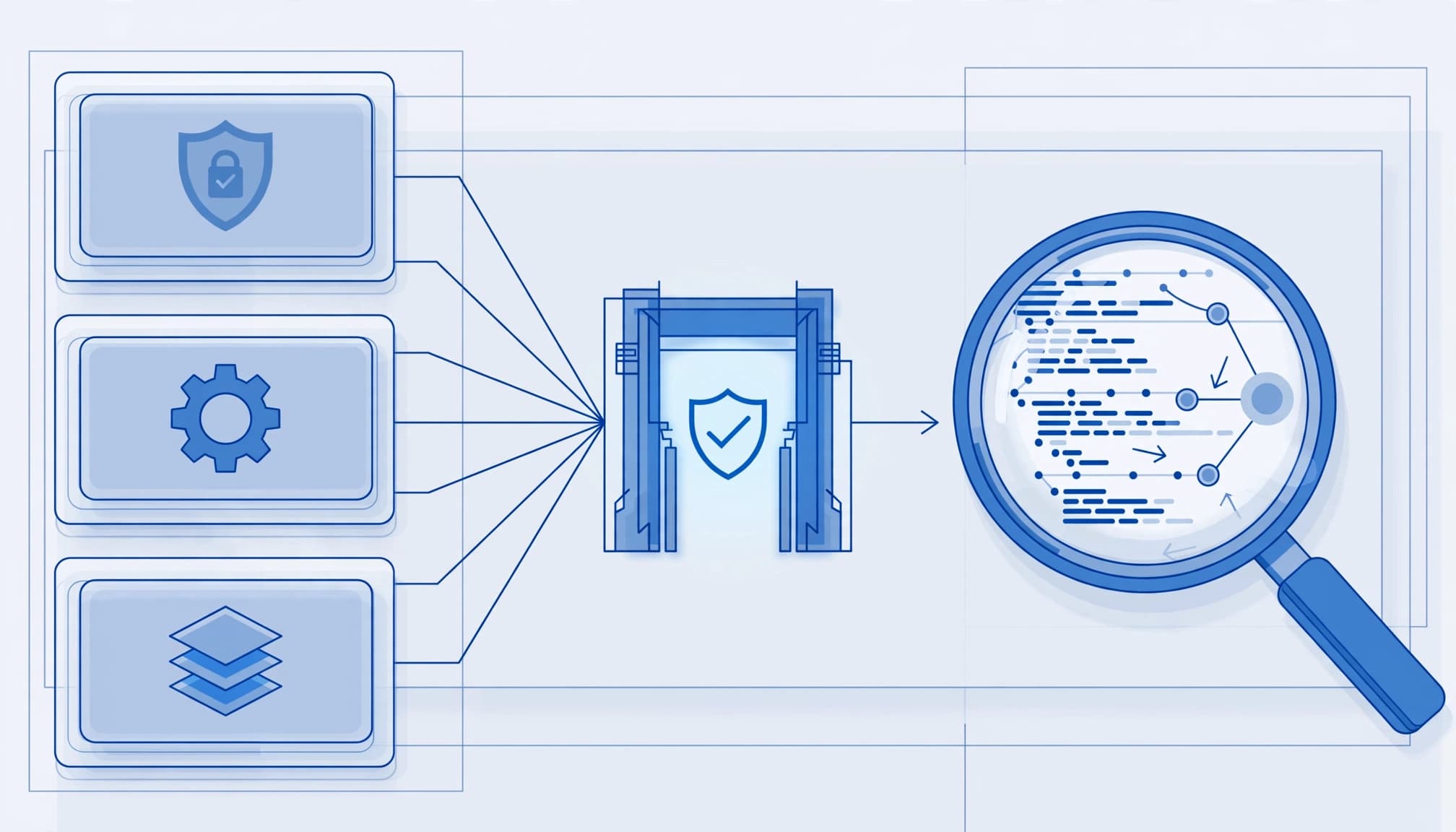
Open Global Secure Access traffic logs and filter Action to Block. Match the destination, user, timestamp, and policy in Traffic logs against the test record. Investigate missing records before expanding scope.
Use the destination-level evidence to confirm Web content filtering blocked the tested connection. Microsoft's Internet Access operations guidance documents sending NetworkAccessTrafficLogs to Log Analytics, where records populate NetworkAccessTraffic.
Use NetworkAccessTraffic | summarize count() by DestinationFqdn to identify frequently contacted destinations. This aggregation supports review, but it doesn't show whether each connection was allowed. Retain action-level records alongside the summary.
Give the operations owner a saved Traffic logs query, retention requirement, and review schedule.
Keep network signals separate from content filtering
Compliant Network and Universal Tenant Restrictions address different risks. Neither control belongs inside a generic web-filtering acceptance test.
Microsoft's Compliant Network configuration lets Conditional Access require a known compliant network location. Test this Conditional Access requirement separately from category blocking. A destination can pass content filtering while sign-in still fails the network-location requirement.
Universal Tenant Restrictions govern access to external tenants. Define the approved collaboration boundary before enforcement, including guest workflows and sanctioned partner access.
I'd keep Conditional Access, destination filtering, and data protection in separate acceptance records. Each needs an owner and an observable result. This separation supports Zero Trust. Combining the controls into one successful browser session leaves gaps that surface during an audit or incident.
Set the delivery boundary before expanding
A deployment engagement should assess licensing, browser policy, DNS behavior, existing proxies, application dependencies, and log retention. The client should receive a configuration record, test evidence, an exception register, and an operator runbook.
Every exception needs a business reason, an owner, and a review date. Document the rollback sequence before enforcement. For managed IT teams, the handoff also needs to identify who reviews blocked traffic and who approves changes.
Our cybersecurity risk management services can connect that assessment with Conditional Access and endpoint remediation. The scope should name those deliverables rather than promise general security improvement.
This engagement is not worth pursuing when an existing gateway already meets the requirements and no replacement or control gap is approved. Finish unresolved endpoint enrollment and identity work first. A second enforcement layer will not repair missing ownership.
Key takeaways
The release gate is straightforward: licensed users, managed acquisition settings, working business applications, and matching enforcement records. Each exception needs an accountable owner.
I would expand only after the receiving operations team can identify a blocked destination, explain the policy responsible, and execute rollback. That is the minimum handoff for business continuity and security.
Operator FAQ
Does Entra Private Access need to be purchased too?
No. Internet Access and Private Access solve different access problems and are separately licensed. Purchase both only when the approved scope includes internet protection and private-application access. Compare Entra Suite only when those requirements overlap with broader identity work.
What does Remote Network Bandwidth cover?
Remote Network Bandwidth provides additional capacity for remote-network connectivity and is available in 500 Mbps increments. It isn't another user-filtering policy.
Size Remote Network Bandwidth against measured branch egress and existing allocation. Include peak business traffic and failover behavior. Branch connectivity needs a separate capacity decision; endpoint-client deployment doesn't establish that requirement.
Release only what operations can support
Entra Internet Access is ready for broader deployment when filtering works, required applications pass, and operators can explain the logs. Evidence and ownership are the release standard.
Book a free 30-minute call to scope an E5 licensing and web-filtering readiness review.