
Entra Access Lifecycle Redesign for E7 Transfers
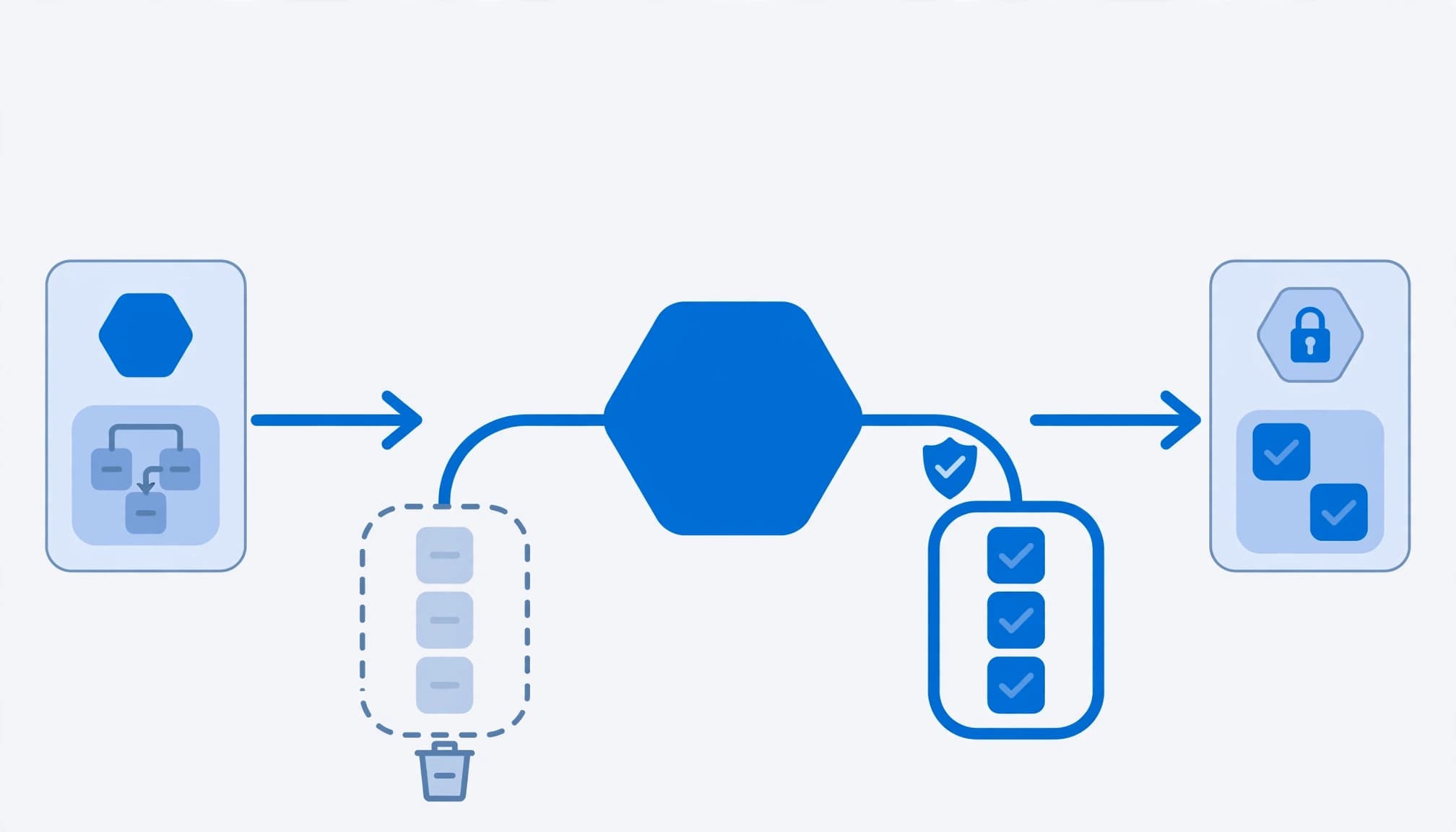
Remove obsolete access as part of the employee transfer, before the old department becomes somebody else's responsibility. An Entra access lifecycle redesign should connect the HR change, new access approval, old access removal, and evidence that each action completed.
I treat Microsoft 365 E7 as the licensing context, not proof that those controls exist. If you administer Microsoft 365, start with the transfer rules and resource owners before building workflows.
Define what the transfer must change
Separate the account from its permissions
An employee transfer usually preserves the identity while changing its permissions. The account remains active, but the employee's groups, application roles, SharePoint access, and privileged assignments need reassessment.
I require the losing manager to identify access that must end and the receiving manager to approve the new role. Shared responsibility without named approvers leaves old permissions untouched. That becomes a data leakage problem and an audit finding.
Assign each control a specific job
Use Entitlement Management access packages for governed resource bundles, approval, expiration, and package reviews. Use Lifecycle Workflows for orchestrated tasks around employee changes. Use automatic assignment policies when access should follow authoritative attributes rather than individual requests.
Access Reviews recertify continuing access. They do not replace transfer-day removal. My Entra ID automation guidance follows the same rule: remove permissions that no longer fit the job.
Establish the licensing and administration baseline
Compare E7 against the licenses already assigned
Compare E3, E5, or E5 plus standalone Microsoft 365 Copilot separately. E3 includes Microsoft Entra ID P1; E5 includes P2. Advanced Lifecycle Workflows require Microsoft Entra ID Governance licensing, available through the standalone offering, Microsoft Entra Suite, or E7. Microsoft's licensing fundamentals distinguish employee licensing from consumption-based Monthly Active User billing for guests.
As of October 2026, Microsoft's published Entra list prices include ID Governance at $7/user/month, paid yearly, and E7 at $99/user/month, paid yearly. The $99/user/month covers licensing only; Azure compute, model, and message consumption bill separately.
E7 became generally available on May 1, 2026. Entitlement Management, Access Reviews, and Lifecycle Workflows are generally available (GA); this design does not depend on preview features.
Delegate administration without Global Administrator
Assign Lifecycle Workflows Administrator for workflow administration. Use Identity Governance Administrator for broader governance responsibilities. Delegate Catalog owner or Access package manager where catalog-scoped authority is sufficient.
An Access package manager cannot add resources to the catalog. Assign that responsibility before configuration starts. I include these boundaries in Microsoft 365 migration and licensing services, because purchasing the entitlement and assigning administrative authority are separate tasks.
Build the Entra access lifecycle around authoritative HR data
Map the attributes before enabling automation
HR-driven provisioning supports Workday and SAP SuccessFactors. Map a durable employee identifier, department, manager, employment status, and relevant dates into Microsoft Entra ID.
The attributes employeeHireDate and employeeLeaveDateTime support time-based workflow triggers. Neither is a substitute for a transfer effective date. For movers, define the attribute change or approved event that represents the transfer, and document how the workflow receives it.
Find access outside the intended control
Inventory direct group membership, nested on-premises groups, application-local roles, privileged assignments, and SCIM-provisioned access. Hybrid identity needs particular attention: changing a cloud membership does not rewrite its on-premises source.
Keep endpoint security and device hardening in scope where the new role changes device requirements. Conditional Access remains a separate enforcement layer. A correct access package does not make an unmanaged device acceptable.
Configure access package expiration and extensions
Set a duration that matches the business need
In the Microsoft Entra admin center, open ID Governance > Entitlement management > Access packages. Select the package, open Policies, choose the policy, and edit its lifecycle settings.
Expiration supports On date, Number of days, Number of hours, or Never. Days accepts 0 through 3660. A selected date must be in the future.
I reserve Never for access with a documented continuing basis and recurring review. Temporary overlap during a transfer needs an end date and an owner. Do not turn a handover period into permanent access.
Make extensions follow the approval policy
Set Allow users to extend access to Yes only where renewal makes business sense. Microsoft's access package lifecycle settings specify reminder emails 14 days and 1 day before expiration.
Extension requests follow the configured approval process. Users must remain within policy scope, and an explicit assignment end date constrains the extension date.
A reminder does not establish continuing need. Assign the approver who owns the resource, and route renewal decisions there rather than leaving IT to judge business necessity.
Configure and test the mover workflow
Build within the workflow limits
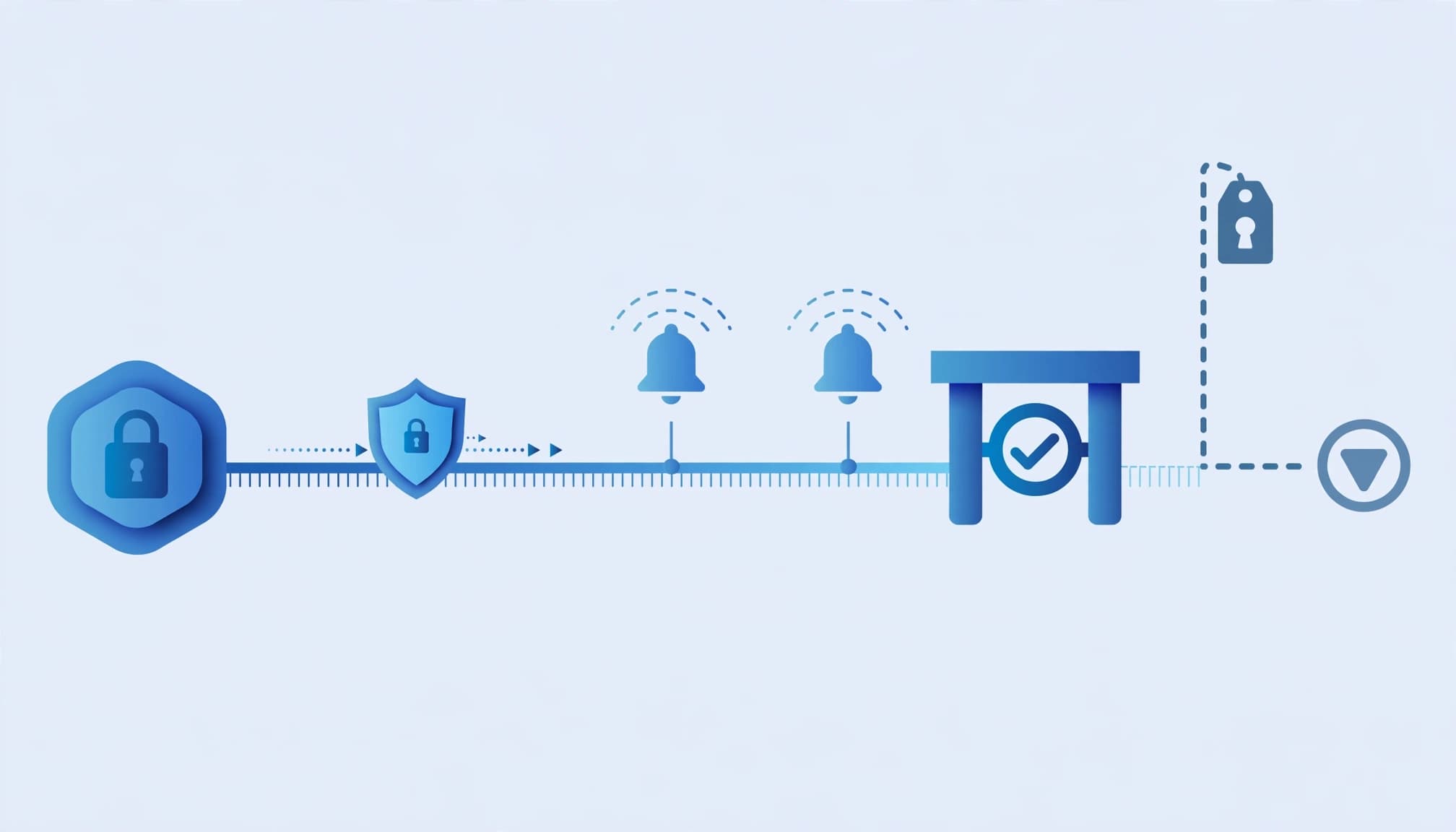
Open ID Governance > Lifecycle workflows > Workflows, then select Create workflow. Microsoft's documentation updated October 15, 2026 lists 14 built-in templates across Joiner, Mover, and Leaver scenarios.
Available tasks include welcome emails, Temporary Access Pass generation, group membership changes, and last-day access removal. Select tasks for the event. A mover normally does not need a new-hire authentication setup.
Microsoft's Lifecycle Workflows deployment guidance documents 100 workflows per tenant, 25 tasks per workflow, and 100 custom task extensions per tenant. Schedules run every 1 to 24 hours, with a default of 3 hours. On-demand selections support up to 10 users; time-based offsets support 180 days before or after the trigger.
Test the complete transfer, including removal
I use an approved transfer as the acceptance path:
- Record current entitlements and approve the destination package before the effective date.
- Remove incompatible old-role access, then assign the approved destination access.
- Give necessary overlap a named owner and explicit expiration.
- Inspect workflow history, provisioning logs, and application permissions before closing the change.
A three-hour schedule is not an immediate response guarantee. Define the acceptable completion window, then test downstream provisioning against it. Where application-local removal requires Logic Apps or another custom extension, require a completion result, failure alert, and retry procedure.
Govern guest cleanup and recurring reviews
Register partners and control guest deletion
Register a connected organization before restricting package requests to that partner. Referencing the organization's domain alone does not establish the required governance relationship.
Under the default external-user lifecycle behavior, an externally invited guest governed by Entitlement Management is blocked after the last access package assignment ends. The account is removed after 30 days by default. Those settings are configurable; they are not a deletion rule for every guest in the directory.
Apply review decisions to the actual resources
Require recurring Access Reviews on access packages where continuing need must be recertified. Review guest access and privileged access through their appropriate review paths, including Microsoft Entra Privileged Identity Management for privileged roles.
Configure reviewers, recurrence, nonresponse handling, and application of decisions. Microsoft's access review configuration supports this process. Package removal does not remove unrelated direct permissions. Include those assignments in the remediation record, or the review will show a decision without proving access ended.
Define the engagement by its deliverables
I scope this work around an entitlement inventory, HR attribute map, ownership matrix, package policies, workflow configuration, and acceptance evidence. The client should receive the configured controls, documented exceptions, failure-handling procedures, and a runbook that another administrator can operate.
Keep dependencies explicit. Cloud management and infrastructure optimization belong in scope when hybrid groups or application provisioning prevent reliable removal. A server replacement or Office 365 migration is separate work unless the access redesign depends on it.
This engagement is not worth expanding into a broad E7 deployment when transfers are infrequent, access is simple, and an owned manual process already produces reliable evidence. Small business IT teams need proportionate controls. Automate repeated work and measurable failure points, not every possible task.
Key takeaways
A transfer is complete when old access is removed, new access is approved, and downstream systems agree with the result. Licensing enables that process; it does not establish ownership or repair HR data.
Treat exceptions as controlled assignments with an owner, a reason, and an expiration date.
Frequently asked questions
Does E5 already cover the whole design?
No. E5 includes Microsoft Entra ID P2, but that does not replace the licensing requirement for advanced Lifecycle Workflows. Compare the actual service plans against Entra ID Governance, Entra Suite, or E7. Keep that comparison separate from deciding which employees need each capability.
Does a successful workflow prove access was removed?
No. Workflow history records task execution, while downstream applications can retain independent permissions or experience provisioning failures. I require evidence from the target resource before accepting removal. That includes application-local roles, hybrid group membership, and direct assignments outside the package.
Make transfer completion a defined standard
An Entra access lifecycle redesign earns its place when a department change reliably ends permissions that no longer belong. Build the approval path, test the removal path, and leave an operating record that supports the next transfer.
More workflows are not the objective. Completed, evidenced access changes are the standard.
Book a free 30-minute call to scope a transfer-readiness assessment.