
Why Entra, Intune and Your RMM Count Devices Differently
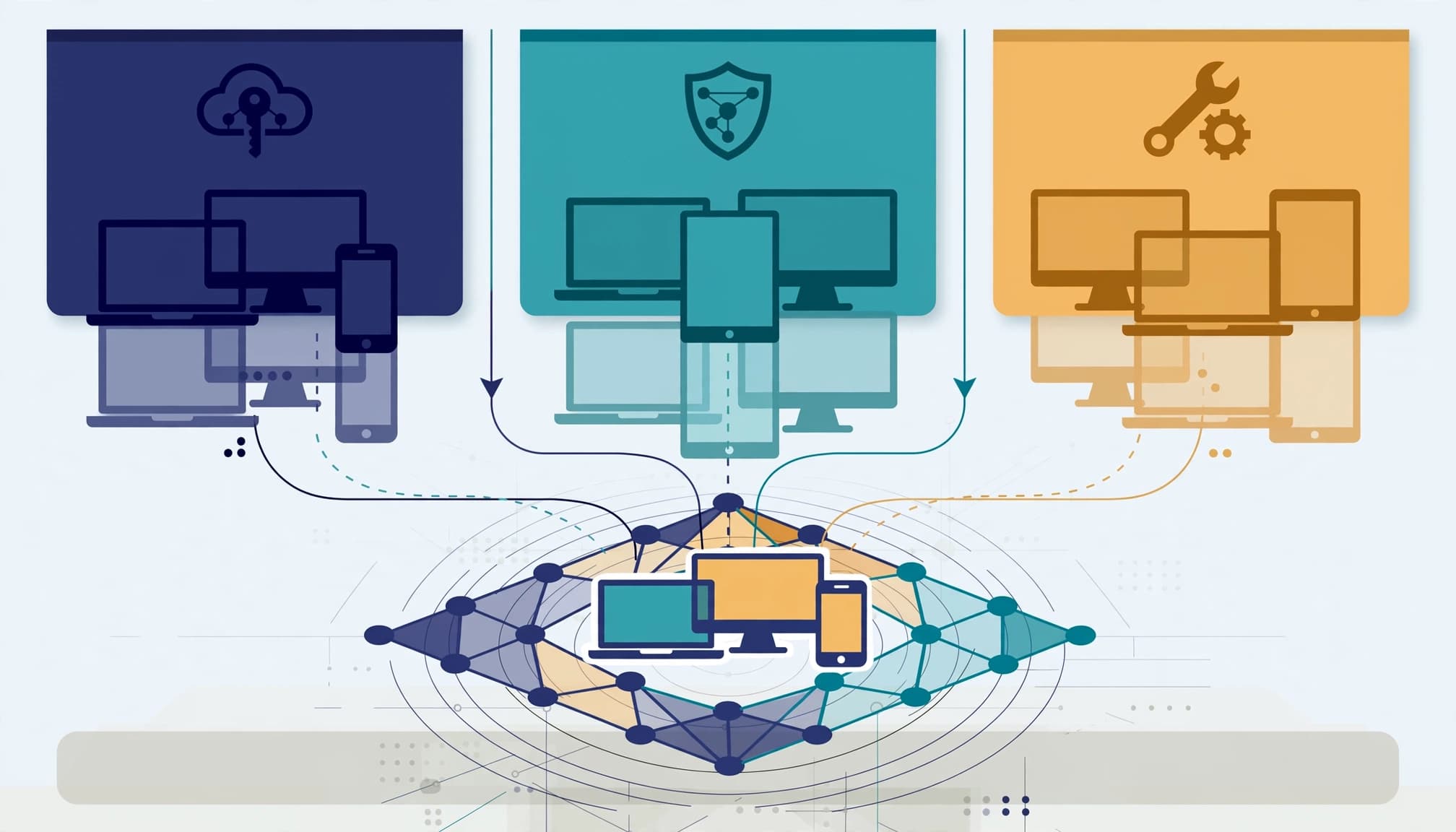
Stop treating three console totals as a hardware count. Device inventory reconciliation means matching identity records, management records, and physical assets against the same scope, then explaining the differences.
I start with one asset register, not a preferred dashboard. Microsoft Entra ID, Microsoft Intune, and your remote monitoring and management (RMM) platform answer different questions. Define those questions before you delete anything.
Why device inventory reconciliation starts with scope
Entra counts identities; Intune counts management records
Microsoft Entra ID holds device identities for Microsoft Entra registered, Microsoft Entra joined, and Microsoft Entra hybrid joined devices. Intune holds managed-device records. Registration alone does not establish Intune enrollment, corporate ownership, or endpoint security coverage.
Microsoft's device identity management guidance, updated November 21, 2026, also documents delayed overview counts. Dashboard totals can take hours to reflect changes. Comparing screenshots taken at different times adds another discrepancy.
Your RMM has its own counting rules
Document which RMM view you exported, its filters, and its retention settings. Establish whether that view includes installed agents, discovered equipment, servers, or archived records. Those rules depend on the product and configuration.
For licensing context, my baseline here is Microsoft 365 E3, which includes Microsoft Intune Plan 1 and Microsoft Entra ID P1. E5 does not make these inventories identical. The reconciliation process uses generally available (GA) inventory and management capabilities.
Where the extra and missing records come from
Reprovisioning leaves records behind
A hardware asset can accumulate identity and management records across replacement, re-enrollment, and reprovisioning. Device names also change. Matching by hostname alone turns a rename into an apparent disappearance and a duplicate into an apparent second computer.
I retain the relationship between the physical asset and its historical records. A retired identity should not become another active laptop in the register simply because an export contains another row.
Inactivity and deletion mean different things
Entra activity, Intune check-in, and RMM heartbeat measure different events. A quiet identity does not prove that hardware is missing. An active RMM agent does not prove that Intune policy is current.
Intune cleanup rules can hide inactive records without retiring or wiping the endpoint or removing its Entra identity. A qualifying device can reappear after checking in. My stale-device cleanup procedure separates that housekeeping from actual offboarding.
A record disappearing from a console is not evidence that the endpoint received a retirement or wipe command.
Prepare the records and establish physical ownership
1. Define the population and export together
Write down what the count includes: corporate laptops, shared workstations, mobile devices, kiosks, servers, and approved personal devices. Separate cloud infrastructure and virtual machines where physical serial numbers cannot identify an asset.
Export Microsoft Entra admin center, Entra ID > Devices > All devices, and Microsoft Intune admin center, Devices > All devices. Export the corresponding RMM population in the same reporting window.
Save timestamps, filters, source identifiers, and export files. Microsoft's Intune reporting guidance, updated November 12, 2026, makes an important distinction: deleting an MDM device hides it immediately and initiates retirement. A completed server-side action doesn't establish that the client finished retiring.
2. Count assets outside the consoles
Manufacturing inventory reconciliation matches physical inventory counts against recorded stock. Apply that discipline to devices: establish what exists, where it is, and who owns the next action.
Use physical inventory counts to set a baseline, then use cycle counting to verify selected populations between full counts. The ABC method prioritizes high-value or fast-moving stock; for IT, prioritize privileged endpoints, loaners, and frequently reassigned equipment.
Barcode scanners, RFID, and inventory management software reduce transcription work. RFID can help verify tagged equipment, while the asset register remains the ownership record. Use inventory management software to preserve scan results, asset identifiers, and custody details.
Reconcile warehouse stock, employee assignments, repair queues, and disposal records. Capture a repair work order and verify spare-device stock levels against the equipment on hand. Stale availability records can cause overselling when surplus devices are resold, and counts can reveal stock loss and shrinkage. Accurate counts of shared terminals and spare endpoints at manufacturing sites support production planning. The count establishes inventory accuracy for the defined device population.
If no register exists, build it during this count. My Intune and Entra inventory guide provides the supporting record structure.
Match records, investigate differences, and close actions
3. Match identifiers before comparing totals
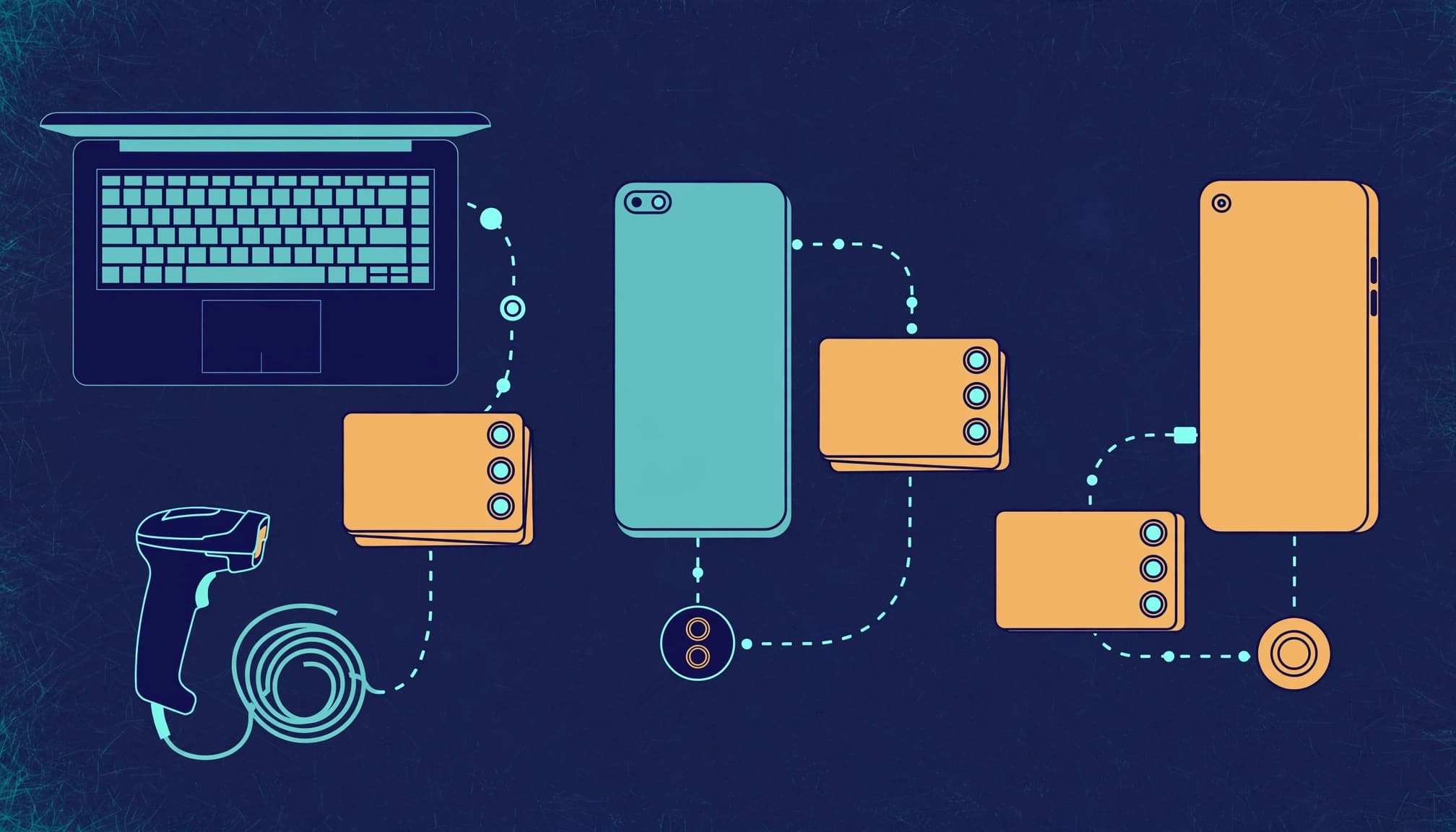
Give each asset a stable internal asset ID. Preserve the Entra object ID, Entra device ID, Intune managed-device ID, and RMM identifier separately.
Match Intune's azureADDeviceId to Entra's deviceId, not the Entra object ID. Use manufacturer and serial number as supporting evidence. Missing or reused serial numbers require review, particularly for virtual machines and replacement hardware. Never merge records on hostname alone.
4. Classify the difference and assign responsibility
Separate expected scope differences, stale records, duplicate identities, failed enrollment, missing agents, and unaccounted-for equipment. Investigate physical discrepancies for misplacement, theft, recording errors, or supplier errors. Those causes require different responses.
Compare unfamiliar endpoints against DHCP leases or firewall client lists. An RFID tag observation can help locate an asset, but it doesn't prove ownership. A network observation is a lead, not proof of ownership. Assign enrollment failures to endpoint operations, custody gaps to asset management, and suspected loss to security. Route repair or replacement actions through a work order.
5. Update systems and retain evidence
Correct the source record and the asset register. Record the decision, approver, ticket, action result, and remaining exception. Preserve historical identifiers rather than overwriting them.
Microsoft's stale-device guidance, updated November 22, 2026, recommends disabling stale identities before deletion with a defined grace period. For planned decommissioning, complete the management action before deleting the identity. Microsoft's Retire action documentation, updated November 21, 2026, describes platform-specific behavior. Protect recovery-key access before cleanup and retain evidence that the endpoint completed the intended action.
Keep physical counts separate from financial value
A reconciled device count supports financial accuracy, loss detection, replacement planning, and lower excess-stock holding costs. It doesn't reconcile the general ledger. Finance must connect asset acquisitions and disposals to accounting records for financial reporting.
The fixed-asset sub-ledger and general ledger are separate accounting records. The device register helps map devices to them but replaces neither. Compare the relevant asset or inventory output from inventory management software with finance records in the ERP system, without treating the software as the accounting system of record.
Windward's documented inventory workflow illustrates that boundary. Changing a purchase order line, invoice line, or bill inventory line after posting breaks the reconciliation. Manual adjustments to inventory value need documented controls and a corresponding accounting entry of equal value.
Its example starts with a $100 purchase order and an $80 supplier bill. Inventory account 1200 receives $100, while a 5000-level account receives -$20 to preserve the purchase order's landed value. This posting method is specific to Windward's application, not universal guidance on account numbers or entries.
The same workflow uses a Purchases Clearing Account, such as 1210, and a placeholder bill named PO_PoNum_ to review outstanding bills at month-end. It favors the Inventory Value Report: serial-number holds count as out of stock there, while the Stock Landed Value Report retains them in financial quantity.
For multicurrency entries, Windward specifies one supplier account per currency, setting the exchange rate before entry, and matching receiving and bill dates. For month-end inventory reconciliation, compare the GL inventory balance with the Inventory Value Report after other users log out. Archive monthly backups for historical values. Windward excludes backdated inventory reports and its Stock/Ledger Reconciliation report from accounting use.
Set review thresholds without hiding operational gaps
Separate stale-record thresholds from response deadlines
I start standard Windows device reviews at 90 days of inactivity. Shared or high-turnover populations can justify 60 days. These are review thresholds, not substitutes for physical verification or permission to ignore an unexpected loss of management.
A restaurant POS terminal, seasonal tablet, or loaner needs a different operating schedule than a daily-use laptop. Manufacturing sites can schedule checks of shared terminals and spare endpoints around production planning cycles. Record an owner, business reason, and review date for each exception. Device hardening and restaurant POS support both depend on keeping those distinctions visible.
Use cycle counting to physically check loaners or spare devices between full counts.
Review changes before the monthly meeting
Review stale-device reports monthly and exceptions quarterly. Revisit the baseline after an Office 365 migration, acquisition, site closure, or major hardware refresh.
Require zero unexplained active corporate endpoints. That's an operational standard, not a claim that every platform must show the same total. Unknown ownership, missing endpoint protection, and failed enrollment deserve action before the next reporting cycle. Keep each approved offline spare in the register with accurate stock levels and availability status.
What a reconciliation engagement should deliver
Assess the records and the workflow
I scope the assessment around exports, matching rules, enrollment methods, cleanup settings, offboarding tickets, and physical custody records. I also review how device records feed Conditional Access and security reporting.
The commercial exposure is concrete: missed devices can leave data leakage paths open, distort insurance-renewal evidence, and extend downtime during recovery. An executive total without exception detail conceals those problems.
Deliver a register your team can maintain
The deliverable is a reconciled asset register, source-ID mapping, categorized exception queue, named action owners, and documented review procedure. These records give Finance clear exception detail for financial reporting, but they don't replace accounting reconciliation. Your team can see which differences are expected, which need remediation, and which remain unresolved.
This engagement isn't worth buying when your team already maintains those controls and can explain every variance. A documented export-and-review process can be sufficient. Automate recurring collection and matching after the rules work. Otherwise, automation distributes the same mistakes faster.
Key takeaways
Keep one asset register with links to each platform's records. Define scope before comparing totals, retain historical identities, and distinguish inactivity from confirmed retirement.
The useful outcome is an explained population: known assets, known management coverage, and exceptions with accountable owners. Equal dashboard numbers are not an acceptance criterion.
Questions that matter during reconciliation
Which platform should be the source of truth?
Use the asset register for ownership and lifecycle, Entra for device identity, Intune for management state, and the RMM for its documented operational telemetry. Assign authority by field. No single console establishes physical custody, current management, and disposal evidence.
Should duplicate records be deleted immediately?
No. Match identifiers, establish the current record, review management dependencies, and protect recovery information first. An older-looking record can still matter. Approve the cleanup action only when you can explain what will happen to access, management, and recovery.
Make every difference explainable
A defensible inventory connects hardware, identity, management, and custody without pretending they are the same record. Every unresolved difference needs an owner and a next action. That is the standard I would use to accept the work.
Book a free 30-minute call to scope a device inventory reconciliation review.