
E5 Plus Copilot: GDPR Data Request Readiness
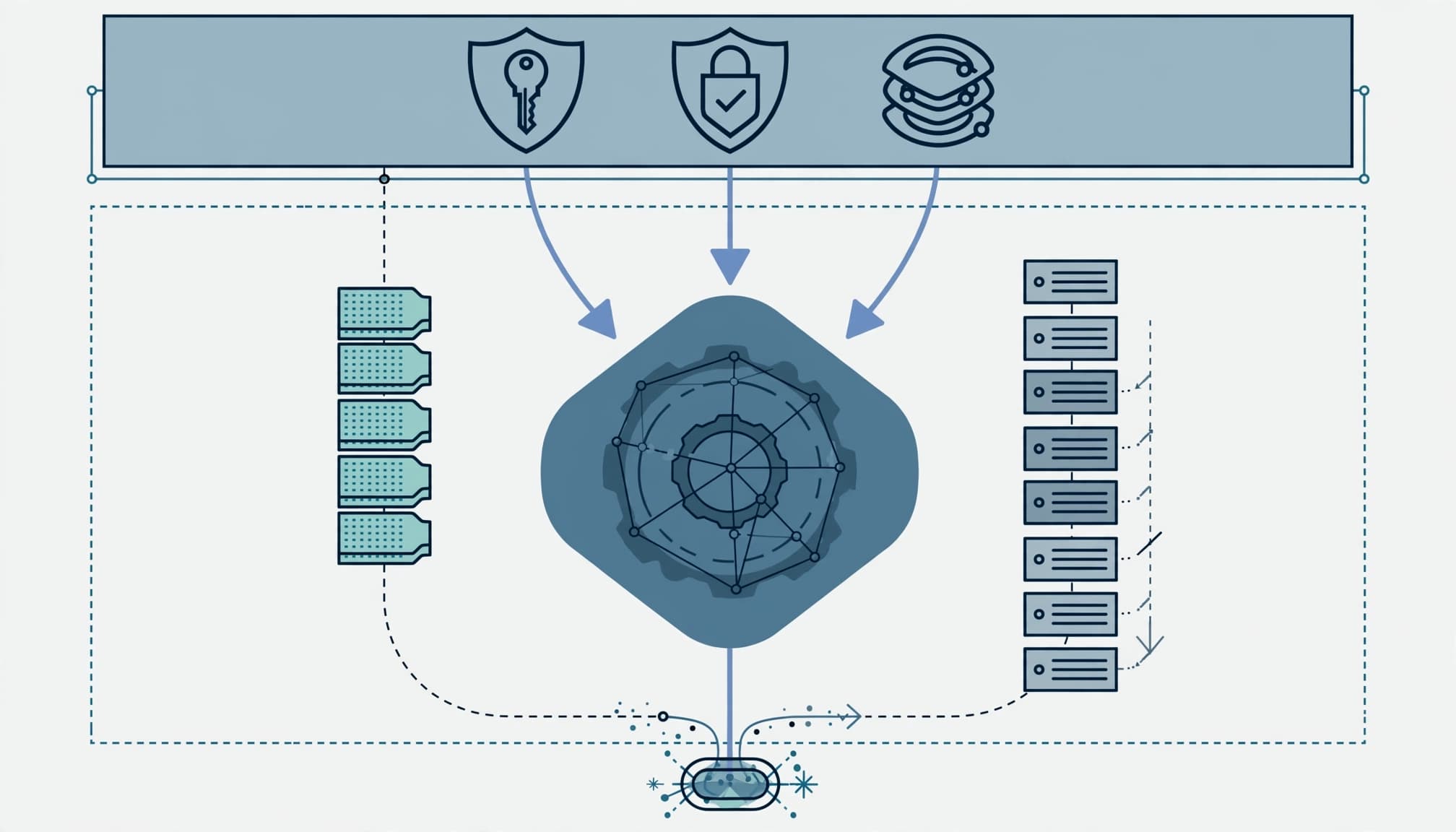
Prove you can retrieve, review, and disclose Copilot records before expanding access. Copilot GDPR readiness for an E5 plus standalone Microsoft 365 Copilot deployment depends on operating evidence, not the presence of a license.
I start with the records a request could cover, then test permissions, preservation, and retrieval. Your security lead needs a repeatable process that survives an employee departure, a disputed deletion, or an audit finding. Establish that boundary before approving more users.
Key takeaways
The service provides contractual protections, encryption, and enterprise controls. You remain responsible for lawful processing, appropriate access, and responding to data subjects.
Three requirements govern approval: documented data ownership, tested retrieval of Copilot interactions and underlying records, and an approved retention schedule. A successful prompt proves none of those things.
Set the Copilot GDPR readiness boundary
Record the actual E5 deployment
The baseline here is Microsoft 365 E5 plus the separately licensed Microsoft 365 Copilot add-on. "Standalone" describes the purchasing arrangement, not an independent service without prerequisites.
In the Microsoft 365 admin center, use Billing > Licenses to record assignments for the proposed cohort. The Copilot licensing comparison distinguishes the available plans and capabilities.
I separate missing entitlements from unused controls. Otherwise, the assessment can recommend another subscription while existing Purview policies remain undeployed.
Assign privacy and operational owners
Name the privacy lead responsible for request decisions, the Microsoft 365 operator responsible for searches, and the business owner responsible for record interpretation. Security owns exposure findings and incident escalation.
Map SharePoint, OneDrive, Exchange Online, Teams, connected repositories, and approved agents. Record processing purposes, personal-data categories, recipients, and applicable residency requirements.
The privacy lead should document the lawful basis, decide whether a data protection impact assessment is required, and own data privacy decisions. Secure cloud architecture does not answer those legal questions.
Separate Microsoft protections from customer duties
Establish the contractual boundary
The Enterprise Data Protection documentation places organizational Copilot use under the Data Protection Addendum and applicable Product Terms. Microsoft acts as a data processor for this processing.
The documented commitments follow Microsoft 365 security and privacy standards, including support for GDPR, ISO/IEC 27018, and other compliance frameworks. They include data encrypted at rest and in transit, physical security, and tenant isolation. These commitments support privacy compliance, but they don't establish your organization's legal obligations.
Prompts, responses, and organizational user data aren't used for AI training of large language models. Processing follows applicable customer instructions and service commitments. Keep the applicable DPA and the privacy lead's review with the assessment evidence, alongside the Enterprise Data Protection documentation.
Understand the technical limits
Copilot respects Microsoft 365 identity, permissions, sensitivity labels, and applicable retention controls. Those protections depend on your configuration. Excessive access remains excessive access.
The Copilot privacy and security guidance describes defenses against prompt injections and protected-material detection for text and code. These safeguards reduce defined AI-based risks, but they don't replace customer review of processing purposes or copyright ownership.
I keep agent execution separate from governance. Microsoft Agent 365 is a governance and control plane, not an agent runtime. Assess agent permissions, actions, and external destinations within their own boundary.
Fix access before testing disclosure
Start with the repositories containing personnel files, customer records, contracts, and financial information. In the SharePoint admin center, review site ownership, permissions, external sharing, guest access, and broad sharing links as part of your access controls. Include Teams-connected sites and OneDrive content shared beyond its intended audience.
I require the content owner to approve access changes. Removing permissions without testing dependencies can interrupt operations and turn a security cleanup into a support incident.
Test representative users against approved sensitive-content samples. Record what they can retrieve, which permission grants access, and who approved that access. Keep sensitive document contents out of the assessment report.
Review Microsoft Entra Conditional Access and Microsoft Intune device compliance alongside endpoint security and device hardening. A well-labeled document still needs protection when an authorized session reaches an unmanaged device.
Our security-focused Copilot readiness assessment covers the wider permission and control review. An earlier Office 365 migration does not establish that those permissions remain appropriate.
Configure retention and distinguish evidence types
Preserve interaction content deliberately
In the Microsoft Purview portal, use Solutions > Data Lifecycle Management to review retention policies covering Copilot interactions. Record the approved duration, covered users, deletion behavior, and policy owner.
Copilot prompt and response records need their own lifecycle decisions. Retention of an interaction doesn't establish equivalent retention of every referenced document or its earlier version.
I use generally available (GA) Purview retention, Audit, and eDiscovery controls for acceptance testing. Preview capabilities stay outside mandatory acceptance criteria. Your records owner must approve preservation and deletion rules before testing them.
Use Audit and eDiscovery for different jobs
In Solutions > Audit, review activity records when auditing Copilot use, including the user, time, application context, and available references to accessed content. Record the configured audit retention and the roles permitted to search.
Use Solutions > eDiscovery to find and review interaction content. An activity event isn't a complete disclosure package.
Test both paths with authorized accounts. Save the search criteria, result counts, export evidence, and reviewer approval. If the operator can't reproduce the result, the evidence is incomplete.
Rehearse a GDPR data request end to end
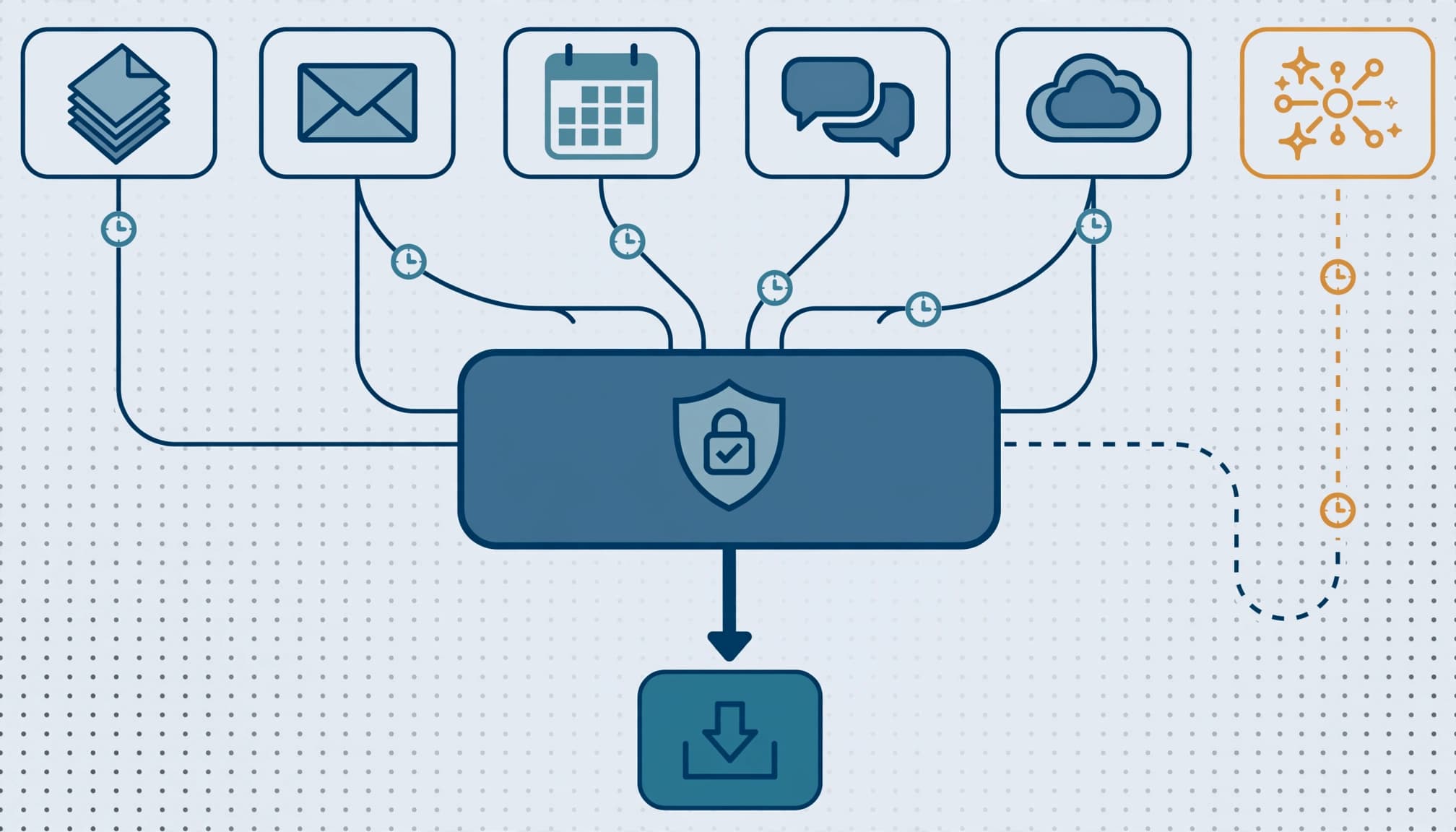
The data subject request guidance identifies Purview eDiscovery as a route for finding and exporting Copilot prompt and response content. Those records are stored in the user's mailbox.
Requests may also cover user data in underlying tenant records and relevant feature storage. Searching only the requester's own Copilot history can miss personal information mentioned by other employees.
I would run the rehearsal in this order:
- Authenticate the requester, record the receipt date, and have the privacy lead define scope. GDPR normally requires a response within one month; legal owns any extension or exemption decision.
- Open an eDiscovery case and search relevant custodians, mailboxes, sites, and interaction content. Include names, identifiers, and approved search variants.
- Review results for relevance, third-party personal data, privileged material, and applicable restrictions. Preserve originals while reviewers prepare the disclosure.
- Export the approved material, record the delivery method, and retain the decision trail. Record omissions and their legal basis.
Deletion requests need a separate decision. Legal holds and applicable retention obligations can require preservation even after an employee deletes visible chat history.
The acceptance test is a complete, repeatable case record. An export alone does not demonstrate Copilot GDPR readiness.
Decide how Bing web search will operate
Treat public web grounding as a separate processing path. Copilot derives web queries and sends them securely to Bing Search after removing user and tenant identifiers. These queries aren't used for advertising, shared with advertisers, or used to train foundation models.
The web-search privacy guidance explains that Bing operates under the Microsoft Services Agreement and Microsoft Privacy Statement, separately from Microsoft 365. Microsoft acts as an independent controller for this activity.
In the Microsoft 365 Apps admin center, use Cloud Policy and the Allow web search in Copilot setting to implement the approved position. Assign an owner and document the affected users.
Removing identifiers doesn't remove every sensitive fact from a query. I require the privacy lead to approve the boundary before users submit customer or personnel information into web-grounded workflows.
Require deliverables that support an approval decision
Define what the engagement produces
I scope the work around configuration evidence, access tests, retention behavior, and a rehearsed request. The handoff should contain an executive risk summary, data map, license matrix, remediation register, and request-handling runbook.
Each finding needs an owner, target date, and closure evidence. Separate data leakage and audit exposure from operational disruption and productivity loss. Leadership needs to know which findings block deployment and which can proceed under an approved exception.
Our migration and licensing services support the tenant and licensing side of that review.
Know when a full assessment is unnecessary
A broad engagement is not worthwhile without a defined user cohort, executive sponsor, or team authorized to remediate findings. Start with a focused licensing review or security gap assessment instead.
Small IT teams also need clear boundaries between internal administration and outside support. If nobody owns disclosure review, buying more technology will leave the request unresolved.
Proceed when the pilot's material access findings are closed, the request rehearsal passes, and privacy and security owners sign the acceptance record. Exceptions need a reason, owner, and expiration date.
Frequently asked questions
Does the provider's GDPR support make the deployment compliant?
No. Microsoft supplies contractual commitments and service protections. Your organization still owns lawful processing, permissions, retention decisions, and responses to data subjects. The assessment must show those responsibilities operating together.
Does deleting Copilot history erase all relevant records?
No. Retention policies and legal holds can preserve interaction records. Underlying files, messages, and other employees' interactions can also contain the same personal information. Treat deletion as a scoped records decision, not a single interface action.
Approve the evidence before expanding access
The governing standard is a repeatable request process backed by controlled access and approved retention. More licenses do not repair missing ownership.
I would expand access only after the named owners can demonstrate that process without improvising.
Book a free 30-minute call to scope a focused Copilot readiness assessment.