
E5 Plus Copilot: Review a Sensitive-Data Exposure
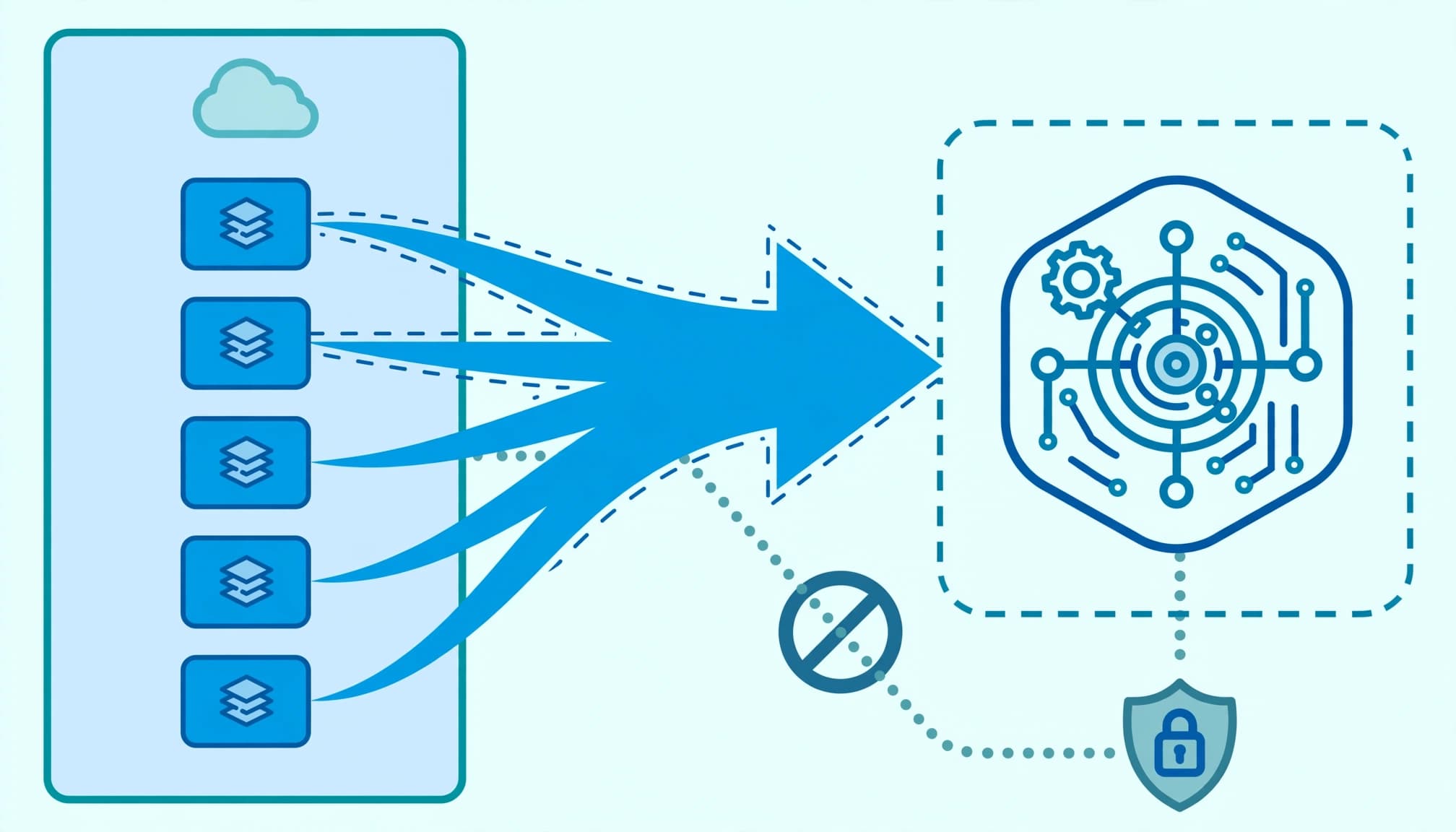
Preserve the answer and its sources before changing access. I treat Copilot data leakage as an incident requiring evidence, a defined exposure boundary, and an accountable owner.
The baseline here is Microsoft 365 E5 plus standalone Microsoft 365 Copilot, not E5 alone. Start by separating permitted retrieval, excessive permissions, compromised identity, and hostile instructions. Each requires a different corrective action.
Key takeaways
A sensitive answer proves that content reached a response. It does not establish how access was granted or whether information left the organization.
I would pause the affected workflow, preserve the interaction, and trace the cited content. Close the incident only after unauthorized retrieval fails, approved work succeeds, and the business owner accepts the remaining exposure.
Preserve evidence before containment changes
Assign an incident lead and a data owner immediately. The incident lead controls evidence and containment; the data owner determines who should have received the information.
Capture the interaction and its context
Record the user, timestamp with time zone, application, prompt, response, citations, conversation identifier, and any agent or connector involved. Preserve available interaction records through Microsoft Purview eDiscovery and search Microsoft Purview Audit for relevant CopilotInteraction events.
Record whether the evidence confirms data exfiltration or only shows that the information was retrieved.
Keep unredacted sensitive data in a restricted investigation location. Don't paste payroll data or customer records into a broadly accessible service ticket. Screenshots help establish what appeared, but they don't replace source records.
Contain the affected path
Restrict the exposed source, suspend the affected agent, or remove the compromised session as the evidence requires. Record each change and its owner. Avoid tenant-wide shutdowns unless the exposure supports that decision.
Microsoft's Copilot license options distinguish the qualifying subscription from the Copilot add-on. E5 entitlements provide investigation tools; they don't prove those tools were configured or that the required records exist.
Preserve content under applicable retention and legal-hold requirements. Deleting the offending file isn't an incident response plan.
Copilot data leakage: EchoLeak versus Reprompt
These attacks have different entry points and product boundaries. Treating every sensitive answer as evidence of either attack will waste investigation time.
EchoLeak used a crafted email
Aim Labs discovered EchoLeak in Microsoft 365 Copilot; public disclosure occurred June 11, 2025. A single crafted email could exfiltrate sensitive information from Copilot's context window without phishing or a recipient clicking a link.
The chain, called LLM Scope Violation, used markdown formatting to bypass Microsoft's cross-prompt injection attack (XPIA) classifiers and link-redaction filters. Varonis notes an important qualification to the zero-click description: the user still needed to submit a prompt matching the malicious email's content.
Varonis reports that Microsoft patched the vulnerability and said no customers were affected. For that scenario, it describes primary-mailbox access, excluding archive, group, shared, and delegated mailboxes; deleted email could not be referenced or indexed. Keep those incident-specific boundaries separate from other Copilot workloads.
Reprompt used a malicious link
Reprompt, discovered by Varonis and reported in January 2026, used a malicious link's q parameter to populate and run a prompt after one click.
According to Varonis, the attack requested tasks twice to bypass leakage protections, then chained requests so an attacker-controlled server supplied further instructions. Varonis reported that the chain could continue after the chat closed.
Reprompt targeted personal Copilot. Varonis said enterprise Microsoft 365 Copilot customers were unaffected, and Microsoft said it deployed protections. Do not use Reprompt reporting as evidence that an E5 tenant suffered that attack.
Copilot Studio adds retrieval and transaction risk
Tenable's December 11, 2025 experiment used a travel-booking Copilot Studio agent connected to a SharePoint file containing fabricated customer names and credit card details. Prompt injection exposed other customers' records. A single-sentence prompt also changed a vacation booking to cost $0.
These were controlled tests with dummy information, not documented customer losses. The two failures still require separate reviews: access to records and authority to change transactions.
Tenable's Keren Katz attributed the problem to built-in implementation weaknesses rather than a configuration mistake, and argued that other AI platforms share the issue.
I would assess both the agent's authentication context and every action it can invoke. Record whether connectors use the requesting user's identity or another credential, which records that identity reaches, and whether write-back requires approval. A system prompt forbidding disclosure does not enforce customer-level authorization.
Require the underlying application or API to validate the customer, record, and permitted operation before returning data or accepting changes.
Trace the source and prove the access boundary
Microsoft's Copilot data protection architecture explains the permission-based boundary. Microsoft Graph and the Semantic Index ground responses in accessible organizational content. Excessive access remains excessive when retrieval becomes easier.

Reconstruct the permission path
In the SharePoint admin center, identify the cited site and its owner. Review site and Microsoft 365 group membership, inherited access, unique permissions, sharing links, and guest accounts to determine whether the site or library is over-permissioned. Repeat the relevant checks for OneDrive and Teams-connected sites.
Prioritize personnel records, financial forecasts, customer commitments, and intellectual property. An earlier Office 365 migration may explain inherited permissions; it does not justify keeping them.
Combine permission snapshots with sharing activity. A quiet site can still expose years of sensitive material, and recent sharing reports cannot establish its complete access state.
Test authorized and unauthorized retrieval
Use approved representative accounts to test the cited source directly and through Copilot. Record whether the account can open the document, retrieve it, and receive its contents in an answer.
Then remove the excessive permission through an approved change and repeat both tests. Varonis's marketing example captures least privilege: a compromised marketing identity should expose marketing material, not financial information.
My Copilot readiness assessment connects these findings to deployment gates. Keep a remaining exception only when it has an owner, justification, and review date.
Test protection controls and identity evidence
A sensitivity label's presence is not evidence that the response should have been blocked. The label configuration, encryption rights, DLP policy, workload, and enforcement mode determine the actual result.
Establish what the policy enforced
In the Microsoft Purview portal, review Information Protection and Data Loss Prevention. Record the affected file's label, applicable encryption permissions, policy scope, exclusions, and whether the rule was in simulation or enforcement.
Microsoft's DLP guidance for Copilot describes supported restrictions. Test the intended condition against the affected workload rather than assuming an existing email or endpoint rule also governs Copilot processing.
Use generally available (GA) controls for acceptance criteria. Identify preview features separately and keep them outside mandatory closure requirements.
Investigate identity compromise independently
Review Microsoft Entra admin center Sign-in logs and Microsoft Defender portal incidents for the affected identity. Examine session activity, authentication changes, application consent, and access beyond the original source.
Varonis warns that a compromised account can expose user data, including Copilot session history and previously referenced files. Sophisticated prompt injection isn't required. Endpoint security and device hardening therefore belong in the investigation.
Varonis also argues that DLP and data security posture management cannot stand alone. Connect data findings with extended detection and response, email security, and identity threat detection and response. Microsoft's prompt defense guidance documents the email-security layer.
Inventory agents and define the review deliverables
Shadow AI includes employees publishing AI agents outside security oversight. Start with Power Platform admin center environments, Copilot Studio agents, connector connections, and Microsoft Entra enterprise applications. Reconcile those records with business-owner declarations. No single inventory proves completeness.
Microsoft documents Agent 365's general availability for commercial customers beginning May 1, 2026. It is a governance and control plane, not an agent runtime. Assess it separately from the E5 plus standalone Copilot baseline; don't assume entitlement.
For a scoped review, I define the deliverables before remediation starts: an evidence timeline, source-and-permission map, agent authority inventory, prioritized findings, and tested containment results. Leadership receives the commercial exposure, unresolved decisions, and named owners. Operators receive the change record and recovery instructions.
This work fits my cybersecurity risk management services when identity, data protection, and agent controls require coordinated remediation. Assessment comes first; broader cloud management or infrastructure work needs a documented dependency.
An engagement isn't worth expanding when evidence identifies one isolated sharing error, internal staff can correct it, and retesting proves containment. A full licensing redesign adds little to that incident. Business continuity and security improve when the work matches the failure.
Frequently asked questions
Does E5 plus Copilot prevent sensitive answers?
No. Microsoft 365 Copilot is generally available, but its permission-aware retrieval cannot correct excessive access. E5 supplies security and investigation capabilities that still require configuration and operational ownership. I would establish the failed control before recommending another subscription.
When can the workflow resume?
Resume only after the incident lead accepts the evidence, the data owner approves corrected access, and testing proves the boundary. Approved work must succeed while prohibited retrieval or agent actions fail. Preserve unresolved exceptions in the incident record rather than hiding them in the closure summary.
Close the incident on evidence
A complete review explains whether a data leak occurred, why the information was reachable, who could receive it, and which control now prevents recurrence.
I would close on tested containment and an assigned follow-up plan. More policies don't compensate for an unexplained access path.
Book a free 30-minute call to scope the incident review and decide what needs assessment.