
E5-to-E7 Copilot Business Continuity for IT Operators
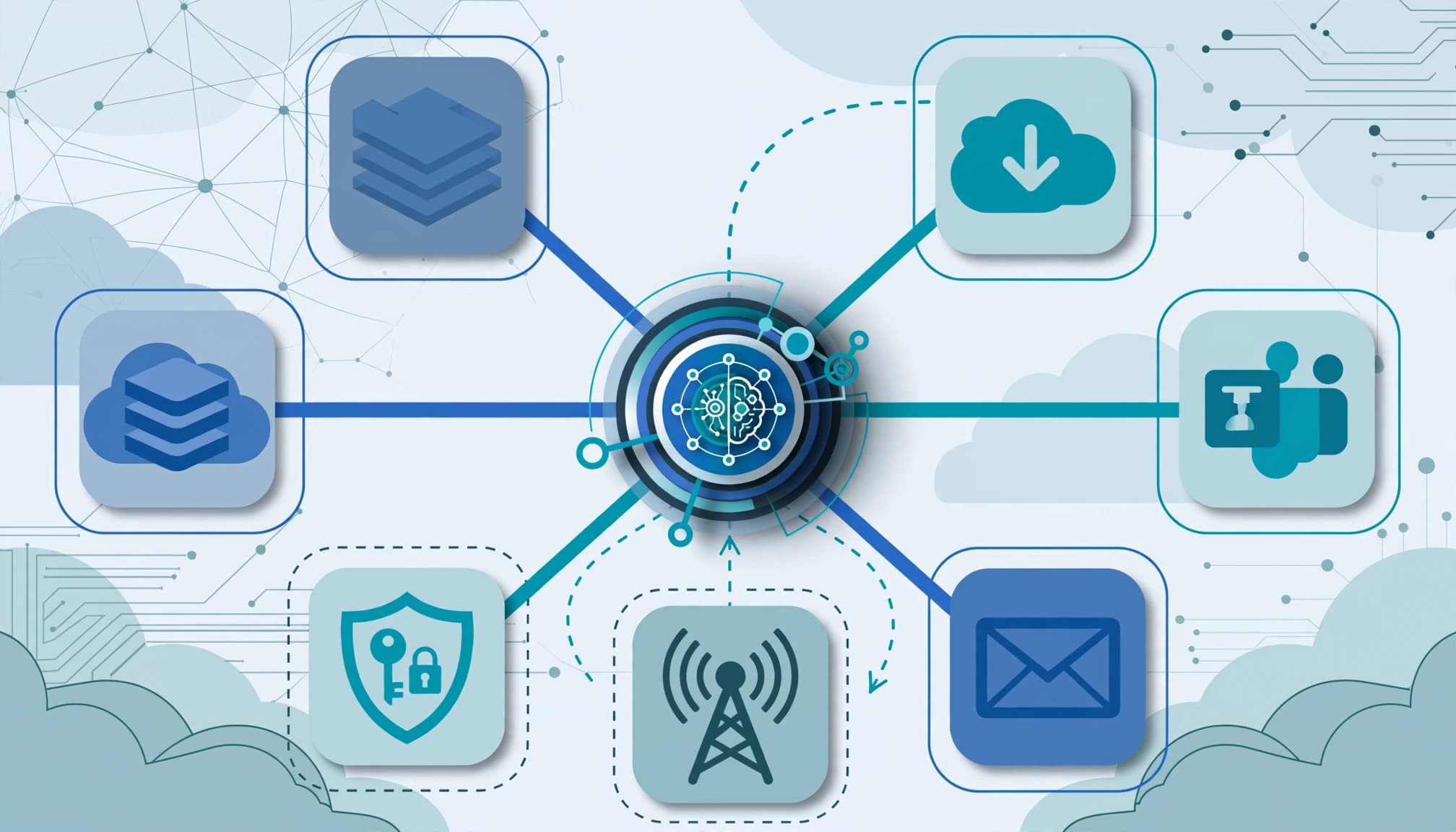
Build the fallback workflow before expanding Copilot access. I treat Copilot business continuity as an operating requirement for an E5-to-E7 transition, because licensing changes do not remove dependencies on identity, content, or connected applications.
Your plan must keep priority work moving when AI assistance disappears and prevent restored content from creating fresh data leakage. Start with the licensing baseline, then define what the business must continue doing without Copilot.
Key Takeaways
- Separate Copilot availability, Microsoft 365 availability, and data recovery. Each requires a different response.
- Give every critical workflow an owner, a fallback method, and measurable recovery objectives.
- Require evidence that restored permissions and agent boundaries work before reopening production access.
Establish the E5-to-E7 licensing boundary
Compare against the subscriptions already assigned
Name the baseline explicitly: Microsoft 365 E5, or Microsoft 365 E5 plus standalone Microsoft 365 Copilot. An organization already paying for Copilot has a different decision than one introducing AI-assisted work for the first time. An E3 baseline requires a separate comparison.
Microsoft 365 E7 bundles E5, Microsoft 365 Copilot, Microsoft Entra Suite, and Microsoft Agent 365. Microsoft announced general availability for E7 and Agent 365 on May 1, 2026. Record assigned service plans and operational dependencies before changing licenses.
Separate agent governance from execution
Agent 365 is a governance and control plane, not an agent runtime. It does not automatically recover the application hosting an agent, its connectors, or its external data. Microsoft's Agent 365 licensing FAQ also distinguishes user licensing from agents themselves.
I would include a licensing matrix, dependency register, and rollout boundary in the assessment scope. Our Microsoft 365 migration and licensing services cover that planning work. The deliverable should identify which users need E7 and which can remain on their existing configuration.
Map Copilot business continuity dependencies
Distinguish an AI interruption from a workload outage
A Copilot-only interruption can leave Word, Outlook, SharePoint, and Teams usable. Employees lose summaries, drafting assistance, and retrieval shortcuts, but can continue through the underlying applications. Your fallback should name those applications and the approved source locations.
A Teams interruption can block chat and meetings even when other Microsoft 365 apps work. A SharePoint outage changes the problem because Copilot can't substitute for unavailable source content. Microsoft's Copilot data protection architecture places Copilot within the Microsoft 365 service boundary. Don't assume a working chat interface means every connected workload is healthy.
Include identity, endpoints, and external systems
Map Microsoft Entra ID, Exchange Online, SharePoint Online, OneDrive, Teams, agent connectors, and line-of-business applications. Record the affected SharePoint sites or libraries. Include Azure-hosted components where the workflow uses them. An emergency access account can't bypass an Entra ID service outage.
For OneDrive, distinguish synced or locally available files from content that requires the service.
Endpoint security and device hardening belong in this map too. A restored document is useless if the only available workstation is compromised. I'd require approved devices, usable credentials, and a permitted communication channel before declaring the workflow available.
Build the continuity plan around accountable owners
A business continuity plan is a predetermined set of instructions for sustaining business processes during and after significant disruption. Build the business continuity plan before an incident. Disaster recovery procedures address the subsequent recovery of IT systems, applications, and data; they support the wider continuity plan.
Use these 12 components as a completeness check, not a universal standard:
- Document risk assessment, business impact analysis, the emergency response plan, and the crisis management plan.
- Assign backup and recovery strategies, alternate facilities, resource and personnel management, and supplier relationships.
- Schedule training and awareness, testing and exercises, documentation and reporting, and continuous improvement.
Assign an incident commander, workload administrators, department decision-makers, and an executive escalation owner. Include deputies. A recovery procedure that depends on one unavailable administrator has already failed its design review.
Keep an offline contact roster for executives, department leads, IT, and critical vendors. Set fallback communications on a channel independent of Teams and the failed service. Maintain securely accessible emergency account instructions and test access after identity-policy changes.
The threats should include service outages, administrator compromise, accidental deletion, ransomware, and connector failures. Sort them by lost revenue, contractual deadlines, and productivity loss rather than technical drama.
Set recovery objectives against the business workflow
Recovery Point Objective (RPO) is the maximum acceptable data loss, usually expressed in time. A four-hour RPO means the business accepts losing no more than four hours of changes.
Recovery Time Objective (RTO) is the maximum tolerable time for system recovery after disruption. Keep that separate from the time allowed to activate manual work.
Use a decision table that operators can follow without interpretation.
| Workflow | Microsoft 365 dependency | Approved fallback | Accountable owner |
|---|---|---|---|
| Contract review | Copilot, Word, SharePoint | Review source documents manually when SharePoint remains available | Legal operations lead |
| Customer quotation | Copilot, approved pricing library | Use an approved offline pricing snapshot with exception approval | Sales operations lead |
| Incident coordination | Teams, Exchange Online | Use the designated independent phone channel and offline roster | Incident commander |
| Meeting records | Teams transcription and Copilot | Assign a note-taker and store notes in the approved recovery location | Meeting owner |
The table identifies who changes the process, not merely who owns the application.
For the quotation exercise, set a 30-minute fallback activation target, a four-hour RPO for approved pricing data, and an eight-hour RTO for the pricing repository. These are exercise acceptance criteria, not Microsoft service commitments. The business owner must approve the loss tolerance before IT selects the recovery method.
Recover data without reopening access problems
Separate backup capabilities from recovery commitments
Microsoft's April 22, 2026 readiness and resiliency announcement, updated November 4, frames governance around Readiness, Relevance, and Resiliency. It advertises OneDrive and SharePoint restore speeds up to and beyond 3 TB/hour and labels two-year restore-point retention Private Preview.
The November 2026 Microsoft 365 Backup restore documentation describes configured recovery windows up to ten years for full OneDrive account and SharePoint site restores. The two-year preview announcement isn't a universal retention ceiling. Neither headline proves your disaster recovery result or RTO.
Treat "Office 365 disaster recovery" as a search term, then map the request to current, workload-specific Microsoft 365 Backup coverage. Validate configured coverage with a scoped Microsoft 365 Backup restore test.
Reapply the access acceptance criteria
Copilot honors Restricted Access Control (RAC). Restricted Content Discovery (RCD) prevents content discovery in Microsoft 365 Copilot and declarative agents; it doesn't replace access restrictions. Record both settings in the SharePoint admin center before the restore.
After recovery, compare RAC groups, RCD configuration, permissions, sharing links, sensitivity labels, and metadata against the approved baseline. Check permissions and sharing links for oversharing that could expose data, then test restored content and access in both SharePoint and OneDrive with authorized and excluded identities. Allow for discovery propagation before recording the outcome.
Microsoft 365 Backup workload recovery doesn't automatically restore Entra settings, agent configurations, governance state, or third-party applications. Track those separately. Require GA capabilities for committed recovery targets and document preview dependencies as exceptions.
Run a Copilot outage exercise with a business deadline
Use the quotation workflow for a tabletop exercise. Declare Copilot unavailable, then declare SharePoint unavailable. Keep the two stages separate so the team must change its response when the dependency changes.
During the first stage, sales operations should open the approved pricing library directly and prepare the quotation without AI assistance. During the second, the incident commander activates the independent communication channel, and sales operations switches to the approved offline snapshot.
Record the snapshot timestamp against the four-hour RPO. If it falls outside that limit, the sales operations lead must pause affected quotations or obtain the documented exception approval. Employees must not improvise pricing or upload customer documents to an unapproved AI service.
Measure fallback activation against 30 minutes. After service returns, reconcile quotations and exceptions before reconnecting automation.
This is the difference between a usable fallback and a document saying employees should "work manually."

Test the plan and hand over evidence
Test the business continuity plan at predefined intervals and after significant business or technical changes. I use quarterly restore exercises as a starting requirement, then increase frequency where changes, exposure, or contractual obligations justify it. Repeat relevant tests after licensing transitions, connector changes, and identity-policy revisions.
NIST SP 800-34 Rev. 1, published May 2010, and CISA's #StopRansomware Guide reinforce assigned responsibilities, documented procedures, and exercised response plans.
Microsoft 365 admin center Health > Service health confirms platform degradation. It does not prove recovery of deleted mail, restored SharePoint libraries, or continued legal-hold coverage.
A scoped engagement should leave you with the dependency map, approved objectives, operator runbooks, test timestamps, pass-or-fail results, and an assigned remediation register. The business owner signs off on process usability. Our Agent 365 recovery testing guidance extends that evidence requirement to agent controls.
A full engagement is not worth it when workflows are low-impact and recent tests already demonstrate recovery. Use a focused gap review instead. Outside support should close an evidence gap your team cannot reasonably close alone.
Questions operators should settle before rollout
Does Business Standard include Microsoft 365 Copilot?
Business Standard alone does not include the paid, work-grounded Microsoft 365 Copilot add-on. Copilot Chat availability is a separate entitlement question. Keep those products distinct in the licensing inventory.
Does productivity evidence justify accepting downtime?
No. Microsoft's November 15, 2023 early-access report said 70% of surveyed Copilot users reported greater productivity. That was self-reported benefit, not continuity evidence. Productivity dependence makes an approved fallback more important, not less.
Make recovery the release condition
Approve broader E7 adoption when the workflow can continue without Copilot and return safely after recovery. Require business-owner sign-off, measured results, and closed access failures before expanding the rollout.
More licensing does not reduce the need for disciplined operating procedures. The necessary work is a fallback people can execute and a recovery result you can demonstrate.
Book a free 30-minute call to scope a continuity readiness review.