
Copilot Audit Investigation Design for E5 Security Leads
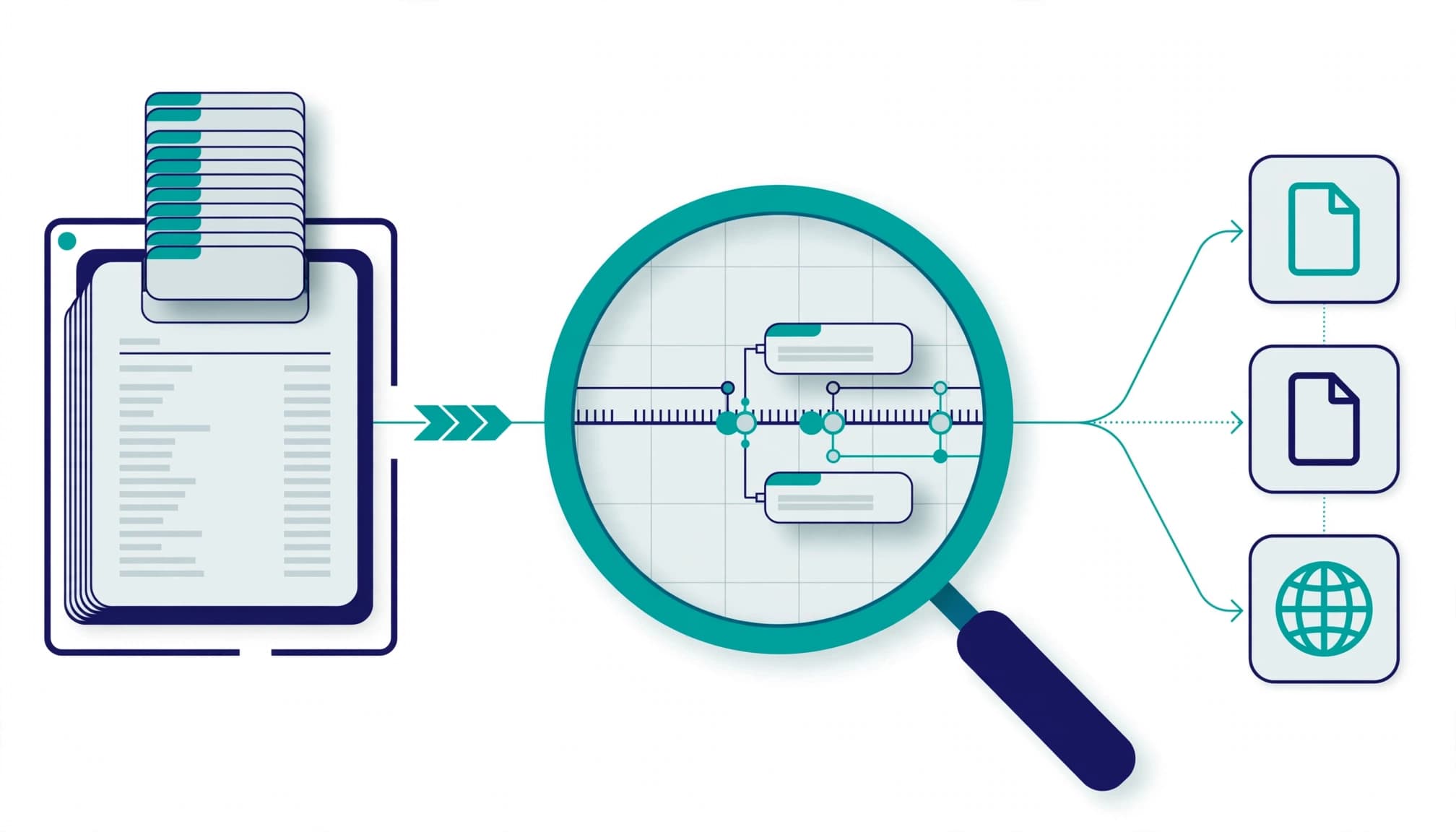
Build your Copilot audit investigation around identity, action, resource, and retained evidence. I start with what the business must reconstruct after suspected data leakage, then assign an evidence source and an owner to each link.
For Microsoft 365 E5 plus standalone Microsoft 365 Copilot, the license provides capabilities, but collection and preservation still need deliberate configuration. Start by separating audit metadata, conversation content, and evidence from connected services.
Key takeaways
- Copilot interactions enter Audit (Standard) automatically when auditing is enabled, but the Unified Audit Log does not contain prompt or response text.
- Standalone Microsoft 365 Copilot does not extend audit retention. E5 entitlements and applicable policies determine what remains available.
- A defensible investigation connects the authorizing user, executing identity, affected resource, and preserved evidence across the services involved.
1. Set the licensing and retention baseline
Separate E5 entitlement from Copilot licensing
Name the baseline before discussing coverage: Microsoft 365 E3, Microsoft 365 E5, or E5 plus standalone Microsoft 365 Copilot. This design assumes the third option.
Audit Premium, shown in the Purview portal as Audit (Premium), requires a qualifying entitlement, including Microsoft 365 E5 or E5 Compliance. The Copilot add-on doesn't independently extend retention. I include assigned licenses, policy scope, and renewal dependencies in Microsoft 365 migration and licensing services, because a tenant subscription alone doesn't establish every user's entitlement.
Configure Copilot retention explicitly
Microsoft changed Audit Standard, shown in the Purview portal as Audit (Standard), retention to 180 days for records generated on or after October 17, 2023. Microsoft's audit retention policy documentation distinguishes Premium's one-year default for qualifying Entra ID, Exchange, SharePoint, and OneDrive records.
Don't translate that into automatic one-year retention for every Copilot interaction. For a one-year Copilot requirement, configure the applicable Premium retention policy and preserve its scope, priority, and licensed-user coverage.
Audit retention and mailbox-content retention are separate controls. Extending one doesn't extend the other, and neither recovers evidence that was never collected.
2. Prove ingestion before searching an incident
Test the collection path
In Exchange Online PowerShell, run Get-AdminAuditLogConfig | FL UnifiedAuditLogIngestionEnabled. Preserve the output with the tenant identifier and collection date.
Then perform an approved, low-risk Copilot interaction and retrieve its record in Microsoft Purview. Verify that the retrieved event shows the CopilotInteraction operation. Record the user, application, UTC time, and expected activity before the test. An enabled setting proves configuration; a retrieved event proves that tested collection path.
Use generally available (GA) Audit and eDiscovery capabilities for the core runbook. Keep preview integrations identified as separate dependencies rather than treating them as established coverage.
Run a narrow Purview search
Open Microsoft Purview > Audit, set the UTC window and user, then select Interacted with Copilot under Activities, friendly names. Preserve the search criteria, results, and exported audit records together.
Start with the incident window and expand only when the evidence requires it. Add record-type and workload filters after identifying the application involved; an early filter can exclude the event you need.
If using Search-UnifiedAuditLog, retain the parameters and underlying payload. A returned page is not proof of a complete result set.
3. Read the metadata and preserve the export
Microsoft's Copilot audit field reference describes interaction metadata, including user, time, application context, location information where available, and referenced resources. It does not turn the Unified Audit Log into a conversation transcript.
I use these fields to decide what evidence to collect next.
| Record or field | Investigation use |
|---|---|
RecordType, Operation, Workload |
Separate record category, activity, and service; CopilotInteraction identifies the interaction operation. |
AppHost, AppIdentity |
Identify the host application and application identity. |
AccessedResources |
Locate referenced files, sites, or other resources. |
AISystemPlugin |
Identify available plugin context. |
Messages, IsPrompt |
Distinguish message references and prompt flags, not message text. |
SensitivityLabelId |
Resolve the label identifier against the tenant's label configuration. |
AIAppInteraction, ConnectedAIAppInteraction |
Identify non-Microsoft AI interaction categories. |
Field availability varies by application. A missing field needs an explanation before it becomes an investigative conclusion.
Resolve SensitivityLabelId, identify the referenced resource, then review its permissions and related access events. A sensitivity label establishes classification; it does not prove data left the organization.
Keep the original CSV unchanged. In a working copy, import through Excel Power Query, parse AuditData as JSON, and expand scalar fields into columns. Put resource and message arrays in separate tables keyed to the original record identifier, so expansion does not inflate event counts.
4. Retrieve conversation content through eDiscovery
Search the user's Exchange mailbox
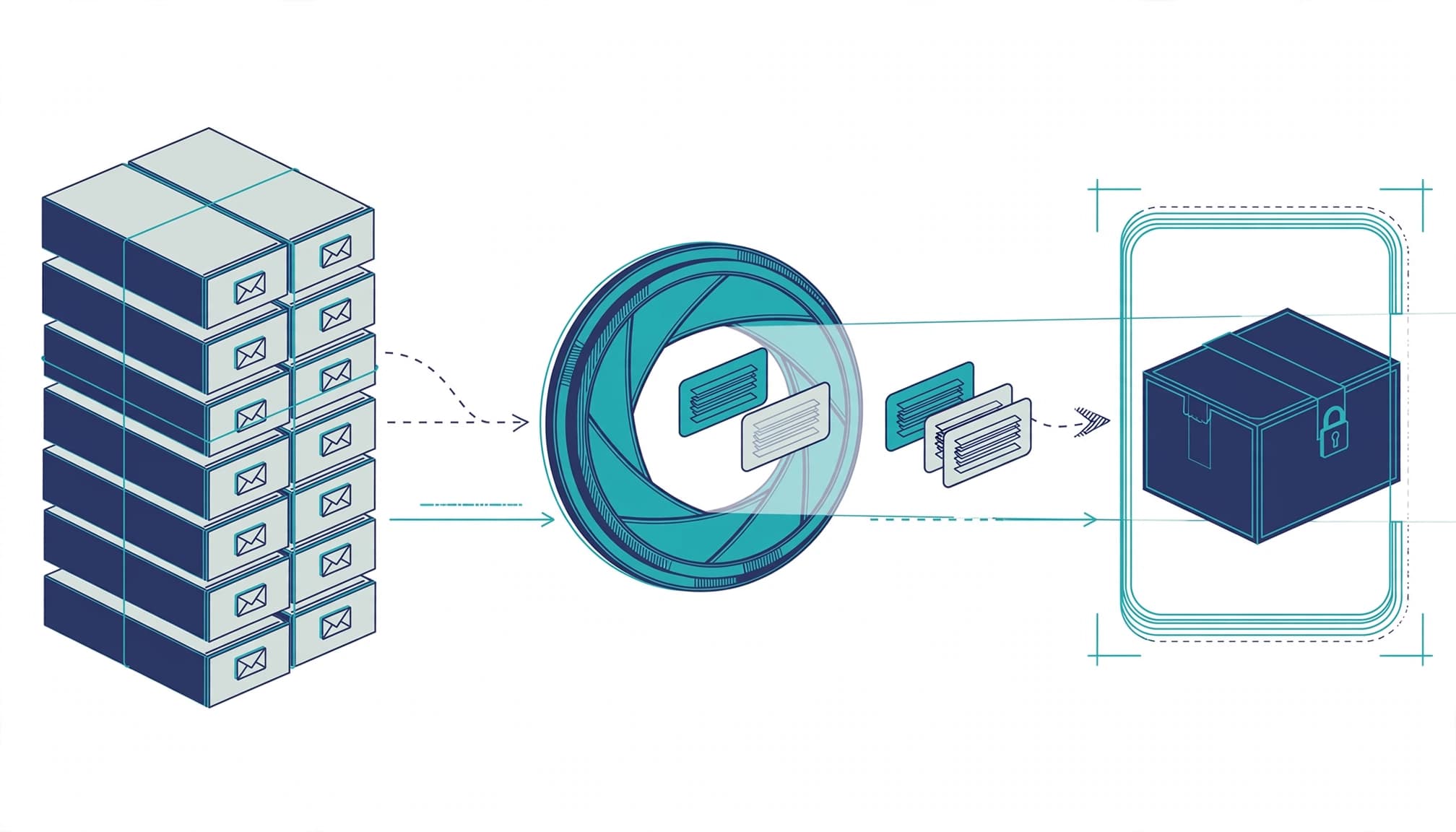
For Microsoft 365 Copilot, prompts and responses are stored in users' Exchange Online mailboxes. Open Content Search or an eDiscovery case, select the relevant Exchange mailboxes, and scope the interaction period.
Set Type to Copilot interactions where that label appears. Microsoft's November 2026 guidance also uses Copilot activity and documents the item-class pattern IPM.SkypeTeams.Message.Copilot.*.
Use Microsoft's Copilot data search guidance to distinguish mailbox content retrieval from audit searching. Correlate results using the user, timestamps, message identifiers, and resource references available. Timestamp proximity alone is insufficient.
Preserve before considering deletion
Preserve relevant content under the approved case process before remediation. Restrict exports and record the collector, collection time, search conditions, and storage location.
For Microsoft's documented 10-item-per-mailbox deletion workflow, use an eDiscovery Premium case, eDiscovery Manager role-group membership, and the required Search And Purge permission. Keep the collection within ten Copilot interactions per mailbox, then perform the targeted deletion through Microsoft Graph Explorer or PowerShell.
That limit belongs to the documented workflow, not every deletion interface. Holds and retention requirements remain part of the decision; deletion is not a substitute for investigation.
5. Configure Security Copilot and policy-based review
Enable Security Copilot's separate logging path
Security Copilot requires its own opt-in. Enable it during first run or through Owner > Owner settings > Logging audit data in Microsoft Purview.
Microsoft's Security Copilot audit documentation separates Unified Audit Log metadata from prompt and response content. Its default audit retention is 180 days, extendable through applicable retention policies.
For Security Copilot, prompt and response content is available through Microsoft Purview DSPM for AI, not the Unified Audit Log. Complete DSPM for AI policy setup and content-access permissions before making that content part of the response plan.
Assign Communication Compliance reviewers
Microsoft's November 15, 2026 Communication Compliance instructions use Policies > Create policy > Detect Microsoft Copilot interactions. Older instructions use Add policy and Detect Microsoft 365 Copilot interactions.
Policy administration requires the appropriate Communication Compliance permissions. Investigation requires an eligible Communication Compliance role, such as Communication Compliance Investigators or Analysts, plus assignment as a policy reviewer.
I require a named reviewer, an escalation owner, and a documented response condition. A policy that collects interactions without assigning review responsibility adds another queue nobody owns.
6. Test coverage beyond the Copilot event
A Copilot interaction record is one link in the evidence chain. Connect the authorized identity, executing identity, action, affected resource, and retained evidence. Add Entra sign-ins and conditional access results when the investigation crosses the identity boundary, plus resource activity, connector telemetry, and endpoint security records where relevant.
The Office Management API, documented as the Office 365 Management Activity API, retrieves generated events. It cannot create missing instrumentation or prove actions in an unconnected service.
Copilot Studio provides a concrete reason to test. Datadog reported missing BotAuthUpdate, BotAppInsightsUpdate, BotShare, and BotPublish events between August 29 and September 25, 2025, with two remaining inconsistent after remediation in that report. Treat this as a historical coverage finding, not a statement about November 2026 service health. Before treating BotUpdateOperation's presence or absence as a coverage finding, verify it in current Microsoft schema documentation or tenant evidence.
Microsoft application interactions are included in Audit (Standard). Non-Microsoft AI applications under AIAppInteraction and ConnectedAIAppInteraction use pay-as-you-go billing per audit record ingested. Include ingestion volume and collection ownership in cloud management planning.
Deliver an investigation package with defined boundaries
I scope this work around observable outcomes: a licensing and retention matrix, tested collection paths, approved searches, a content-retrieval procedure, and an evidence register. Each gap gets an owner, a remediation action, and a condition for closure.
Your IT team should receive the original records, readable working exports, role assignments, policy settings, test results, and a handover runbook. Business leaders should receive a short account of what can be reconstructed, what remains missing, and which gaps affect data leakage response or audit findings.
When is a separate engagement unnecessary? When your team already maintains those artifacts, exercises the retrieval path, and owns the remaining exceptions. Another assessment adds little without an unresolved decision.
Where investigation exposes excessive access or weak protection, cybersecurity risk management services provide a separate remediation scope. Device hardening and access correction should not disappear inside an evidence-collection deliverable.
Frequently asked questions
Is Copilot secure for confidential information?
Microsoft 365 Copilot respects existing permissions. Confidential information remains exposed when those permissions are excessive, and audit logging does not correct access.
I put permission review, sensitivity labels, retention, and response ownership ahead of broader deployment. A Copilot readiness assessment addresses that boundary before more users receive access.
Does an empty audit search prove nothing happened?
No. It can reflect the wrong window, restrictive filters, ingestion delay, disabled collection, or unsupported instrumentation.
Record a missing expected event as a coverage failure until the cause is established. Preserve the search parameters and compare the result with independent evidence from the affected service.
Require a reproducible investigation path
A useful Copilot audit investigation produces a defensible sequence of identities, actions, resources, and preserved content. I require retrievable evidence for each claimed collection path and an owner for every unresolved gap.
More logging helps only when someone can retrieve it, interpret it, and preserve it properly.
Book a free 30-minute call to scope an E5 plus Copilot investigation-readiness review.