
E5-to-E7 Conditional Access Staged Enforcement

Use staged enforcement to prove each Conditional Access policy against real sign-ins before expanding production coverage. Start with the existing Microsoft 365 E5 baseline, because an E7 assignment doesn't configure access controls or prevent an administrator lockout.
Your business needs fewer exposed accounts without interrupting payroll, collaboration, or remote access. Build an evidence-led, phased Conditional Access rollout around evidence before enforcement. Zero Trust requires validating access decisions rather than assuming an E7 assignment is enough. Stage enforcement only after sign-in evidence and recovery procedures are ready.
Key takeaways
- Microsoft's sequence is Foundation in Weeks 1-2, Core authentication in Weeks 2-3, and Advanced protection in Weeks 3-4.
- Microsoft 365 E5 includes Microsoft Entra ID P2 and risk-based Conditional Access capabilities, including MFA. Assigning licenses alone doesn't configure MFA enforcement. An E7 upgrade needs a separate business case.
- Run supported policies in report-only mode for at least one week, then enforce through IT and representative pilot groups.
Establish the E5 baseline before changing access
Separate licensing from configuration
Start with assigned Microsoft 365 E5 licenses, enabled service plans, and active policies. Microsoft's Entra licensing documentation identifies Microsoft Entra ID P2 coverage in E5 and E7. E7 adds Microsoft Entra Suite capabilities.
Conditional Access and Microsoft Entra ID Protection are generally available (GA). E5 already supplies risk signals and Privileged Identity Management. Assigned licenses don't configure a Conditional Access policy, approvals, access reviews, or lifecycle ownership.
I would not recommend E7 solely to obtain risk-based Conditional Access. Finish the E5 configuration first.
Capture dependencies and recovery paths
Export the policy inventory and record target groups, applications, exclusions, named locations, device requirements, and existing enforcement. Include Microsoft Intune compliance, endpoint security, device hardening, and hybrid identity dependencies in that baseline.
I require two cloud-only emergency access accounts, also known as break-glass accounts, excluded from restrictive policies, monitored, and reserved for recovery. Document their purpose and test the recovery procedure.
If Security Defaults is enabled, disable it before enabling Conditional Access. Activate replacement baseline protection immediately. Leaving replacement policies in report-only creates an MFA enforcement gap.
Phase 1: Foundation, Weeks 1-2
Follow Microsoft's Conditional Access deployment plan, but treat the calendar as sequencing guidance. A date does not prove readiness.
Restrict legacy authentication and privileged access
Build separate policies to block legacy authentication, protect the My Security Info registration page, and require phishing-resistant authentication for privileged Microsoft Entra built-in roles. These foundation controls use Microsoft Entra ID P1 capabilities, already covered by E5.
Review legacy client activity before enforcing the block. Printers, mailbox integrations, and older business applications need an identified owner and a replacement authentication path.
Start privileged-role enforcement with IT. Register supported phishing-resistant methods before requiring them. An administrator who has no usable method has a recovery problem, not a completed security control.
Protect registration without blocking enrollment
Target the Register security information user action to protect registration. Test initial enrollment, replacement authenticators, and recovery workflows.
There is an important exception to the report-only sequence: policies targeting user actions do not support report-only evaluation. Validate the registration policy through a narrowly scoped enforced pilot instead.
Keep the other foundation policies in report-only mode for at least one week. Extend observation when monthly processes or infrequent vendor access have not appeared.
Phase 2: Core authentication, Weeks 2-3
Require MFA for all users and guests, then use grant controls for mobile application requirements. I separate these changes because authentication failures and mobile application failures need different remediation.
For mobile access, use Require app protection policy where the application and management design support it. Test Outlook, Teams, and the applications your users actually open. A successful browser sign-in does not prove the mobile workflow.
Include remote workers, guests, personal-device users, and staff who move between managed devices. Conditional Access can require a compliant device; it cannot make an unhealthy device compliant. Microsoft Intune configuration and endpoint remediation remain separate work.
Communicate the enforcement date, expected MFA prompts, supported methods, and recovery route before expanding coverage. Explain what users must do before the change.
Enforce with IT first, then a pilot representing business workflows, then the remaining population. Keep existing protections active while the new policy moves through those rings.
Phase 3: Advanced protection, Weeks 3-4
Add risk-based decisions with remediation
Add policies restricting high-risk sign-ins and high-risk users through Microsoft Entra ID Protection. These policies require Microsoft Entra ID P2, which the E5 baseline already supplies.
Sign-in risk and user risk are different signals. Where supported, require an appropriate remediation action rather than building a block that nobody knows how to clear.
Run these policies in report-only before enforcement. Review risk detections alongside sign-in results, and keep emergency access exclusions explicit. Human-user policies don't automatically protect service accounts, service principals, or managed identities.
Isolate sensitive sites and session settings
Use authentication context for sensitive SharePoint sites requiring both a compliant device and phishing-resistant MFA. Select Require all the selected controls when both requirements must pass.
Microsoft documents SharePoint authentication context deployment through SharePoint Online PowerShell. Apply the published context with Set-SPOSite, using -ConditionalAccessPolicy AuthenticationContext and -AuthenticationContextName. This provides a documented deployment path when the site UI does not expose the setting.
For the sensitive browser cohort, test Sign-in frequency at eight hours and Persistent browser session at Never persistent as session controls. App enforced restrictions apply only to supported applications and sessions. These are design choices, not universal defaults. They govern reauthentication and browser persistence, not an exact eight-hour shutdown of every session.
Validate Conditional Access staged enforcement with evidence
Use the Microsoft Entra admin center, not a screenshot of the policy switch, to decide whether enforcement is ready.
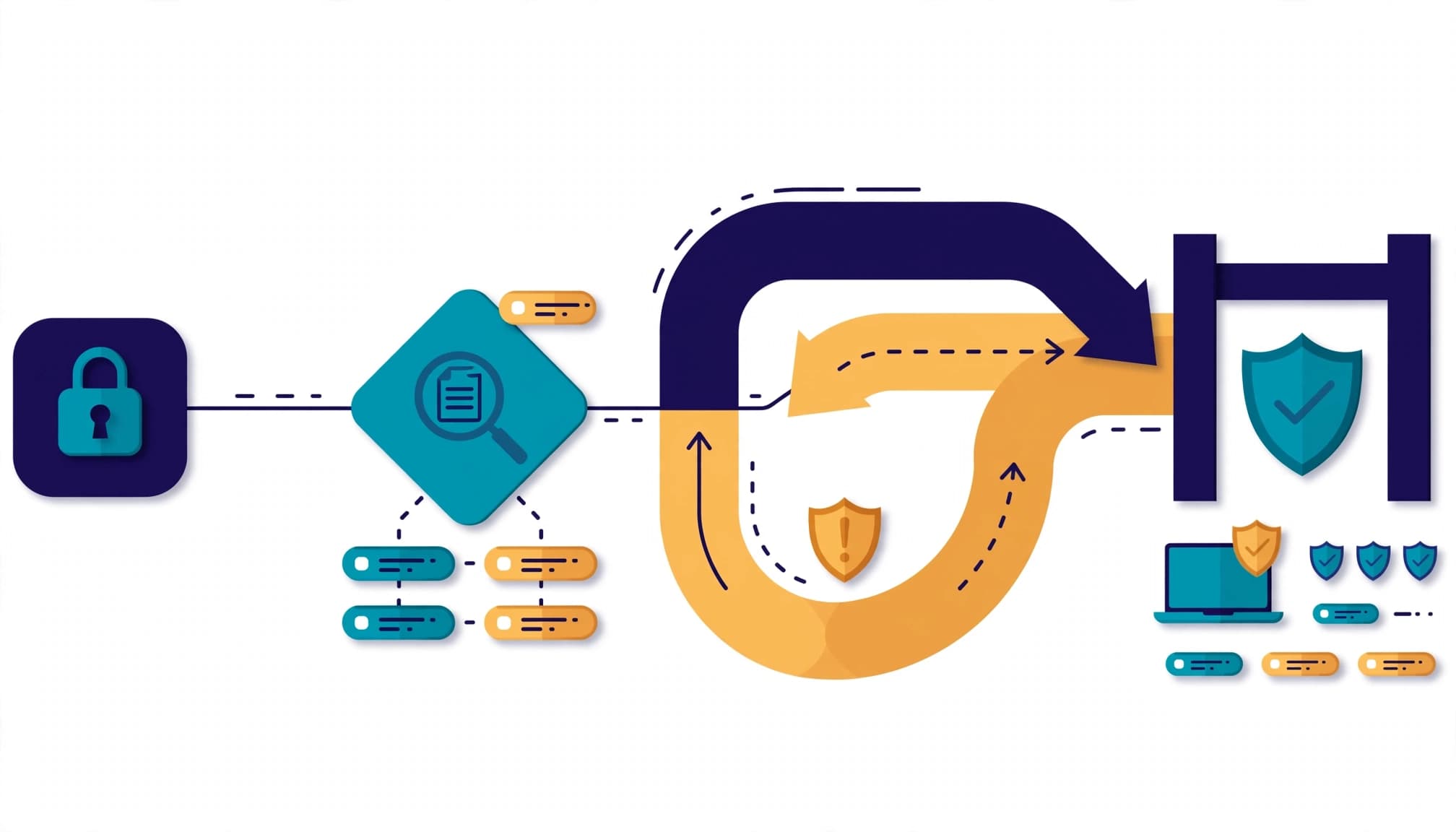
Open Entra ID > Conditional Access > What If and use the What If tool to simulate the user, target application, device platform, and client app. What If identifies applicable policies before a sign-in, but it doesn't prove application behavior.
Then open Entra ID > Monitoring & health > Sign-in logs and inspect individual events. Compare the Conditional Access policy's scope with actual sign-in results. In report-only mode, Microsoft's report-only evaluation guidance explains results including Success, Failure, User action required, and Not applied. For an unenforced policy, Not Applicable on the Conditional Access tab isn't evidence of a passing test. Read the Report-only result.
I separate intended denials, configuration defects, and legitimate exceptions. Resolve unexplained failures before expanding enforcement. A clean average can still conceal a broken finance workflow.
My report-only testing procedure covers scope and exclusion validation. Every exception needs a reason, an owner, and a review date. Emergency access accounts need an explicit recovery path.
After enabling a pilot, repeat live sign-ins. Session behavior, registration prompts, and application dependencies need enforced testing, not simulation alone.
Keep rollback separate from Policy Plans migration
Restore the affected control without removing protection
Before enforcement, save the policy configuration, target membership, exclusions, and previous state in the change record. Keep an authenticated administrative session available, and test the recovery path with emergency access accounts before enforcement.
If the pilot fails, return the newly enforced policy to Report-only, or Off where report-only is unsupported. Restore changed assignments and session settings from the record. Leave unrelated baseline protections enabled.
Retest the affected application with a pilot identity and inspect the resulting sign-in. Disabling a policy doesn't instantly replace every token or session already issued.
Treat Policy Plans as preview
Conditional Access Policy Plans are in preview. Shared conditions apply across rules, and individual rules can't override shared exclusions. Additional rule exclusions don't undo the plan's common boundary.
Microsoft's Policy Plans migration guidance states that original policies remain unchanged and continue evaluating independently. Newly migrated rules start Off.
I would separate plan migration from production enforcement changes. Conditional Access also has a 240-policy tenant limit, counting policies that are On, Off, or Report-only. Disabled policies still consume capacity.
Require an operational handoff, not just enabled policies
The assessment should cover licensing, identity scope, application dependencies, device eligibility, exclusions, and recovery. The handoff should include the E5 baseline, policy exports, a naming standard, observed results, an exception register, rollback instructions, and a review calendar.
Your team should be able to explain each policy and support it without the engineer who built it. That is the standard I would put into the scope.
Our Microsoft 365 migration and licensing services can address the licensing review and tenant readiness work. An E5-to-E7 evaluation is not automatically an Office 365 migration.
A separate engagement is not worthwhile when your team already has tested policies, current documentation, and working recovery procedures. Outside help should close an identified gap.
Frequently asked operational questions
Does allowing one group block everyone else?
No. A grant policy scoped to a group does not create an implicit deny for non-members. When no applicable control blocks issuance, access tokens can still be issued. To restrict an application to group members, add a complementary Block access policy targeting non-members, with documented recovery exclusions.
Can MSPs standardize policies across tenants?
Standardize naming, control intent, evidence requirements, and rollback procedures. Keep tenant-specific applications, identity sources, licensing, and exceptions explicit. A template can reproduce a targeting mistake across several customers just as efficiently as it reproduces a sound policy. Test each tenant's actual sign-ins before enforcement.
Make enforcement the result of tested readiness
E5-to-E7 licensing changes should follow a documented requirement. Conditional Access staged enforcement should follow observed sign-ins, live pilot tests, and a usable recovery path.
More policies create more configuration to maintain. Testing that Conditional Access controls work as expected helps avoid unnecessary downtime.
You can Book a free 30-minute call to scope a Conditional Access readiness assessment.