
Azure Consumption Planning Beyond E7’s $99 License

Your E7 proposal can settle the licensing decision while leaving the operating budget unresolved. The $99/user/month covers licensing only; Azure compute, model, and message consumption are billed separately. Check Microsoft’s pricing page for current rates.
For E7 buyers, Azure consumption planning should connect each proposed agent to its runtime, dependencies, and commercial risks. I start with your existing Microsoft 365 baseline, then build a consumption forecast that finance and IT can both defend. Serverless architecture belongs in the forecast only for workloads that actually use it.
Key Takeaways
- E7’s $99/user/month price covers licensing only; Azure compute, model, and message consumption are billed separately.
- Forecast each agent’s full workload, including Functions execution, model calls, messaging, storage, networking, monitoring, and identity dependencies.
- Compare legacy Consumption and Flex using their different grants, billing rules, and hosting needs; usage quantities alone are not dollar costs.
- Plan for expected, peak, and failure-case demand, and assign workload owners, allocation tags, alerts, and explicit controls where spending limits are required.
- Make the licensing and hosting decision against measured workload demand, business value, and an accountable operating model.
Start with the licensing baseline
Microsoft lists E7 at $99/user/month with an annual commitment on its enterprise plans and pricing page. That price covers licensing only. Azure compute, model, and message consumption are billed separately.
E7 bundles Microsoft 365 E5, Microsoft 365 Copilot, Agent 365, and Microsoft Entra Suite. Its value depends on what you already own and use.
Compare E3, E5, and E5 plus Copilot separately
For an E3 baseline, I assess the additional security, identity, and Copilot capabilities alongside adoption work. Broader entitlements won’t fix permission problems left behind by an Office 365 migration.
For an E5 baseline, the comparison centers on Copilot, Agent 365, and Entra Suite. Existing security capabilities shouldn’t be counted again as entirely new benefits.
For E5 plus standalone Copilot, I focus on the remaining governance and identity additions, contractual overlap, and actual deployment plans. This baseline needs a stronger case for incremental value than E3.
Separate agent governance from execution
Agent 365 is a governance and control plane, not an agent runtime. It provides centralized governance, security, and observability, but doesn’t supply unlimited Azure execution.
Microsoft announced E7 and Agent 365 as generally available (GA) on May 1, 2026. The Agent 365 availability announcement also identifies shadow-agent discovery and management as preview capabilities. I distinguish those previews from GA capabilities in any deployment commitment.
Build an Azure consumption planning model
I estimate Azure Functions consumption separately from licensing, then add the agent’s other dependencies. Microsoft’s consumption cost estimation guidance distinguishes the legacy Consumption plan from the Flex Consumption plan.
Calculate legacy Consumption usage
For legacy Consumption, start with this formula:
GB-seconds = billable memory in GB × billable execution time in seconds.
Memory rounds up in 128 MB increments, and execution duration has a 100 ms minimum. The monthly pay-as-you-go grant is 400,000 GB-seconds and one million executions per subscription.
For a planning calculation, one million one-second executions in a 512 MB function app produce 500,000 GB-seconds. Assuming the subscription’s grant remains unused, 100,000 remain billable, with no billable executions.
Model Flex instance time, not just request duration
Flex On Demand charges for configured instance memory during active execution, plus executions. Its monthly grant is 100,000 GB-seconds and 250,000 executions per subscription.
For Azure Functions, compare the same serial workload on a 512 MB Flex instance:
| Planning measure | Legacy Consumption | Flex On Demand |
|---|---|---|
| Gross usage (GB-seconds) | 500,000 | 500,000 |
| Usage after unused grant | 100,000 | 400,000 |
| Executions after unused grant | 0 | 750,000 |
These are usage quantities, not dollar prices. To estimate execution cost, multiply them by the applicable regional or contracted meter rates.
Flex has a one-second minimum billable execution, then rounds in 100 ms increments. Concurrent requests can share active instance time, so summing every request’s duration can overstate Flex usage.
Free grants apply at subscription level. Several applications sharing one subscription can’t each claim the full allowance.
Budget every agent dependency
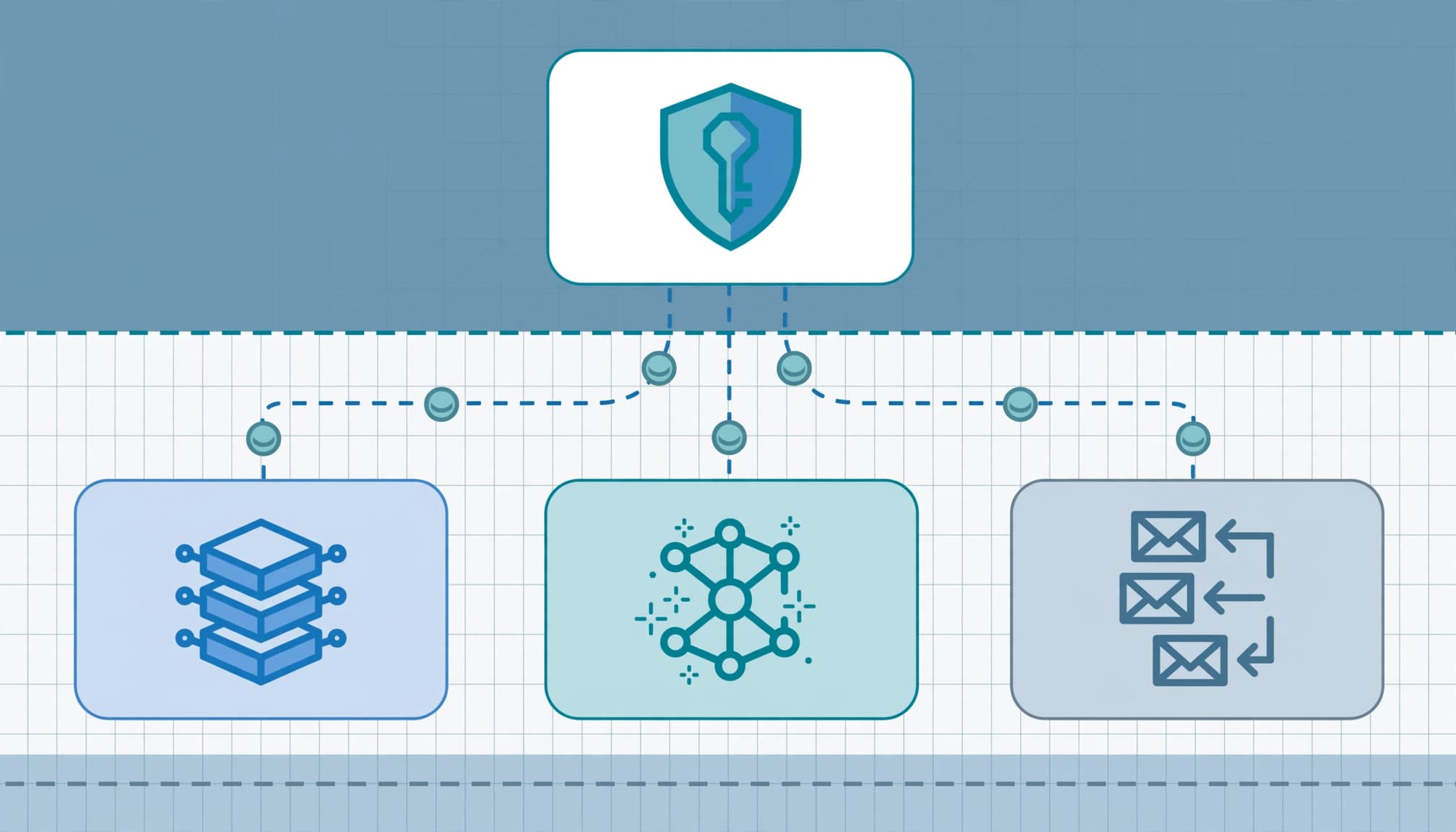
A function’s execution charge rarely describes the complete agent workflow. I inventory model calls, message processing, storage, networking, monitoring, and permissions for a managed identity before forecasting operating costs.
For model inference, estimate input and output tokens separately using the selected model’s billing units. Then account for repeated context, retrieval, tool calls, and retries. These can increase execution cost, since one completed business task may generate several billable operations.
Likewise, a Service Bus queue, storage account, Application Insights, and Log Analytics can add consumption outside the Functions meter. Review VNet integration, the virtual network, outbound data transfer, and always ready instances as a hosting-cost input.
The E7 license doesn’t absorb those separately metered services. However, that doesn’t mean every interaction included in Microsoft 365 Copilot creates an additional Azure charge.
I deliver expected, peak, and failure-case forecasts rather than one reassuring average. The failure case includes retry bursts, duplicate events, and stalled dependencies.
For cloud management, each workload also needs an owner, allocation tags, and alerts. Azure budget alerts notify people, but they don’t automatically cap consumption. If finance requires a spending limit, the architecture needs explicit controls on throughput and execution.
Choose Functions hosting for performance and networking
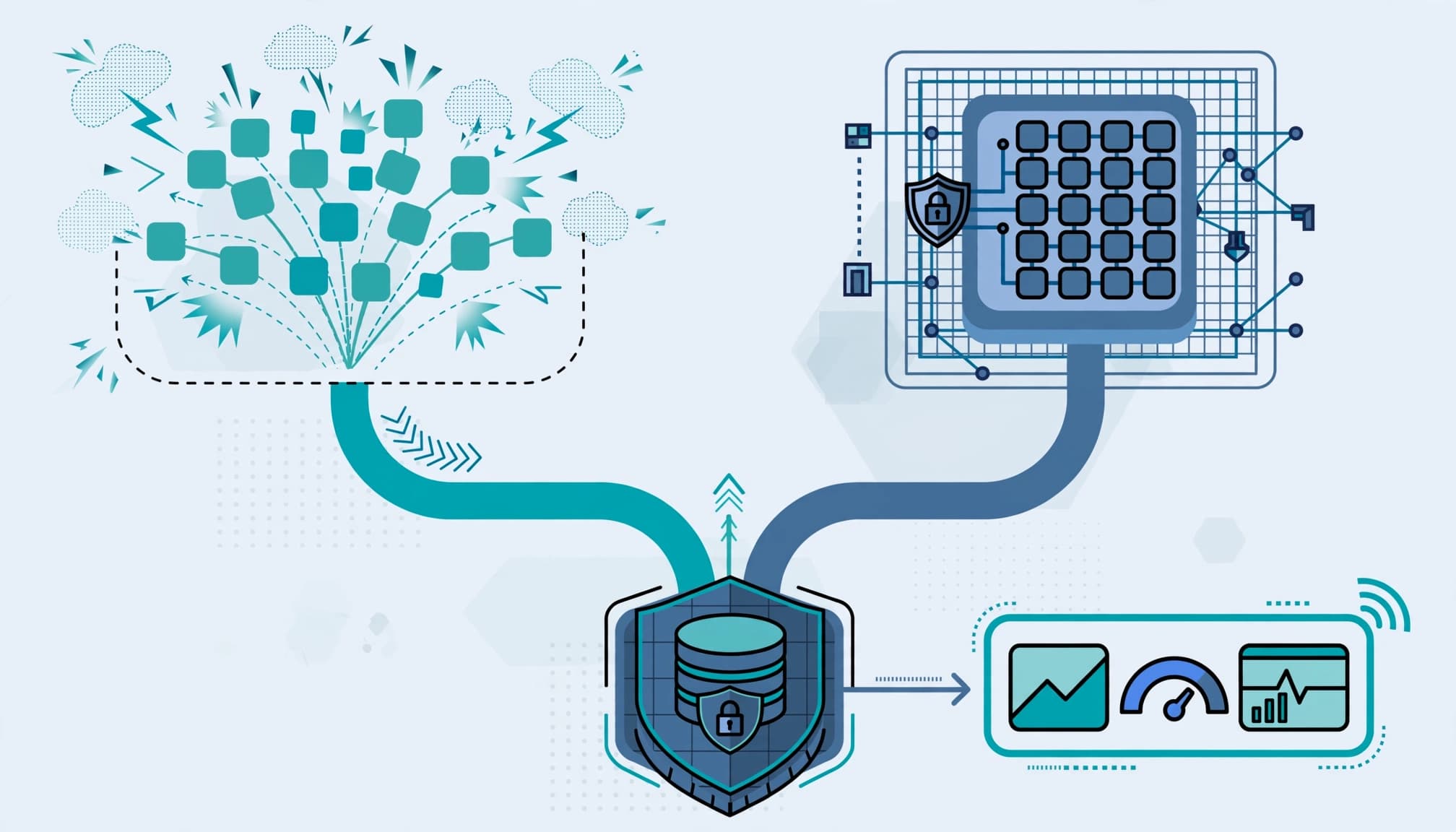
Legacy Consumption can suit intermittent Azure Functions jobs without private-network requirements. The GA Flex Consumption plan adds configurable memory and regional VNet integration on Linux.
Tune memory and concurrency together
Flex offers 512 MB, 2,048 MB, and 4,096 MB instance sizes. I benchmark representative tasks for each function app, accounting for runtime specialization and instance memory. More memory can shorten execution time enough to offset its larger billing multiplier.
CPU-bound work generally needs lower per-instance concurrency to avoid contention. Spreading requests across instances can improve completion time, but it changes active instance usage and scaling behavior.
I/O-bound work can often handle greater concurrency while requests wait on databases or external services. However, that advantage disappears if the downstream system throttles requests.
Measure throughput, tail latency, memory usage, and dependency limits together. Infrastructure optimization based only on average latency can leave peak demand underfunded.
Match network access and latency requirements
Legacy Consumption lacks native VNet integration. Flex supports regional integration, which matters when functions access private databases or hybrid data center resources.
VNet integration supports outbound connectivity to a virtual network. I assess inbound restrictions separately, including whether an App Service Plan fits the access model.
Always ready instances can reduce cold start latency, but they add baseline memory charges as well as active-execution charges. Always ready instances have no free grant.
For steady workloads or stricter latency requirements, I compare the Premium plan with an App Service Plan. The decision should reflect execution cost, downtime exposure, and productivity loss. A cheaper hosting choice loses its appeal when employees repeatedly wait for business-critical tasks.
Prevent runtime failures that inflate consumption
Retries, memory failures, and slow startup can raise execution cost while reducing successful throughput. I treat these as business continuity and security concerns because they can disrupt operations and weaken audit evidence.
Diagnose cold starts and cancellations with evidence
A TaskCanceledException doesn’t prove a cold start. Correlate it with scale-from-zero events, scaling behavior, dependency timings, cancellation settings, and deployment changes. Check whether cold start timing aligns with those events before attributing the cancellation.
I also review runtime specialization, the deployed runtime, Functions worker model, and package compatibility before changing hosting. For a dotnet-isolated function app, confirm the supported runtime and package versions. A dotnet-isolated runtime mismatch needs a supported deployment configuration, not simply more memory.
Microsoft’s hosting and timeout limits set legacy Consumption’s default timeout at five minutes, with a ten-minute maximum. Flex defaults to 30 minutes and supports up to two hours, subject to lifecycle interruptions.
An HTTP trigger still faces a 230-second response limit. Longer work should use asynchronous processing rather than depend on an open HTTP connection.
Stream large blobs and control retries
Loading an entire large blob into a string or byte[] can exhaust memory. Stream the content or use BlobClient in the blob trigger to manage memory usage.
Flex supports the event-based blob trigger, which uses Event Grid. That’s different from an Azure Functions Event Grid trigger, and neither choice alone prevents an out-of-memory failure.
I review concurrency, retry policies, and duplicate handling together. Idempotent processing prevents a repeated message from creating duplicate invoices, notifications, or downstream updates.
These checks also reduce consumption that produces no usable business result.
Define the assessment and its deliverables
Technology consulting should end with decisions your team can implement. I scope the review around named workloads and subscriptions, rather than a broad promise of digital transformation.
Assess the environment and business exposure
The assessment examines current E3, E5, or E5 plus standalone Copilot licensing, planned agent users, Azure subscriptions, workload volumes, and dependency permissions.
I also review cloud infrastructure, application identities, managed identity permissions, logging, data access, storage account configuration, and VNet integration. Cybersecurity services should address the paths that could expose customer information or generate audit findings.
Endpoint security and device hardening remain relevant where employees administer agents or access sensitive outputs. E7 licensing doesn’t replace those operational controls.
The client should see a prioritized findings register tied to commercial consequences: data leakage, audit findings, insurance renewal concerns, downtime, and lost productivity. Each finding needs an owner and a practical remediation decision.
Deliver a forecast and deployment package
The handover should include:
- A baseline-specific licensing comparison that identifies overlapping entitlements and intended users.
- A consumption workbook showing assumptions, grants, dependency meters, projected execution cost, and expected, peak, and failure-case usage.
- An architecture recommendation covering identity, virtual network design, VNet integration, hosting, monitoring, and operational ownership.
- An implementation backlog with acceptance criteria and a deployment plan.
For Flex deployments, I use Microsoft’s Terraform deployment quickstart as a reference.
The deployment package should version infrastructure configuration, identify required storage account and monitoring resources, and document managed identity permissions. It should also record the selected runtime, the dotnet-isolated worker model, memory, concurrency, always ready instances, and network settings.
The client receives editable artifacts and a walkthrough, not only a presentation. A business technology partner should make the assumptions clear enough for your internal team to challenge.
When outside help isn’t worth it
A broad engagement isn’t worthwhile if you have no funded agent use case, no deployment owner, or no agreement about business value. Resolve those decisions before commissioning detailed architecture work.
Likewise, a capable internal platform team may only need an independent licensing review or targeted benchmark. I wouldn’t recommend duplicating a working cloud management process.
For organizations that grew out of small-business IT, limited operating capacity can matter more than missing features. A focused review of one workload may deliver more value than a large redesign.
E7 itself may also be a poor fit when existing E5-plus-Copilot capabilities already meet requirements and the additional controls won’t be deployed. Match the license and advisory scope to approved work, rather than buying capacity for an undefined future program.
Frequently Asked Questions
Does the E7 license include Azure consumption?
No. E7 covers licensing, while Azure compute, model, and message consumption are billed separately. Check current Microsoft pricing and estimate each workload’s Azure dependencies independently.
How do I estimate Azure Functions consumption?
For legacy Consumption, calculate billable memory in GB multiplied by billable execution time in seconds, accounting for rounding and minimums. For Flex On Demand, estimate configured instance memory during active execution plus executions, then apply the relevant regional or contracted rates.
Do free grants apply to every function app?
No. Consumption grants apply at the subscription level, so multiple applications sharing a subscription draw from the same allowance. Include existing subscription usage when estimating what remains available.
What costs should an agent forecast beyond Functions?
Include model input and output tokens, message processing, storage, networking, monitoring, and any always ready instances. Retries, repeated context, duplicate events, and stalled dependencies can also increase consumption.
Do Azure budget alerts cap spending?
No. Budget alerts notify people but do not automatically limit consumption. If a spending limit is required, design explicit controls for throughput and execution.
Make the next decision measurable
The $99/user/month covers licensing only; Azure compute, model, and message consumption are billed separately. Verify current licensing figures against Microsoft’s published pricing page. A defensible decision connects that license to measured workload demand and an accountable operating model.
I recommend starting with a low-pressure licensing review or readiness assessment through RVA Tech Visions. Bring your current Microsoft 365 baseline, one proposed agent workflow, and available Azure usage records.
The next step should produce a clear go, defer, or narrow-scope recommendation before you commit to a wider rollout.