
Agent 365 Vendor Exit: Data and Identity Removal

Treat this as a controlled cloud exit. Keep the vendor exit open until access is blocked, required data is recovered, and deletion obligations have named owners. An Agent 365 vendor exit needs three separate approvals: operational continuity, identity removal, and data disposition.
I start with a scoped, read-only assessment because removing an agent from an inventory doesn't settle those questions. You need evidence that the business can continue, the vendor can't reconnect, and retained information has a documented purpose. Start by separating Microsoft's governance controls from the vendor's responsibilities.
Key Takeaways
- Inventory every agent, identity, connector, credential, and downstream dependency before approving removal.
- Preserve required records and test the replacement workflow before disabling production access, unless incident containment takes priority.
- Close the engagement with failed-access tests, deletion evidence, retention exceptions, and an accountable business sponsor.
The acceptance standard is straightforward: every dependency is resolved, every retained copy has an owner, and every unresolved item remains visible.
Understand What Agent 365 Controls
Microsoft Agent 365 is a governance and control plane, not an agent runtime. It extends Microsoft Entra, Microsoft Defender, Microsoft Purview, and the Microsoft 365 admin center to manage agents.
Its five capabilities are Registry, Access control, Visualisation, Interoperability, and Security. They help administrators discover agents, constrain permissions, understand relationships, connect supported platforms, and apply security controls.
Separate GA from preview capabilities
Microsoft introduced Agent 365 through the Frontier programme in November 2025. Microsoft's Agent 365 overview identifies May 1, 2026, as its commercial general availability date.
Entra Agent ID entered public preview separately. A product's GA date doesn't make every related identity feature generally available. Record preview dependencies individually in the exit register, especially when enforcement or evidence collection depends on them.
Keep identity and vendor data separate
Microsoft documents agent identities in Entra ID as specialised service principals. Reusable agent identity blueprints define characteristics and permissions for a class of agents.
Each governed agent needs a unique identity and an accountable sponsor. Removing that identity addresses authentication within your environment, but doesn't prove the vendor deleted conversation histories, embeddings, uploaded documents, or backups.
A vendor's use of the phrase "Frontier Firm" doesn't change who controls tenant access or vendor-held data.
That distinction determines the scope of the review.
Establish the Licensing Baseline Before Changing Subscriptions
Start with Microsoft 365 E3, Microsoft 365 E5, or Microsoft 365 E5 plus standalone Microsoft 365 Copilot. Those baselines produce different entitlement and renewal decisions.
Microsoft's March 9, 2026 announcement published Agent 365's standalone list price at $15/user/month. Microsoft's enterprise plan pricing lists Microsoft 365 E7 at $99/user/month, paid yearly. That $99 covers licensing only; Azure compute, model, and message consumption bill separately.
Eligible E5 and E7 customers receive Security Copilot capacity: 400 Security Compute Units monthly per 1,000 paid user licences, capped at 10,000 monthly. Included capacity does not establish that every workload has unlimited consumption.
Microsoft's November 2025 announcement described 12 new Microsoft-built Security Copilot agents in preview, more than 30 partner agents, 37 existing agents, and over 370 customer-built agents. Those counts describe an expanding ecosystem, not your tenant's inventory.
I separate licence removal from access removal. Cancelling a subscription is not an access-control procedure. My Microsoft 365 migration and licensing services include the baseline review needed to distinguish removable subscriptions from controls the remaining environment still requires.
1. Build the Agent 365 Vendor Exit Inventory
Map access beyond the registry entry
For each AI agent, record its agent ID, application ID, service principal object ID, blueprint, sponsor, vendor, hosting location, permissions, connectors, and data stores. Include Copilot Studio, Microsoft Foundry, formerly Azure AI Foundry, and externally hosted agents. Record Work IQ data sources and permissions only when the vendor's documented architecture uses it.
Microsoft's registry convergence guidance establishes Agent 365 as the unified registry, while Entra remains the identity foundation. Use the agent registry and Agent Store listings as discovery inputs, then verify tenant deployment, access, and activity before approving removal. Reconcile registry visibility against enterprise applications, consent grants, vendor subscriptions, and actual activity.
Shadow AI and agent sprawl are inventory risks. Give unauthorised agents an explicit quarantine or disablement decision.
Assign responsibility before the team changes
Use a sponsor model with a named business sponsor, technical owner, and exit approver. Reassign those responsibilities before the originating team or vendor contact leaves.
KPMG's 2025 AI Quarterly Pulse reported agent deployment at 42%, up from 11% two quarters earlier. Gartner's June 25, 2025 forecast predicted cancellation of over 40% of agentic AI projects by the end of 2027.
Adoption and cancellation both create abandoned dependencies. I require a replacement sponsor before approving any ownership transfer. A shared mailbox alone does not accept business risk.
2. Export Required Data and Test Continuity
Export approved records before final credential removal. If compromise is suspected, contain access first and recover through a controlled process.
The export scope includes prompts, responses, attachments, configuration, tool definitions, knowledge sources, action histories, and audit records where available. Include Microsoft Teams records and Exchange Online content only when the departing workflow stores or depends on them and retention rules permit export. Record the export format, timestamps, destination, encryption, access permissions, and validation results.
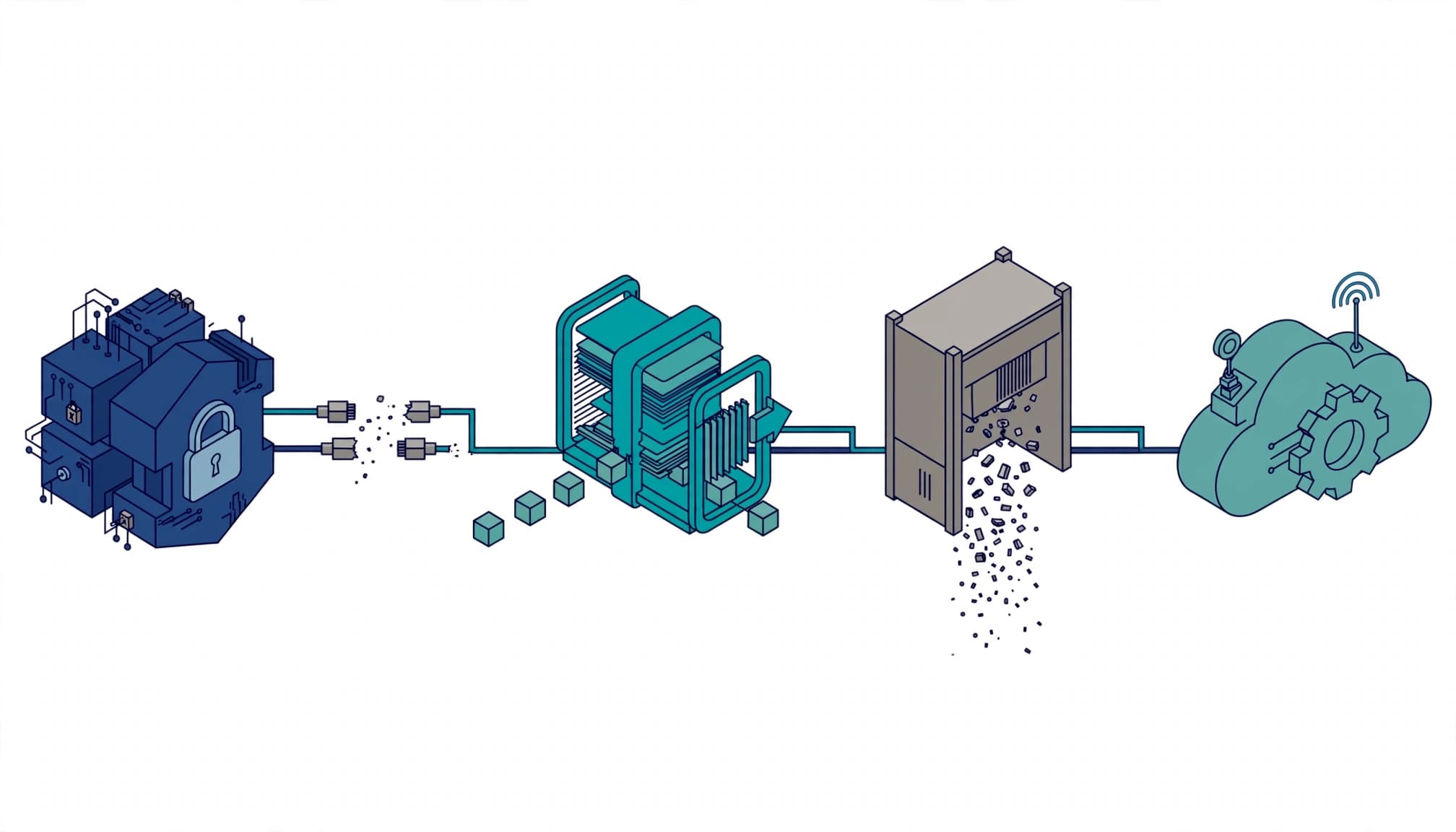
Test the critical business path without the vendor. Payroll processing, service dispatch, and customer support require different acceptance tests. The business owner must approve the result, including any temporary manual procedure.
I define a designated survivor operation: the minimum service that continues independently of the departing vendor. Move critical paths in waves, with a rollback owner for each wave.
Keep an authoritative identity source throughout the transition. A third-party agent exit doesn't require a full Office 365 migration or a Skype for Business Server bridge. An unrelated Skype SE migration can remain out of scope. Adding unrelated infrastructure changes expands the failure surface.
For small business IT teams, the fallback can be modest. It still needs an owner and a completed test.
3. Block Access Before Deleting Identity Objects
Apply controls to the actual authentication path
Use least privilege while the agent remains active. Allowlist tools and connectors, restrict accessible data, and apply supported Conditional Access policies to agent identities.
Risk-based controls can block supported risky activity, but user policies aren't automatically suitable for nonhuman identities. Test enforcement against the agent's actual token and resource access. Include prompt-injection scenarios, since identity controls alone don't prevent them.
For a conventional vendor enterprise application, the Microsoft Entra admin center exposes Enabled for users to sign-in? under the application's Properties. Set it to No as part of the approved shutdown. Agent identity administration requires its supported lifecycle controls.
Then remove app-role assignments, delegated permission grants, vendor guest access, and tenant-owned credentials that are no longer required. Review shared dependencies before touching a blueprint or shared application.
Prove the shutdown at the resource
Disabling an identity doesn't immediately invalidate every previously issued access token. Test new authentication, existing resource access, scheduled jobs, connector calls, and webhook delivery. Confirm Conditional Access evaluates the agent identity on the relevant token and resource access path.
Where immediate containment is required, block access at the affected resource as well. Record failed-access results, correlate them with Microsoft Defender alerts where configured, and watch for retries from vendor infrastructure.
Delete identity objects only after evidence preservation and dependency review. Check managed devices in Intune for vendor software, browser extensions, certificates, or local secrets that remain after cloud shutdown. Endpoint security and device hardening still matter if these dependencies survive.
My cybersecurity risk management services cover these identity, data-protection, and endpoint dependencies. The deliverable is a documented result for each access path.
4. Close Data Removal With Evidence
Require a written disposition for every data location. Separate active storage, logs, analytics, subprocessors, backups, and records subject to retention or legal hold.
The vendor's deletion statement should identify the tenant or account, covered systems, completion date, exceptions, backup expiry, and responsible signatory. A generic account-closure email does not answer those questions.
Preserve evidence your organisation must retain before requesting deletion. Purview retention requirements and legal holds can legitimately prevent immediate removal of Microsoft-held records.
Apply Purview sensitivity labels and DLP controls to supported agent interactions and outputs. For external vendor systems, contract terms and technical evidence must address copies beyond Microsoft's control.
I require action logs that identify who or which identity acted, what happened, when it happened, which tools ran, and which data was accessed. Record coverage gaps rather than treating an enabled audit setting as proof of complete logging.
Unresolved retention belongs in an exception register with an owner and expiry date. That is the record you will need during an audit finding, insurance renewal, or data-leakage investigation.
Define the Assessment and Handoff
The engagement starts read-only. I assess identities, grants, connectors, data paths, logging, retention, contractual deletion obligations, and the current licensing baseline.
You receive documented decisions, a prioritised remediation roadmap, and an exit runbook your team can execute. The final handoff includes the inventory, approved exports, continuity results, access-denial evidence, vendor deletion records, and remaining exceptions.
Remediation requires separate change approval. Read-only assessment access should not become standing administrative access.
A separate engagement is not worth it when your team already has a complete inventory, an approved runbook, and evidence that every exit condition passed. Use internal change control.
Outside help earns its place when shared credentials, undocumented cloud infrastructure, missing logs, or disputed ownership prevent a defensible decision.
Frequently Asked Questions
Can Agent 365 govern third-party agents?
Yes. Agent 365 supports governance across Microsoft and non-Microsoft agents, including supported integrations with Copilot Studio and Foundry. Registration does not transfer control of a vendor's storage, subprocessors, or retention practices to Microsoft.
Does deleting an agent remove its data?
Do not treat deletion as a universal cleanup operation. Identity objects, runtime resources, Microsoft 365 content, and vendor-held data have separate lifecycles. Require evidence for each.
Who remains accountable after the original team leaves?
The assigned business sponsor remains accountable until responsibility is formally transferred or the exit is approved. The transfer record needs a named recipient, effective date, and acceptance of outstanding exceptions.
Close the Exit Against Evidence
Approve the exit when the business can continue, access tests fail as intended, and every data copy has a documented disposition. More controls will not compensate for an untested shutdown or an unsigned retention exception.
Book a free 30-minute call to scope an Agent 365 exit readiness assessment.