
Agent 365 Retirement Runbook for IT Operators

A retiring Microsoft 365 service can break an agent’s workflow before operators spot the dependency. That can mean missing project records, interrupted work, or exposed data in companion apps and mixed reality workloads.
I treat the runbook as a business continuity exercise, with separate tracks for retiring services and decommissioning dependent agents. Agent 365 governs agents, but it doesn’t migrate the services they rely on.
Start by separating Microsoft’s product deadlines from the controls your operators must execute.
Key Takeaways
- Treat retirement as a business continuity exercise: Agent 365 governs agents but does not migrate or shut down the services and runtimes they depend on.
- Build an owner-approved dependency register using tenant configuration, permissions, activity logs, asset inventories, support tickets, and workload-owner input before authorizing changes.
- Plan around the stated deadlines: Project Online retires September 30, 2026; companion apps retire December 16, 2026; and Dynamics 365 Guides and Remote Assist reach end of support December 31, 2026.
- Choose exit paths by workload requirements, preserve and test the required data and assets, and obtain business-owner approval before completing each transition.
- Close agent decommissioning with evidence: verify the runtime is disabled, unnecessary access is removed, records remain retrievable with controlled access, and the replacement process works.
Define the Agent 365 Retirement Scope
Separate governance from execution
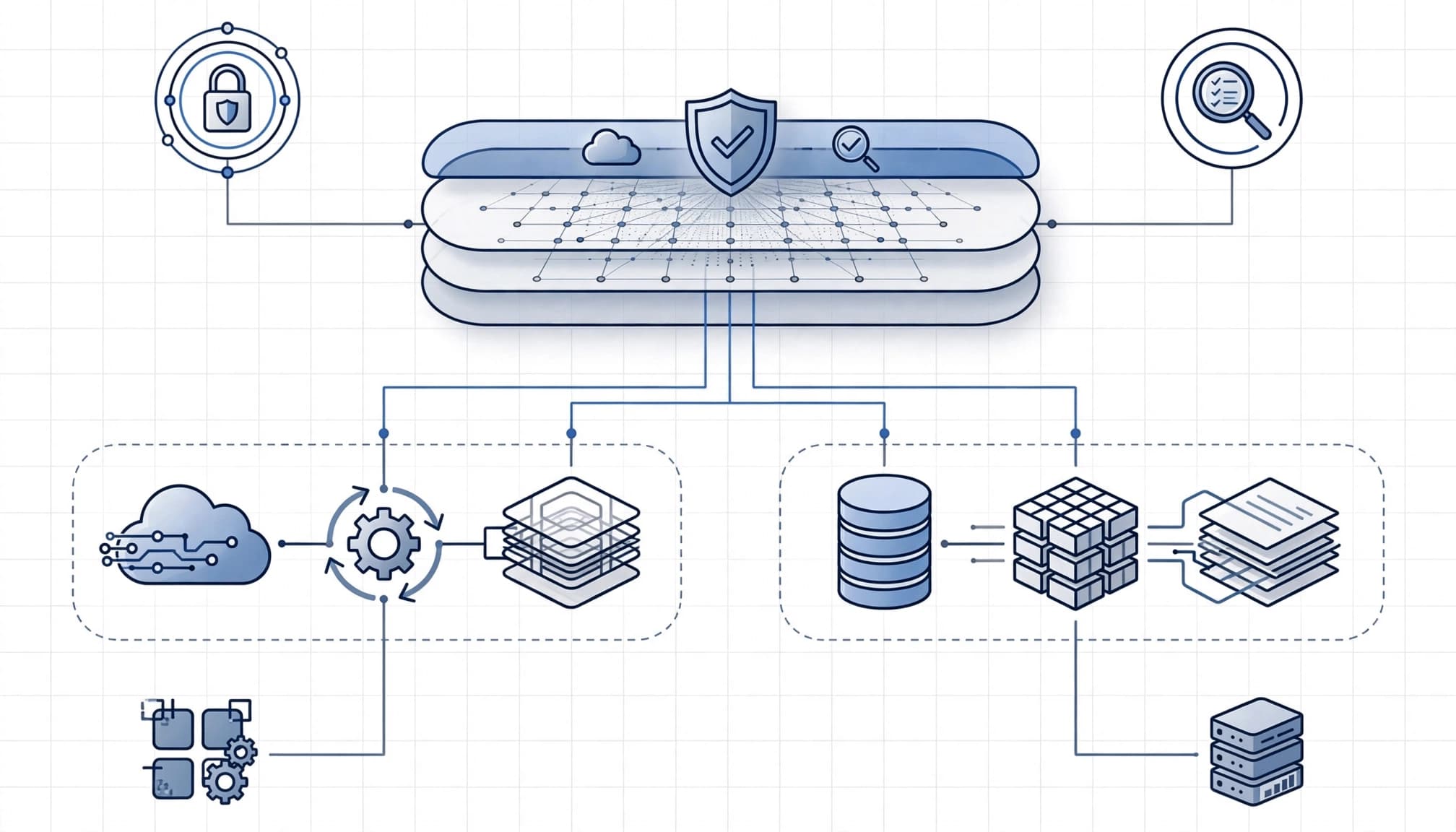
Microsoft describes Agent 365 as a control plane for observing, governing, and securing agents. It isn’t a Microsoft 365 agent runtime. It also doesn’t replace Project Online or Dynamics 365 Guides for mixed reality.
Check Microsoft Learn for Agent 365’s current GA status, and verify each required capability separately. GA doesn’t mean every integration or cloud is generally available. Record preview capabilities and exclude them from mandatory controls unless the business accepts their limitations.
Define what retirement means
For an individual agent, retirement includes disabling execution in its hosting platform, removing unnecessary access, and preserving required records. Include companion apps in the dependency register, since governance visibility alone doesn’t prove shutdown.
For a Microsoft product, follow its lifecycle notice and validate its replacement or archive. Check applicable lifecycle details in Microsoft Learn. Connect both tracks through an owner-approved dependency register that shows which agents rely on each affected service.
Establish the 2026 Retirement Calendar
In an October 2026 operating view, Microsoft 365 operators should separate passed deadlines from upcoming cutovers instead of placing every workload on a future migration schedule.
| Workload | Scheduled retirement date | Owner and immediate action |
|---|---|---|
| MS-900 exam | March 31, 2026 | Training owner: update certification plans and review current administrator learning options. |
| Project Online | September 30, 2026 | Project owner: validate exports and replacement operations, including Project Server or Project Desktop where suitable. |
| Calendar, People, and Files companion apps | December 16, 2026 | Collaboration owner: prepare removal, user communications, and support coverage. |
| Dynamics 365 Guides and Remote Assist | December 31, 2026 | Dynamics owner: extract assets and validate replacement workflows. |
Microsoft’s Project Online retirement announcement set September 30, 2026 as the cutoff for Microsoft Project Online. If exports are missing, escalate through Microsoft’s support process without assuming recovery is possible or impossible.
For the companion apps, confirm the removal plan and user communications before December 16, 2026. For the Dynamics workload, confirm asset extraction and replacement workflow owners before December 31, 2026.
For training owners, update plans for the retired MS-900 exam and assess Copilot and Agent Administration Fundamentals, which Microsoft Learn associates with AB-900. For administrator readiness, evaluate Copilot and Agent Administration Fundamentals against role needs, but don’t describe it as an official MS-900 successor. Retiring an exam doesn’t erase credentials already earned.
Assess Dependencies Before Authorizing Changes
Review the operational evidence
I scope the assessment across affected Microsoft 365 services, agent hosts, identities, integrations, and data stores. Evidence includes Microsoft 365 tenant configuration exports, application permissions, agent inventories, license assignments, endpoint inventories, and recent activity logs.
IT administrators inventory workload-specific assets, such as Dynamics 365 Guides, mixed reality devices, companion apps, Project Server, or Project Desktop, where those workloads exist. I check applicable Microsoft Learn guidance for Copilot and Agent Administration Fundamentals.
SharePoint permissions, Power Automate connections, Dataverse environments, and service accounts deserve close attention. I trace data access and workflow automation, using Microsoft Purview evidence only when it’s enabled and applicable in the tenant. An apparently unused application can still feed a reporting process.
I also review support tickets and interview workload owners. Logs can show activity, but they rarely reveal which missed task could delay billing or interrupt customer service.
Translate findings into business exposure
Each dependency needs a named owner, disposition, target date, and acceptance test. I assess data governance and rank findings by likely data leakage, downtime, productivity loss, and audit exposure.
Insurance renewals may require evidence that access controls and incident procedures remain effective after migration. Cybersecurity services should validate the changed environment, not reuse evidence collected before cutover.
For changes scheduled by September 30, 2026, acceptance tests should confirm that dependencies are resolved or have an approved exception. The assessment produces a dependency map, prioritized remediation plan, named owners, and documented unresolved exceptions. Your technology consulting partner should identify what can retire safely, what needs rebuilding, and what remains uncertain.
Compare Licensing Against the Existing Baseline
Keep E3, E5, and Copilot comparisons separate
For enterprise customers, I build three distinct comparisons because the value case depends on the starting entitlement: E3, E5, or E5 plus standalone Copilot.
For Microsoft 365 E3, I assess the additional security, identity, and governance requirements alongside Agent 365. For E5, I check existing entitlements and deployed controls before recommending overlapping purchases.
For E5 plus standalone Microsoft 365 Copilot, I compare the incremental governance requirement with the proposed bundle. I don’t count Copilot as a new benefit when you already license it.
Microsoft’s enterprise plan comparison and current Microsoft Learn licensing guidance help confirm entitlement differences. The final recommendation depends on your agreement, assigned licenses, and cloud environment.
Separate licensing from consumption
I verify the current standalone Agent 365 price against Microsoft licensing documentation before including it. Microsoft’s Microsoft 365 E7 announcement lists $99/user/month for licensing only. Azure compute, model, and message consumption are billed separately.
I include those consumption categories in the financial review rather than presenting a subscription as the complete operating expense.
For GCC High or another cloud environment, I verify availability independently. Commercial GA doesn’t establish equivalent availability elsewhere. This keeps cloud management and renewal planning grounded in what your tenant can use.
Choose Exit Paths by Workload Requirements
Validate Project Online replacements
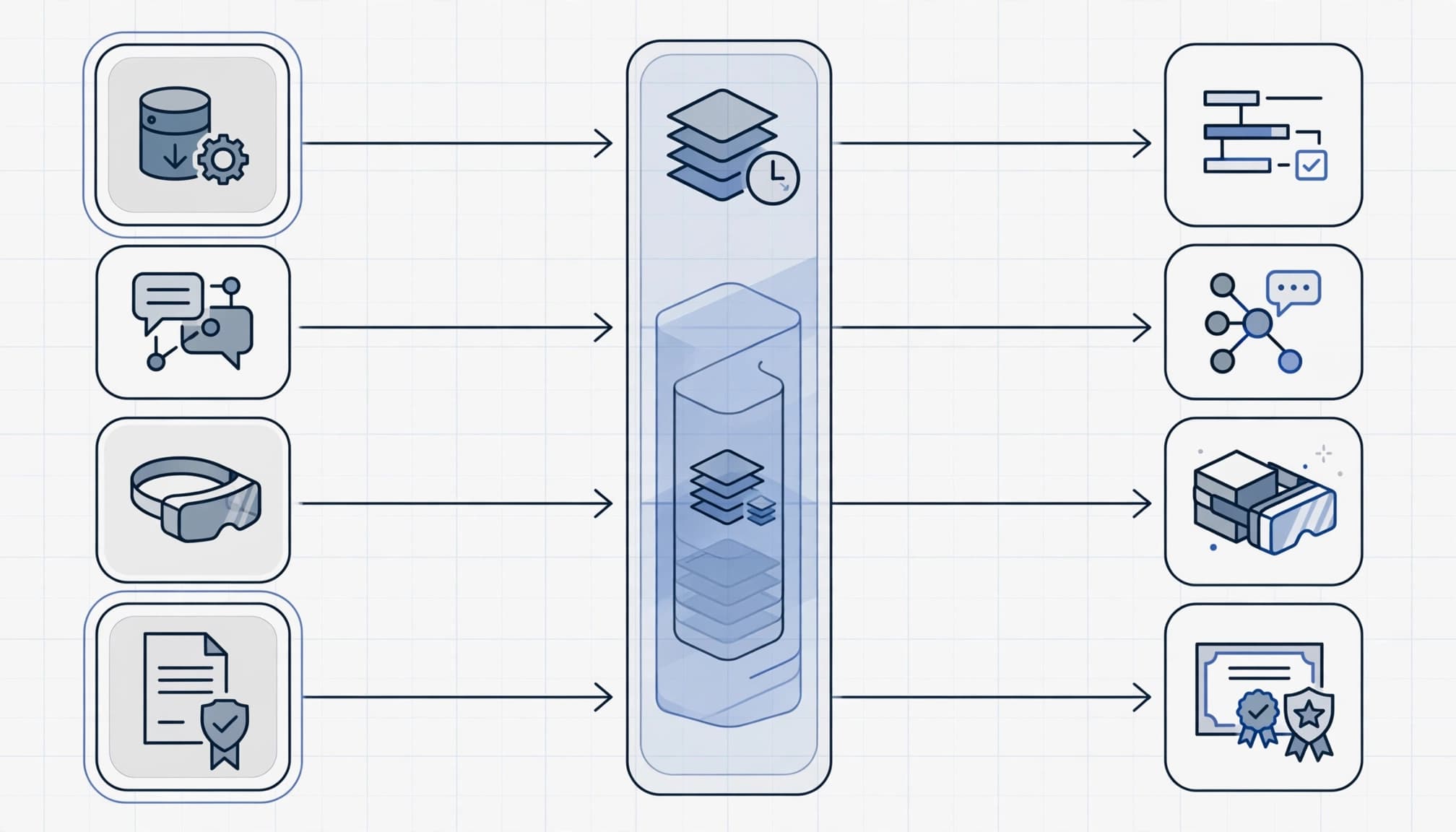
Treat Microsoft Project Online’s September 30, 2026 retirement as a workload exit, not a product swap. Planner Premium, Project Server, and Project Desktop are options or dependencies to assess, not interchangeable successors or a guaranteed migration path.
Inventory schedules, resource plans, portfolio reports, integrations, permissions, and retained history across Microsoft 365. Compare each candidate against actual requirements. Task management may suit one team, while another needs portfolio reporting or desktop scheduling.
Before September 30, 2026, preserve schedules, reports, permission records, and documents stored in SharePoint. Test representative projects, integrations, and historical access in the proposed destination, then obtain business owner approval.
If Project Server is selected, include its infrastructure responsibilities in the operating model. Assess Project Desktop licensing and linked workflows, too. If testing fails, pause the change and retain the source until gaps are resolved and the owner approves proceeding. Complete the retirement checkpoint by September 30, 2026.
Preserve mixed reality assets and instructions
Microsoft states that Dynamics 365 Guides and Remote Assist reach end of support on December 31, 2026, and will stop functioning afterward. Their data remains in the relevant Dataverse environments.
Inventory guides, 3D assets, media, instructions, environment ownership, permissions, and any HoloLens devices used in mixed reality workflows. For Dynamics 365 Guides, document how teams use each asset before choosing an extraction method.
Guides folder export excludes guides, 3D content, and associated media. A successful folder export isn’t proof of a complete content archive.
Microsoft Learn documents a Content Migration Tool for this content. Validate exports against the asset inventory, then test access outside the retiring application.
Compare replacement workflows against each task. A Microsoft Teams call may support remote assistance, but it doesn’t reproduce spatial instructions. Power Apps may support forms and approvals, but rebuilding a guided procedure requires separate design and testing.
Test mixed reality content and access in the proposed destination, including the remote assistance workflow where applicable. If validation fails, stop the transition and retain the source content while owners resolve the gaps. Obtain owner approval before proceeding, and complete the Dynamics 365 Guides exit checkpoint by December 31, 2026.
Remove Companion Apps Without Disrupting Users
Calendar Companion, People Companion, and Files Companion retire on December 16, 2026. Microsoft’s companion-app retirement guidance on Microsoft Learn confirms that removing these companion apps doesn’t delete underlying Microsoft 365 data.
Inventory managed endpoints and record how companion apps were deployed. Test Microsoft’s supported removal guidance on a representative group, then stage the rollout ahead of December 16, 2026.
Direct users to Outlook and Microsoft Teams for calendar and people information, and offer remote assistance when needed. For files, recommend Windows Search, File Explorer, SharePoint, OneDrive, or Microsoft Teams.
Stage removal of companion apps, keeping endpoint security and device hardening in the same change window while separating unrelated configuration changes. Pause or roll back deployment if users can’t complete normal work.
By December 16, 2026, confirm companion apps are removed, normal tasks work, and helpdesk impact is manageable. This is application retirement in your existing tenant, not an Office 365 migration.
Execute a Controlled Agent Decommission
For agents connected to retiring workloads, I use a staged sequence. Each step has a go/no-go check and produces evidence before the next change proceeds.
- Confirm the business owner, runtime host, connected services, and required retention period. Check for dependencies such as Microsoft Teams, Dynamics 365 Guides, or mixed reality experiences, then record the owner’s confirmation.
- Notify affected users and owners before stopping new triggers or scheduled execution in the hosting platform. Check active runs for completion or cancellation, then record their status and the trigger changes.
- Preserve required Microsoft 365 configuration and activity records in an access-controlled archive. Confirm the records are retrievable before proceeding.
- Revoke unnecessary permissions, credentials, and connections only after confirming that no unresolved workloads depend on them. Record what was removed and what was retained.
- Test the replacement or retained business process, such as a workflow automation, and obtain owner approval. Update monitoring and define a recovery action if the replacement fails, including when to pause retirement or restore the prior process.
I don’t delete a shared identity or connection merely because one agent has retired. Every dependent workload must be resolved first, with that check recorded as a go/no-go decision.
Secure cloud architecture also requires checking archive permissions. Keep the SharePoint archive limited to approved roles, and verify access before moving records. An unrestricted SharePoint location can increase exposure during an otherwise successful shutdown.
The end-state is a disabled runtime, removed unnecessary access, retrievable records with controlled access, and an approved business process. Agent 365 governance records should align with that state, but they don’t prove that execution stopped in the hosting runtime.
Define the Engagement’s Deliverables and Limits
Require an operator-ready handover
Require a retirement register naming affected workloads and owners, an evidence index, a licensing comparison, and a migration or archive plan. Include tested change instructions, rollback steps, a decision log, and the documented end state. Record failed tests and unresolved exceptions.
Confirm whether companion apps or mixed reality workloads are in scope. For relevant portfolios, inventory Project Server instances and Project Desktop use, then document the operating model. Record Project Server integrations where applicable.
Keep the operator handover focused on named owners, acceptance criteria, test results, and rollback instructions. Provide executives with a separate risk summary covering remaining exposure and decisions requiring approval.
If readiness training is in scope, assess whether Copilot and Agent Administration Fundamentals fits the plan. Record relevant guidance from Microsoft Learn.
RVA Tech Visions’ Microsoft 365 services cover migration planning, tenant configuration, licensing review, security hardening, and ongoing administration. Scope those services around affected workloads, not an open-ended digital transformation program.
Recognize when outside help isn’t worth it
A broad engagement adds little value if you have no affected workloads, no production agents, and reliable internal inventories. A narrow licensing review may be enough when your E5 plus standalone Copilot baseline already supports the intended operating model.
For small business IT teams, the right-sized service may be a short readiness assessment followed by internally owned changes.
Outside help becomes more useful when ownership is unclear, export evidence is incomplete, or several workloads share identities and connections. Measure its value by reduced operational uncertainty, not by the number of tools purchased.
Frequently Asked Questions
Does Agent 365 migrate services or shut down agents?
No. Agent 365 is a control plane for observing, governing, and securing agents; it is not an agent runtime or a migration tool. Operators must disable execution in the hosting platform and separately resolve the services each agent depends on.
What are the key retirement dates in this runbook?
Project Online is scheduled to retire on September 30, 2026, companion apps on December 16, 2026, and Dynamics 365 Guides and Remote Assist on December 31, 2026. Confirm the applicable Microsoft lifecycle guidance and complete workload-specific readiness checks before each date.
Are Planner Premium, Project Server, and Project Desktop interchangeable replacements for Project Online?
No. They are options or dependencies to assess, not guaranteed migration paths or interchangeable successors. Test representative projects, integrations, reporting, permissions, and historical access against the requirements before selecting a destination.
Does exporting a Guides folder preserve all mixed reality content?
No. A folder export excludes guides, 3D content, and associated media, so it does not demonstrate that the archive is complete. Validate the export against an asset inventory and test access outside the retiring application.
When is an agent decommission considered complete?
Confirm that its runtime is disabled, unnecessary permissions and connections are removed, required records can be retrieved with controlled access, and the approved business process works. Record the evidence and owner approval; governance records or an uninstall report alone do not prove the agent stopped executing.
Close Retirement With Evidence, Not Assumptions
I consider retirement complete when the business process works and retained records remain accessible. Unnecessary access must be removed, and any agent runtime verified as shut down. This applies to Microsoft 365 workloads, companion apps, and mixed reality deployments. An uninstall report or license change alone doesn’t establish business continuity.
If you’re unsure about dependencies or licensing, start with a scoped readiness assessment or licensing review through RVA Tech Visions. That gives your team a practical next step without committing to a full migration engagement.