
Agent 365 Ownership Handoff Checklist for IT Operators

An agent becomes a business liability when its builder leaves and nobody can explain its permissions or stop its transactions. I treat an Agent 365 ownership handoff as a production acceptance decision, with named accountability and evidence that operations can continue without the original developer.
For IT leaders already administering Microsoft 365, the immediate problem is protecting productivity without accepting hidden support obligations. That starts with a bounded assessment, a licensing baseline, and acceptance gates your operators can verify.
Key Takeaways
- Treat an Agent 365 ownership handoff as a production acceptance decision: name accountable owners, define support boundaries, and retain evidence that an operator can run the agent without its builder.
- Assess the full scope, including the execution environment, identities, permissions, data sources, integrations, licensing, monitoring, and recovery. Agent 365 provides a centralized governance control plane; it does not replace operational ownership of runtimes or connected services.
- Compare required capabilities with the organization’s existing Microsoft 365 licenses before recommending a purchase. Licensing prices do not include separately billed Azure compute, model, or message consumption.
- Verify write operations against the authoritative destination system and design recovery to check transaction state before retrying. A successful agent response alone does not prove that a business transaction completed.
- Accept the handoff only after a receiving operator demonstrates access controls, approved evaluations, containment, and safe recovery—or records blockers with accountable owners and remediation dates.
Define the handoff scope before transferring ownership
I start by identifying the business process, production environment, data sources, write permissions, and downstream systems. The assessment also covers identity, licensing, monitoring, recovery, and dependencies on the builder’s accounts.
Microsoft’s Agent 365 service description describes Microsoft Agent 365 as a centralized control plane for enterprise AI governance. It governs agents, but isn’t their runtime or execution environment. Copilot Studio, custom application code, and connected services still need operational ownership.
I record each required capability as GA or preview, based on its current Microsoft documentation. Availability can vary by capability, so I verify its status rather than assume every integration is generally available.
The engagement should produce an inventory, permission assessment, ownership matrix, acceptance evidence, and prioritized remediation plan. The agent registry is an assessment artifact, not proof that every integration or dependency is covered. At completion, the client should see which agents are supportable, which remain blocked, and who owns each unresolved issue.
I also establish exclusions upfront. Fixing an agent doesn’t automatically include redesigning cloud infrastructure, repairing legacy integrations, or completing an Office 365 migration. Those dependencies belong in the scope and change process.
Assign owners before the Agent 365 ownership handoff
Separate business accountability from technical support
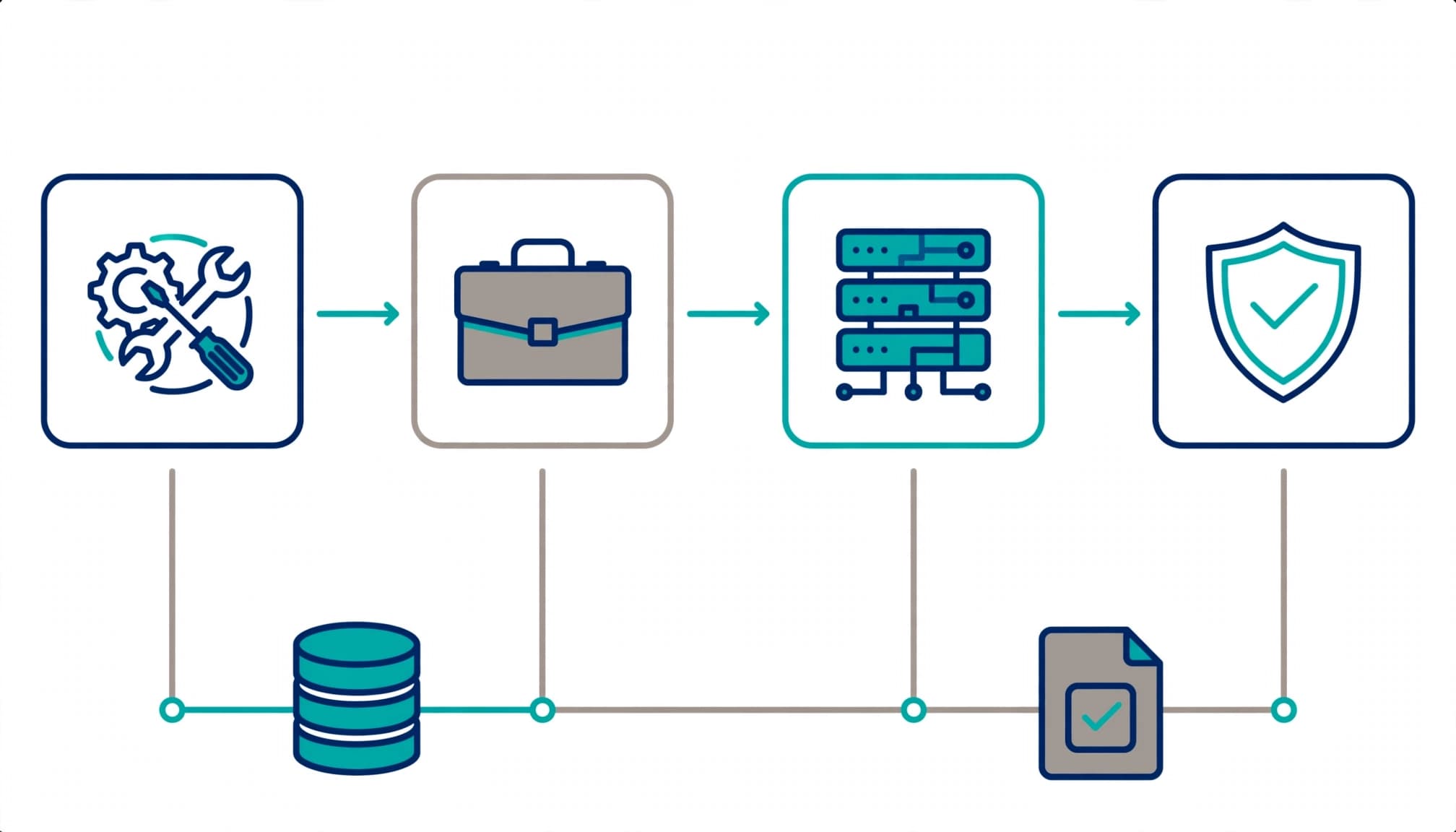
I use four ownership responsibilities, even when one person covers several. This is a practical operating model, not a Microsoft-mandated role structure.
Each responsibility needs a named primary owner and backup.
| Responsibility | Accountable decision |
|---|---|
| Business owner | Approves purpose, acceptable outcomes, and business risk. |
| Workflow owner | Approves process rules, exceptions, and evaluation cases. |
| System owner | Owns identity, deployment, integrations, and technical support. |
| Incident owner | Coordinates containment, recovery, and business communications. |
The workflow owner maintains process rules, exceptions, and evaluation cases.
The original builder can remain a contributor. However, acceptance depends on someone else demonstrating that they can operate the agent.
If an outside business technology partner provides support, document its authority, escalation hours, and boundaries. A vendor contact alone doesn’t establish internal accountability.
Write a measurable definition of done
Before transfer, I require a written definition of done covering permitted actions, required approvals, and unacceptable outcomes.
The evaluation set should include normal requests, unauthorized requests, missing information, unavailable dependencies, and ambiguous destination responses. Keep the evaluation set’s inputs, expected outcomes, and actual results as concrete records, alongside the audit trail.
For a transactional agent, “responded correctly” is too weak. Acceptance requires the intended destination state, an appropriate audit record, and a tested exception path.
The business owner approves the outcome criteria. The workflow owner confirms process coverage, while the system owner confirms supportability. The incident owner accepts recovery procedures and retains evidence of a tested recovery.
Compare licensing against the existing Microsoft 365 baseline
I assess licensing before recommending another subscription. The value case depends substantially on what your organization already owns.
These are the three baselines I compare.
| Existing baseline | Handoff review priority |
|---|---|
| Microsoft 365 E3 | Identify security and governance gaps, including existing add-ons. |
| Microsoft 365 E5 | Check for overlapping entitlements before recommending more licensing. |
| E5 plus standalone Microsoft 365 Copilot | Compare incremental Agent 365 needs with an E7 bundle. |
An E5 tenant may already have controls that an E3 tenant still needs to purchase or configure. But having a license doesn’t prove that a policy is active or correctly scoped.
Microsoft’s enterprise plans and pricing lists standalone Agent 365 at $15 per user/month, paid yearly, and Microsoft 365 E7 at $99 per user/month, paid yearly. Check Microsoft’s current licensing documentation for pricing, eligibility, and bundle entitlements, as these can change.
The $99/user/month price covers licensing only. Azure compute, model, and message consumption are billed separately under the applicable services. Neither price is a complete estimate for running a production agent.
My licensing review records existing subscriptions, assigned licenses, required capabilities, renewal dates, and separately metered services. It also checks eligibility and assignment requirements against Microsoft’s current terms.
This helps prevent a familiar procurement mistake: buying a broader bundle while leaving the original permission and ownership problems unresolved.
Remove builder-dependent access and control data exposure
Review identities and execution permissions
For agent security, I trace every connection to its authentication method and effective permissions. That includes delegated user access, application access, service accounts, secrets, certificates, and privileged administrative dependencies.
A handoff fails if the agent stops working when the builder’s account is disabled. Where integrations allow it, replace personal dependencies with supported operational identities.
Apply least privilege to each tool and destination. Read-only retrieval doesn’t justify tenant-wide write access.
Microsoft’s Copilot Studio security and governance guidance covers authentication and governance controls across the platform. For onboarded agents, assess applicable Microsoft Entra identity controls and confirm their documented support.
I also test user offboarding. Removing the builder’s access should neither break the workflow nor leave an undocumented route into business data.
Test information boundaries across connected systems
Next, I review SharePoint permissions, connector policies, publication channels, guest access, and external destinations. Agent security depends on checking how permitted connections could expose sensitive information.
For workflows on a multi-agent platform, document what each agent can transmit to the next. Pass only the data needed for that step, rather than unrestricted conversation history.
Hybrid identity dependencies also need attention when synchronized groups determine access. Record where membership changes originate and who approves them.
Endpoint security and device hardening remain relevant for administrators managing credentials or production configuration. However, these controls don’t replace agent-level authorization.
The commercial consequences are concrete: data leakage, audit findings, insurance renewal questions, and expensive incident investigations. Security services should deliver tested boundaries, not only policy screenshots.
Make the registry useful to the support team
Reconcile inventory with deployed integrations
I reconcile the agent registry with production deployments, connectors, scheduled jobs, and business-owned agents. A Microsoft 365 admin center entry doesn’t prove every downstream dependency is documented.
For each agent registry record, capture its identifier, execution environment, owner, authentication method, publication channels, connected systems, and last approved version. Add operational contacts and the runbook location.
Microsoft documents controls in its manage agents in the admin center guidance for the Microsoft 365 admin center, including enabling, disabling, assigning, blocking, and removing agents.
Before accepting support, test the relevant action in the Microsoft 365 admin center. Blocking an agent there doesn’t confirm that every scheduled trigger or external integration has stopped.
Establish monitoring and change ownership
My operating baseline tracks failed runs, permission failures, destination errors, usage anomalies, and business outcome checks. The right signal source depends on the runtime and connected systems.
Record an alert recipient and escalation deadline in the agent registry. Keep it current throughout the agent lifecycle. Otherwise, a dashboard can remain green while the business process accumulates incomplete work.
Microsoft’s zoned governance guidance supports separating development and production responsibilities. I require an approved deployment path and version history as part of operational governance, not direct, undocumented production edits.
Ongoing cloud management includes access reviews, license changes, policy updates, and connector health. Secure Score can support broader tenant reviews, but it doesn’t establish that an individual agent workflow is safe.
Verify destination outcomes and recover without duplicates
Require evidence from the destination system
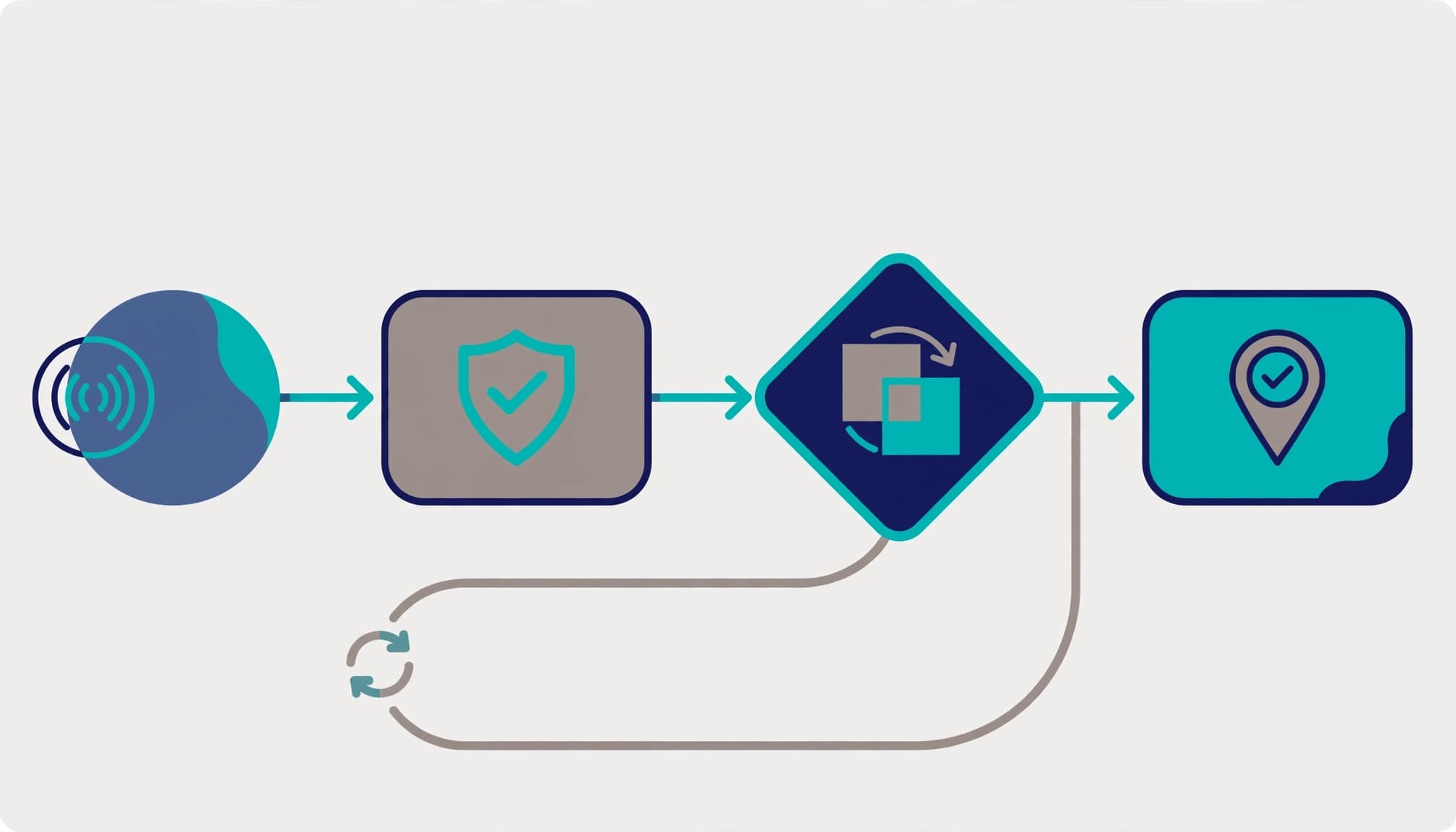
An agent’s completion message is an output, not proof that a business transaction succeeded. A request can time out after the destination accepts it or return successfully before a downstream step fails.
I require destination verification through the authoritative record, status, or transaction identifier. For Dynamics 365, that means checking the actual record and required state, not trusting the agent’s summary.
Document the verification method and retained evidence in an audit trail. Distinguish accepted requests, completed actions, and reconciled business outcomes.
A timeout creates an unknown outcome. Check the destination before replaying an action that could create another transaction.
These are workflow acceptance requirements, not claims that Agent 365 supplies destination verification automatically.
Design recovery around transaction state
For write operations, I look for an idempotency key, unique business reference, or another supported duplicate-prevention mechanism. The destination’s capabilities determine the design.
A recovery procedure should identify the last confirmed step, check the destination, and resume only unfinished work. Blindly restarting a complete workflow can duplicate records, messages, or financial actions.
Test failures at different points in the execution environment, including after a write but before acknowledgment. Document when the incident owner must intervene instead of retrying.
Disabling the agent is only part of containment. Operators may also need to pause triggers, revoke connections, or reconcile pending work.
This is where business continuity and security meet: recovery must restore service without creating a second operational problem.
Accept the handoff only after an operator proves readiness
I close the engagement with a witnessed acceptance exercise. The receiving operator uses the documentation to test the execution environment without relying on the builder to fill gaps.
The final gates should follow this sequence:
- Confirm the inventory, named owners, incident owner, backups, and support boundaries.
- Validate licensing assumptions and label required capabilities as GA or preview.
- Demonstrate access boundaries and remove undocumented personal dependencies.
- Run the approved evaluation set and retain destination-level evidence.
- Confirm operators can run production-grade agents, contain them, and recover safely, including preventing duplicates with safe test transactions.
- Obtain written acceptance or record the blockers, accountable owners, and remediation dates.
At completion, the client receives a decision-ready package: findings, configuration evidence, runbooks, test results, and an accepted or conditional handoff record. Executives should see the remaining business exposure without interpreting raw logs.
Outside help isn’t always worth it. A bounded AI agent pilot may need only a focused review when it involves one low-impact, read-only agent with clear ownership and mature internal support.
I recommend a broader engagement when several teams share responsibility, privileged integrations are involved, or internal operators can’t demonstrate recovery. For managed IT teams supporting smaller businesses, keeping the assessment narrow can preserve value.
Technology consulting should resolve measurable support gaps. A broad digital transformation proposal is unnecessary when the immediate requirement is a reliable ownership transfer.
Frequently Asked Questions
What does an Agent 365 ownership handoff include?
It includes a scoped assessment of the agent’s business process, execution environment, identities, permissions, connected systems, licensing, monitoring, and recovery. The handoff should also provide named owners, runbooks, test evidence, and a clear acceptance or remediation record.
Does Agent 365 run the agents it governs?
No. Agent 365 is a centralized control plane for enterprise AI governance, not the runtime or execution environment. The teams responsible for Copilot Studio, custom code, and connected services still need to own and support them.
How should an organization decide whether it needs additional licensing?
Compare required capabilities and current Microsoft 365 entitlements, including assigned licenses and add-ons, before recommending another subscription. Check current Microsoft terms and account for separately billed Azure compute, model, and message consumption.
How can operators confirm that an agent completed a transaction?
Check the authoritative destination record, status, or transaction identifier rather than relying on the agent’s completion message. If a request times out, verify the destination before retrying, and use a duplicate-prevention mechanism where the destination supports one.
When is the ownership handoff complete?
It is complete when a receiving operator can support, contain, and recover the agent without depending on the original builder. If any acceptance gate is blocked, record the issue, accountable owner, and remediation date instead of treating the transfer as fully accepted.
Leave the business with an operable agent
A successful Agent 365 ownership handoff leaves your team with verified control, named accountability, and recovery evidence. I consider the transfer complete only when the receiving operator can support the agent without its builder.
Start your Agent 365 ownership handoff with a bounded Microsoft 365 readiness assessment or licensing review through RVA Tech Visions. Confirm the current baseline and operational gaps before committing to remediation or a broader licensing change.